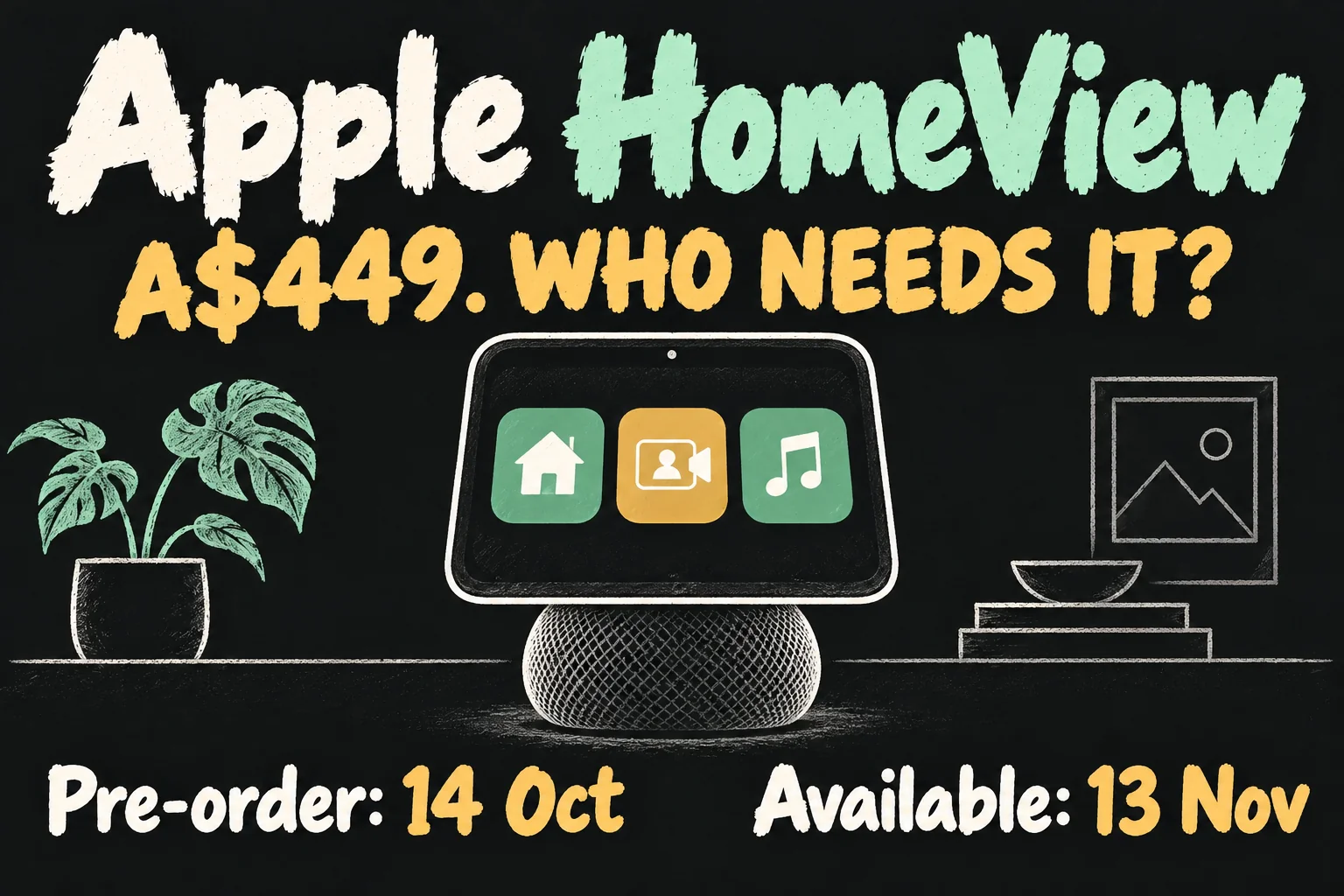
Apple HomeView Australia pre-orders opened on 14 October 2026 at A$449 including GST, with availability beginning 13 November. It is a shared smart-home display for calls, entertainment and household controls. The tabletop model is the simpler starting point; the wall-mounted version needs extra mounting and power equipment.
The question is whether a screen in a shared room would remove a daily inconvenience. If everyone already reaches for a phone or iPad, HomeView needs to earn its place through a task you will actually use. This guide covers the official launch, purchase conditions and our buying judgement, checked on 14 October 2026. It is not a hands-on review.
Apple HomeView Australia: price and release date
Today’s Australian announcement is a pre-order launch, not a promise that the device can be collected today. Apple lists 13 November 2026 as the start of availability for both versions. Check the delivery estimate for the configuration you order.
| Model | Australian RRP | Availability |
|---|---|---|
| HomeView with speaker base | A$449 incl. GST | 13 November 2026 |
| HomeView (Wall Mounted) | A$449 incl. GST; setup extras | 13 November 2026 |
The tabletop colours are Silver, Starlight, Rose Pink and Space Grey; the wall version comes in Silver and Space Grey. The A$449 device price is the same, but the finished installation is not necessarily the same cost.
HomeView price coverage quoting US$299 describes a different market. Use Apple’s local GST-inclusive listing for your Australian budget, rather than converting an overseas headline.
Tabletop or HomeView wall mounted: what changes?
The tabletop unit includes its USB-C cable and 30W adapter. The wall model requires wired power too, but its compatible mount, cable and at least 20W adapter are sold separately. Choose a complete compatible mounting and power solution before calculating the total.
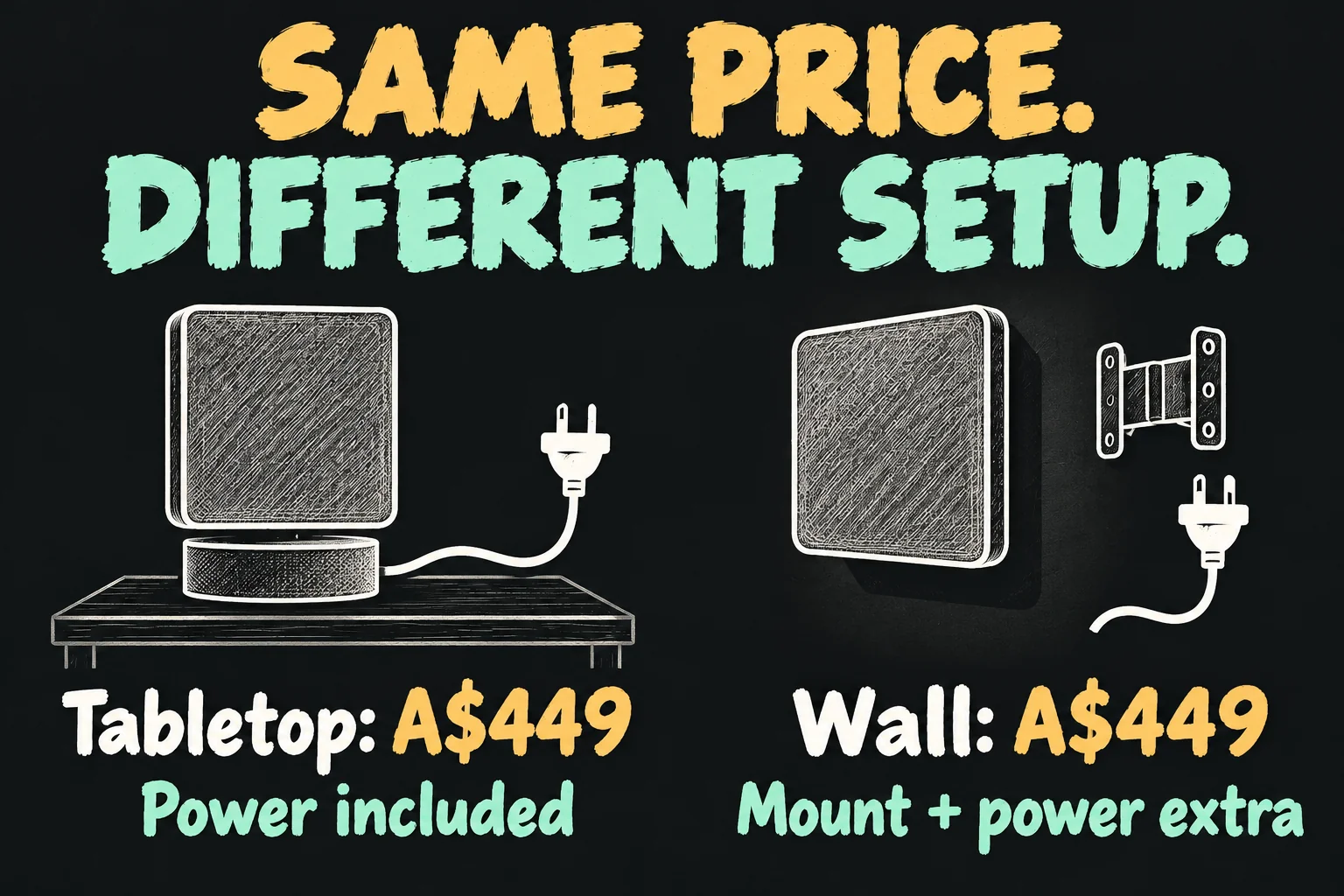
Schneider Home’s announced mount prices start at A$94.95 for the USB-C Wall Connector and A$124.95 for AC Wired. The A$199.95 PoE Wired option is scheduled for early 2027. These are accessory prices, not installation quotes. Do not assume every option needs the same additional components.
For a first shared screen, I would choose a tabletop location with an accessible power point. You can work out whether the family uses it before committing to a fixed wall position. A hallway dashboard makes more sense when you have a clear viewing position and suitable power already planned.
The tabletop model’s base also contains a woofer and passive radiators; the wall version has two full-range drivers. That explains why the cheaper-looking flat unit is not simply the same speaker system in a different bracket. We have not tested their sound.
Which HomeView features could you use every day?
The core hardware is a 7-inch Liquid Retina touchscreen, A18 chip and 12MP Centre Stage camera. That gives HomeView a screen-and-camera role, rather than just another place to hear a voice assistant.
Apple describes FaceTime calling, music, recipes, timers and compatible home controls. Think of a kitchen call without holding a phone, or checking a light and a timer from the same shared spot. Those examples are buying scenarios, not claims that we have tested them.
Selected Apple apps and compatible third-party audio or video apps are supported. Do not assume an application you use on an iPad is available here. List the services you actually pay for and check compatibility before buying for entertainment.
The display adapts the amount of information to your distance. That is useful in principle for a room display: a clock across the room and richer controls nearby serve different jobs. The practical test will be whether your household can read and operate it from its intended location.
For music or a TV-room control alone, first ask what your existing equipment already does. HomeView’s stronger case is combining visible information, a camera and shared controls in a frequently used place.
Does Siri AI work without a newer iPhone?
Separate setup requirements from the most personalised AI functions. Apple’s specifications require an iPhone with iOS 27.2 or later, or an iPad with iPadOS 27.2 or later, plus Wi-Fi.
Apple says HomeView can provide conversational general knowledge and music discovery without a paired Apple Intelligence-capable device. Personal-context requests and actions across your apps need a compatible Apple Intelligence-enabled iPhone or iPad with the necessary software and Siri AI enabled.
That distinction matters if you are buying for a household member with an older phone. Do not promise every demonstration simply because the screen itself has an A18 chip. Check the specific task and paired-device requirements.
At launch, Siri AI is described as beta. Apple also applies usage limits to some Intelligence features and says expanded access to certain features will carry a fee in future. No future price is given here. The purchase should not depend on an assumption of unlimited, permanently free AI.
Our buying advice is to name three requests you would make regularly, then verify that your own device supports each one. General questions, personal Calendar information and a camera-recording summary are different capabilities.
How does a shared screen keep personal information separate?
HomeView supports recognition of up to six people. Its personalisation depends on the individual’s paired device and face recognition, rather than exposing one person’s messages as a permanent household dashboard.
Apple’s standard access conditions for personal information include a paired iPhone or iPad on the same Wi-Fi network that has been recently unlocked, plus recognition of the user’s face. Apple also describes a conditional cellular exception when a paired device leaves Wi-Fi; this is not unrestricted access without the phone.
Guests can still use non-personal tasks such as timers, weather and compatible home controls. Do not confuse a shared screen with a shared account. Set up each household member deliberately and decide where a camera-equipped device belongs.
I would begin with shared music, timers and home controls, then add personal content only after checking the behaviour with the household. A convenient kitchen screen should not create uncertainty over whose Calendar or Messages it is showing.
Will your lights and cameras work in Australia?
Compatible HomeKit or Matter accessories are the starting point. HomeView does not turn every existing light, lock or camera into a compatible smart device. Check the exact model and the feature you want to use, not just a brand name.
Apple’s new Home Collection is also not a complete Australian shopping list. At launch, the announced doorbell and camera lineup is for the US, Canada and UK; the lock and thermostat are for the US and Canada. Australian HomeView availability does not establish Australian availability for those accessories.
For camera summaries and natural-language searches of HomeKit Secure Video recordings, Apple requires compatible equipment, setup through an Apple Intelligence-capable device and an eligible iCloud+ plan. Account for those conditions rather than treating security features as part of the device price alone.
If your existing camera works in another ecosystem, confirm its Apple Home support before replacing your dashboard. Build around compatible accessories you actually own or can buy locally; do not order HomeView solely for a promised overseas accessory.
Who should buy HomeView—and who should wait?
Consider it if your household already uses Apple devices, wants a permanent shared screen and can name useful tasks that currently involve passing a phone around. For an uncomplicated starting point, the tabletop version avoids a separate wall installation.
Wait for reviews if your main reason is the quality of Siri AI, speaker performance or face recognition in a busy room. The launch specifications establish features and conditions, not the reliability of those features in your home.
Keep using your current setup if you want only occasional video calls or do not have compatible smart-home accessories. Buying the screen, adding subscriptions and replacing accessories can be a larger project than an A$449 headline suggests.
Before pre-ordering, check the room location, continuous power, each person’s device compatibility, essential apps and total accessory cost. A smaller list of tasks that works reliably is more valuable than a long launch checklist.
FAQ
Can I buy Apple HomeView Australia stock today?
Pre-orders opened on 14 October. Apple lists availability from 13 November 2026; your order’s delivery estimate determines the actual arrival.
Is the HomeView price A$449 for both versions?
Yes, including GST. The wall model’s separate mounting and power requirements make the complete setup cost different.
Can HomeView be used like a battery-powered tablet?
No. Both models require wired power. Choose a position with an appropriate power solution.
Are all HomeView features available with any iPhone?
No. Setup, personal-context AI, apps and camera features have separate compatibility and subscription requirements.
Should I choose HomeView wall mounted for better sound?
The two versions have different speaker arrangements. Choose placement first and wait for relevant listening tests if sound quality is your deciding factor.
Sources and Reading Notes
Official specifications, Australian prices and availability checked 14 October 2026. Sources: Apple Australia’s HomeView announcement, product page and technical specifications; Apple Support’s Apple Intelligence Usage Terms. Public source names are provided as text. Research URLs are kept in the editorial record.
9to5Mac, MacRumors and Macworld were comparison reading for launch coverage and structure. Australian Google results were checked separately; inaccessible local articles were not treated as read sources. No original sound, camera, installation or Siri testing is claimed. All illustrations are AI-generated concepts, not Apple photographs or actual interface screenshots.
Prefer reading about Apple in Korean?
 Apple-worldApple news, tips and buying guides in Korean.blog.naver.com/apple-world ↗
1 thought on “Apple HomeView Australia: A$449 Features & Buying Guide”