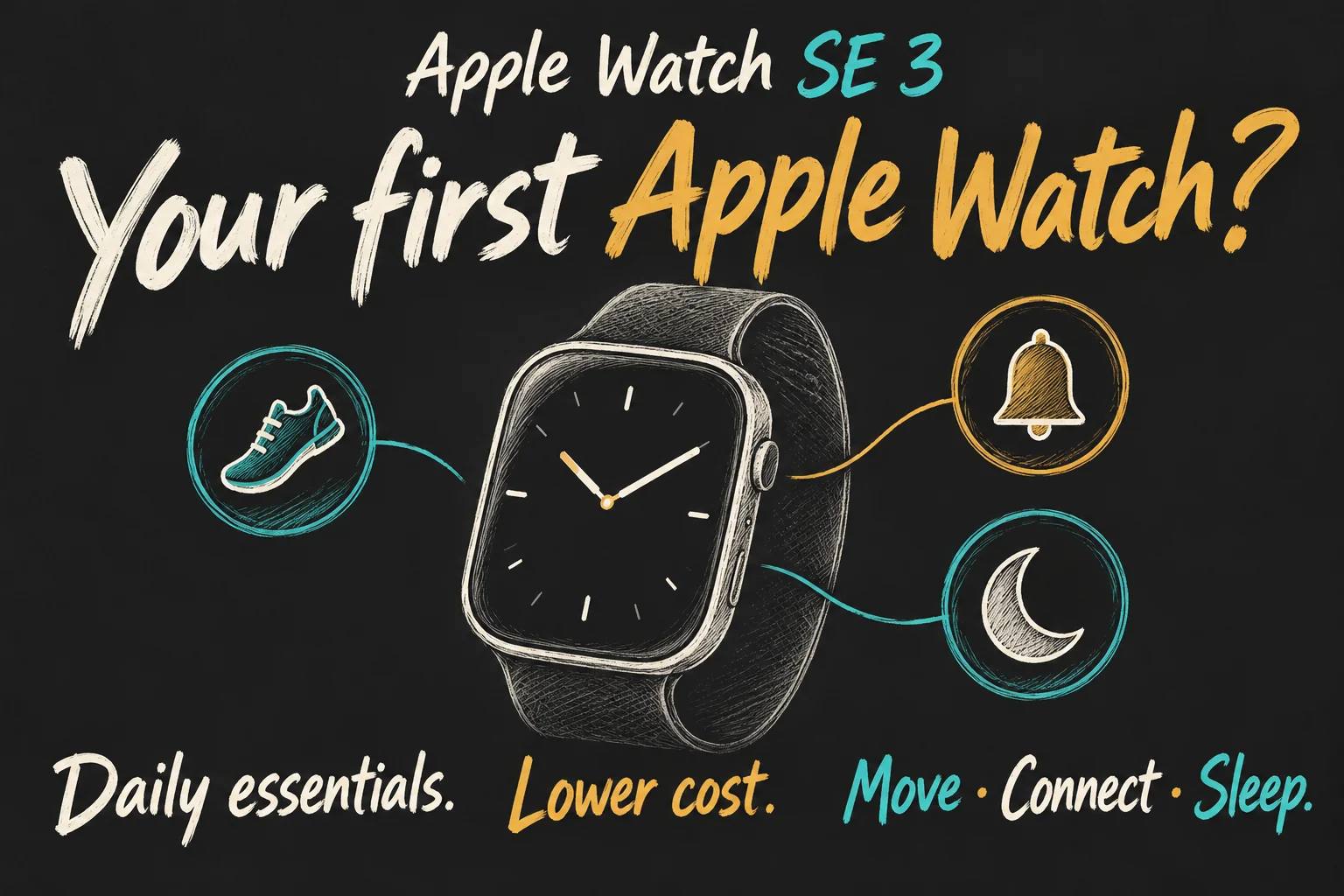
Apple Watch SE 3 is a sensible first Apple Watch if you want workout tracking, useful wrist notifications, contactless payments and sleep tracking without paying for the higher-tier model. Start with GPS if your iPhone usually comes with you. Choose something else if daily charging is a deal-breaker or a specific missing health feature is the reason you are buying.
Apple Australia lists the 40mm GPS model from A$399, the 44mm GPS from A$449 and GPS + Cellular from A$489. Those are starting outright prices including GST, checked on 17 October 2026; your band and configuration can change the total. This is a research-based buying guide, not a hands-on review.
Is Apple Watch SE 3 enough for a beginner?
Yes, when the goal is to make a few everyday tasks easier rather than collect every sensor. Record a walk, notice an important message and pay with an eligible card: those are practical reasons to wear a watch repeatedly. You can learn which features matter before spending more on a premium model.
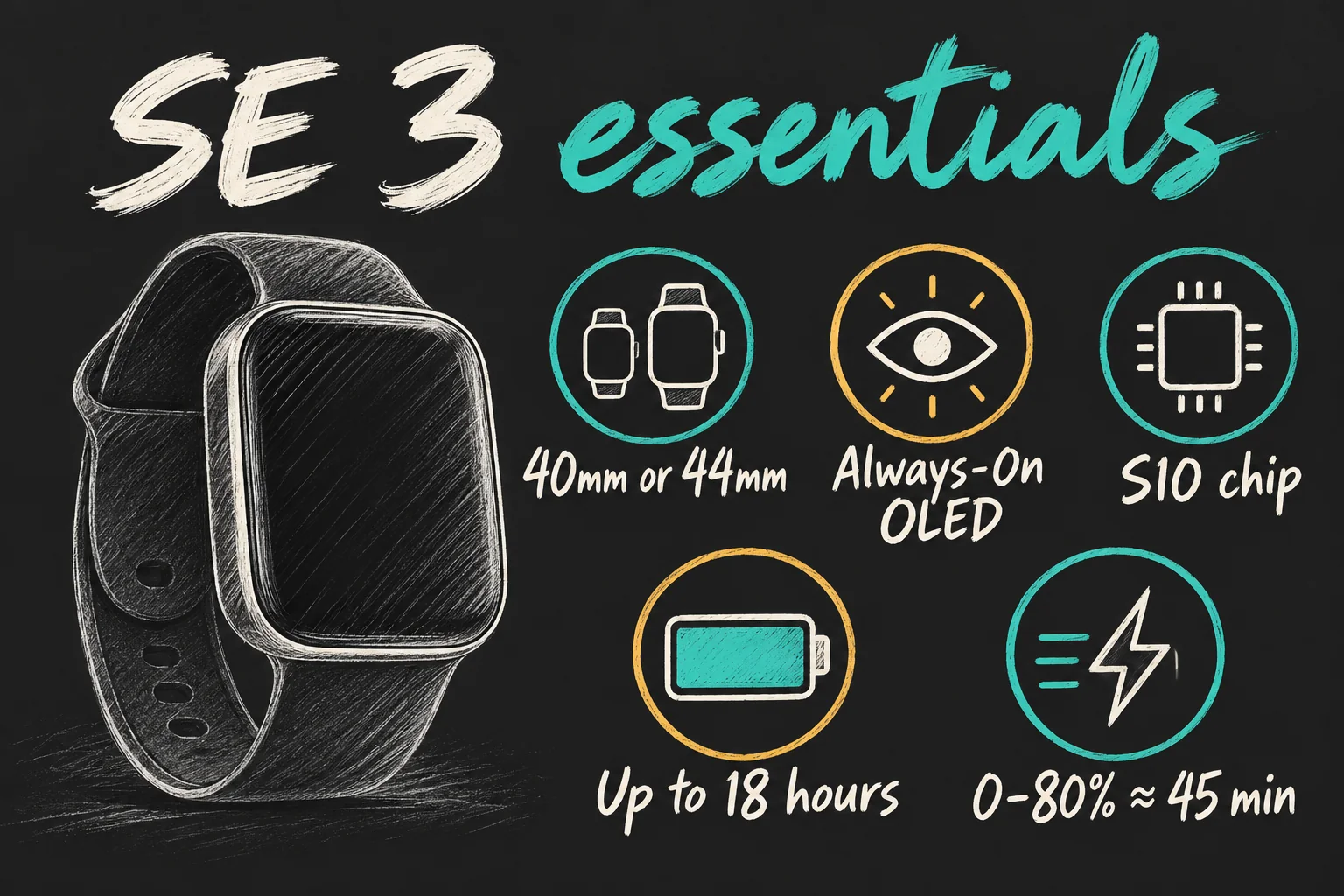
The Always-On display helps with an ordinary watch task: glancing at the time without deliberately raising your wrist. The S10 chip and supported gestures also mean this is more than an old watch with a lower price tag. Still, specifications cannot tell you whether wearing a screen on your wrist will suit you.
| What matters | What you get | Beginner’s buying check |
|---|---|---|
| Everyday use | Activity rings, workouts, wrist alerts and Apple Pay | Choose two or three tasks you will actually use. |
| Display | Always-On OLED; 40mm or 44mm case | Try both sizes with your usual text size. |
| Processor | S10 chip | No need to pay more simply to learn the core interface. |
| Battery | Up to 18 hours of normal use; 32 in Low Power Mode | Plan a daily charge; low-power operation changes features. |
| Charging | About 45 minutes from 0–80% | Use the fast-charge cable and suitable USB-C power adaptor. |
| Health limits | No ECG app or Blood Oxygen app | Do not confuse heart-rate tracking with these measurements. |
What would you actually use in the first week?
Give your first Apple Watch three jobs. For example, start a walking workout, allow alerts from the people you need to hear from, and set up a supported payment card. Resist mirroring every notification immediately: another screen buzzing for low-priority apps can make the purchase feel less useful.
If sleep is your main interest, choose a comfortable band and decide when the watch will charge before you start wearing it overnight. Looking at a weekly pattern is more useful than treating a single sleep score as a verdict on your health.
A practical trial is to ask after several days: did the watch reduce a repeated inconvenience, help me record exercise, or show information I used? If you mostly dismiss alerts and forget to put it on, more expensive hardware may not solve that problem. This is a suggested routine, not a test we performed.
Will the battery fit your day and your night?
Apple Watch SE 3 battery life is rated at up to 18 hours of normal use, or up to 32 hours in Low Power Mode. Those are Apple’s test figures, not a promise of a full day plus an entire night between charges under your settings. Workouts, mobile connectivity and usage affect the result.
Fast charging is the important convenience for a beginner. Apple specifies around 45 minutes from empty to 80%, and a 15-minute charge for up to eight hours of normal use under its test conditions. A short top-up and a near-empty recharge answer different questions; do not expect every 15-minute session to refill the watch.
Build charging into a predictable gap, such as getting ready in the morning or sitting at your desk before bed. Check the battery before relying on overnight tracking. If you want to leave a charger behind for several days, compare watches designed around that requirement instead.
The box includes a magnetic fast-charge USB-C cable, but its listed contents do not include a wall power adaptor. Apple requires that cable and a suitable power source; compatible third-party USB-C Power Delivery adaptors must provide at least 5W. An older charging puck should not be assumed to deliver the same speed.
Apple Watch SE 3 GPS vs Cellular: which should you buy?
For a first Apple Watch, GPS is the easier starting point when your phone stays in your pocket or bag. GPS does not mean the watch is useless without the phone: outdoor workout recording uses built-in GPS, and Apple Pay and downloaded content can work without a live phone connection. Online communication is a separate question.
Consider GPS + Cellular when you regularly want calls or connected services while away from both your iPhone and a suitable Wi-Fi network. You need compatible carrier support, coverage and an eligible service plan for ordinary mobile use. Some messaging and third-party notifications still depend on the paired iPhone being powered on and online, even when it is elsewhere.
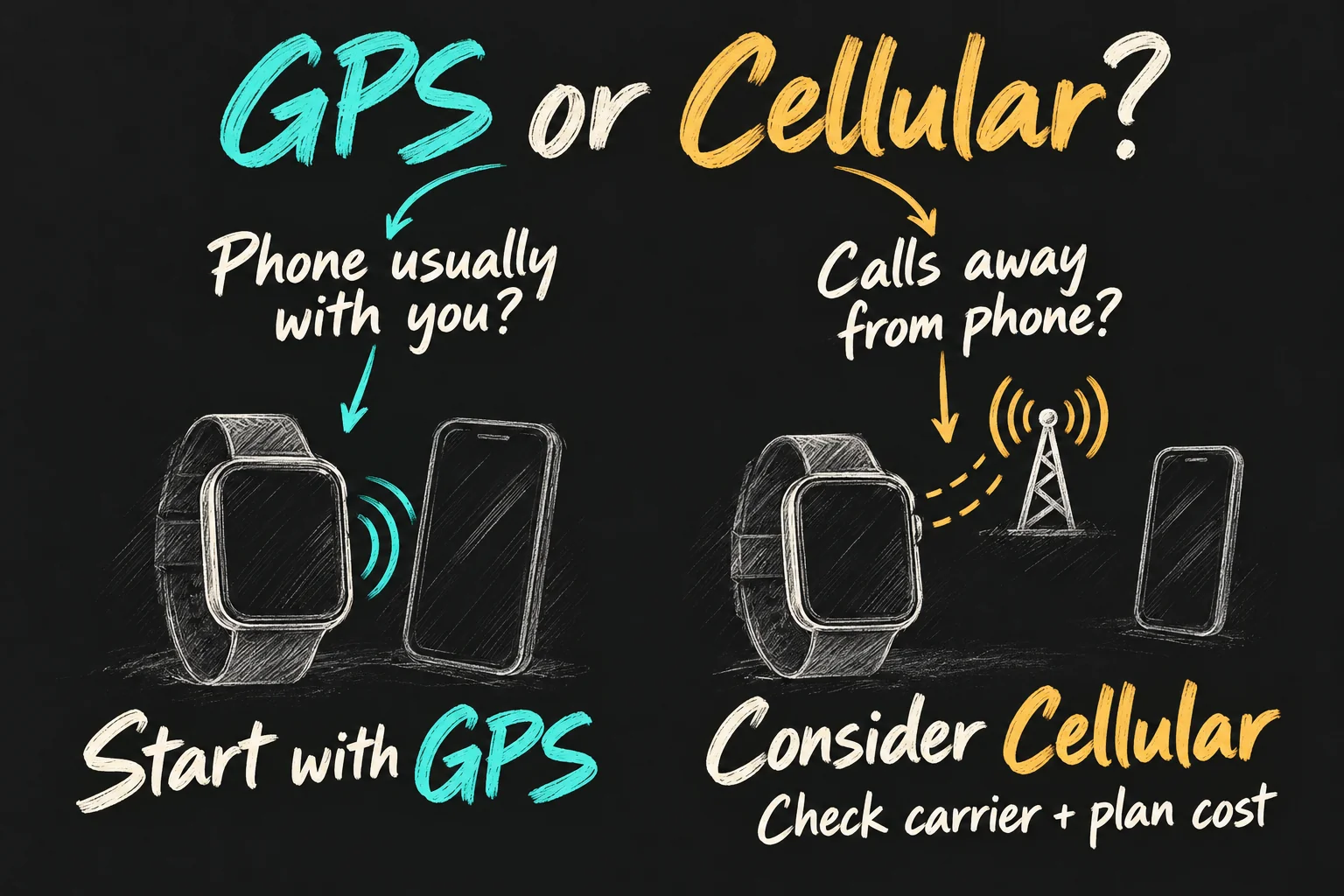
The entry GPS + Cellular price is A$90 above entry GPS. Add the actual recurring watch-plan fee, rather than deciding from that A$90 alone. As an illustrative budget, a hypothetical A$10 monthly fee adds A$240 over two years, making the extra hardware-plus-service cost A$330. That fee is an assumption, not a quoted carrier offer.
Ask how many times each week you will deliberately leave the phone behind. If the answer is almost never, try to identify another reason for the extra expense. Buying a cellular-capable model does not force you to activate a paid mobile service immediately, but paying for unused capability still costs money.
What do you miss compared with a Series model?
The SE has heart-rate tracking and eligible heart-rhythm notifications, but no ECG app or Blood Oxygen app. Those are different functions; a heart-rate reading does not replace them. It also gives up the larger display choices, higher peak brightness and longer rated normal-use battery of the current Series model.
Apple’s current Australian comparison lists Series 12 from A$649, versus A$399 for SE 3: an A$250 difference between the range entry points. These are different starting case sizes and configurations, not identical watches with one sensor added. Compare the actual size, band and connectivity you would buy.
Pay more when a specific difference matters repeatedly: perhaps you need the larger text area or want more charging flexibility. Do not buy a sensor simply because it sounds reassuring. Health features have age, region and use restrictions, and a watch does not replace medical assessment.
SE 3 also supports sleep apnoea notifications for eligible users, but this is not a diagnosis. Apple specifies adults aged 18 or over without a previous sleep apnoea diagnosis and warns that absence of a notification does not rule it out. Irregular-rhythm notifications have a separate 22-and-over restriction and are not intended for people previously diagnosed with AF.
For the broader premium-watch question, our Apple Watch Ultra 4 vs Ultra 3 guide considers whether an upgrade addresses a real need. That is a different decision from buying your first watch.
40mm or 44mm, and will it work with your phone?
Try the Apple Watch SE 3 in both sizes if you can. The 40mm starts lower and may feel less intrusive; the 44mm gives more display area for reading. Case height is not the same as band length. Check the selected band’s wrist range, adjust it properly and think about comfort during sleep as well as appearance in a shop.
For your own normally paired watch, you need a compatible iPhone rather than an Android handset. Apple’s current SE 3 specifications list iPhone 11 or later, including iPhone SE second generation or later, with iOS 27 or later. Some older setup guidance still refers to iOS 26. Check the requirements for the watch and software supplied before buying, particularly used stock.
Apple Watch For Your Kids is a separate family-managed setup route with cellular-model, carrier and feature conditions. It is not a general way to pair an Apple Watch to a Samsung phone. If you are also changing handsets, our Samsung-to-iPhone guide covers data and account checks before retiring the old phone.
What should you check before paying?
- Write down the two or three tasks the watch must handle.
- Check your iPhone and software compatibility.
- Try the case and band size with readable text.
- Choose GPS or Cellular based on actual phone-free use.
- Budget for charging equipment, optional bands and any service you will keep.
- Compare the same configuration at the seller’s current price.
Apple Watch SE 3 is strongest as a lower-cost way to discover whether an Apple Watch fits your routine. If its core tasks meet your needs and a daily charging gap is realistic, it is a good place to start. If a missing feature would make you replace it immediately, compare that requirement before chasing the lowest starting price.
FAQ
Q. Do I need a cellular plan for a first Apple Watch?
No. A GPS model can use your nearby iPhone and supported Wi-Fi for connected functions, and it can record workouts independently. A mobile plan matters when you want cellular communication away from those connections. Check individual app requirements.
Q. Is Apple Fitness+ required?
No. Basic Activity and Workout features are built in. Fitness+ is an optional subscription for its guided content; a trial is not a reason to assume it belongs in your ongoing budget.
Q. Does the SE 3 work with Android?
It is designed for pairing with a compatible iPhone. The family-managed setup route is a separate arrangement and does not turn it into an Android-compatible watch.
Q. Is it waterproof?
Apple rates it water-resistant to 50 metres and suitable for shallow-water swimming. That is not permission to scuba dive to 50 metres. Check Apple’s activity restrictions and care guidance; water resistance is not permanent.
Sources and Reading Notes
Checked 17 October 2026. Apple Australia: SE 3 technical specifications, current purchasing options and Apple Watch comparison. Apple Support: fast charging, use without the paired iPhone, connectivity, setup and feature eligibility. Prices are Australian starting prices including GST, without trade-in or a temporary retailer discount.
AppleInsider, Pickr and Wareable reviews were comparative reading for beginner questions and trade-offs. Their personal experiences are not presented as ours; current prices, software requirements and model comparisons were checked against Apple rather than copied from launch reviews. Battery and charging numbers are manufacturer claims. Illustrations are AI-generated explanatory sketches, not official product imagery or measurements.
Prefer reading about Apple in Korean?
 Apple-worldApple news, tips and buying guides in Korean.blog.naver.com/apple-world ↗