You can add Everyday Rewards in Apple Wallet for Woolworths and put Flybuys in Apple Wallet for Coles. Both programmes officially support digital membership cards on iPhone. Set them up before shopping, present the right loyalty card at checkout, then pay using your preferred method. You do not need a Coles credit card just to carry your Flybuys membership digitally.
The useful distinction is between collecting points and paying the bill. A saved loyalty pass identifies your rewards account; it is not automatically a payment card or a substitute for activating an eligible offer. This research-based guide explains the practical setup and checkout sequence for Woolworths and Coles, using official guidance checked on 24 October 2026.
Before you dive in
What changes when you add the two rewards cards?
| Shopping task | Woolworths | Coles |
|---|---|---|
| Loyalty programme | Everyday Rewards | Flybuys |
| Digital card route | Official Everyday Rewards Wallet setup | Flybuys app, then My Card and the wallet prompts |
| In-store loyalty step | Present the Wallet rewards card to the PIN pad as instructed | Scan the Flybuys barcode before paying |
| Payment | Use your chosen accepted payment method afterwards | Use your chosen accepted payment method afterwards |
| Account and offers | Everyday Rewards app | Flybuys app; Coles account linking is separate |
For a regular grocery shop, the benefit is fewer physical cards to find. The important habit is still checking that the checkout has recognised your membership. A successful bank-card payment alone does not tell you whether the correct rewards account was recorded.
How to add Everyday Rewards in Apple Wallet
- Start with your existing Everyday Rewards membership. Check the account is yours before adding a pass; avoid accidentally creating a second membership.
- Open the official Everyday Rewards digital-cards page and choose its Apple Wallet Get started option. The page provides an iPhone QR-code route. An official provider email or SMS can also provide an Add to Apple Wallet button.
- Follow the provider prompts on your iPhone, review the displayed membership details and add the pass to Wallet.
- Open Wallet and check that the card is available before leaving home. Keep the Everyday Rewards app signed in for offers and account information.
- At Woolworths, select your rewards card in Wallet and present the phone to the PIN pad, following its prompts. Wait for the rewards confirmation before completing payment.
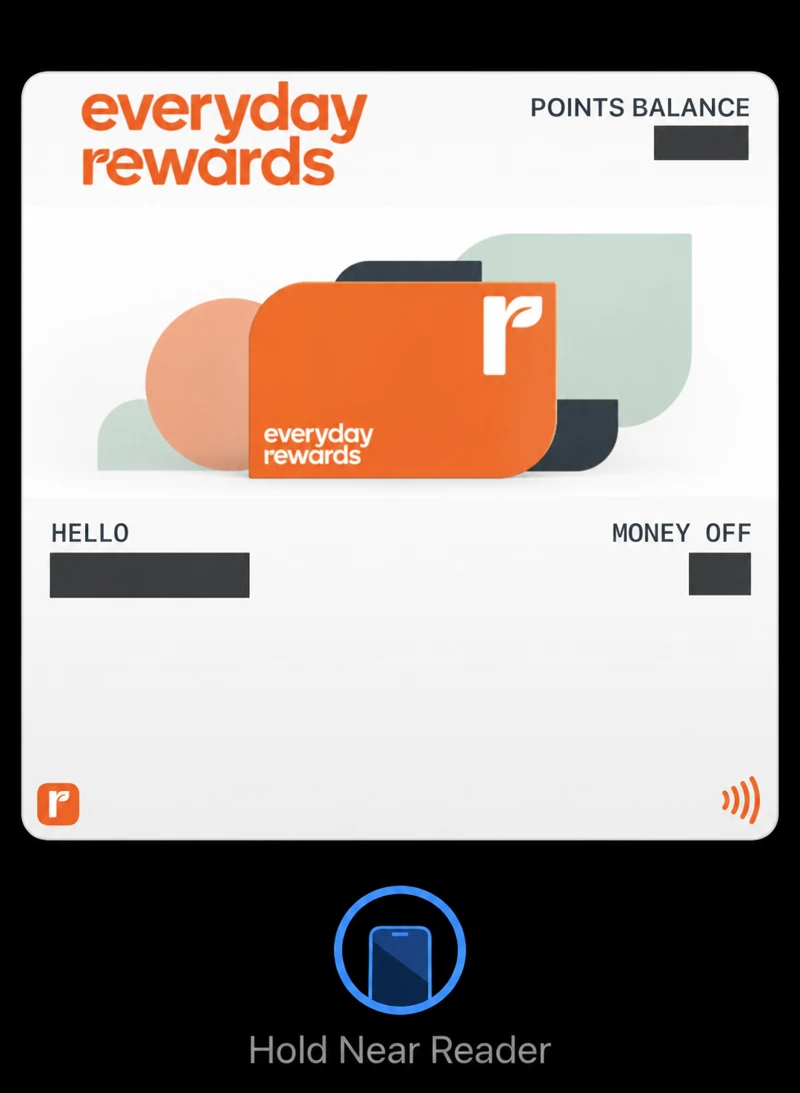
Use the rewards pass before paying
I keep Everyday Rewards in Apple Wallet and use it to collect points when shopping. Open the pass and wait for the checkout to recognise the membership before paying.
The rewards card identifies your membership; payment is a separate step. Wait for the rewards confirmation before switching to your payment card.
The Everyday Rewards digital-cards page currently refers to both a Wallet area and a Card button in different app instructions. App navigation can change, so use the provider’s actual card or wallet area rather than hunting for a label from an old screenshot. If a Wallet pass cannot be presented at your checkout, the official app barcode is another supported way to identify the membership.
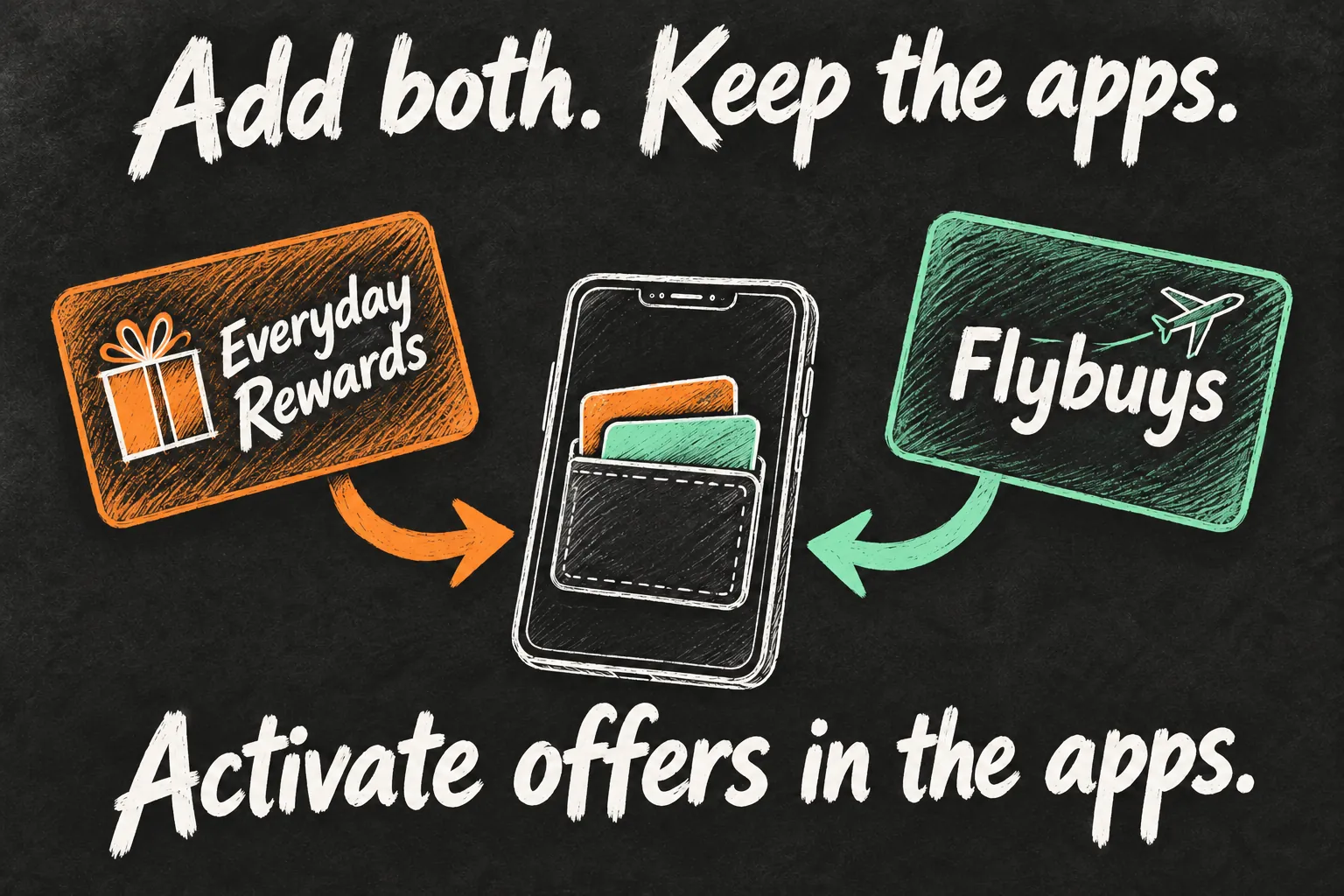
How to add Flybuys in Apple Wallet for Coles
- Open the official Flybuys app on your iPhone and sign in to your existing membership.
- Open My Card and follow the digital-wallet prompts. Flybuys officially supports adding its digital card to Apple Wallet.
- Review the card details and finish adding the pass. Reopen Wallet to confirm you can find it.
- At Coles, display the Flybuys barcode and present it to the checkout barcode reader before paying. Ask the attendant for help if the reader does not recognise it.
- Confirm that your membership was applied, then complete your separate payment. Keep the receipt if you need to query missing points.
Do not assume that adding Flybuys in Apple Wallet turns it into an NFC bank card. The official in-store instruction is to scan Flybuys before payment. A Coles credit card added to Apple Pay is a different product with its own rewards terms; it is not a requirement for this setup.
What order should you use at the checkout?
A simple routine is: check offers beforehand, present loyalty, confirm recognition, then pay. For Woolworths and Coles, keeping those steps separate makes it easier to see where something went wrong. A payment confirmation and a loyalty confirmation answer different questions.
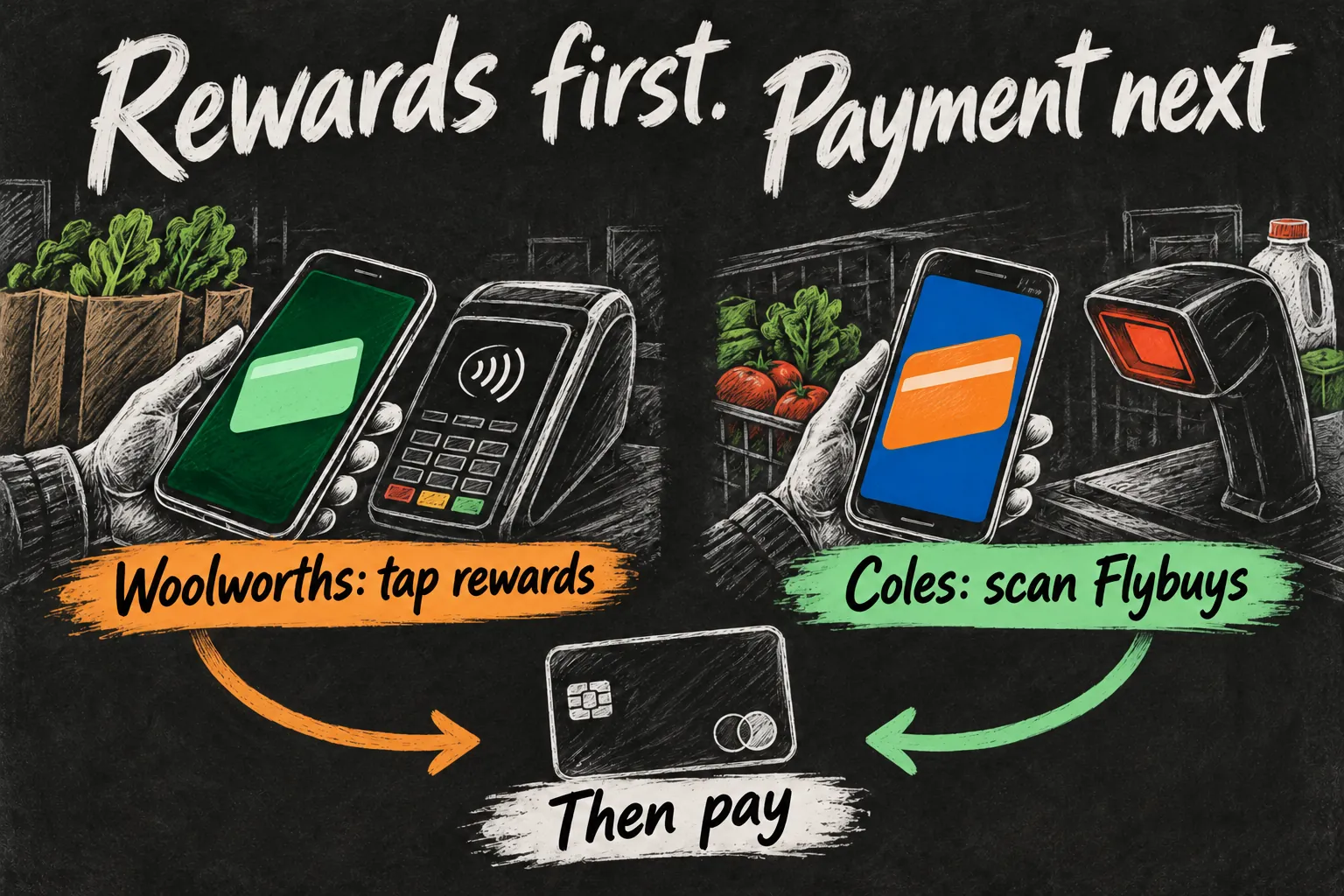
With Everyday Rewards in Apple Wallet, follow the rewards-card prompt at the PIN pad rather than immediately selecting your payment card. At Coles, scan the Flybuys membership barcode where the checkout requests it. If you are uncertain whether the pass registered, pause and ask before completing the transaction.
Do you still need the Woolworths and Coles apps?
Keep the relevant loyalty apps even when you use Wallet at checkout. Everyday Rewards offers can require boosting, and Flybuys has personalised offers that can require activation. Read the specific conditions, including dates, eligible products, spending thresholds and allocation time. A card stored in Wallet does not make every purchase eligible.
For online Coles shopping, linking your account is another task. Coles directs app users to Link your Flybuys on the homepage or under More, then to sign in through Flybuys and return to Coles. Merely having a Wallet pass does not prove your online shopping account has been linked.
If you are saving towards an Apple purchase, our Australian iPhone savings guide explains how qualifying supermarket gift-card promotions can produce shopping rewards. Those offers have their own limits; ordinary points collection and a dated bonus campaign are different things.
What if the card will not add or scan?
- Check the membership number against the provider app. Resolve an account mismatch before adding more passes.
- Update the provider app and use its official Wallet route. If the button is missing, ask that provider about current support rather than entering credentials into an unofficial pass generator.
- For a barcode, open the card clearly and adjust screen brightness if necessary. Try the official app’s card as a fallback and ask staff to check the reader.
- For a points query, retain the receipt and check the offer’s stated allocation period. Do not assume a delayed bonus means the Wallet pass failed.
FAQ
Q. Can I use the same rewards card at both supermarkets?
No single membership covers both. Woolworths uses Everyday Rewards and Coles uses Flybuys. You can keep both passes on the same iPhone and select the appropriate one.
Q. Does adding a loyalty pass enable Apple Pay?
No. Apple Pay payment setup involves an eligible payment card. Everyday Rewards in Apple Wallet and Flybuys in Apple Wallet are membership-card tasks, separate from your bank-card setup.
Q. Can I use the Wallet barcode to redeem every type of reward?
Do not assume that. Collecting points, redeeming a balance and using partner-specific benefits can have different authentication or card requirements. Check the redemption instructions in the provider app for the particular benefit.
Q. Should I delete the physical cards immediately?
First test the digital setup during an ordinary shop. Keep any card that your particular redemption or partner still requires; Flybuys notes that a physical card is needed in some circumstances.
Sources and Reading Notes
Checked 24 October 2026. Sources: Everyday Rewards digital-card and digital-wallet guidance; Flybuys Help Centre; Coles Help Centre; Apple Support, Wallet passes. Offer activation, eligible purchases and checkout support depend on the provider’s current conditions. The explanatory sketches are AI-generated.