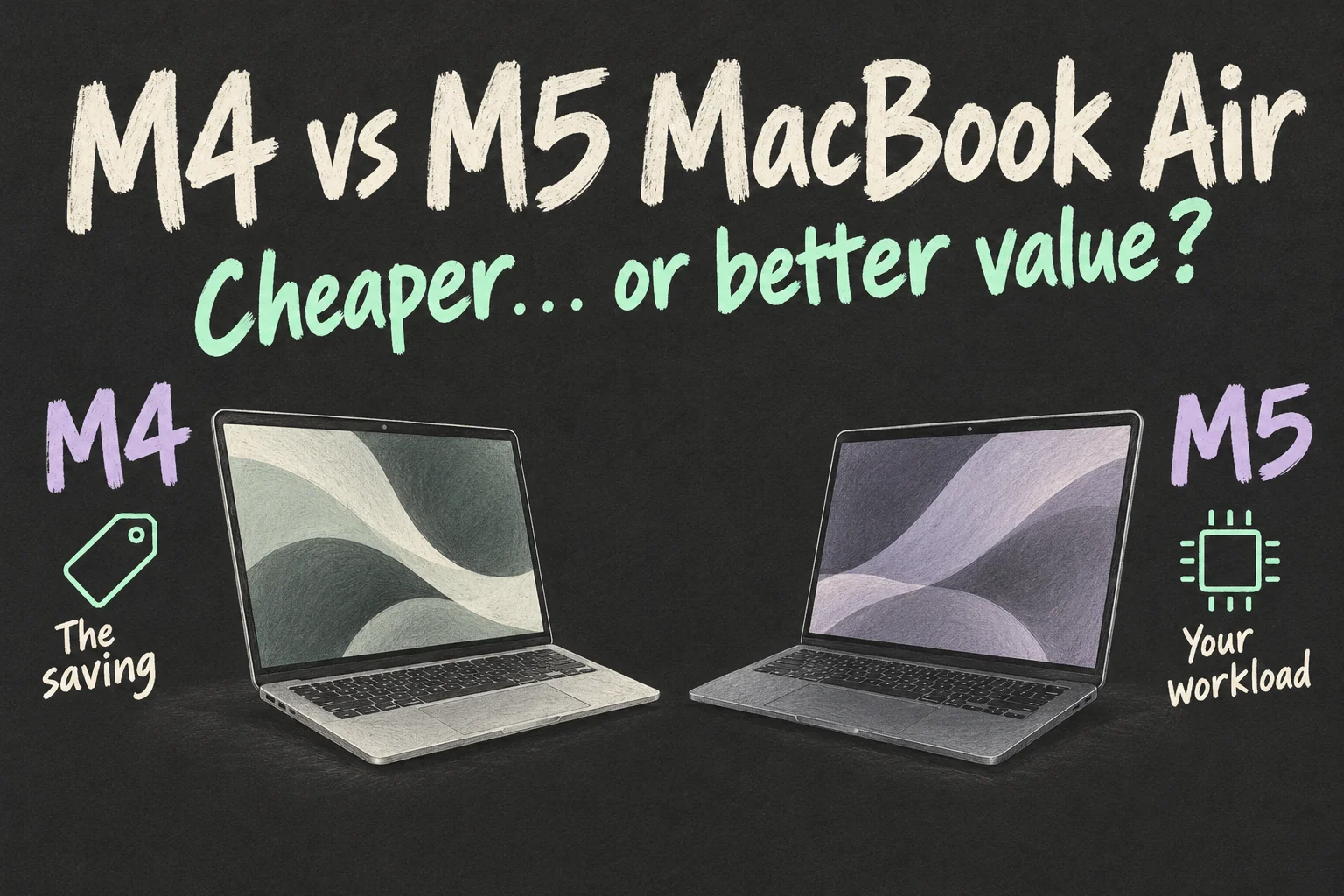
In an M4 vs M5 MacBook Air comparison, a discounted M4 is a better buy only if the saving survives matching the memory, storage and condition you need. The M5 is more attractive when the remaining gap is small and its improvements fit your workload.
This guide separates buying a discounted laptop from replacing an M4 you already own. The M4 started with 256GB while the M5 base model has 512GB; compare equivalent needs before choosing. Australian prices and specifications below were checked on 10 October 2026.
M4 vs M5 MacBook Air: is that deal still cheaper?
The M4 MacBook Air started with 256GB, while the current M5 base model has 512GB. Both start with 16GB of unified memory. If you need 512GB inside the laptop, compare a 512GB M4 with a 512GB M5 before treating the headline discount as your saving.
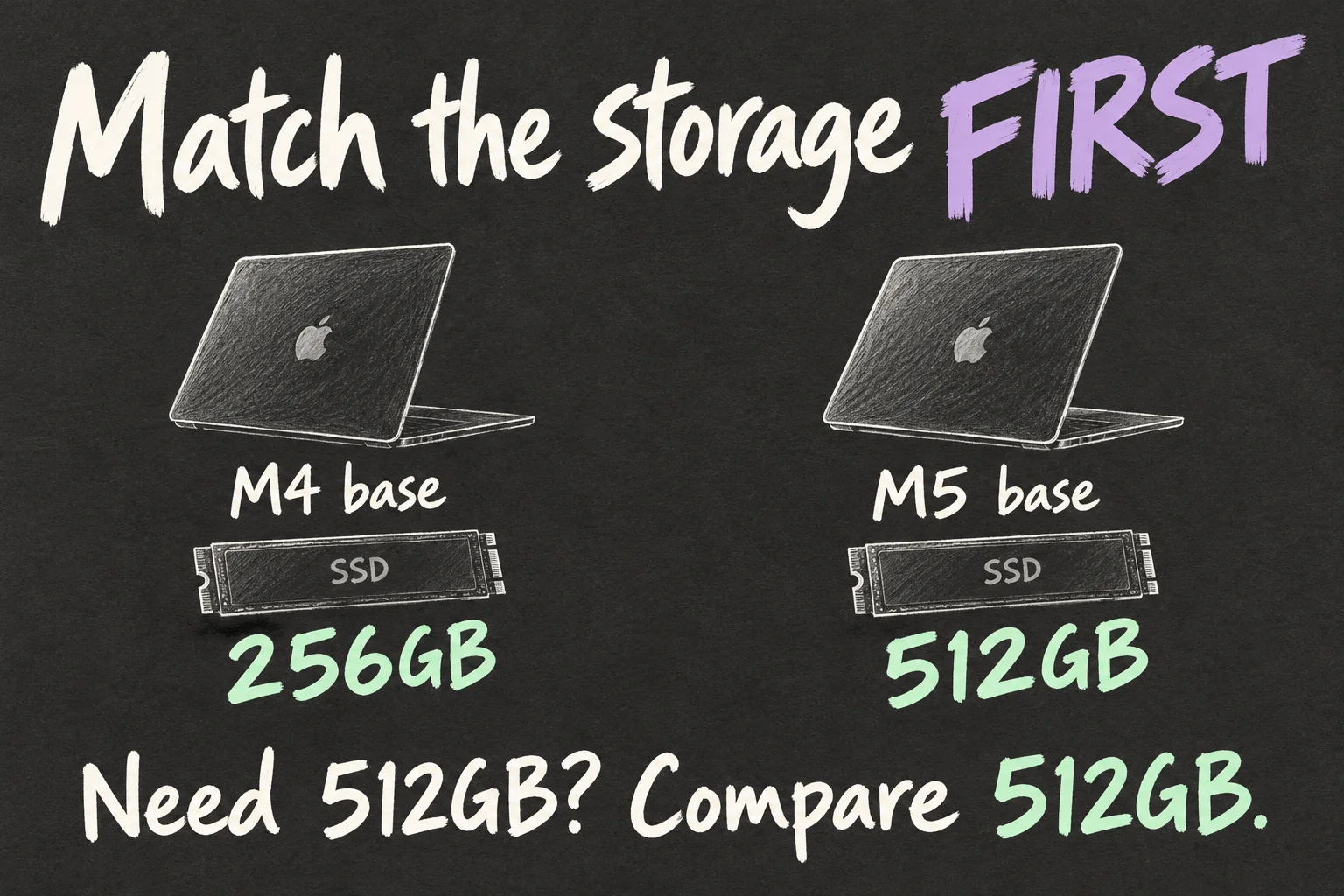
A smaller SSD can still fit a documents-and-cloud workflow. If your plan needs an external drive, include that cost and the inconvenience of carrying it. Pick the storage arrangement you will use, then compare the laptop prices.
Apple Australia currently lists the 13-inch M5 MacBook Air from A$2,099 and the 15-inch from A$2,499, including GST. Some March launch coverage shows A$1,799 and A$2,199; those earlier prices are not the current Apple store starting prices.
For a useful M4 vs M5 MacBook Air price comparison, write down screen size, memory, SSD and GPU configuration beside the final payment amount. Also distinguish new stock, Apple Certified Refurbished and used stock. A cheaper listing may be a worthwhile choice, but the label alone does not tell you what you are giving up.
A$170 apart — which offer gives you more?
Here is an actual Australian example from Apple’s stores on the checking date. Both are 15-inch models with 16GB of memory and a 10-core GPU. One has the older chip and more storage; the other is new and has the newer chip.
| Apple AU listing | Price | Memory / SSD and condition |
|---|---|---|
| 15-inch M4, starlight | A$2,329 | 16GB / 1TB, Apple Certified Refurbished |
| 15-inch M5 base | A$2,499 | 16GB / 512GB, new |
This M4 MacBook Air listing is A$170 less and has twice the SSD capacity. That could be useful for someone who keeps a large photo library locally. It does not make the machines equivalent: the M5 has the newer processor and wireless hardware, and the conditions differ.
If 512GB already covers your files, the extra storage might matter less than buying new or processing repeated jobs faster. If 1TB is the requirement, obtain a current quote for a 1TB M5 before deciding. This is a dated listing example, not a promise that the same refurbished unit will still be available.
What would actually feel faster on the M5?
In its March 2026 review of the 15-inch M5 MacBook Air, Ars Technica reported roughly 10–15% higher single-core CPU benchmark results, 15–20% higher multi-core results and around 30% higher graphics results than the M4 generation. Those are the reviewer’s tests, not our measurements or a guaranteed improvement in your editing app.
Apple’s M5 Air announcement gives more specific examples: up to 1.5 times faster image processing in Affinity and up to 1.9 times faster AI video enhancement in Topaz Video versus M4. These are Apple’s selected workload results, rather than a promise that every photo edit or export improves by that amount.
Those examples make the M5 MacBook Air worth investigating if you repeatedly process large images or enhance video. For writing a post, replying to email and adjusting a few photos, ask whether processing speed is something you currently wait for. Faster benchmarks carry more value when they shorten a task you actually repeat.
Look for comparisons using your application, project and configuration. CPU, GPU and AI workloads can benefit differently, so a single overall percentage is a poor guide to the time your next job will take.
M4 with 24GB or M5 with 16GB — which upgrade helps?
Suppose your budget brings these two configurations into view. If your projects and other open apps regularly need more memory, the M4 with 24GB deserves consideration. If the project fits comfortably in 16GB and you spend more time waiting for processing, the M5 becomes a stronger candidate.
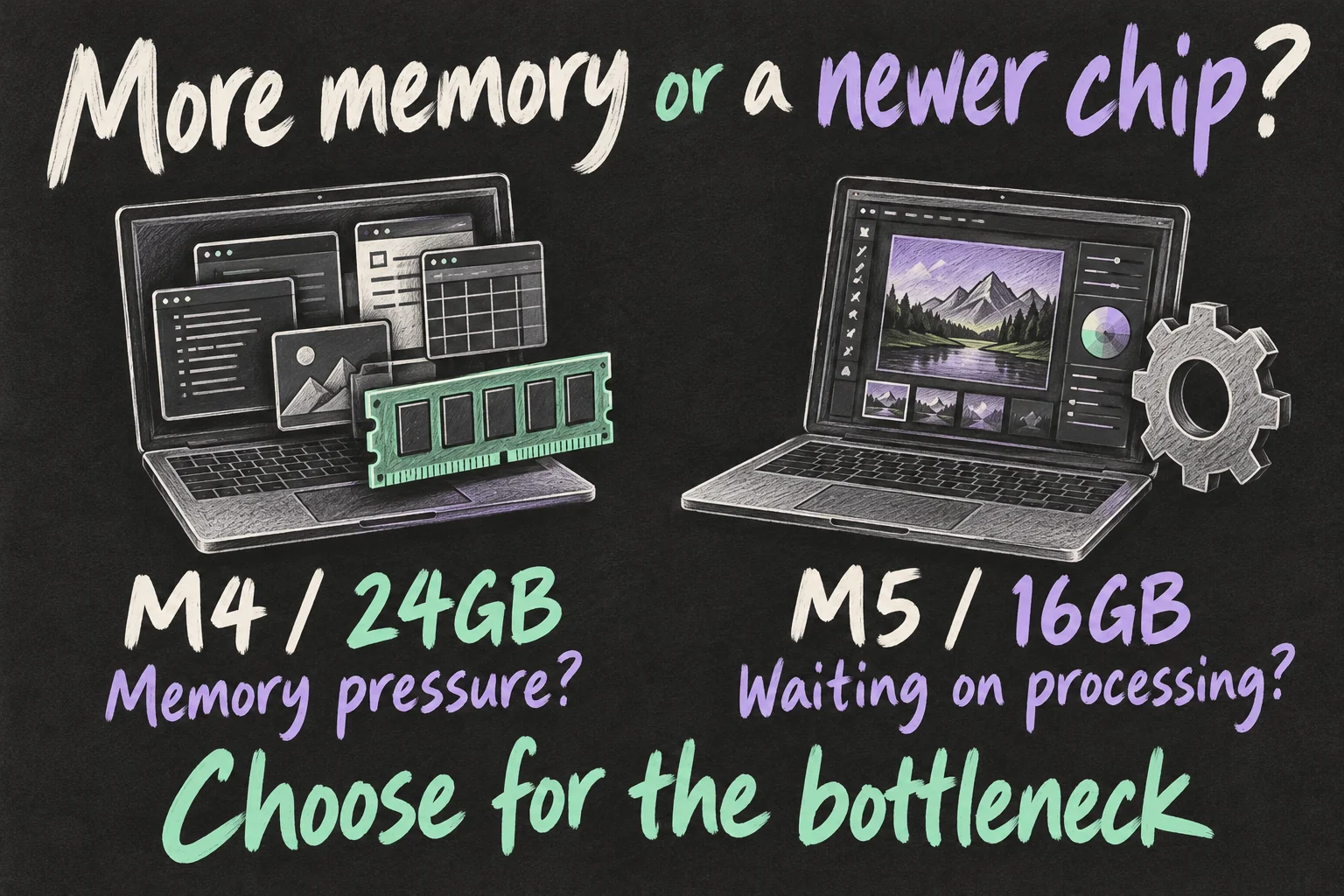
Both generations offer 16GB, 24GB and 32GB configurations. M5’s memory bandwidth is higher: 153GB/s compared with 120GB/s for M4. Bandwidth describes data transfer; capacity describes how much memory you have. Faster transfer does not turn 16GB into 24GB.
On your existing Mac, check Activity Monitor → Memory → Memory Pressure during your normal workload. Apple’s guide identifies yellow and red as signs to consider more RAM. Use that evidence alongside the editor’s requirements; it does not establish the cause of every slowdown.
An M4 MacBook Air with more memory is not automatically faster at every task, either. If you need both capacity and newer processing performance, compare the price of an M5 with 24GB rather than forcing the choice into two unsuitable options.
Will Wi-Fi 7 make a difference at home?
The M5 MacBook Air adds Apple’s N1 chip, Wi-Fi 7 and Bluetooth 6. M4 has Wi-Fi 6E and Bluetooth 5.3. The newer connection standard is worth considering for a compatible network, particularly when you regularly move large files.
Check the router and the connection you are using. Wi-Fi transfers inside your home and downloads over your internet service are different jobs. A new laptop does not increase the speed of the internet plan itself, and changing it may not address weak coverage.
For an M4 vs M5 MacBook Air shortlist, connectivity should earn its place through your setup. It need not outweigh a better memory or storage configuration just because the standard has a newer number.
Already own an M4? What would replacing it fix?
If your current machine already has 512GB or 1TB, the doubled base-storage announcement does not add anything to your laptop. Focus on the job that is too slow, the memory pressure you encounter or the connection feature you want.
Work out the replacement cost using the new machine’s actual price minus the amount you expect to receive for your old one, after any selling costs. Include the memory and storage upgrades the replacement needs. Then decide whether the improvement you are targeting is worth that outlay.
What would the new Mac solve in your working day?
If the answer is repeated image or video processing, seek matching app tests before replacing it. If you are happy with your present workflow, continuing to use it is a reasonable choice. A newer chip becomes a useful upgrade when it changes something you care about.
Before buying, put the complete configurations and final prices side by side. New buyers should assess the saving; current owners should assess the problem solved. That distinction makes an M4 vs M5 MacBook Air decision much clearer.
For your next decision, read MacBook Air vs Pro: Is the Pro Worth A$1,100 More? or M6 MacBook Pro vs OLED Models: Should You Wait?.
FAQ
Q. Do I need M5 to connect two external monitors?
No. Apple’s M4 specification supports two external displays up to 6K at 60Hz alongside the built-in screen. M5 adds options including a single 8K display at 60Hz and support for two displays over one Thunderbolt port. Check the resolution, refresh rate, dock and cable arrangement you intend to use.
Q. Does M5 offer longer battery life on paper?
Apple lists the same maximums for both generations: up to 18 hours of video streaming and 15 hours of wireless web use. That does not mean every workload has identical endurance, but those ratings alone do not give you a battery-life reason to replace an M4.
Q. Does an M4 with a 10-core GPU beat an M5 with eight cores?
Core counts alone cannot settle that comparison. The generations have different GPU capabilities, and results depend on the app and workload. Look for tests of those exact configurations; do not transfer a result from a 10-core M5 review to the eight-core base model.
Sources and Reading Notes
This is a research-based guide. It does not report personal hands-on testing. Manufacturer figures are claims, and illustrations are explanatory concepts rather than test results.
- MacBook Air specifications — Apple Australia
- Compare Mac models — Apple Australia
See how these guides are written. Sources reviewed 11 October 2026; prices refer to the checking date stated above.
Prefer reading about Apple in Korean?
 Apple-worldApple news, tips and buying guides in Korean.blog.naver.com/apple-world ↗
2 thoughts on “M4 vs M5 MacBook Air: Is the Cheaper M4 a Better Buy?”