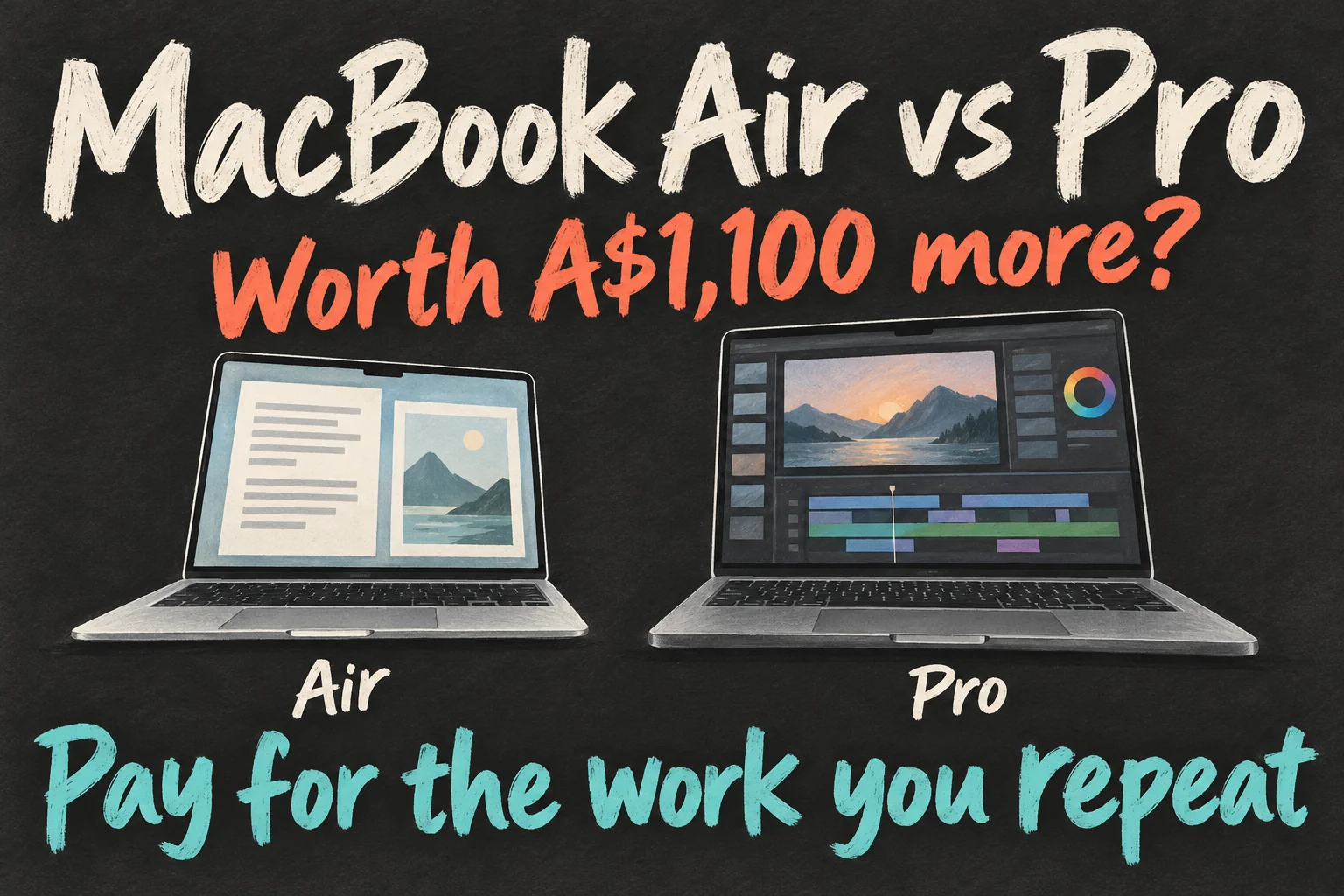
For MacBook Air vs Pro, start with the M5 MacBook Air for writing, photo edits and occasional straightforward videos. Consider the Pro when sustained processing, its built-in display or extra ports solve a recurring problem in your work.
The A$1,100 headline compares Apple Australia’s starting 13-inch M5 Air and 14-inch Pro with the standard M5 chip, not M5 Pro. Their storage differs, so compare complete configurations before treating the gap as the upgrade cost. Prices below were checked on 10 October 2026.
What does the extra A$1,100 actually buy?
The starting prices are useful, but these configurations include different amounts of storage. Here is the current Australian lineup relevant to this decision, with prices in AUD including GST, before education pricing, trade-in or retailer discounts.
| Current model | Starting price | Base memory / storage |
|---|---|---|
| 13-inch M5 MacBook Air | A$2,099 | 16GB / 512GB |
| 15-inch M5 MacBook Air | A$2,499 | 16GB / 512GB |
| 14-inch MacBook Pro, M5 | A$3,199 | 16GB / 1TB |
| 14-inch MacBook Pro, M5 Pro | A$3,999 | 24GB / 1TB |
The price gap buys more than processing speed. The entry Pro includes a larger internal SSD, active cooling, an XDR display and extra connections. Treat A$1,100 as a starting-price comparison, then price the memory and storage you actually want on both machines.
If screen space is your main frustration, the 15-inch Air is worth putting beside the 14-inch Pro. At these starting prices, that gap is A$700. You may prefer more room for your timeline over buying a smaller screen with the Pro features.
Your footage is 4K. Does that mean you need a Pro?
A short café video with simple cuts, music and titles is a different workload from an interview with several cameras, layered effects and extensive noise reduction. Both can be 4K. What you ask the editing app to do matters as much as the resolution.
Apple lists hardware acceleration for H.264, HEVC, ProRes and ProRes RAW on the M5 MacBook Air. Those video engines are a reason to consider it for editing; Apple also describes 4K editing on its product page. They do not accelerate every effect or guarantee smooth playback in every app.
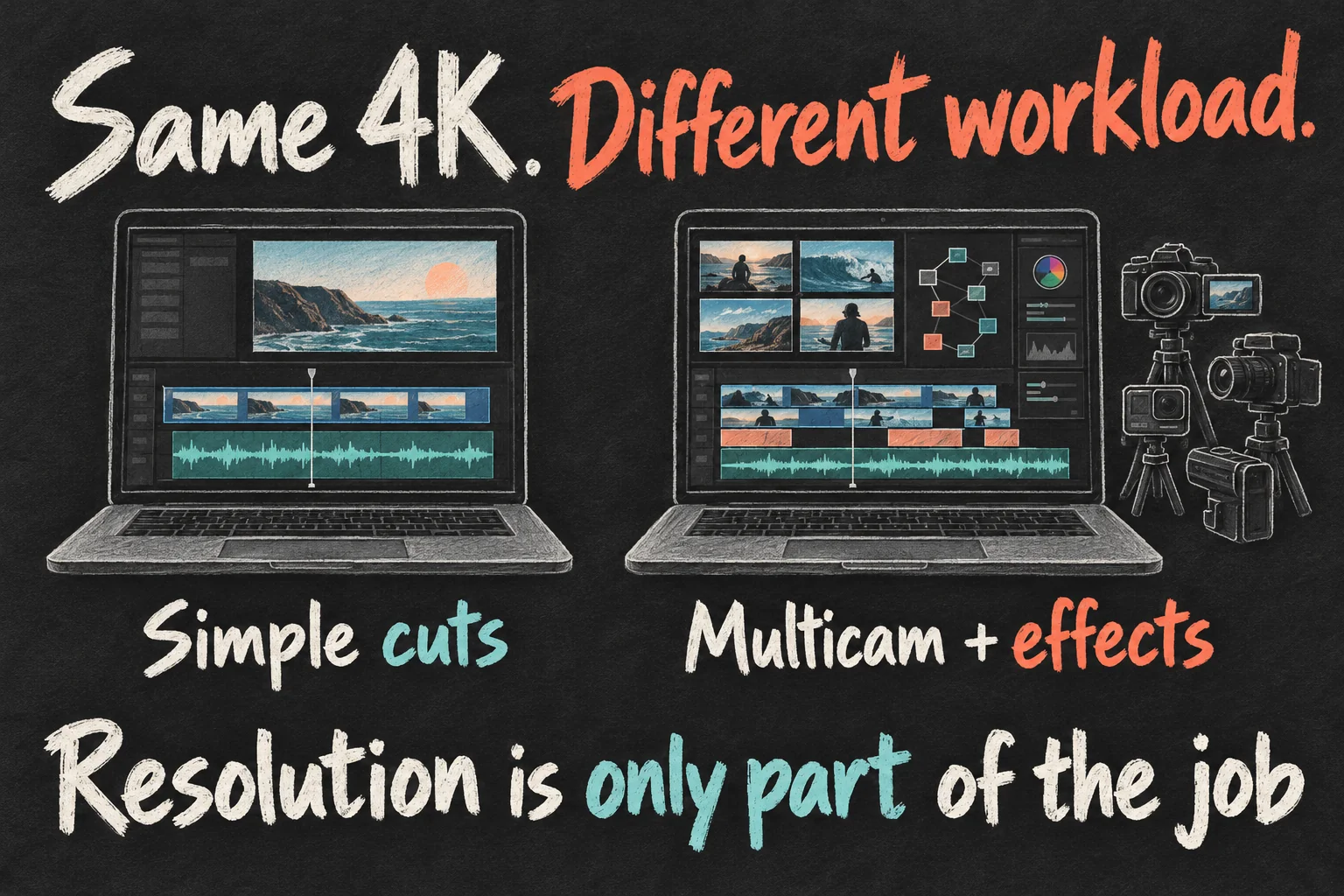
If most of your work is writing, selecting photos and assembling uncomplicated videos, an Air is a reasonable first option. Keep the money difference visible alongside the microphone, lighting and storage your projects also need.
When evaluating a MacBook Pro for video editing, look for tests using your editor, footage format and effects. A generic benchmark score cannot tell you how your particular timeline will behave.
When does editing start to make the Pro worthwhile?
Notice which waits you repeat. Does playback stumble when you turn on a demanding effect? Do several exports occupy the machine while another deadline approaches? Are you routinely combining multicam work, colour adjustments and motion graphics? Those are reasons to investigate a more capable configuration.
The Air’s fanless design makes it silent. The Pro’s cooling is useful when intensive work continues for longer. How much that changes your result depends on the app, chip, settings and project; a quick responsiveness test and an afternoon of processing answer different questions.
For an occasional export you can leave running, the time saved may carry little value. When choosing a M5 MacBook Pro for video editing, consider whether a smoother session or shorter processing queue would help you finish regular client revisions. Frequency makes the same performance difference more valuable.
Pay for the work you repeat, and the waiting it creates.
Which “Pro” are you actually comparing?
A MacBook Pro with M5 is not a MacBook Pro with M5 Pro. The laptop name and the chip name are separate choices. The model with the M5 Pro chip offers higher CPU and GPU core counts and starts with 24GB of memory, compared with 16GB in the entry MacBook Pro with standard M5.
To make that naming clearer: the A$3,199 machine has the standard M5 chip and 16GB; the A$3,999 machine has the M5 Pro chip and 24GB. If a review shows excellent results from an M5 Pro chip, do not assign those results to the cheapest MacBook Pro.
That makes a useful MacBook Air vs Pro shortlist three choices: an Air configured for your workload, the standard-M5 Pro for its cooling and other features, and an M5 Pro model for more demanding processing. Compare the complete specification beside the price.
Does the M5 MacBook Air need more memory?
If your editing app, photo library and browser stay open together, investigate memory before picking a faster chip. The M5 MacBook Air offers 16GB, 24GB and 32GB options. More capacity can be a sensible priority when your usual workload is already under memory pressure.
On your current Mac, open Activity Monitor → Memory while doing a typical project. Watch Memory Pressure, especially when the slowdown happens. Apple describes green as efficient memory use, yellow as potentially needing more RAM and red as needing more RAM.
Repeated yellow or red pressure is a reason to investigate capacity. It is not proof that memory explains every delay. If the graph stays green while one effect struggles, look at that effect, graphics processing and the footage instead. A storage-capacity upgrade does not add memory.
A MacBook Air vs Pro decision can therefore come down to a better-configured Air versus a base Pro. Get actual quotes for matching memory and storage before deciding which is the better buy.
What should you test before spending more?
Use a project you genuinely make. If you can arrange a demo on the configurations you are considering, bring representative footage and confirm the app and plug-ins can be used. Otherwise, look for independent tests that disclose those same details.

Check three things: playback through a demanding section, the export settings you normally deliver, and memory pressure with your usual apps open. For sustained work, include repeated processing rather than one tiny export. Keep footage, app version and settings consistent when comparing machines.
Write down the interruption you want to fix: “preview judders with this effect” or “export prevents me starting the next job”. That is more useful than “I need a professional laptop”. For a MacBook Pro for video editing, you now have a specific improvement to look for.
Would the display and ports change your choice anyway?
The Pro’s Liquid Retina XDR display and ProMotion up to 120Hz can matter if the built-in screen is central to your work. HDMI and an SDXC slot can simplify regular monitor connections and camera-card imports. Those are practical benefits independent of export speed.
For blog pages and social videos, also try the screen size and the bag you will carry. The 13-inch Air weighs 1.23kg. A larger screen can make editing more comfortable; an external monitor may already provide that space at your desk.
Choose the Air when it fits the projects you make and leaves room for the rest of your setup. Choose the Pro when you can name the recurring work, display need or connection it improves. That is how the MacBook Air vs Pro price gap becomes a decision you can explain.
For your next decision, read M4 vs M5 MacBook Air: Is the Cheaper M4 a Better Buy? or M6 MacBook Pro vs OLED Models: Should You Wait?.
FAQ
Q. Is the M5 MacBook Air enough for a blog and YouTube videos?
It is a reasonable starting point for writing, photo work and uncomplicated edits. Check your editor, footage, effects and memory needs. Frequent demanding effects or long processing queues are stronger reasons to consider the Pro than uploading to YouTube alone.
Q. Is 24GB of memory always necessary for video editing?
No single capacity fits every project. Look at memory pressure under your usual workload and the editor’s requirements. Prioritise extra capacity when the project and other open apps regularly create pressure, rather than treating 24GB as a requirement for every video.
Q. Does the A$1,100 difference include the M5 Pro chip?
No. It compares the starting 13-inch Air with the starting 14-inch MacBook Pro using standard M5, at Apple Australia prices checked on 10 October 2026. The M5 Pro model starts at A$3,999. Memory, storage and retailer offers change the comparison.
Sources and Reading Notes
This is a research-based guide. It does not report personal hands-on testing. Manufacturer figures are claims, and illustrations are explanatory concepts rather than test results.
- MacBook Air specifications — Apple Australia
- MacBook Pro specifications — Apple Australia
- Compare Mac models — Apple Australia
See how these guides are written. Sources reviewed 11 October 2026; prices refer to the checking date stated above.
Prefer reading about Apple in Korean?
 Apple-worldApple news, tips and buying guides in Korean.blog.naver.com/apple-world ↗
7 thoughts on “MacBook Air vs Pro: Is the Pro Worth A$1,100 More?”