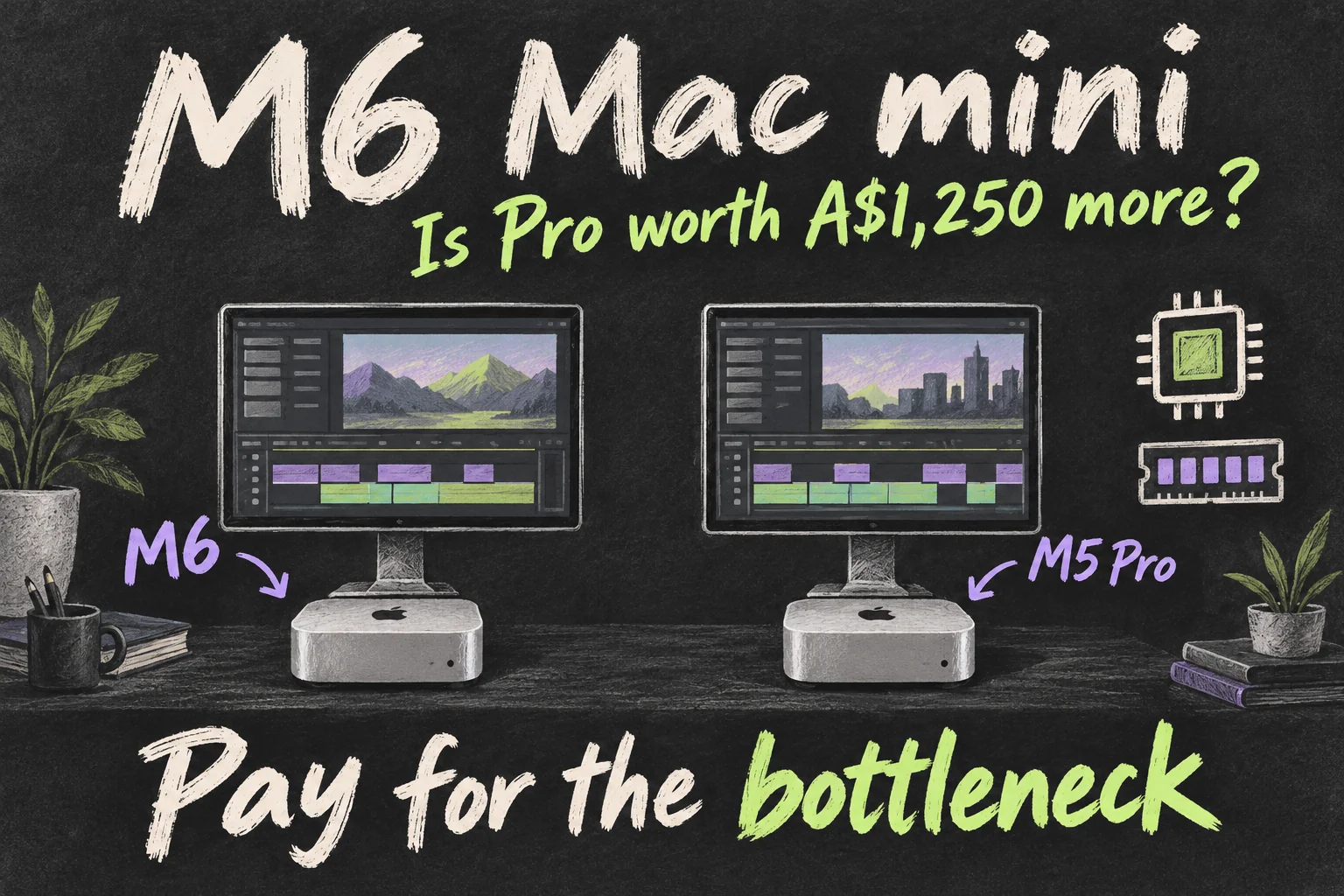
For an M6 Mac mini editing setup, choose the standard model when it meets your software, memory and project needs. Consider M5 Pro when a specific workload or configuration justifies spending more, rather than assuming a newer chip number wins every comparison.
Apple Australia’s A$1,449 M6 and A$2,699 M5 Pro starting prices, checked on 10 October 2026, differ by A$1,250. Screen, storage and memory choices also affect your total budget. This guide compares exact models and keeps manufacturer claims separate from independent tests.
M6 Mac mini: what does the extra A$1,250 buy?
The Pro model in this comparison is the M5 Pro Mac mini. A newer generation number on the standard chip does not tell you which complete computer is better suited to a demanding project.
| Apple Australia starting configuration | M6 | M5 Pro |
|---|---|---|
| Price, including GST | A$1,449 | A$2,699 |
| Unified memory / SSD | 16GB / 256GB | 24GB / 512GB |
| Available memory configurations | 16GB, 24GB or 32GB | 24GB, 48GB or 64GB |
| Rear Thunderbolt ports | Three Thunderbolt 4 | Three Thunderbolt 5 |
These are starting configurations, so the price difference includes more memory and storage on the Pro. Before paying for the higher tier, price an M6 with the memory and SSD you actually want. The gap between those two suitable configurations is the useful comparison.
The M6 Mac mini makes sense to shortlist if you mainly want a fixed desk for photo edits and straightforward videos. The Pro becomes more compelling when you regularly use demanding effects, complex projects or more than 32GB of memory. That is a workload-based recommendation, rather than a promise that one model wins every editing test.
M6 Mac mini for photos: will you notice the speed?
Think about the last editing session that frustrated you. Was it importing a shoot, applying AI noise reduction, exporting hundreds of RAW files or switching between Photoshop and other apps? Those jobs can behave differently on the same computer.
PetaPixel tested the base M6 with 16GB of memory and a 256GB SSD. Its review found strong AI Denoise performance, but also an unusual Lightroom Classic JPEG-export result with Sony A1 II files. A 5 October retest improved results slightly while the issue remained. The reviewer suspected a bug; the cause was not established.
That is why the M6 Mac mini deserves an app-specific check. A headline processor score cannot tell you how a particular camera’s files will export. Look for a test using your editing app, comparable files and the configuration you plan to buy.
For a hobby photographer, our starting point would be the standard model with enough memory for the apps kept open together. For someone processing large shoots against a deadline, repeated waiting has a clearer cost. Write down the slow step and how often it happens before deciding whether to spend more.
Mac mini for video editing: where do you wait?
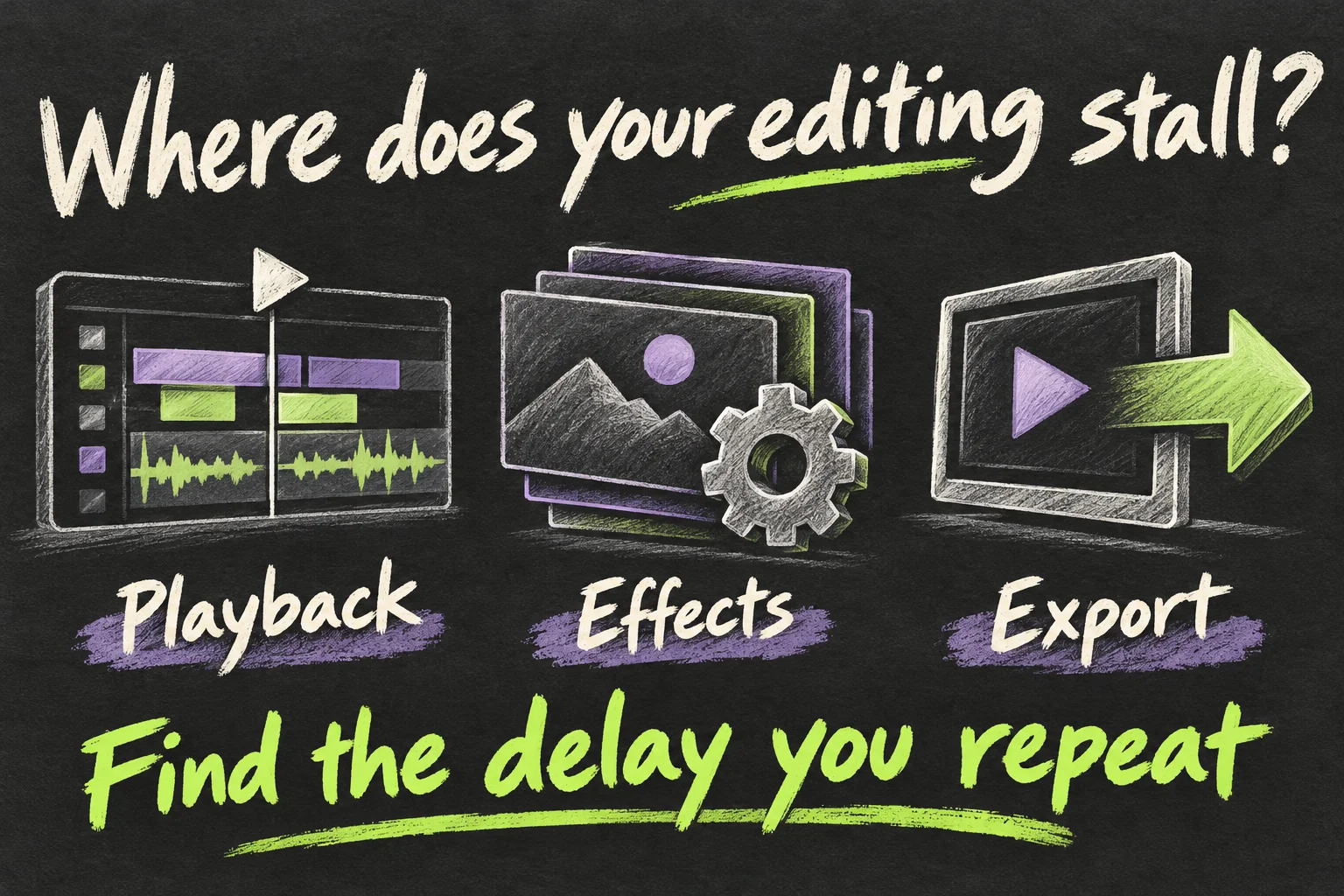
Cutting clips and adding titles is a different purchase problem from layering effects over multiple camera angles. Both can be called 4K editing, but resolution alone says little about how demanding the whole project will be.
There is a useful published example. In Tom’s Guide’s review, the M6 took 2 minutes 45 seconds to transcode a 25GB 4K video to 1080p in HandBrake, compared with 4 minutes 42 seconds for the M4. That is 1 minute 57 seconds saved in that particular test, not a measured advantage over the M5 Pro.
The reviewed M6 had a 512GB SSD. Its listed memory differs between the specification table and the narrative, so we cannot reliably attach one RAM figure to that result. The test also does not predict every Final Cut or Premiere export.
For a Mac mini for video editing, ask where time disappears in your own workflow: playback, effects, noise reduction or final export. Apple lists hardware acceleration for common formats including H.264, HEVC and ProRes on the M6. That supports its editing appeal, while the app, codec and effects still shape the result.
PetaPixel also found memory constraints in some video benchmark categories on its base configuration. It did not test the M5 Pro desktop, so those results are a reason to investigate the next tier, rather than a direct comparison proving how much faster it would be.
If you make occasional single-camera videos, shortlist the standard model first. If demanding effects or complicated timelines repeatedly interrupt paid work, look for a matching Pro test. An export that runs while you take a break has a different value from a delay that stops you making the next edit.
16GB or 24GB: which decision stays with you?
Memory deserves attention before SSD capacity because Apple says the memory in these models cannot be upgraded after purchase. The M6 Mac mini offers configurations up to 32GB; the Pro line reaches 64GB.
Our practical starting point is 16GB for modest projects with few demanding apps open together. Consider 24GB when photo editing, a browser and other creative apps share the working day. Treat that as a shortlist to test against your workload, rather than a guarantee attached to a job title.
Already using a Mac? Open Activity Monitor, choose Memory and watch Memory Pressure while doing your usual demanding task. Apple describes green as efficient memory use, yellow as a sign that more RAM may eventually be needed and red as needing more RAM. Repeated pressure during a representative project is more informative than unused RAM alone.
If your work calls for more than 32GB, the M5 Pro Mac mini is the relevant option in this pair. If 24GB meets the need, compare that standard configuration before jumping to Pro. More memory and a higher chip tier solve different parts of the purchase problem.
Could your desk need the money more than Pro?
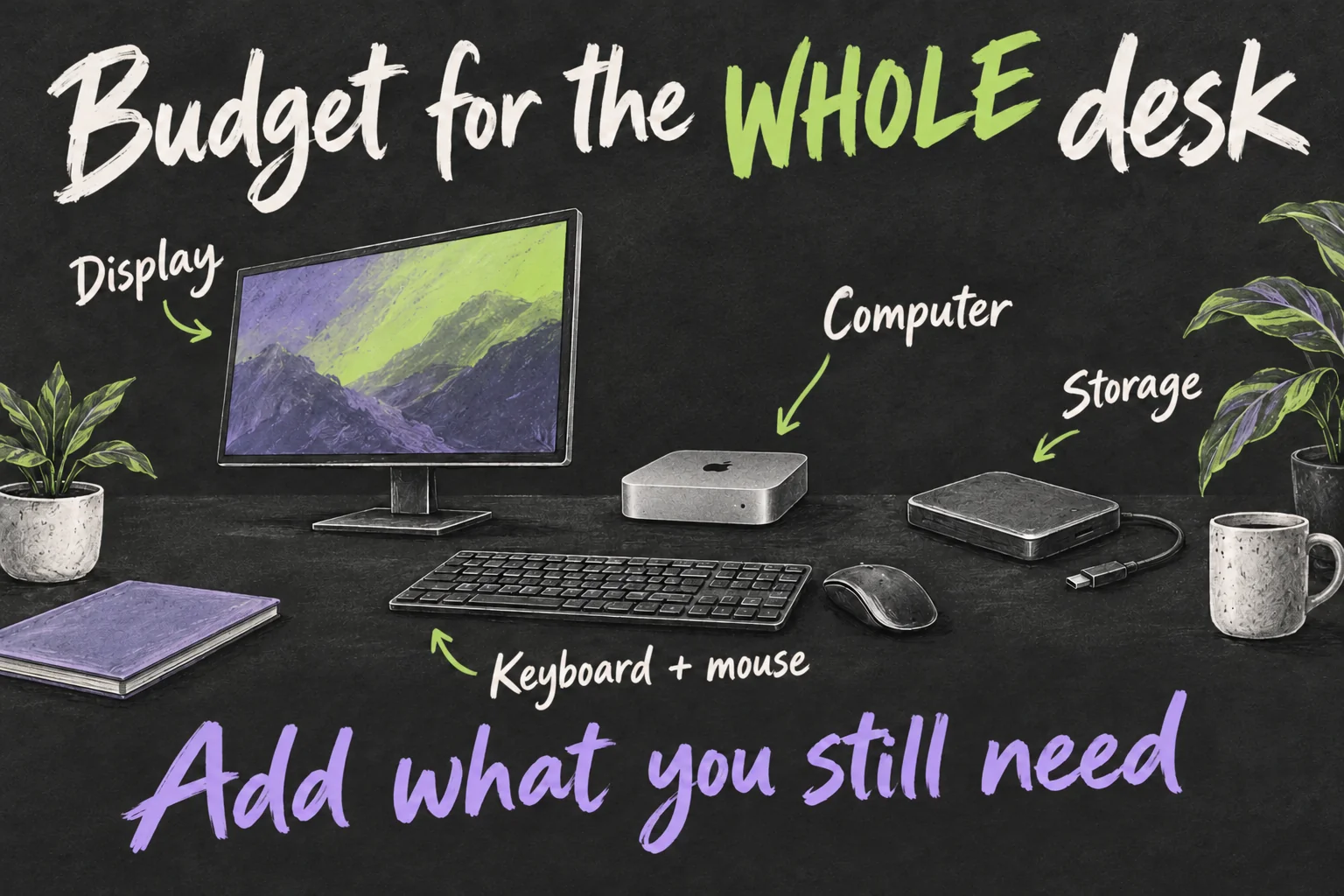
The M6 Mac mini is most attractive when useful desk equipment is already waiting for it. Apple’s box includes the computer and power cord. Add any display, keyboard, pointing device, working storage or card reader you still need to the purchase total.
Imagine keeping a suitable monitor and keyboard, then directing part of the savings towards memory and a project SSD. Now imagine replacing everything for your first desk. Those two buyers can reasonably choose different configurations even if they edit similar footage.
Start with one total: your chosen computer configuration plus the equipment you still need. Use current local prices for the accessories you would actually buy. A$1,250 is the gap between the two starting computers, not a guaranteed saving after upgrades or a complete accessories allowance.
When comparing a Mac mini for video editing with a laptop, include where the work happens. If you regularly edit between home, uni and other locations, a MacBook’s built-in screen, keyboard and battery may be worth more to you than a desktop upgrade. If the work stays at one desk, existing equipment can make the mini easier to justify.
Pay for the delay you need to remove.
Already own an M4? Find the bottleneck first
If your current machine finishes your projects comfortably, the M6 Mac mini does not become essential just because its chip is newer. Identify what is actually holding you back: processing, memory, storage space or the display you work on.
An external SSD can address a shortage of space for project files. It does not add unified memory or automatically fix effects processing. Likewise, a more useful monitor can improve the workspace without shortening an export. Spend against the problem you can identify.
The purchase case is strongest when the new setup removes a recurring frustration at a cost you can justify. Keep the current Mac if it still does the job; choose the M6 Mac mini when it fits; pay for Pro when a specific requirement makes the extra spend useful.
For your next decision, read M6 iMac: Is a 27-Inch Model Actually Expected? or MacBook Air vs Pro: Is the Pro Worth A$1,100 More?.
FAQ
Q. Is the M6 enough for 4K editing?
It is worth shortlisting for straightforward projects. Compare the app, codec, effects and memory needs of your actual footage. The published HandBrake result shows one transcode task; it does not guarantee smooth playback in every 4K timeline.
Q. Can I buy 256GB and use an external SSD?
You can plan external storage for project files, but allow room on the internal drive for your apps and their working files. Storage capacity and memory are separate decisions. Choose memory at purchase; an external drive will not increase it.
Q. Should I buy the Pro just to future-proof?
A specific need makes a stronger case: more than 32GB of memory, demanding projects or a workflow that benefits from the higher tier. If those needs are speculative, compare an upgraded standard model and the equipment you still need before committing the extra budget.
Sources and Reading Notes
This is a research-based guide. It does not report personal hands-on testing. Manufacturer figures are claims, and illustrations are explanatory concepts rather than test results.
- Mac mini specifications — Apple Australia
- Mac mini Australian store pricing
See how these guides are written. Sources reviewed 11 October 2026; prices refer to the checking date stated above.
Prefer reading about Apple in Korean?
 Apple-worldApple news, tips and buying guides in Korean.blog.naver.com/apple-world ↗
1 thought on “M6 Mac mini: Is the Pro Worth A$1,250 More for Editing?”