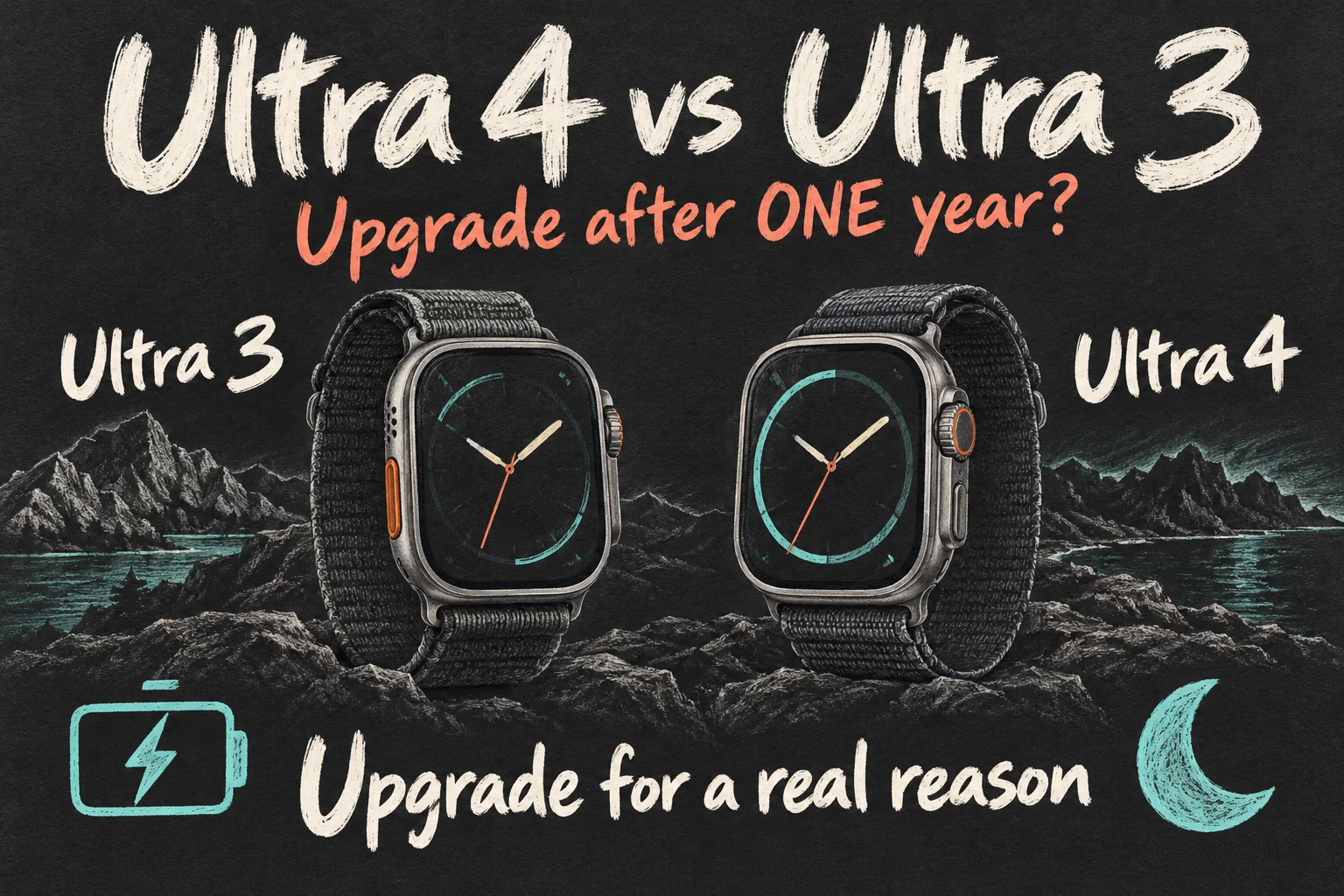
For Apple Watch Ultra 4 vs Ultra 3, upgrade only if the charging flexibility or recovery information addresses a problem you regularly face. A working Ultra 3 does not become unsuitable simply because a newer watch exists.
Apple’s quoted normal-use maximum rises from 42 to 50 hours, but actual endurance depends on use. This guide separates manufacturer claims, hardware changes and update-delivered features before weighing the A$1,349 Australian starting price checked on 10 October 2026.
Apple Watch Ultra 4 vs Ultra 3: what do 15 minutes buy?
Apple Watch Ultra 4 offers up to 18 hours of normal use after 15 minutes of charging, compared with up to 12 hours for Ultra 3. Think about the charging break you reliably take: getting ready in the morning, showering after training or winding down before bed.
These are Apple’s published maxima from separate generation tests. Your results depend on mobile reception, workouts, settings and battery condition; the six-hour gap is not a guaranteed personal gain.
| Apple’s published measure | Ultra 3 | Ultra 4 |
|---|---|---|
| Normal use | Up to 42 hours | Up to 50 hours |
| Low Power Mode | Up to 72 hours | Up to 84 hours |
| Normal use after a 15-minute charge | Up to 12 hours | Up to 18 hours |
| Charging from 0% to 80% | About 45 minutes | About 45 minutes |
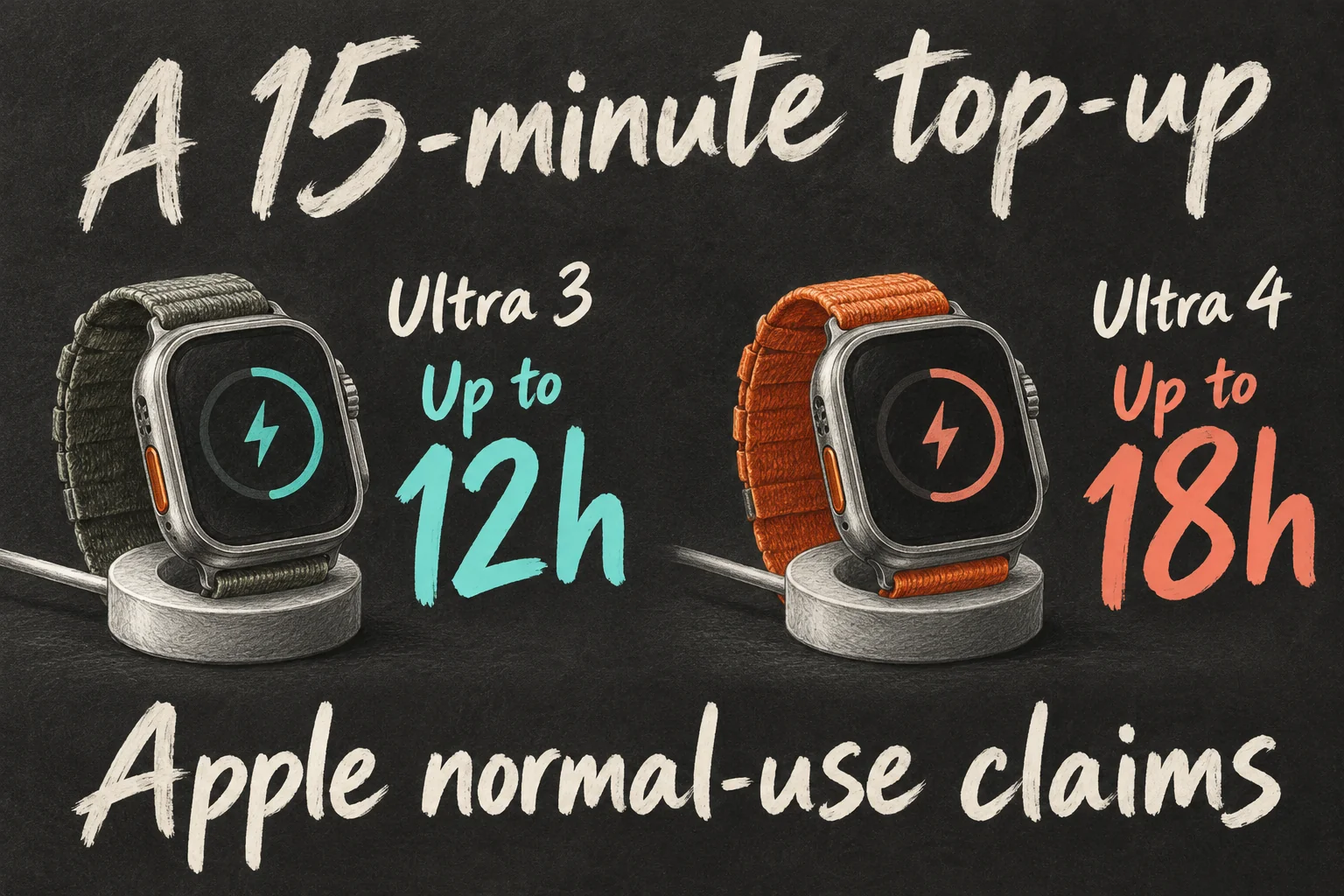
Notice the last row. The Apple Watch Ultra 4 lists more use after a brief charge, while the time to reach 80% remains roughly the same. Those measures answer different charging questions.
Record when charging interrupts your week. If Ultra 3 comfortably covers training and sleep, extra endurance is a convenience. Repeatedly missing overnight records or topping up before leaving gives the improvement a more specific purpose.
Apple tested Ultra 4 charging with its supplied cable, model A3277, and a 20W USB-C power adapter. An older charging stand may give different results.
Will it last through your longest outdoor session?
The everyday figure mixes activities and sleep. Apple Watch Ultra 4 separately lists outdoor workout tracking at up to 18 hours, Extended Workout at up to 25 hours and Max Extended Workout at up to 45 hours.
Extended Workout uses Low Power Mode, without running form metrics. Max Extended also disables alerts and splits, with certain metrics unavailable. Apple tested outdoor runs without an iPhone, with the heart-rate sensor on.
Someone who depends on split feedback during a long event should compare the mode that keeps it, rather than choosing the biggest advertised number. Someone recording a long walk may have different priorities. The 45-hour option can be useful, provided its trade-offs fit the activity.
Note your longest recent outing’s duration, settings and remaining battery. A two-hour Sunday run and an all-day event create quite different reasons to upgrade.
Would Readiness change tomorrow’s training plan?
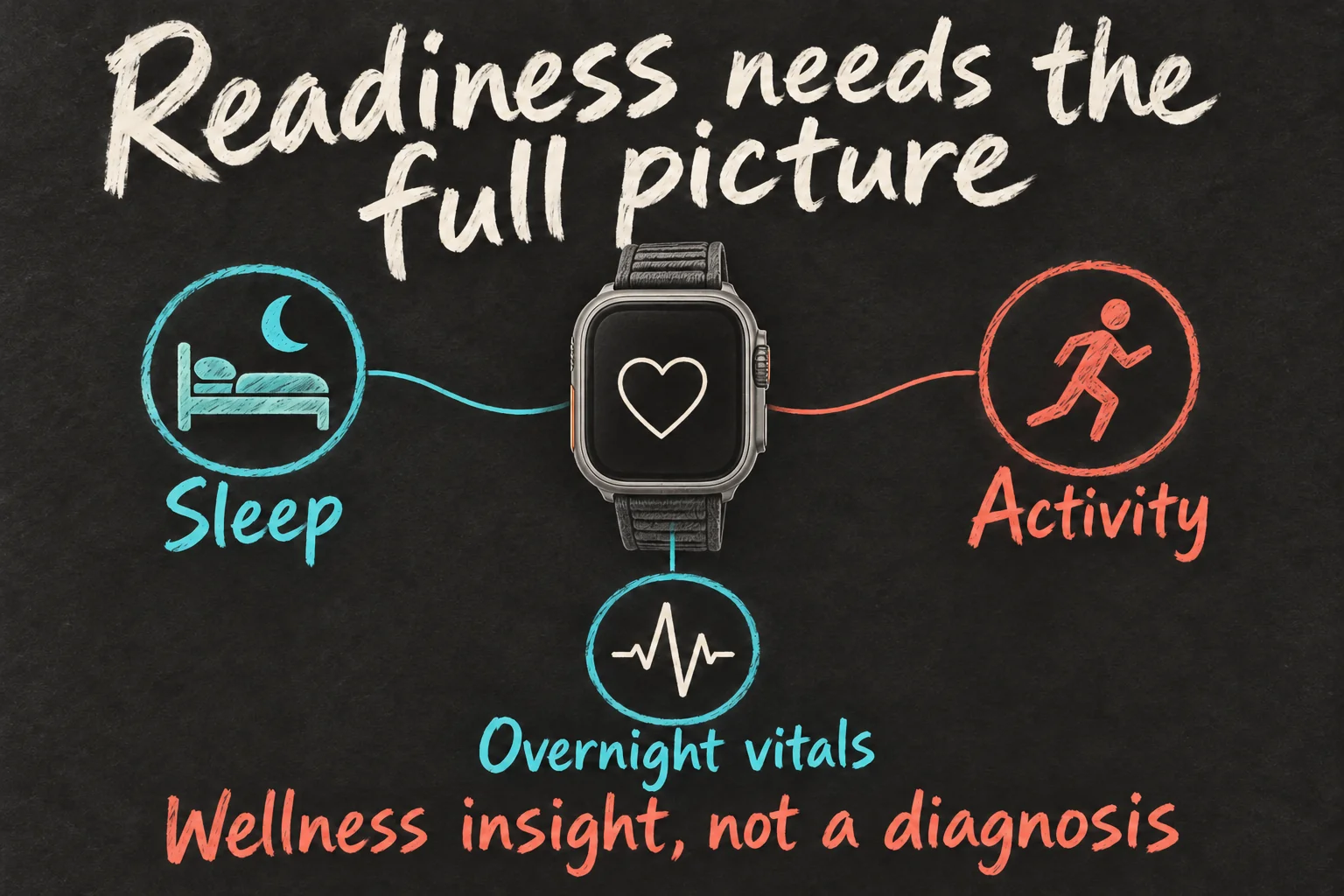
If you regularly check recovery data, this is the more substantial change. Apple Watch Ultra 4’s Health Sensing System measures background heart rate every five seconds and HRV more frequently, according to Apple.
Apple Watch Readiness combines activity, daytime and overnight vitals, and sleep data into a score from 0 to 10. The useful part is looking at the factors behind the result. A low score after disrupted sleep tells a different story from one following an unusually demanding workout.
Apple’s setup checklist includes your Health Details, Activity, overnight vitals recorded while sleeping for at least seven nights, and Sleep enabled with a record from last night. Consistent overnight wear is part of getting value from the feature.
If you wear your watch to bed and review training records, the extra context may fit your routine. If you leave it charging overnight, getting value also means changing that habit.
Treat Apple Watch Readiness as information alongside how you feel and your training plan. Apple describes it as a general wellness feature that does not account for every health factor; the score alone does not determine whether exercise is safe.
What changes on your wrist—and what comes by update?
Both generations list a 49mm case, the same 422-by-514-pixel display and up to 3,000 nits peak brightness. Ultra 4 is not an upgrade to a larger display. Natural titanium case weight rises from 61.6g to 63.0g, so a lighter watch is not the benefit either.
If overnight comfort is the problem, try the watch with your preferred band. Extra endurance will not fix an uncomfortable fit. The S11 enables new capabilities; we have not timed app launches to judge everyday speed.
Your Ultra 3 also supports watchOS 27. Apple’s current availability information includes earlier Ultra models in supported Apple Intelligence features when paired with an eligible iPhone. Separate hardware-specific features from software updates you can receive on the watch you already have.
Apple Watch Readiness is one clear distinction: Apple lists Series 12 and Ultra 4 for its Readiness app. Updating Ultra 3 to watchOS 27 does not add that official app.
If Apple Watch Ultra 4’s Audio Intelligence is the draw, Apple schedules Live Rewind and Siri Recap for beta later in 2026. They require an Apple Intelligence-enabled iPhone 16 or later, excluding iPhone 16e, and English initially. Check eligibility and rollout before buying for those features.
What would upgrading actually cost in Australia?
The Apple Watch Ultra 4 starts at A$1,349 on Apple’s Australian store. Keeping your functioning Ultra 3 avoids that purchase. For an existing owner, the useful comparison is the cost of changing watches.
Calculate your own changeover cost: the final price of your chosen watch and band, plus any accessories you need, minus a confirmed trade-in or net resale amount. Treat a resale guess as a scenario until it is backed by a real offer.
For example, a hypothetical A$500 received for the old watch would leave A$849 against the A$1,349 starting price, before additional costs. That A$500 is an illustration, not an Apple quote or a current used-market valuation.
Attach that cost to one outcome: keeping sleep records, recording a longer activity or using recovery information. If the outcome is vague, observe the current watch for a week before deciding.
Which owner has a reason to change?
The Apple Watch Ultra 4 makes its strongest case when it fixes recurring charging gaps, suits your longer events or adds recovery information you intend to use. Pick an improvement that belongs in your routine.
For an Apple Watch Ultra 4 vs Ultra 3 purchase decision, write down one recurring limitation before comparing specifications. Then check that the new model addresses it under the settings and features you actually intend to use.
Upgrade for the record you keep missing.
If Ultra 3 handles your longest sessions and records what you need, keeping it makes sense. Otherwise, weigh the specific improvement against your changeover cost.
For your next decision, read iOS 27 New Features: Is Your Alarm Still Too Loud?.
FAQ
Q. Does Ultra 3 get the official Readiness app?
Apple lists Series 12 and Ultra 4 for the app. Ultra 3’s watchOS 27 compatibility is separate from that hardware requirement. Existing workout and sleep information can still inform your routine, but it is not the same as the new official app.
Q. Does 50 hours mean 50 hours of GPS workouts?
No. It is a mixed normal-use maximum. Workout figures range from up to 18 to 45 hours with different modes and recording limitations. Choose the mode that retains your required data.
Q. Are all health features available on Ultra 4 in Australia?
Check the particular feature and model. Apple’s Australian launch notice said hypertension notifications would not be available on Ultra 4 initially. Its current availability page still flags regulatory clearances for new models; Australia appearing in a country list does not by itself establish model approval.
Sources and Reading Notes
This is a research-based guide. It does not report personal hands-on testing. Manufacturer figures are claims, and illustrations are explanatory concepts rather than test results.
- Apple Watch Ultra 4 — Apple Australia
- Australian Apple Watch Ultra pricing
See how these guides are written. Sources reviewed 11 October 2026; prices refer to the checking date stated above.
Prefer reading about Apple in Korean?
 Apple-worldApple news, tips and buying guides in Korean.blog.naver.com/apple-world ↗
2 thoughts on “Apple Watch Ultra 4 vs Ultra 3: Upgrade After Just One Year?”