If your iPhone 18 Pro keeps restarting after an update, record the installed version, the time of the new crash and what you were doing, then compare that event with any diagnostic record. A dated panic-full file alone does not prove a fresh fault or identify the failed component.
Apple’s iOS 27.0.1 notes describe a fix for one Face ID-related restart problem. Continued restarts need their own investigation rather than repeated resets or an assumed hardware diagnosis. This guide explains safe checks and what to prepare for support; the cited guidance was checked on 11 October 2026.
What did the Face ID update actually fix?
Apple’s iOS 27.0.1 release notes identify a fix for unexpected restarts on iPhone 18 Pro and Pro Max when Face ID fails to authenticate. Apple’s Australian security-release list gives the release date as 28 September 2026 and lists 27.0.1 as the latest public iOS version when checked for this article.
For the iPhone 18 Pro restart issue, that is a useful change from launch-week advice to wait for a patch. Open Settings → General → Software Update. This screen shows the installed version and any update offered to your phone. If you can use the device normally, back it up, connect to power and Wi-Fi, and follow the update instructions.
Already on that version? Write down whether the next restart happened during Face ID, in another app, or while the phone was idle. That detail helps separate a recurrence of the corrected behaviour from another problem that needs investigation. If your iPhone 18 Pro keeps restarting after updating, the new event is the useful starting point.
An iPhone panic-full log remains. Did the fix fail?
Is that a new crash, or an old record I have just found?
Check the record’s time before counting the files. An entry from before you installed the update describes an earlier event. Finding it today does not establish that the phone crashed again today. Compare three moments: the restart you remember, the update you installed, and the relevant log timestamp.
An iPhone panic-full entry is a diagnostic clue associated with a system-level crash, often called a kernel panic. iFixit’s repair guide explains that these logs require context; a line in the file is not a reliable shortcut to a particular repair. For this check, the most useful detail is when the event occurred.
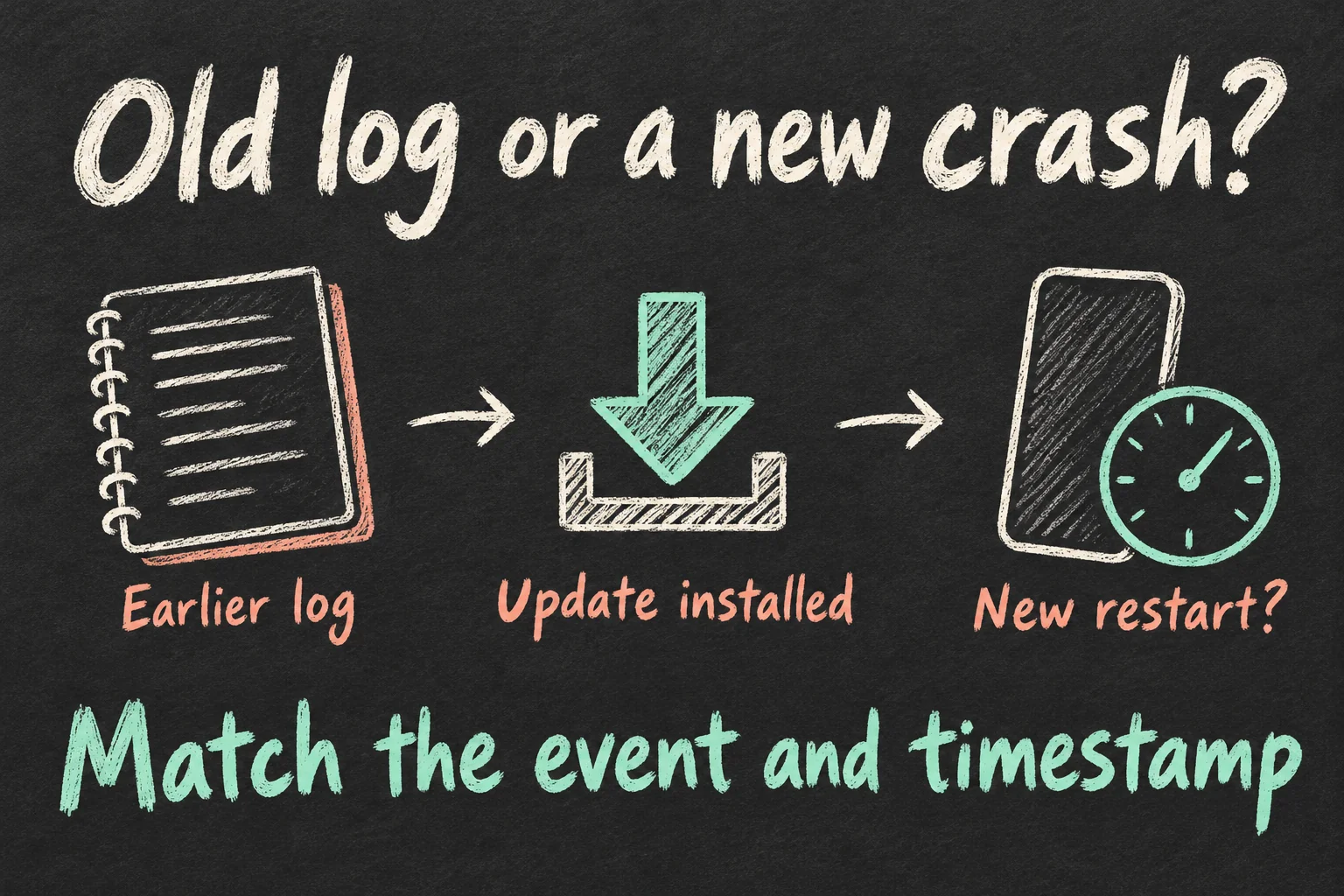
Open Settings → Privacy & Security → Analytics & Improvements → Analytics Data. Look for a recent entry beginning with panic-full and compare its date and time with the unexpected restart. Apple’s Device Analytics guidance confirms this menu path for reviewing analytics information.
| What you find | What to do next |
|---|---|
| Earlier log; phone now working normally | Keep your note and watch for a new symptom |
| New log matching a restart after updating | Save the time and describe the event to support |
| Restart happened; matching log not found | Report the observed restart and approximate time |
The point of checking an iPhone panic-full record is to connect it with an event you actually saw. If only an older entry remains and normal use has resumed, there is no need to recreate a crash to obtain more evidence. If it happens again, keep that new event separate from the earlier one.
What should you save before it happens again?
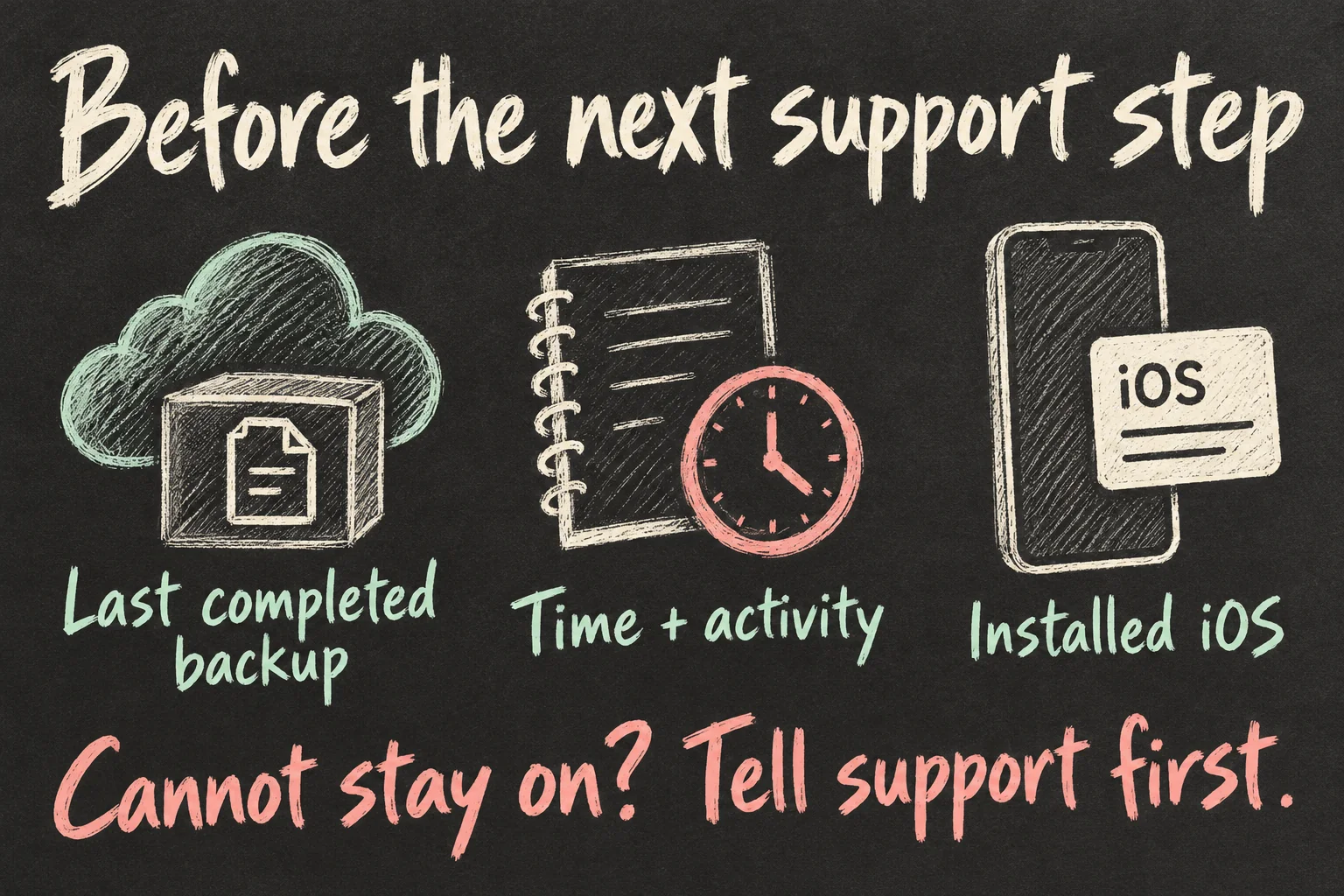
Capture three details: the time, what you were doing, and the installed iOS version. For the iPhone 18 Pro restart issue, a short description is easier to act on than a guess about the logic board. Mention whether the whole phone restarted or only the app closed.
A useful note might read: “After updating to iOS 27.0.1, the screen went black during banking-app authentication at about 2:10 pm. The Apple logo appeared, then the phone started again. There is a panic-full entry around that time.” This is a made-up example of a support note, not a report from a tested phone.
If the same thing happens during a different activity, add a separate line. You might include the app name, whether Face ID was involved, or whether the phone was charging. Record what you noticed in ordinary use; you do not need to repeatedly trigger failed authentication to make the case stronger.
When your iPhone 18 Pro keeps restarting, also check your last completed backup. For iCloud, open Settings → your name → iCloud → iCloud Backup → Back Up Now. Stay connected to Wi-Fi until it finishes. The screen shows the time of the last backup, so confirm completion rather than relying on the switch being enabled.
What if it will not stay on long enough to back up?
If your iPhone 18 Pro keeps restarting before you can finish a backup or open Settings, tell Apple Support that first. It changes the starting point from routine checks to a device that cannot stay usable. Explain whether it reaches the Home Screen briefly or keeps returning to the Apple logo.
For a frozen, unresponsive Face ID iPhone, Apple’s force-restart sequence is: quickly press and release Volume Up, quickly press and release Volume Down, then hold the side button until the Apple logo appears. Release the side button when the logo appears. Use this to regain control of an unresponsive phone.
If the phone still will not start, follow Apple Support’s current startup guidance or ask for help. Say if no recent backup has completed before agreeing to a recovery step. A recovery-mode Restore erases the device; Apple’s instructions distinguish it from an Update attempt, so check which action is being proposed.
Once you can use the phone again, check the backup and retain your event note. A successful force restart is useful recovery. If the iPhone 18 Pro restart issue returns during ordinary use, report that event as well. There is no benefit in spending the day cycling through the buttons while your iPhone 18 Pro keeps restarting.
Should you ask for a replacement in Australia?
Bring together your receipt, purchase date, delivery date and support case number. If crashes continue after the update, contact Apple for diagnosis and the business that sold you the phone about purchase remedies. You can explain the symptoms without deciding for yourself which internal part is responsible.
| Purchase question | Australian starting point |
|---|---|
| Bought directly from Apple? | Check the return terms for your order promptly |
| Bought from a retailer or carrier? | Contact that seller about the faulty-product remedy |
| Outside a store return window? | Consumer guarantees are a separate consideration |
Apple Australia’s standard terms describe a 14-day period from receipt for returns or exchanges, with condition, receipt and packaging requirements. Its separate iPhone Online Store section says 14 days from purchase. Ask Apple to confirm the deadline for your order promptly, with both dates ready, rather than assume the wording extends your window.
A faulty-product remedy is a separate question. The ACCC explains that a major product problem gives consumers a choice between a refund and replacement; a minor problem generally requires a free fix, which can be a repair. The seller can assess the phone. The appropriate remedy depends on the problem, rather than a set number of iPhone panic-full files.
Those consumer guarantees apply separately from a voluntary return policy. If you bought through an Australian carrier or retailer, ask that seller to address the fault. Returning an iPhone to Apple also does not automatically cancel a mobile service agreement, so check any plan obligations with the carrier.
What should you say when you contact support?
Keep the opening clear: “My iPhone 18 Pro keeps restarting after the latest update. It happened at these times, during these activities. My last completed backup was at this time.” Add whether there is a corresponding log and whether the phone is currently usable.
Ask what the next diagnostic step is, whether it risks stored data, and what to retain for the case. Save the case reference and the agreed follow-up. If another restart occurs, add it to the same short record instead of starting the explanation from scratch.
An iPhone panic-full file becomes more useful when it sits beside the symptom and timestamp. If your iPhone 18 Pro keeps restarting, start with your latest observed event, check the backup, and contact support. That gets you closer to a decision about this phone than trying to decode every unfamiliar line.
For a related practical guide, read iPhone 18 Pro Settings: 5 Things to Check on Day One or iPhone 18 Pro Camera Settings: Too Bright or Blurry?.
FAQ
Q. Does an app closing mean the whole phone restarted?
An app may close and return you to the Home Screen without the device rebooting. Record whether you saw the Apple logo and a full startup sequence, or simply lost the app you were using. That observation helps describe the symptom accurately.
Q. Will turning off Share iPhone Analytics stop the crashes?
Apple describes this setting as a choice about sending analytics information. It is not the Face ID bug-fix update. Use the installed software version and new symptoms to guide your next step, while keeping your preferred analytics-sharing choice.
Q. Should I post the full diagnostic file in a forum?
Start by sharing the symptom and timing without a full file. Ask Apple Support how to provide the relevant log through its support process. Apple notes that diagnostic and log data collected during recovery can contain personal details, so review what you are sharing before making it public.
Sources and Reading Notes
This guide draws on published information rather than personal hands-on testing. Illustrations explain concepts and are not product photographs or measurements.
- About iOS 27 updates — Apple Support
- Apple security releases — Apple Support Australia
- Restart an unresponsive iPhone — Apple Support
Sources reviewed 11 October 2026. Prices and availability can change; checking dates are stated in the article. See how these guides are written.
Prefer reading about Apple in Korean?
 Apple-worldApple news, tips and buying guides in Korean.blog.naver.com/apple-world ↗