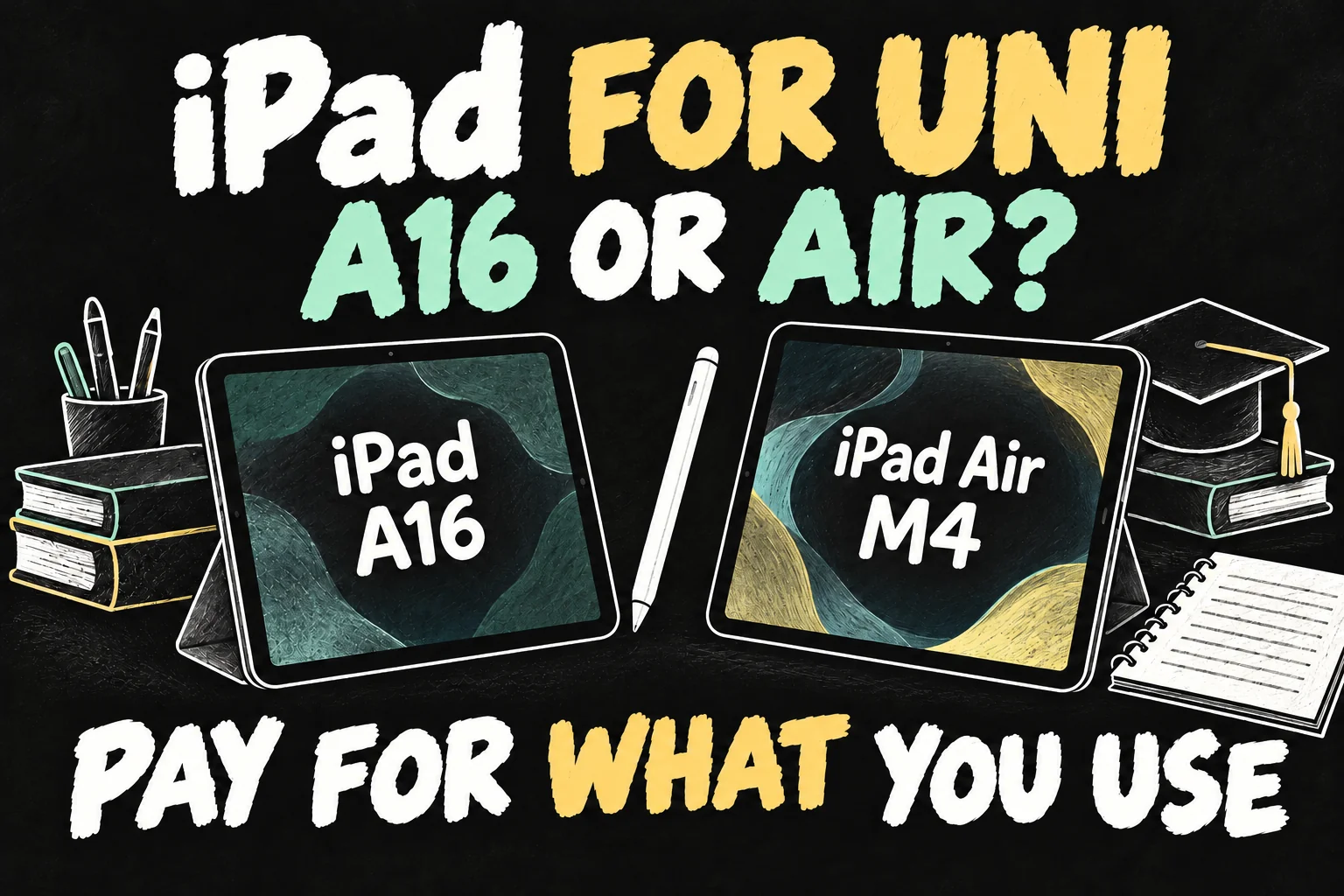
An iPad for university does not need to be an iPad Air. If you already have a suitable laptop and mainly want handwritten lecture notes, PDF annotation and reading, the iPad A16 is a sensible starting point. Pay more for the Air M4 when its laminated screen, Pencil Pro support, larger-screen option or demanding creative apps will improve the work you actually do. If this will be your only computer, check your course’s required software before choosing either.
This guide compares the iPad often called the 11th generation, officially sold as iPad (A16), with the current iPad Air (M4). It is a research-based buying guide, not a hands-on performance test. Australian education-store prices and official specifications were checked on 14 October 2026.
The short answer: which iPad for university should you buy?
- Lecture notes and PDFs, with a laptop already available: start with the iPad A16 and a compatible Pencil.
- Frequent drawing, editing or long handwritten study sessions: consider the Air if its screen and Pencil Pro features justify the price.
- One device for the whole degree: confirm software, exam and submission requirements first. A more powerful iPad cannot make an unavailable desktop app compatible.
For iPad A16 vs Air, the useful question is not which chip wins on paper. It is whether the extra money buys a capability or comfort improvement you will use every week.
iPad A16 vs Air: the student specs that matter
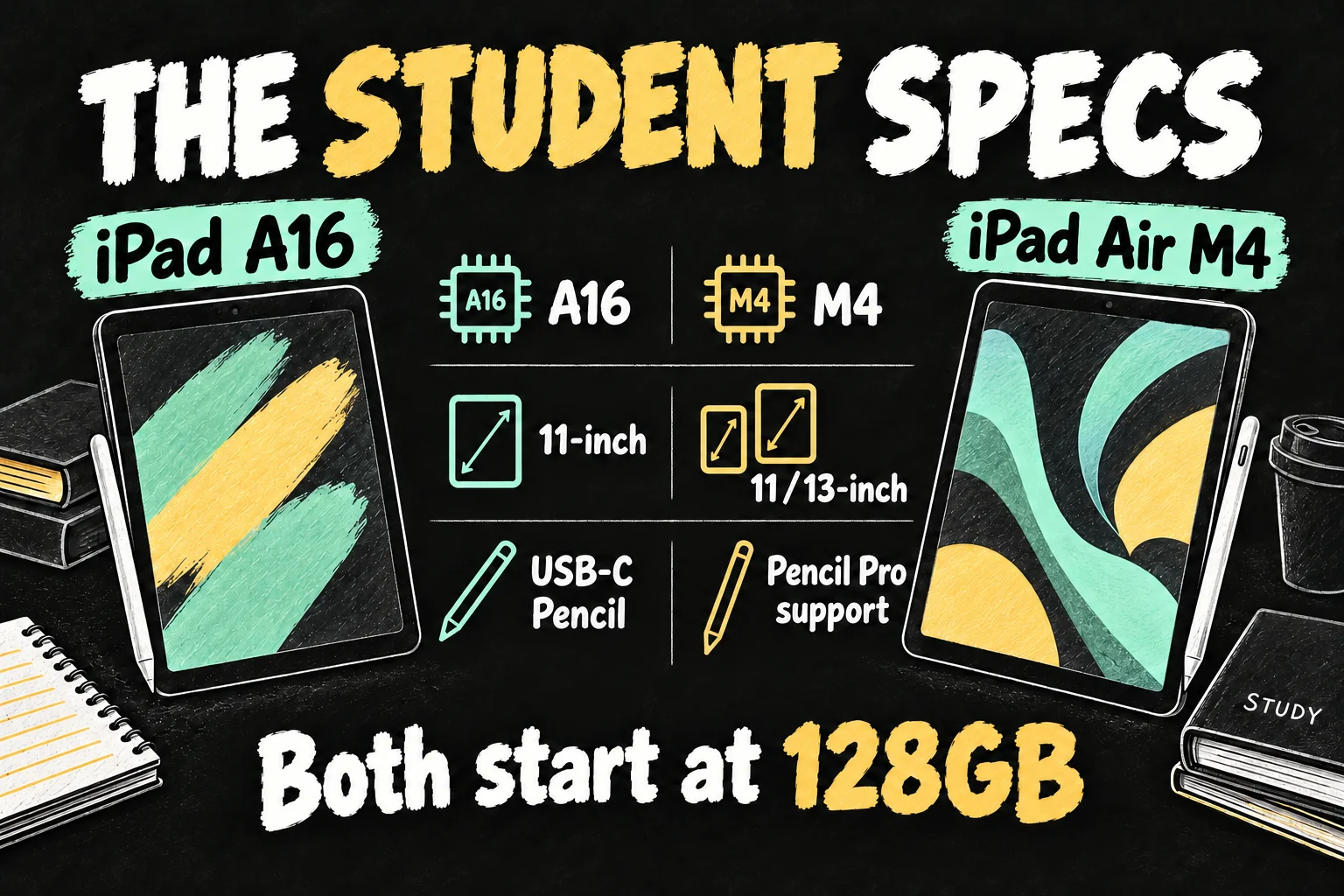
| Feature | iPad A16 / 11th generation | iPad Air M4 |
|---|---|---|
| Chip | A16 | M4 |
| Screen sizes | 11-inch | 11-inch or 13-inch |
| Display construction | Not fully laminated | Fully laminated; antireflective coating |
| Starting storage | 128GB; also 256GB and 512GB | 128GB; up to 1TB |
| Apple Pencil compatibility | USB-C or 1st generation; adapter needed for 1st generation | Pencil Pro or USB-C |
| Apple Intelligence | Not supported | Supported; feature and language requirements apply |
| USB data transfer | USB 2, up to 480Mb/s | USB 3, up to 10Gbps |
| Apple’s Wi-Fi battery rating | Up to 10 hours browsing or video | Up to 10 hours browsing or video |
The Air’s fully laminated display reduces the visible separation between the glass and the image underneath. That is a reason to try writing on both in a shop, not proof that the basic iPad cannot take good notes. Neither model offers ProMotion, so do not buy the Air expecting the Pro’s high-refresh-rate display.
Apple’s battery figures use particular browsing and video tests. They are not a guaranteed full day of your note-taking, calls and coursework, and they do not establish that the Air lasts longer.
Is the iPad A16 enough for note-taking and lecture PDFs?
For a student using an iPad for note-taking alongside a laptop, the A16 is a reasonable value choice. Its supported Pencil options allow handwriting and annotation without paying for an M-series chip. The laptop can remain your main device for long assignments and course-specific software.
Start with Apple Notes and Markup before buying a paid note-taking subscription. If you prefer an app such as Goodnotes, check its current device requirements, export options and pricing. A faster tablet cannot repair a workflow that leaves your notes trapped in a format you cannot submit or back up.
A practical study test is to import a lecture PDF, annotate it, search your notes, export the file and reopen it on your laptop. Also check how your chosen app handles offline files. This tells you more than assuming every student needs an Air.
You can use web-based research and AI services on supported apps or browsers without Apple Intelligence. The A16’s lack of Apple Intelligence therefore does not mean every AI tool is unavailable; each service has its own requirements and costs.
When is the iPad Air worth paying more for?
The Air is easier to justify when you can name the benefit. Pencil Pro’s magnetic pairing and charging reduce cable handling; squeeze, double-tap and other supported gestures can make repeated tool changes more convenient. These are useful improvements, but ordinary handwritten notes do not require them.
For illustration, the USB-C Pencil lacks pressure sensitivity, while Pencil Pro supports it. The A16 also supports the pressure-sensitive first-generation Pencil, with an adapter for pairing and charging. An art student should compare the whole drawing setup rather than assuming the cheapest iPad cannot draw.
The Air M4 offers more processing headroom and faster USB transfers for compatible creative work. Check the actual iPad versions of your editing or drawing apps, including the export features your assignments require. We have not measured completion times or promised a particular speed improvement.
The 13-inch Air adds room for dense readings and side-by-side work, but costs more and takes more space in your bag. The 11-inch Air does not provide a dramatically larger page than the 11-inch basic iPad. Screen size and processor power solve different problems.
Australian student prices: compare the complete setup
For an iPad student discount Australia comparison, use the current Education Store rather than an old launch-price article. The following are Australian education prices in A$, including GST, for Wi-Fi models, checked on 14 October 2026.
| Setup | iPad and Pencil | Total |
|---|---|---|
| A16, 128GB + USB-C Pencil | A$719 + A$119 | A$838 |
| A16, 256GB + USB-C Pencil | A$919 + A$119 | A$1,038 |
| 11-inch Air M4, 128GB + USB-C Pencil | A$1,169 + A$119 | A$1,288 |
| 11-inch Air M4, 128GB + Pencil Pro | A$1,169 + A$199 | A$1,368 |
| 11-inch Air M4, 256GB + Pencil Pro | A$1,369 + A$199 | A$1,568 |
With the same USB-C Pencil, the 128GB Air setup costs A$450 more than the basic iPad setup. Choosing Pencil Pro increases that difference to A$530. These are different accessory configurations, so do not attribute the entire second difference to the tablet itself.
Apple’s education-priced Magic Keyboard Folio for the A16 is A$359; the 11-inch Air’s Magic Keyboard is A$419. Adding them brings the first and fourth setups to A$1,197 and A$1,787 respectively. A separate Bluetooth keyboard or existing laptop may be a better use of your budget; the Apple keyboards are optional.
Education pricing has eligibility conditions. Apple’s Australian policy includes students aged 18 or over studying at or accepted into an eligible Australian institution, and certain parents and educators; evidence may be required. An iPad student discount Australia offer does not apply automatically to every shopper. Compare eligible education pricing with live retailer offers, and do not assume a seasonal gift-card promotion is currently running.
Choose storage by files, not by your degree title
128GB can be enough for notes and PDFs if you manage downloads and keep backups. Choose 256GB when you expect substantial offline lecture videos, large creative projects or many applications. There is no universal amount of storage a medicine or law student must buy.
Our price table exposes a useful trade-off: the A16 with 256GB and USB-C Pencil costs A$250 less than the Air with 128GB and the same Pencil. Extra storage may be more useful than the stronger chip if large offline files are your real constraint. Conversely, buying more A16 storage will not add Pencil Pro or Apple Intelligence support.
Cloud storage can help organise files, but it does not increase the tablet’s built-in capacity or guarantee offline access. Budget for any subscription you need and keep a second copy of important notes.
Match the choice to your coursework
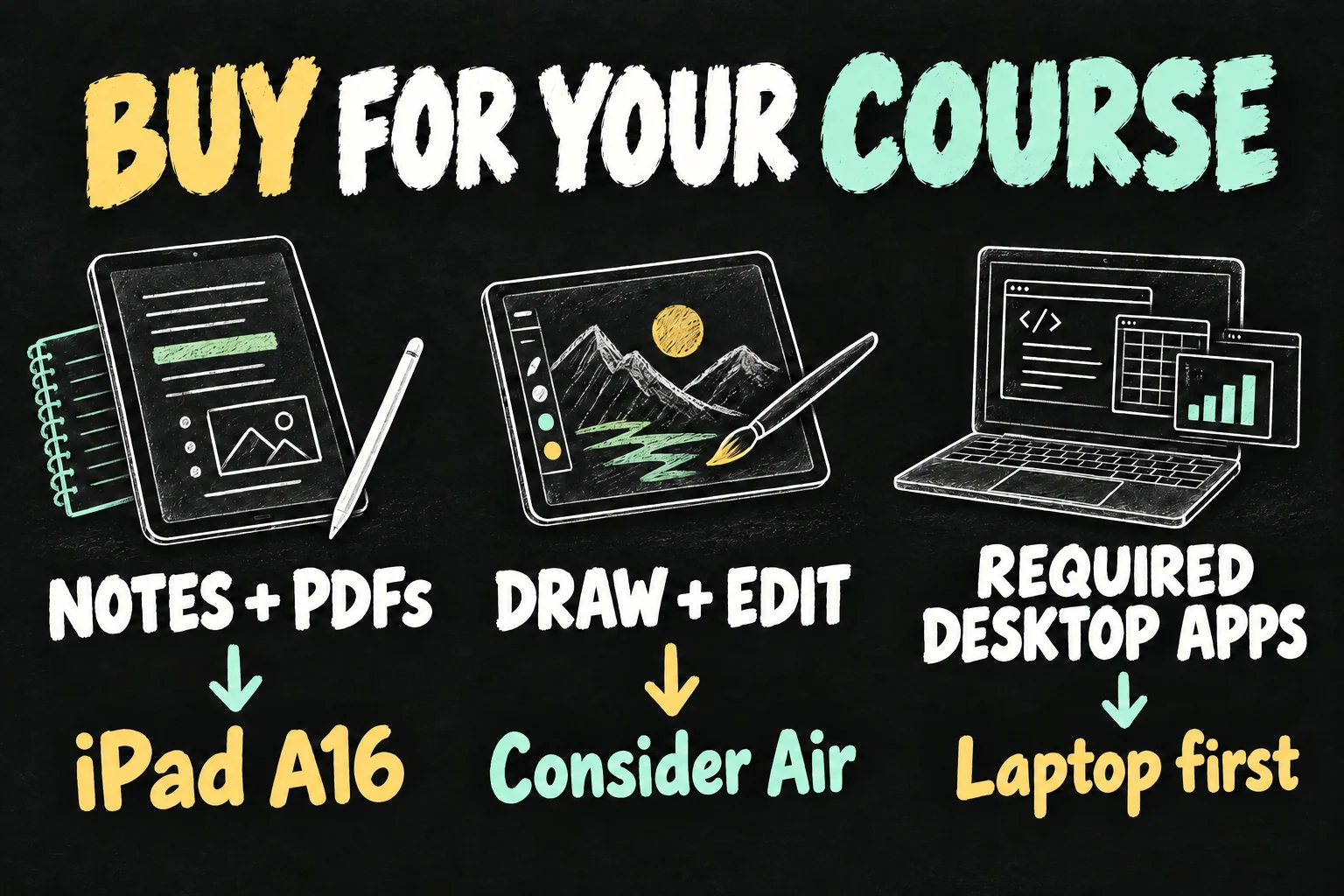
Reading-heavy courses: for law, humanities or similar subjects, an iPad for note-taking and annotation can complement a laptop well. Consider Air comfort or the 13-inch screen if you will use it extensively; the subject name alone does not demand M4.
Medicine and science notes: handwritten diagrams can make a tablet useful, but the decision still comes down to your files, app requirements and study routine. Start by testing typical slides rather than spending more because another student recommends a specific model.
Design and media: check pressure sensitivity, supported creative apps and required delivery formats. The Air may be worthwhile here, although a required desktop workflow still needs a compatible computer.
Engineering, computing and data-heavy work: ask the course coordinator which operating systems and software versions are required. Full Xcode, for example, lists macOS system requirements. Buying an Air with an M-series chip does not turn iPadOS into macOS.
Can an iPad replace your university laptop?
Before buying an iPad for university as your only computer, test a complete assignment: open the source material, edit, export, submit through the learning platform and reopen the result. Include any required referencing, spreadsheet, lab, programming or exam software. Ask your university about assessment-device requirements rather than assuming a mobile app is equivalent.
A keyboard changes how you type, not which operating system the device runs. If you already own a suitable laptop, you can keep the iPad budget focused on notes. If you do not, securing the required computer comes first.
For the setup steps and checks, see our guide to using an iPad as a laptop and testing the full workflow.
My recommendation: choose the A16 when you want a dependable digital notebook beside a laptop. Choose the Air when its screen, Pencil Pro or creative capabilities have a clear weekly purpose. For iPad A16 vs Air, spend on the limitation you actually have, rather than the most expensive model you can stretch to.
FAQ
Is the 11th-generation iPad enough for university?
The iPad A16 is a sensible choice for notes, reading and PDFs alongside a suitable laptop. Check specific course and app requirements before treating it as your only computer.
Does an iPad for note-taking need Pencil Pro?
No. USB-C Pencil covers ordinary handwriting and annotation. Pencil Pro adds supported gestures, pressure sensitivity and magnetic charging, but it does not work with the A16 iPad.
Should I get the Air for smoother 120Hz handwriting?
Neither the A16 nor Air has ProMotion. Try both screens if writing feel matters; the Air’s laminated display and Pencil options are different benefits from a high refresh rate.
Sources and Reading Notes
Apple Australia: iPad A16 and iPad Air M4 technical specifications and model comparison. Apple Pencil feature comparison and compatibility. Apple Australia Education Store: iPad, iPad Air, USB-C Pencil, Pencil Pro, Magic Keyboard Folio and 11-inch Air Magic Keyboard pricing; education sales policies. Apple Developer: Xcode SDK and system requirements. Checked 14 October 2026.
Recommendations are editorial analysis of published specifications and study workflows, not personal benchmark results. App support, course requirements and prices can change. Illustrations are AI-generated explanations, not official product photographs.
Prefer reading about Apple in Korean?
 Apple-worldApple news, tips and buying guides in Korean.blog.naver.com/apple-world ↗