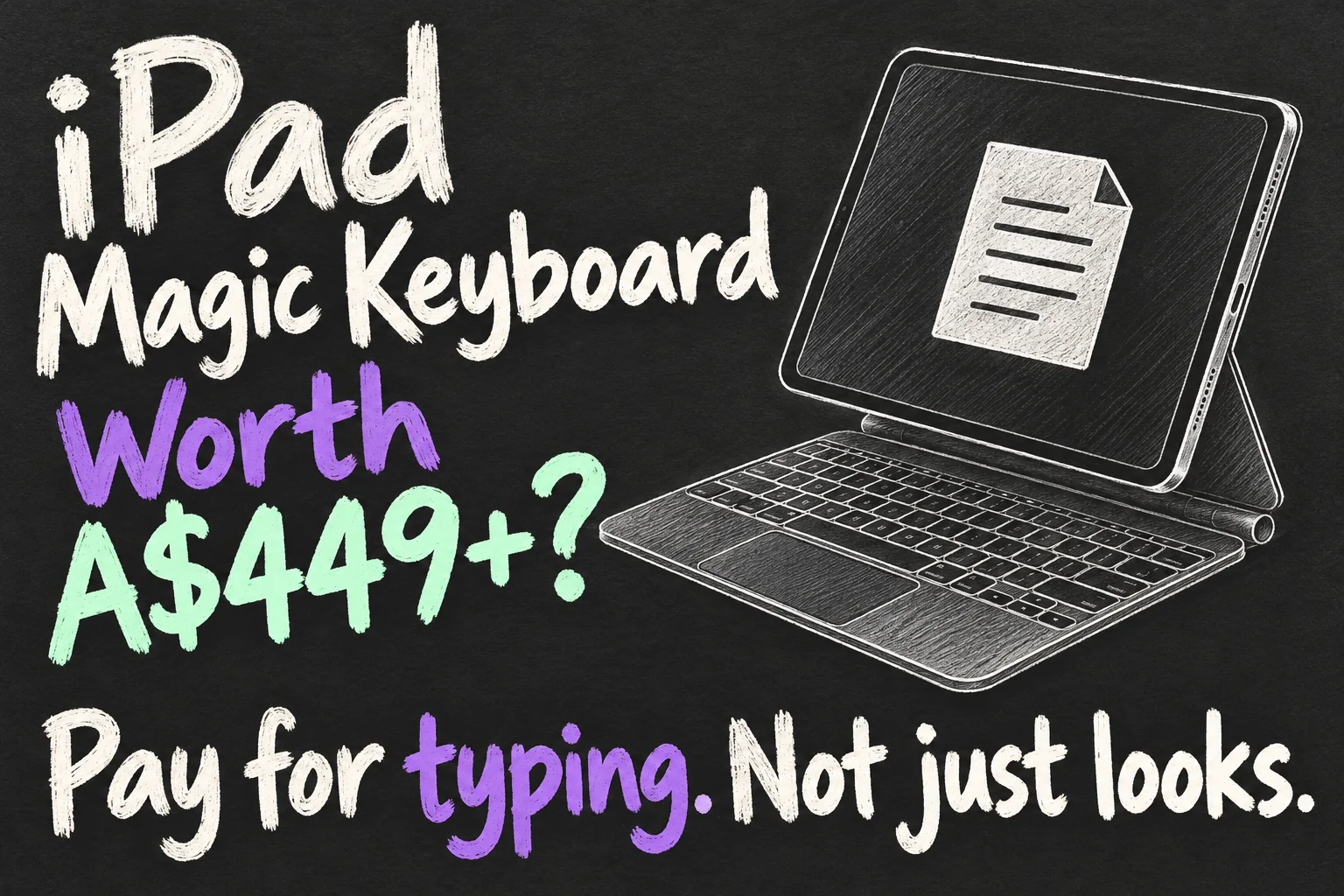
The iPad Magic Keyboard is worth considering if you regularly write, edit documents or work with a pointer on your iPad. It is harder to justify for occasional emails, handwritten notes and streaming. At A$449 for the current 11-inch Air version or A$499 for the 11-inch Pro version, you are paying for a convenient keyboard-and-trackpad setup, not software that turns an iPad into a Mac.
Before buying, answer two questions: can your iPad already complete your work, and will you use the keyboard often enough? Then check compatibility. The Air, Pro and base-iPad keyboards are different products, even when their names or screen sizes sound similar.
Checked 18 October 2026. Research-based buying guide using Apple Australia and Logitech specifications. This is not a hands-on review. Prices are Australian retail listings; offers and compatible models can change.
iPad Magic Keyboard prices: which version are you buying?
| Current keyboard | AU price checked | Compatible iPads |
|---|---|---|
| Magic Keyboard for 11-inch iPad Air | A$449 | 11-inch Air M2, M3 and M4; Air 4th and 5th generation. |
| Magic Keyboard for 11-inch iPad Pro | A$499 | 11-inch Pro M4 and M5. Not the older 11-inch Pro models. |
| Magic Keyboard Folio | A$399 | iPad A16 and iPad 10th generation. Different kickstand design. |
These are keyboard-only prices, not iPad bundles. The 13-inch versions have their own prices and compatibility lists. Go to Settings → General → About → Model Name, then match the exact iPad and size to the listing. A same-size Pro keyboard is not a substitute for an Air keyboard.
Older discounted stock can be good value, but identify the generation before comparing features. Do not assume an older Magic Keyboard has the function row or trackpad features described for today’s Pro accessory. For used purchases, check the hinge, all keys, trackpad and connector with your own iPad if possible.
What does the iPad Magic Keyboard actually add?
The useful part of the iPad Magic Keyboard is reducing setup friction: attach the compatible iPad, type and use the trackpad without a separate Bluetooth pairing routine. The cantilever support keeps the display above the keys, and you can lift the tablet away when you want touch or Pencil input.
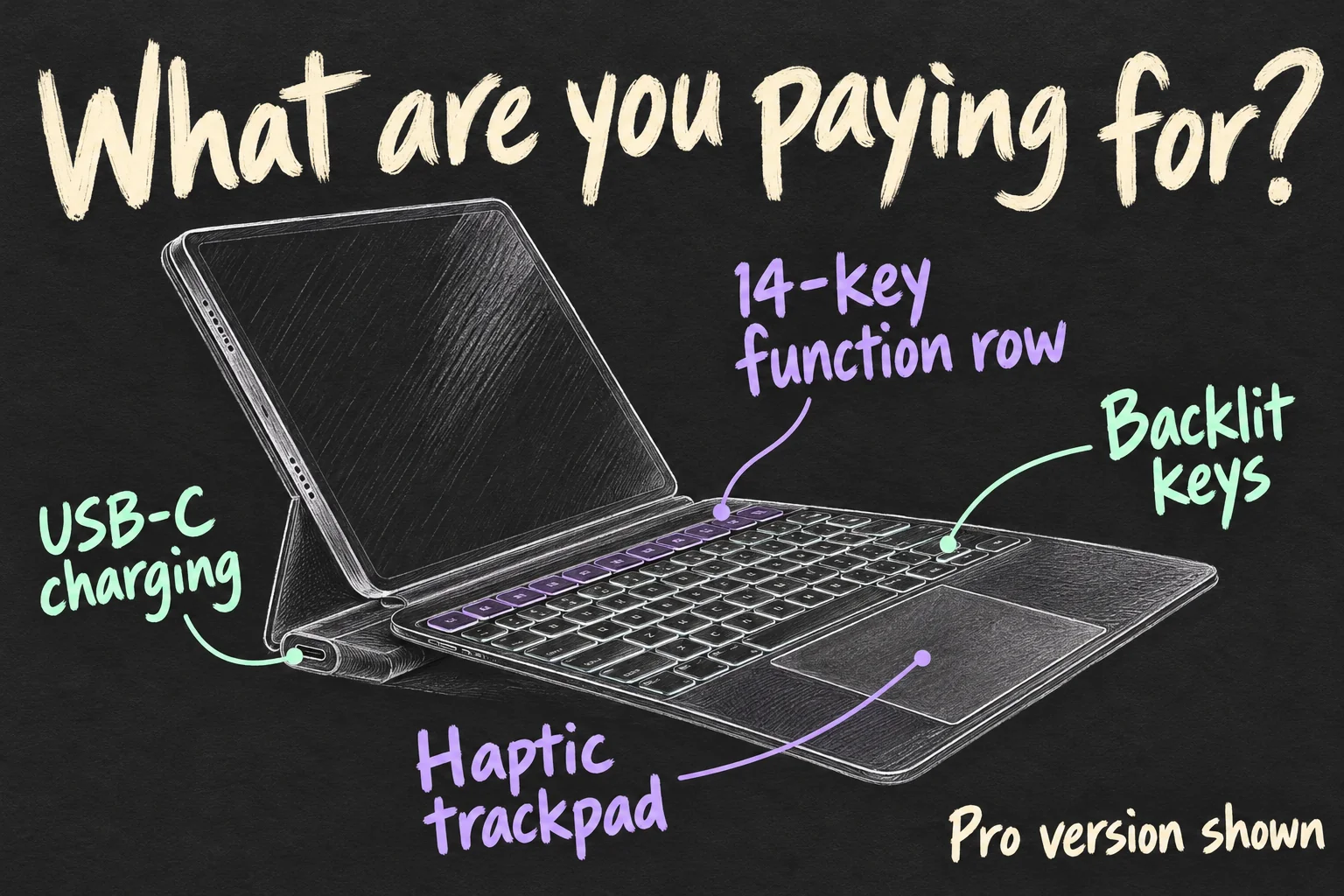
Current Air and Pro versions both have a 14-key function row and USB-C pass-through charging. Charging through the keyboard leaves the iPad’s own port available for accessories. Treat the keyboard connector as a charging feature, rather than assuming it is an extra hub port for storage or a monitor.
The current Pro accessory adds an aluminium palm rest, backlit keys and a haptic glass trackpad. Apple’s current Air listing describes a large glass trackpad but does not advertise the Pro’s haptic feedback. Read the specifications for the accessory you are buying rather than applying every Pro feature to the whole range.
Who gets enough value from the iPad Magic Keyboard?
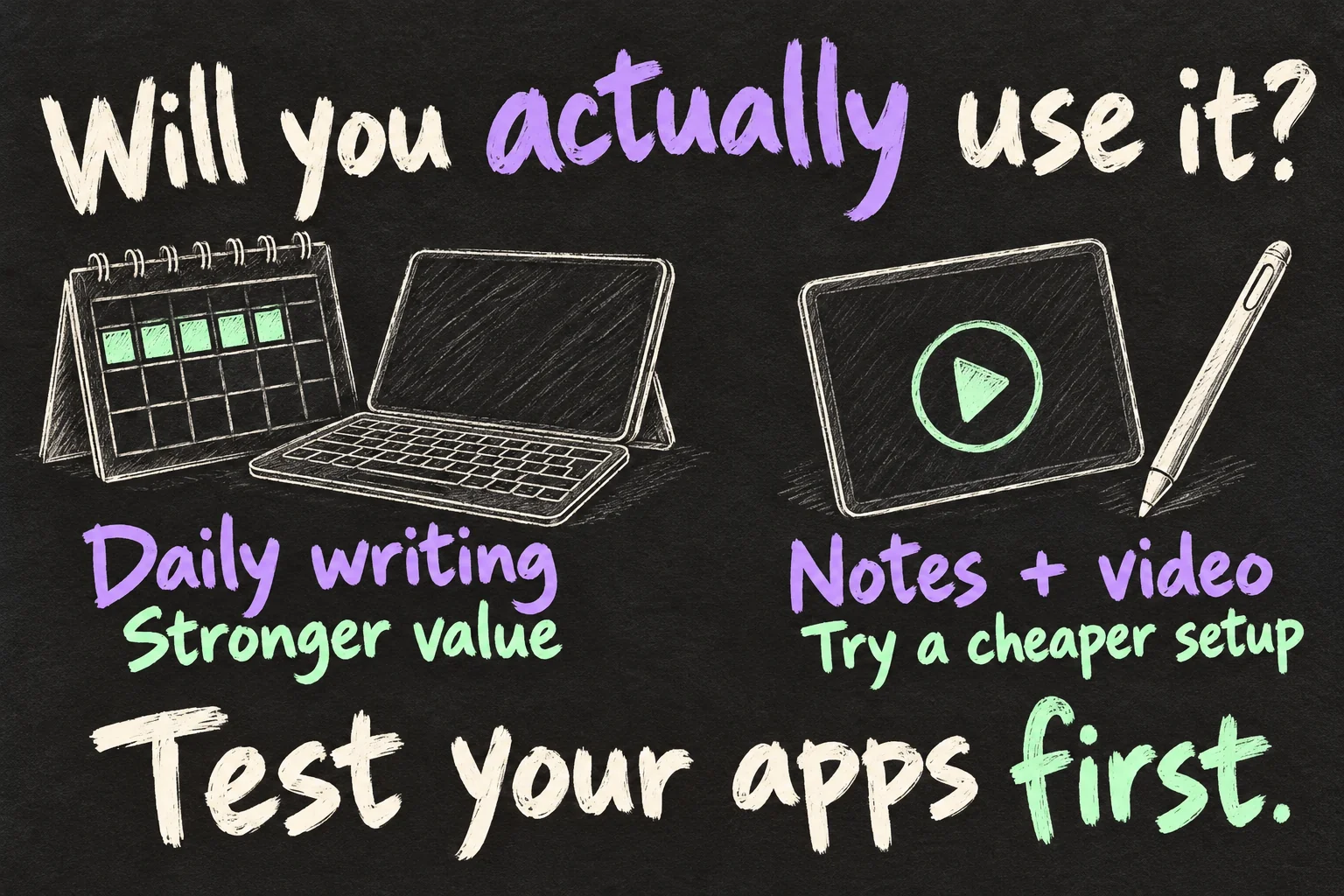
For a writer, student or traveller who already prefers working on an iPad, the case can make regular typing and text selection more convenient. The value comes from tasks completed: drafting an assignment, replying to a batch of emails or editing a document without continually reaching for the screen.
Try an illustrative cost-per-use check. Keep the A$449 Air keyboard for two years and use it three days each week: A$449 ÷ 312 use-days is roughly A$1.44 per day used. Use it only once each week and the same calculation is about A$4.32 per use-day. These are assumptions, not savings, resale forecasts or a promise that the keyboard lasts a particular period.
That does not make an expensive accessory automatically affordable. It shows why the same Magic Keyboard for iPad Air can be sensible for a frequent typist and poor value for someone who opens it twice a month. If you already carry a laptop for every serious task, consider whether you would be paying for a second setup that rarely leaves the bag.
When should you skip the iPad Magic Keyboard?
Skip it initially if most of your time goes to Pencil notes, reading or watching video. The Air and Pro cantilever designs do not fold into a flat drawing folio; plan to detach the iPad for that kind of use. Once removed, the keyboard is not protecting the tablet. Front-and-back coverage when closed should not be confused with a rugged bumper case.
Also consider total bag weight and the surfaces you use. A tablet plus keyboard is heavier than the tablet alone. Test the assembly on a small desk and on your lap instead of assuming every size feels like a laptop. We have not weighed the current combinations or measured their stability.
Most importantly, a keyboard does not install macOS or the desktop version of an app. Test your actual workflow: open a document, make the necessary edits, export it and submit it in the required format. If a course or job needs desktop-only software, buying a premium keyboard will not remove that requirement.
Our five-step guide to using an iPad as a laptop walks through the work to test before replacing a computer. That check should come before choosing an expensive accessory.
Magic Keyboard vs Logitech Combo Touch: what changes?
The Magic Keyboard vs Logitech Combo Touch decision is about design as well as price. Logitech’s Australian Air page listed A$319.95–A$369.95 across its variants when checked. Match the exact model and configuration before calculating a saving.
| Option | Main advantage | Trade-off to check |
|---|---|---|
| Apple Air / Pro Magic Keyboard | Cantilever support and easy removal of the tablet. | Premium cost; tablet is uncovered when removed. |
| Logitech Combo Touch | Detachable backlit keyboard, kickstand and case covering the tablet. Smart Connector connection. | Extended kickstand needs space behind the screen; check the exact compatible variant. |
| Bluetooth keyboard + stand | Useful starting point for occasional desk typing, especially if you already own them. | Separate items, pairing and keyboard power management; add a pointer if needed. |
Combo Touch is not simply a cheap Bluetooth imitation: Logitech confirms Smart Connector power and connection for the supported models. Its detachable keyboard can suit a mixture of typing and reading. The kickstand needs room, so try it on a shallow desk before deciding that lower price equals better value.
Before buying an iPad Magic Keyboard for occasional typing, first try a Bluetooth keyboard you already own with a stable stand. If that solves the problem, the premium case may add convenience rather than an essential capability. If carrying separate pieces is precisely what stops you working, an integrated case becomes easier to justify.
iPad Magic Keyboard: 5 checks before buying
- Match the model: iPad name, generation and screen size.
- Finish a real task: test the apps, export and submission workflow.
- Try the physical setup: keys, pointer, lap balance and desk depth.
- Compare total cost: keyboard, iPad, Pencil or case only where you need them.
- Check the seller: exact accessory generation, condition and return terms.
Choose the iPad Magic Keyboard when it removes a problem you encounter regularly. Choose an alternative, or wait, when the attraction is mainly the appearance of a laptop setup. For an existing compatible iPad, the decision is the accessory’s added benefit; for an entirely new setup, compare the full bundle with a laptop that can run your required software.
FAQ
Q. Is the Magic Keyboard for iPad Air worth it for university?
It can be for frequent typed work if your course’s apps work on iPad. For mostly handwritten notes with a laptop already available, a simpler case or occasional keyboard may offer better value.
Q. Will an 11-inch iPad Pro Magic Keyboard fit an 11-inch Air?
Do not buy on size alone. The current Pro accessory lists M4 and M5 Pro compatibility, while the Air accessory has a separate supported-model list. Check the exact product listing.
Q. Does it need Bluetooth pairing or separate charging?
The compatible iPad keyboard cases discussed here connect through Smart Connector. The standalone Magic Keyboard sold for Mac is a different product, with different power and connection arrangements.
Q. Is a cheaper keyboard always a bad idea?
No. A basic keyboard can handle occasional typing, and Combo Touch offers a different case design. Compare the trackpad, connector, stand and exact model instead of judging only by the price.
Sources and Reading Notes
Apple Australia: iPad Keyboards overview and current 11-inch Air, 11-inch Pro and Magic Keyboard Folio product listings, checked 18 October 2026. Used for local prices, advertised features and model compatibility. Logitech Australia: Combo Touch for iPad Air listing; Logitech product announcement, used for variant pricing, detachable design and Smart Connector connection.
Search comparison reading included DODOcase and MOFT guides, both accessory sellers, and Dave Meikleham’s Tom’s Guide opinion dated 30 April 2023. Their perspectives informed the questions to investigate; older keyboard features, overseas prices and individual experiences are not treated as measurements of current models. No hands-on testing or affiliate relationship is claimed.