
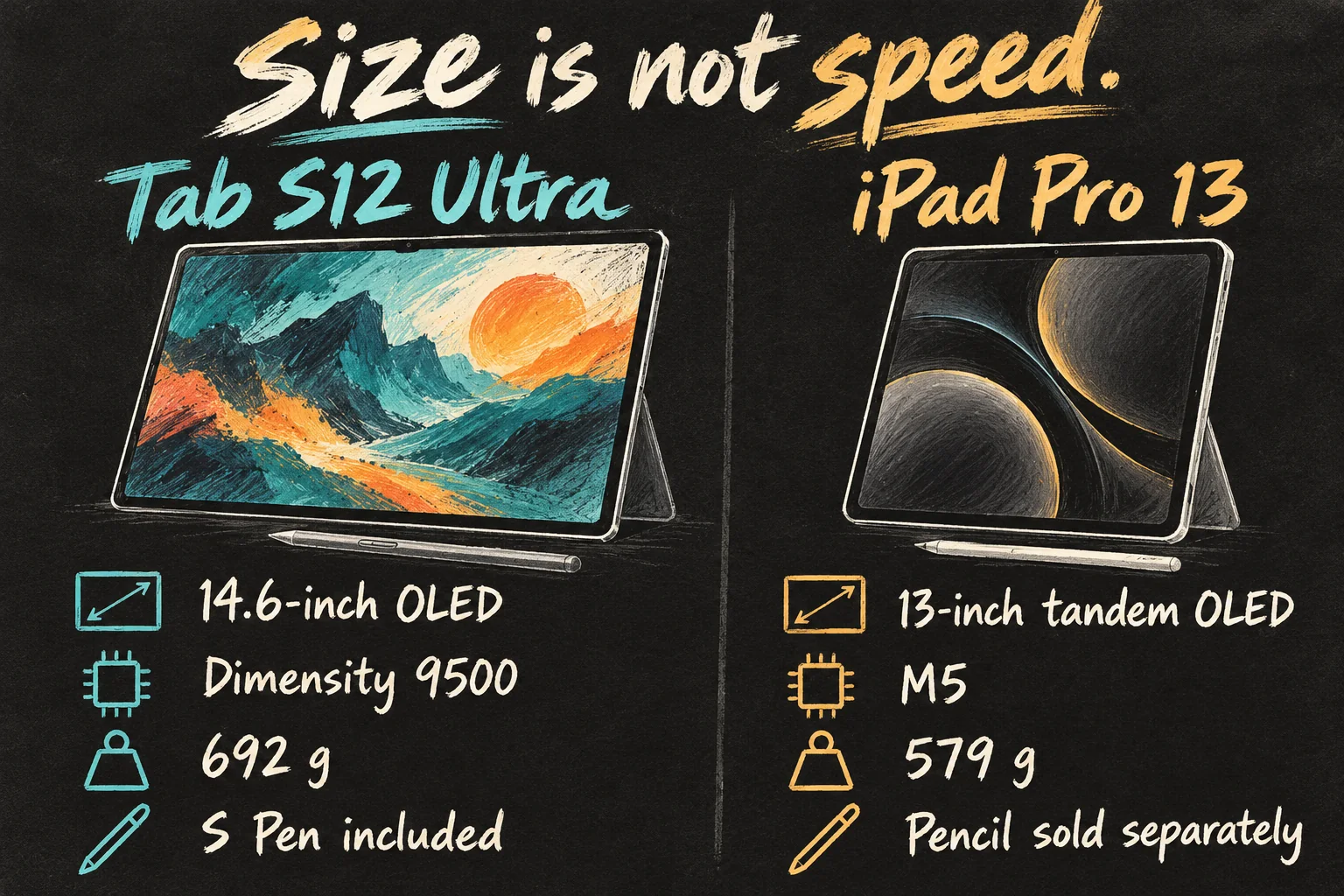
The Tab S12 Ultra vs iPad Pro decision comes down to usable workspace versus processing headroom. Published comparison tests favour the M5 iPad Pro for demanding CPU and graphics work. Samsung’s Galaxy Tab S12 Ultra counters with a wider 14.6-inch canvas, an included S Pen and expandable storage. For notes and documents, those practical advantages may matter more than a benchmark lead.
Australian availability matters: Samsung announced local availability from 22 October 2026, starting at A$2,299. Its Australian product page still displayed Coming soon when checked on 19 October. This is a comparison of announced specifications and published testing, not a claim that every local store already has stock.
Checked 19 October 2026. We compare the 14.6-inch Galaxy Tab S12 Ultra with the 13-inch M5 iPad Pro. We have not personally benchmarked either tablet. Prices are Australian advertised consumer prices; accessories, storage and connectivity affect the final bill. Illustrations are AI-generated concepts, not official product photographs.
Tab S12 Ultra vs iPad Pro: the essential specs
| What matters | Galaxy Tab S12 Ultra | 13-inch iPad Pro M5 |
|---|---|---|
| Processor | MediaTek Dimensity 9500 | Apple M5 |
| Display | 14.6-inch Dynamic AMOLED 2X; 2960 × 1848; 120Hz | 13-inch tandem OLED; 2752 × 2064; 10–120Hz ProMotion |
| Base memory / storage | 12GB / 256GB | 12GB / 256GB; 9-core CPU |
| Higher configurations | Up to 16GB / 1TB | 1TB and 2TB: 16GB and a 10-core CPU |
| Wi-Fi model weight | 692g | 579g |
| Pen | S Pen included | Apple Pencil sold separately |
| Expandable storage | microSD up to 2TB; card extra | No microSD slot |
| Starting Australian price | A$2,299 announced | A$2,599 shown by Apple AU |
The iPad Pro M5 name does not describe one identical configuration: Apple gives the 1TB and 2TB models an extra CPU core and more memory. If a review tests the top model, do not assume its exact result applies to the cheapest version. Likewise, compare Wi-Fi with Wi-Fi rather than mixing in a cellular price.
1. Performance: the M5 leads, but ask what it saves you
PhoneArena’s published head-to-head comparison lists the following results. These are the publisher’s measurements, not ours. Higher scores are better within each test; they are not frame rates or minutes saved on your own project.
| Published test | Tab S12 Ultra | iPad Pro 13-inch M5 |
|---|---|---|
| Geekbench 7 single-core | 2,782 | 3,593 |
| Geekbench 7 multi-core | 9,407 | 15,022 |
| 3DMark Wild Life Extreme — high | 7,507 | 8,881 |
| 3DMark Wild Life Extreme — low | 5,331 | 6,860 |
Source: PhoneArena, comparison dated 9 October 2026, checked 19 October. The high/low graphics figures are published stress-test results, not guaranteed gaming performance. The comparison does not make every test configuration, app version or environmental condition clear enough to promise the same scores for a base model. Its overview also contains an inconsistent Samsung chip label; we use Samsung’s official Dimensity 9500 specification.
The useful conclusion is more CPU and GPU headroom on the iPad, rather than a universal speed multiplier. That can matter when your supported editing app repeatedly renders effects or exports demanding projects. For reading a PDF, handwriting a lecture note or switching ordinary browser tabs, the same score gap does not establish an equally large difference in the time it takes to finish.
For gaming, check the actual game, graphics preset, frame-rate cap and a sustained session. Cross-platform versions can expose different settings. Do not buy either tablet expecting a benchmark table to guarantee a particular frame rate, controller feature or game library.
2. Screen and portability: more room has a carrying cost
The Galaxy Tab S12 Ultra gives you a broad landscape workspace. A reference PDF beside notes is an obvious use for it; a wide video can also make better use of that shape. The iPad’s more square panel can suit portrait documents and a drawing canvas. These are layout choices, not proof that one display is better at every task.
Both manufacturers advertise OLED-class displays and peak brightness up to 1,600 nits, but peak brightness is not a promise of that output across every scene. Samsung distinguishes peak output from High Brightness Mode; Apple specifies HDR peak conditions. Compare readability and reflections in your own environment instead of treating one headline brightness number as a complete display test.
The Wi-Fi Ultra is 113g heavier than the 13-inch iPad before a case or keyboard is attached. More importantly, check the footprint: will it sit on your lecture desk, fit your bag and feel comfortable when held away from a table? A display that works beautifully on a stand can be an awkward everyday handheld device.
3. Productivity: choose the app before the tablet
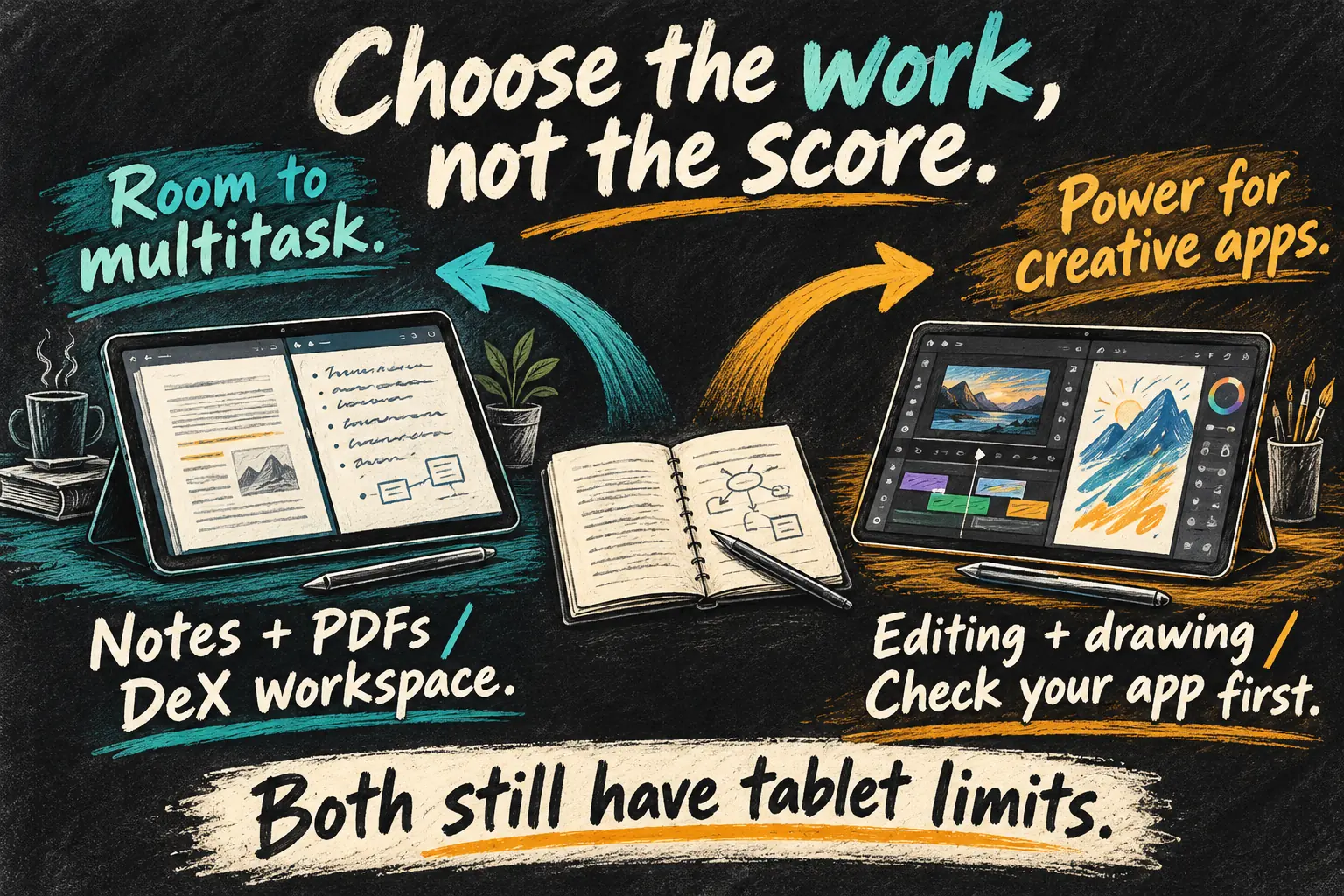
Samsung DeX offers a desktop-style workspace, but it still runs Android software. The S12 Ultra’s official page describes up to four workspaces, with app support and licensing caveats. That can help organise research, messages and notes; it does not install your Windows or macOS programs.
The iPad Pro M5 similarly needs an iPad-compatible workflow. A faster chip cannot fix a missing plug-in, an unsupported file format or a feature that exists only in a desktop edition. Before switching platforms, list the three apps you use most and test the specific actions that make them essential.
Do not assume Samsung has no creative apps: its launch materials include Photoshop, LumaFusion and drawing and note-taking options. Nor should you assume an app with the same name has identical features on Android and iPad. Check layers, export settings, fonts, cloud sync and subscription access using a representative project.
A useful shop test is simple: open a real document, annotate it, place a second app beside it, attach a file to an email, then export the result to the place you normally store it. If a laptop replacement is the goal, our iPad work setup guide explains the wider workflow checks. Needing a desktop for one critical task can outweigh several convenient tablet features.
4. Battery: the advertised hours are not a fair race
Samsung advertises up to 23 hours of video playback; Apple lists up to 10 hours of web use or video over Wi-Fi. Those are different manufacturers’ tests. Samsung’s notes describe a local 720p video workload and other test conditions. The figures do not establish that its tablet lasts 2.3 times as long in your editing or study routine.
PhoneArena’s comparison also produces different winners for browsing and gaming, rather than one universal battery winner. Treat that as a reason to match a test to your activity. Screen brightness, Wi-Fi or mobile data, video calls, game settings and background syncing can change the result.
For a day of classes, decide whether your real workload is mostly handwritten notes, streaming lessons or long video calls. Check access to charging at your desk and add the right charger to the budget. A large battery capacity alone does not tell you how long a completed workflow will run.
5. Australian value: add the pen and keyboard
Apple’s live Australian store showed the 13-inch M5 iPad Pro from A$2,599 on 19 October. Samsung announced the Ultra from A$2,299 for its local launch. These are not trade-in or education offers, and Samsung’s announced price is not a claim of an orderable in-stock unit today.
| Starting setup | Galaxy Tab S12 Ultra | 13-inch iPad Pro M5 |
|---|---|---|
| Tablet | A$2,299 announced | A$2,599 |
| Pen option used here | Included S Pen | Apple Pencil Pro: A$219 |
| Tablet + those pen options | A$2,299 | A$2,818 |
| Keyboard / trackpad | Extra; obtain a current quote | Extra; obtain a current quote |
That makes the illustrated pen-equipped iPad setup A$519 more before keyboards. It is arithmetic, not a statement that the pens have identical functions. The iPad also supports Apple Pencil (USB-C), a different accessory with different features. Choose the pen you actually need before comparing final totals.
Then add a compatible keyboard, protection, any charger you lack, storage accessories and app renewals. Trial subscriptions are temporary benefits, not permanently free software. Samsung’s card storage is useful for files, but removable storage is not a substitute for every app’s internal-storage or speed requirement. For keyboard-heavy work, read our tablet productivity checklist before paying laptop-level money.
Which one should you choose?
Choose the Galaxy Tab S12 Ultra if a wide notes-and-PDF workspace, the included pen and media or file storage are the reasons you want a tablet. Check the physical size and your Android app workflow first. Samsung’s local release is scheduled for 22 October, so confirm delivery and availability when ordering.
Choose the iPad Pro M5 if the creative apps you depend on are best suited to iPad, demanding processing is a recurring task, or lower tablet-only weight matters. Check the storage configuration behind any benchmark and allow for the pen and keyboard bill.
For the Tab S12 Ultra vs iPad Pro choice, our buying priority is essential apps → completed workflow → comfortable screen size → full setup cost → benchmark headroom. If the job is mainly reading and basic notes, neither flagship should be an automatic purchase. Try a less expensive model before paying for power your work does not use.
FAQ
Q. Is the Galaxy Tab S12 Ultra already available in Australia?
Samsung announced availability from 22 October 2026. On our 19 October check, its Australian product page said Coming soon. Overseas reviews and launch dates do not prove that an Australian unit is ready for delivery.
Q. Is the Galaxy Tab S12 Ultra faster than the iPad Pro?
The published PhoneArena CPU and graphics results above favour the M5 iPad Pro. That does not make every app action faster by the same percentage, and it does not replace sustained testing of your own workload.
Q. Is an S Pen included, and does the iPad include a Pencil?
Samsung lists an S Pen in the Ultra’s box. Apple Pencil is a separate purchase for the iPad Pro; verify compatibility and choose between supported Pencil models according to the features you need.
Q. Can either tablet replace a university laptop?
It depends on required software, file handling and peripherals. Check course-specific programs and exam requirements before buying. A desktop-style interface or a faster chip cannot supply an unsupported desktop application.
Sources and Reading Notes
Samsung Australia Newsroom, 30 September 2026: Galaxy Tab S12 series announcement, local availability, announced pricing and specifications. Samsung Australia’s SM-X940 256GB Wi-Fi product page: dimensions, S Pen, storage, DeX, app and battery conditions. Apple Australia: iPad Pro technical specifications, live store configuration prices and Apple Pencil Pro listing. Checked 19 October 2026.
PhoneArena’s 9 October 2026 comparison supplies the clearly attributed CPU and graphics figures and workload-specific battery observations. TechRadar’s launch hands-on discussion was reviewed for the workspace, portability and accessory-cost trade-offs. The Engadget comparison was reviewed as search benchmarking material, not used as an independent source of laboratory measurements here. Our recommendations are an analysis of those materials, not hands-on testing.