To get an Apple education discount in Australia, use the Australian Education Store, check that you qualify and complete the required UNiDAYS verification before checkout. Eligible buyers include university students, certain educators and parents buying for eligible students. The reduction depends on the product, so compare the final configuration rather than assuming everything is 10% off.
This guide separates eligibility, verification and the buying decision. You will know what to prepare, how to shop online or in an Apple Store, and which apparent savings deserve a second look. Apple and UNiDAYS information was checked on 22 October 2026; displayed prices and promotional terms can change.
Before you dive in
Who qualifies for an Apple education discount in Australia?
Apple’s Australian education sales policy sets out these main routes. Being interested in a course, owning an old university email address or buying a device for general family use is not, by itself, proof of eligibility.
| Buyer | Australian eligibility route |
|---|---|
| University student | Full-time or part-time, aged 18 or over, studying at or accepted into an accredited Australian university or another Apple-approved institution, with current student identification. |
| University educator or staff | Lecturer or staff member at an accredited Australian university. |
| School or other approved educator | Teacher or lecturer at an Apple-approved, registered education establishment in Australia. |
| Parent | Buying on behalf of a child attending or accepted into an eligible Australian institution. |
Purchases must be for personal, education or research use. If your situation is an English-language college, TAFE course or another institution outside the straightforward university route, ask Apple or UNiDAYS to confirm it. Do not assume that every course marketed to students has the same eligibility.
For international students, start with the institution and enrolment criteria above. A passport or visa alone does not establish academic status. If you are studying in Australia but your accounts or documents refer to another country, resolve that with the verification service before paying. This guide does not promise approval for every institution or account.
Apple student discount Australia: buy online in 5 steps
- Open the Australian Education Store. Look for Apple Store for Education in Australia, with the address apple.com/au-edu/store. Avoid accidentally comparing a US-dollar student price with an Australian retail price.
- Choose the device and the configuration you need. Record the screen size, chip, memory, storage and connectivity. Start with course requirements, not the largest advertised saving.
- Complete UNiDAYS verification when prompted. Use your genuine student or educator status and follow the supported verification route. Apple says verification is required to check out.
- Review the education price and the whole basket. Recheck optional software, accessories, cover and delivery. Compare that exact configuration with other legitimate Australian offers.
- Check collection or delivery and complete your order. Read the final price and terms before paying, then keep the invoice and order confirmation. An eligibility check is not a reason to skip the normal purchase review.
Apple says signing in with your Apple Account before verification can keep that verified status for an entire year. That is a verification convenience, not permission to ignore current eligibility or purchase limits. You do not need to find a generic coupon and apply another percentage to the education-store figure.
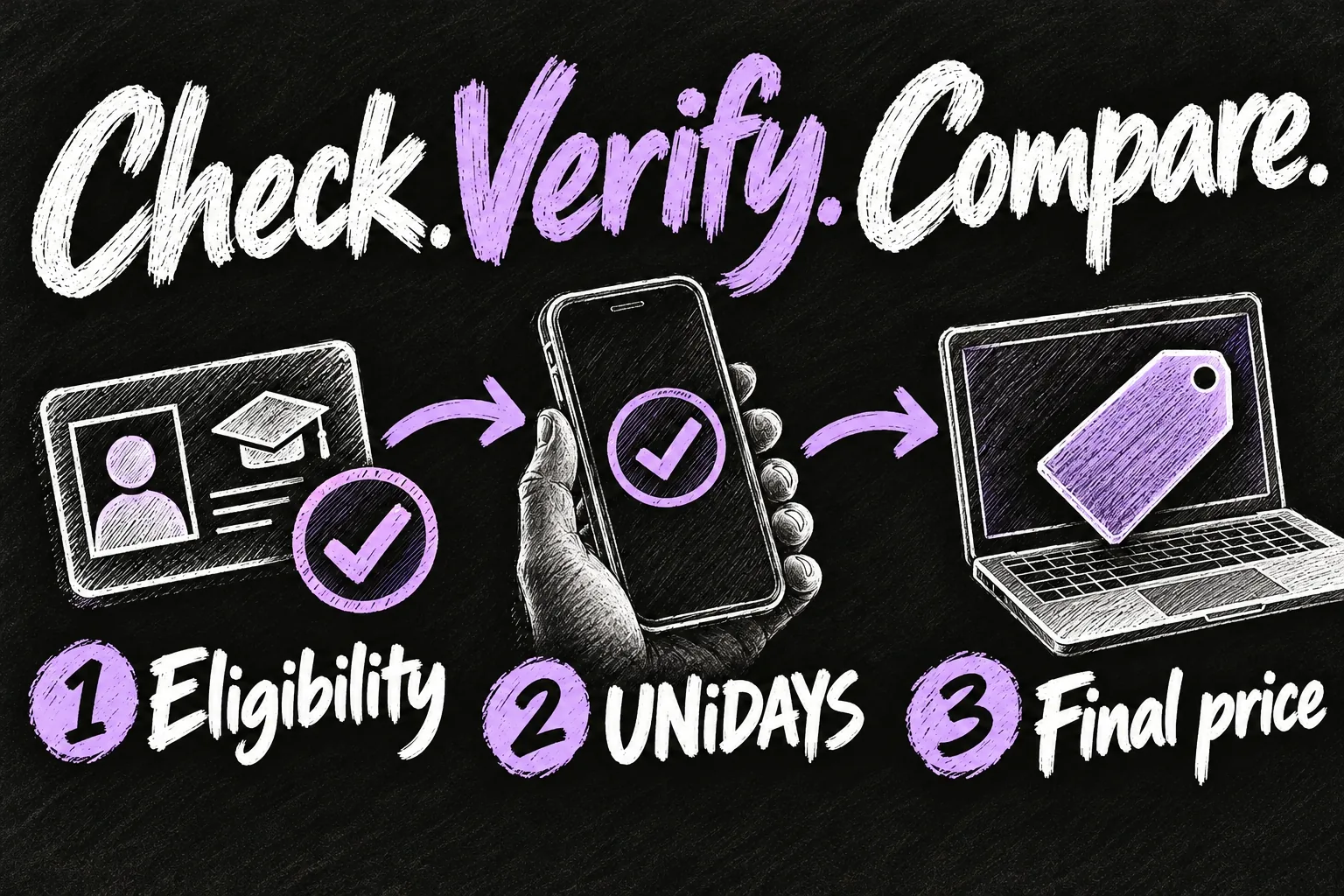
If you already have the regular Apple Store open, do not assume signing into an Apple Account alone switches the price. Compare the product in the education storefront and inspect the basket before checkout. A smaller number on an overseas page is not necessarily a cheaper Australian order.
UNiDAYS verification without a university email
No university email yet does not automatically mean you must wait until classes begin. UNiDAYS lists document verification for accepted students, including a current student ID or an admission/enrolment letter. Documents need your name, institution and current-year validity. Use the document types requested by the actual verification flow.
If the institution is missing, choose My school is not listed and follow the document route when offered. Educators should use the appropriate staff route. A parent can pay for an eligible student, but UNiDAYS says the student must verify before the transaction is completed.
Prepare this before a deadline. If verification fails, identify the stated problem first: institution, account type, document details or current status. Submit an appropriate correction through official support instead of repeatedly uploading the same incomplete document. Do not make a second purchase just to test whether another account gets through.
Can you use education pricing in an Australian Apple Store?
Yes. UNiDAYS describes showing your active UNiDAYS iD code or QR code to an Apple advisor, either through its app or mobile website. It also documents education purchasing through Retail Customer Care by phone. Bring your relevant academic evidence in case it is needed, rather than relying on someone else’s report that a store did not check.
For a Melbourne visit, finish verification before travelling and check the desired configuration’s availability. A verified discount does not mean your preferred colour, storage or customised Mac is on that store’s shelf. Ask the advisor to confirm the education price for your exact selection before making the payment.
Which Apple products get education pricing?
The Australian Education Store currently highlights Mac, iPad, Apple Watch, selected displays and accessories. AppleCare+ for a new Mac or iPad is advertised with education savings of up to 10%; that is a separate coverage offer, not a flat 10% hardware discount. Check the product page and cover selected at purchase.
For a useful starting reference, the storefront checked on 22 October lists MacBook Neo from A$899, MacBook Air from A$1,939, iPad from A$719 and Apple Watch SE 3 from A$369. These are advertised entry prices, not prices for every storage, screen or band combination. Seeing an iPhone or AirPods elsewhere on the same storefront is not proof that it has education savings.
Two examples show why a single percentage is misleading. The following are displayed Australian-dollar prices checked on 22 October 2026; confirm the basket and any delivery costs before buying.
| Example | Regular Apple price | Education price | Difference |
|---|---|---|---|
| iPad A16, 128GB, Wi-Fi | A$749 | A$719 | A$30; about 4.0% |
| Apple Watch SE 3, advertised starting configuration | From A$399 | From A$369 | A$30; about 7.5% at the entry price |
The arithmetic is the price difference divided by the regular price. It is not an estimate for a different product. With a watch, recheck case size, connectivity and band; with an iPad, compare the same storage and Wi-Fi or Cellular option. A base-model saving does not tell you whether an upgraded basket is good value.
Is the education price always the cheapest?
No buying decision should stop at the label. Use the Apple education discount as a clear comparison point, then compare the same Australian model at reputable retailers. The relevant figure is the amount you will actually pay for the setup you need, not the largest percentage on the page.
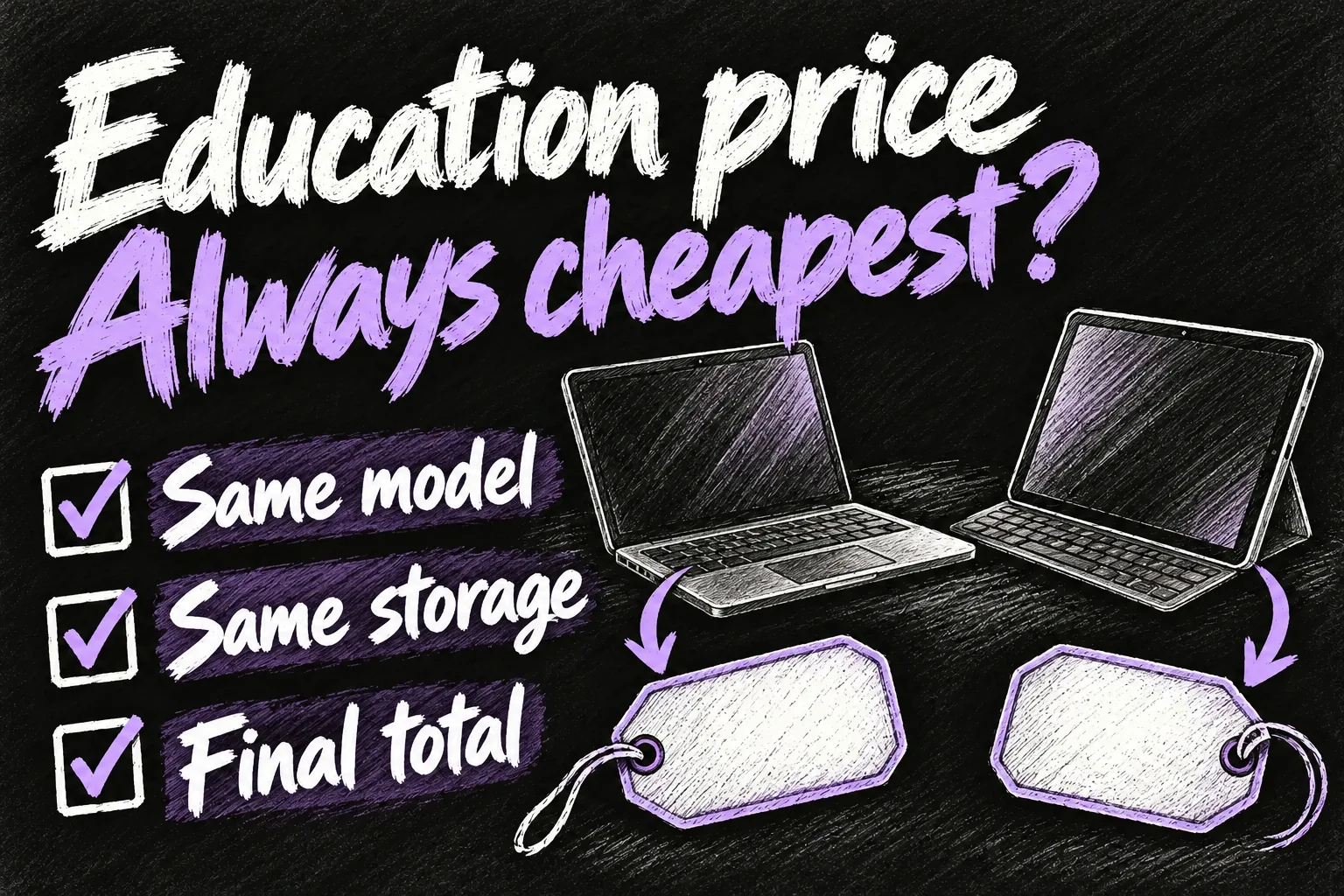
- Match the configuration. Compare the chip, memory, storage, connectivity and included accessories. An older model or smaller SSD is a different offer.
- Separate cash from conditional value. A gift card, cashback or loyalty-points offer is not the same as money taken off the invoice. Count it only if you qualify and expect to use it.
- Compare the complete study setup. Add the keyboard, pencil, adapter or software you actually need. A discounted device can still lead to a more expensive overall purchase.
- Check the timing. If your current device works, you have more flexibility. If a course starts next week, delivery certainty and required software support may matter more than a speculative future promotion.
For choosing the device itself, our MacBook Neo university guide starts with course software and memory needs. Our iPad A16 versus Air student guide covers a different question: whether the extra hardware solves a real study problem. Recheck any older price examples in those guides against today’s basket.
Education pricing versus Back to Uni offers
Ordinary education pricing and a seasonal Back to Uni promotion are different things. Do not assume that every eligible purchase includes free AirPods, an accessory or a gift card. A genuine promotion needs its own Australian dates, eligible products and purchase conditions.
This guide uses the education prices checked in October 2026 and does not include a promised 2027 bonus. If a new campaign appears, read the current Australian terms before combining its value with the hardware saving. An old January article or an offer in another country does not establish what your October order includes.
A simple waiting rule is to set a maximum acceptable price for the configuration you need. If a confirmed offer meets it and delivery suits your course, you have a reason to buy. Waiting indefinitely for an unannounced promotion can be less useful than a modest saving on a device you can use now.
Purchase limits to check before ordering
Apple’s Australian policy lists annual limits: one desktop, one Mac mini, one MacBook, one display, two iPads, one education-priced Apple Watch and two education-priced accessories. Online and Apple Retail Store purchases share those totals. They are not a fresh allowance at every store or with each new checkout.
If you have already purchased through the programme, check before placing another order. Keep your earlier receipts and ask Apple how the allowance applies to your case; do not assume a new email address creates another entitlement. Choose the machine you need to keep rather than buying an unsuitable configuration simply because there is room in a basket.
Frequently asked questions
Does Apple check student status in Australia?
The current Australian shopping-help page says UNiDAYS verification is required to check out. Advice based on an old purchase without verification should not be your setup plan.
Can a parent get the discount?
A parent can buy for an eligible student. Follow the student’s verification route; paying on their behalf does not make every purchase by that parent eligible.
Does a high-school student automatically qualify?
No. Check the published university or approved-institution criteria, including the student age requirement. Being a school pupil is different from being an eligible teacher or a newly accepted university student.
Is the Apple education discount always 10%?
No. The iPad and Watch examples above have different percentage reductions. Compare your selected product’s actual education price instead of applying a blanket percentage.
Does the discount mean I should upgrade?
Start with what your course and existing equipment cannot do. If your current device handles the work, keeping it can save more than any new-device discount.
Sources and Reading Notes
Apple Australia: Education Store; Education Sales and Refund Policy; Shopping Help, Payment & Security; iPad retail and education purchase pages; Apple Watch SE 3 retail and education purchase pages; current Australian Offers page. UNiDAYS Australia Support: Apple education eligibility, document verification, parents and in-store redemption. Checked 22 October 2026. Price differences and percentages are our arithmetic on the displayed figures, not a guarantee of future savings.
This is a research-based shopping guide, not a claim that we completed a student verification or purchase. The sketches explain the process and do not depict actual verification screens or a live promotion.