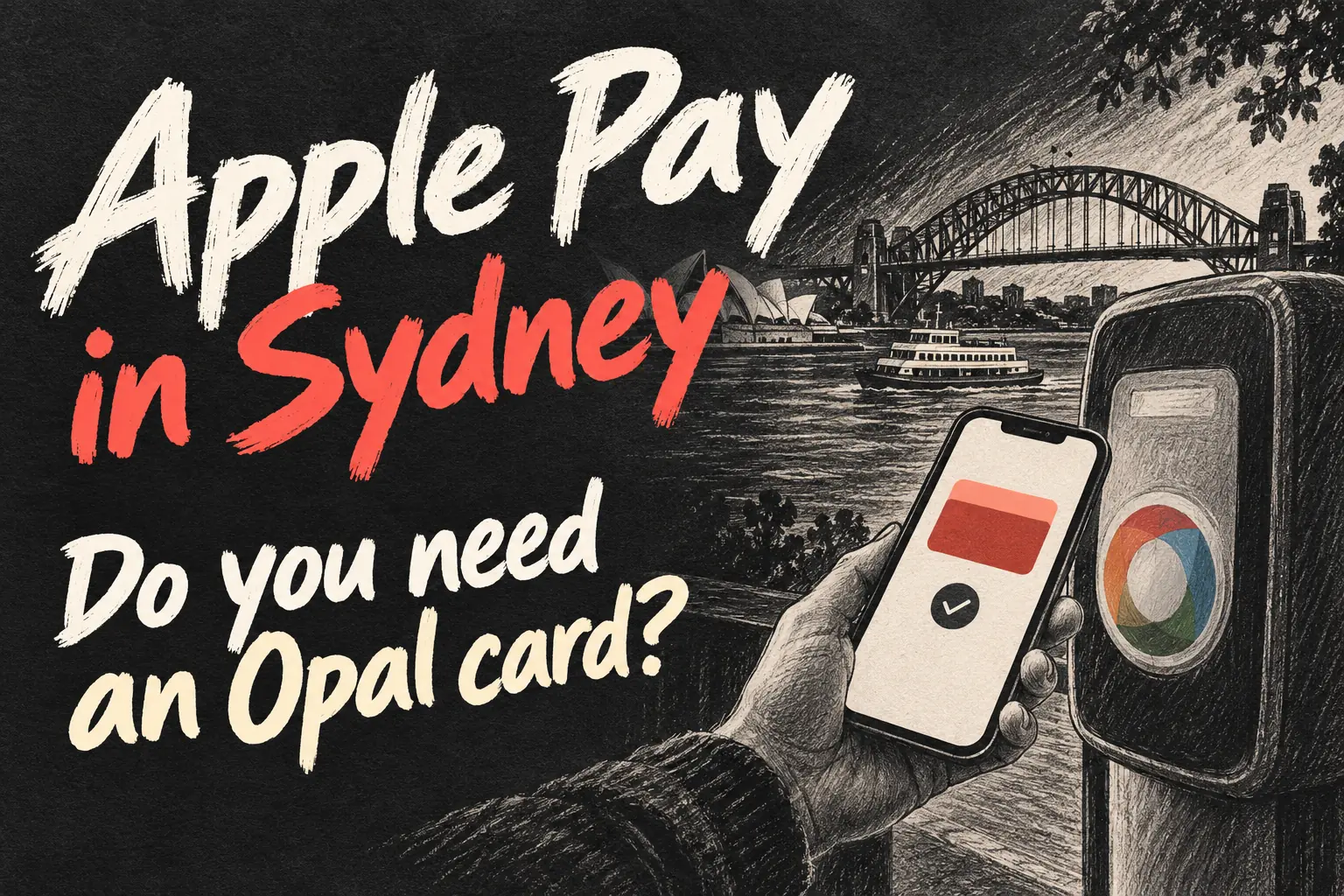
Apple Pay in Sydney works on the Opal network with an eligible payment card in Apple Wallet. Use the same card on the same iPhone or Apple Watch to tap on and off. You do not need to top up an Opal balance for those bank-card payments, but you do need to understand which fare applies.
This guide checks the practical setup and published rules on 23 October 2026. The biggest traps are switching between a phone and watch mid-trip, confusing Apple Pay with an existing Opal card, and assuming a concession discount is automatic. The instructions below help you choose one payment method before reaching the gate.
In 3 Points
How does Apple Pay in Sydney work with Opal?
The supported everyday approach is to add a compatible credit or debit card to Wallet and use it at Opal readers. Transport for NSW lists American Express, Mastercard and Visa contactless payments. Acceptance depends on the card and issuer as well as the device; a card being stored in Wallet is not a promise that every transport payment will succeed.
Keep the two payment paths separate. With an Opal card, you load value onto that transport card. With Apple Pay contactless travel, the journey is associated with the payment card on your device. You are not spending the balance already sitting on a physical Opal card. There is no reason to repeatedly scan that plastic card when following the bank-card setup below.
Apple distinguishes supported travel cards from ordinary payment cards in Wallet. Its Travel Card menu only offers supported systems; it is not a way to import every transport card. For this Sydney guide, choose Debit or Credit Card and complete your issuer’s verification. If your intended travel card is absent, check with the transport authority rather than buying a third-party Wallet pass that merely looks like one.
Set up Express Mode before your first trip
- Open Wallet on your iPhone, tap the add button and choose Debit or Credit Card. Add an eligible card and finish the bank’s verification.
- Select that card, open the more button and Card Details, then find Express Transit Settings, Express Travel settings or Express Mode. The label can vary with software and region.
- Choose the card you intend to use for transport. On a compatible setup, Express Mode lets you tap at supported readers without authenticating every journey.
- For Apple Watch, add the card to the watch through the Watch app. Set its Express Travel Card under Wallet & Apple Pay if you plan to travel using the watch.
- Choose your actual travel device before leaving and keep it charged. Adding the same bank card to both devices does not make them interchangeable during a trip.
Apple’s Australian transport page lists iPhone 8 or later with iOS 16.4 or later, or Apple Watch Series 4 or later with watchOS 9.4 or later, for this Express Mode support. Keep software current and check the card’s settings. If the card is not available for Express Mode, resolve compatibility with the issuer rather than assuming the reader will skip authentication.
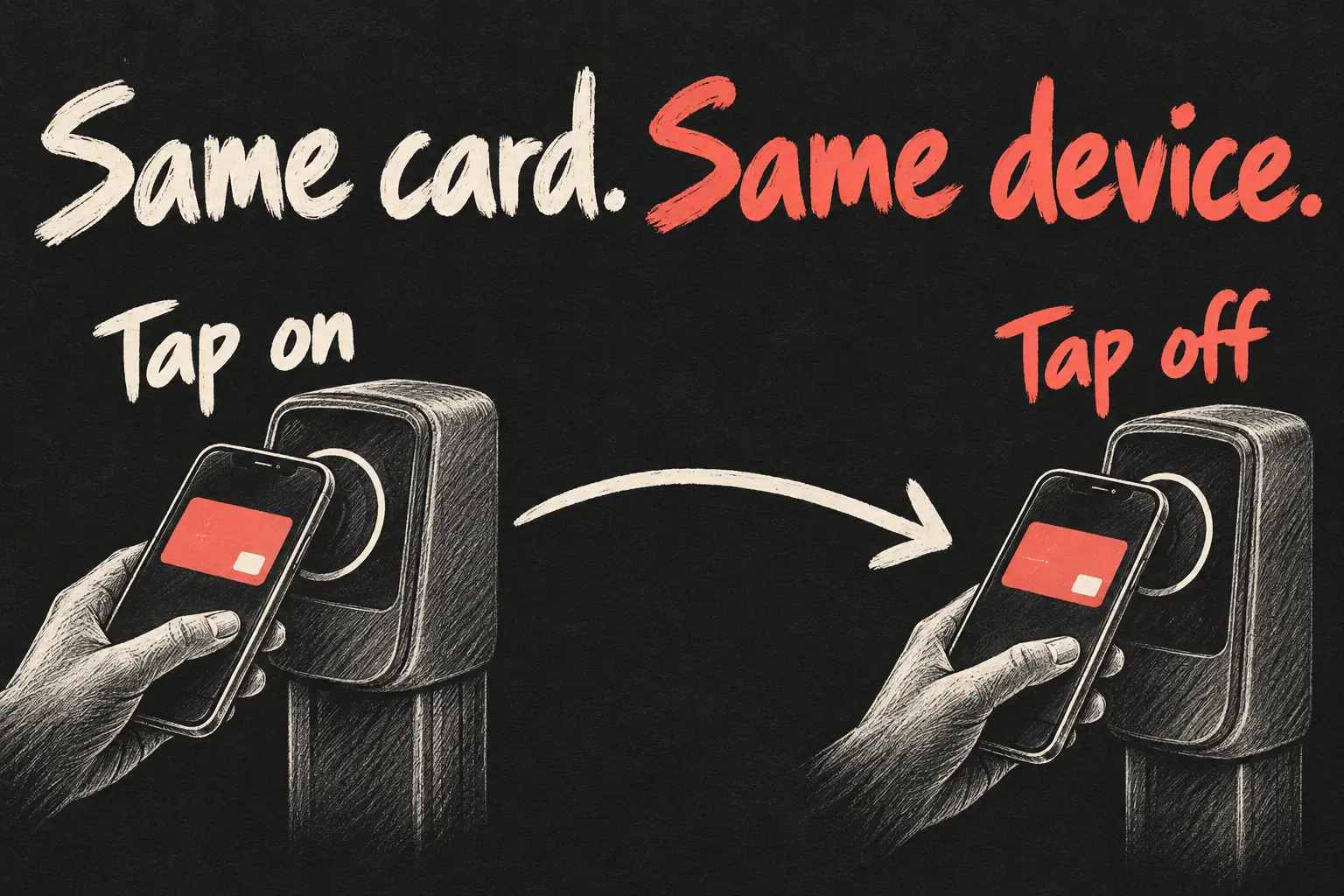
Why must you tap on and off with the same device?
Think of the phone, watch and plastic bank card as separate ways of identifying a journey, even when they ultimately charge the same bank account. Apple specifically instructs travellers to use the same device at both ends. Choosing the same bank account is not enough.
| Start of trip | End of trip | What to do |
|---|---|---|
| iPhone with your selected card | Same iPhone, same selected card | Keep this pairing throughout the journey. |
| Apple Watch | Same Apple Watch, same card | Use the watch again at the exit. |
| iPhone | Watch or physical bank card | Avoid switching; the taps may not form one complete trip. |
Hold the chosen device at the reader and wait for confirmation. Transport for NSW describes a green light and one ding as a successful tap. Separate other payment cards from the reader to avoid card clash. An open gate or a hurried gesture is not a useful substitute for checking your tap result.
Use that same card or device consistently all week so the system can apply the relevant travel benefits. Keep tapping correctly even after reaching a cap. The general rule is to tap off at the end; Transport for NSW identifies an exception for the F1 Manly Ferry, where a separate tap-off is not required. Follow service-specific instructions rather than applying that exception to other ferries.
Are Apple Pay fares the same as Opal fares?
Eligible contactless travel receives the applicable Opal fares and benefits, including caps and transfer discounts. For an adult traveller without a linked concession, the current published adult caps are below. These are Australian dollars, checked on 23 October 2026, rather than a promise that fares will never change.
| Adult travel cap | Published amount |
|---|---|
| Monday to Thursday | A$19.30 per day |
| Friday, weekend or public holiday | A$9.65 per day |
| Monday-to-Sunday week | A$50 |
The Sydney Airport station access fee is outside those daily and weekly travel caps and has its own weekly cap. A trip involving an airport station can therefore cost more than the ordinary travel-cap figure suggests. Use the current Trip Planner estimate for your actual route; these caps are not a flat fare for every journey.
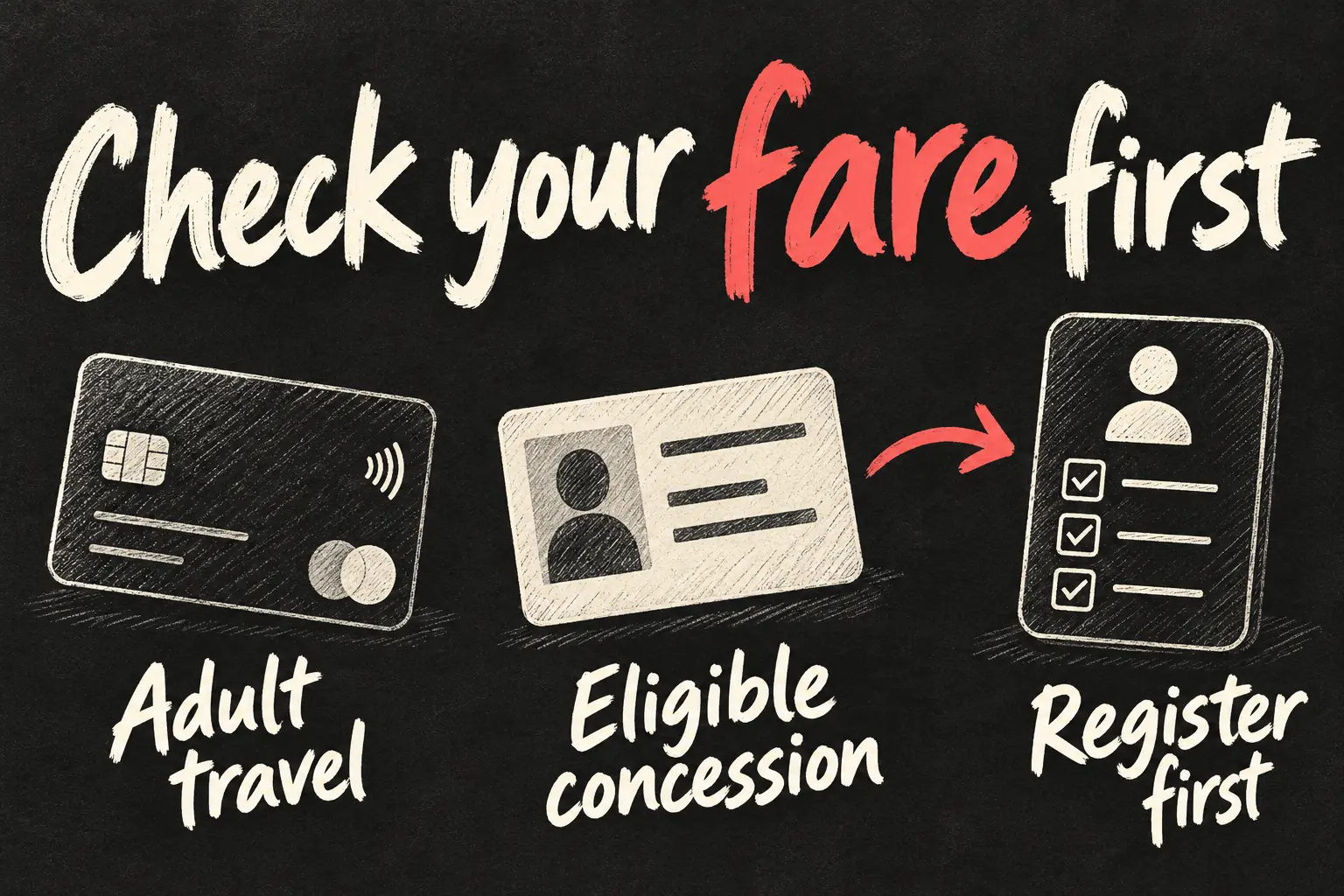
For example, a visitor who only needs ordinary adult travel can prioritise convenience: a supported card in Wallet avoids a separate Opal top-up. Someone who needs a particular discount should check entitlement and registration first. That choice matters more than whether the payment method looks newer.
Know when the fare clock resets
The Opal travel day runs from 4am to 3:59am the following morning, and the weekly cap follows Monday to Sunday, not a rolling seven days after your first tap. Keep using the same card on the same device across that period. A Sydney Airport station access fee sits outside the ordinary travel caps, so reaching the daily cap does not make the airport station access free.
Can concession travellers use Opal Apple Pay payments?
Many now can, after registration. The current Contactless Concessions guidance says most eligible senior/pensioner and concession travellers can link an entitlement through Transport Connect and use a credit or debit card, phone or watch for their discounted travel. Older advice saying every contactless passenger must pay an adult fare is no longer a reliable blanket rule.
Check eligibility, create or sign in to Transport Connect, link your concession and payment card, and follow its instructions before travelling. Continue carrying valid proof of entitlement. Transport for NSW’s Opal terms give you 30 days to try contactless concession travel. If you want to keep using your concession Opal card, unlink the concession from your payment card in Transport Connect during that window. If you leave it linked, your concession Opal card stops working when the trial ends. Check that your concession is active before relying on the discounted fare.
Some categories still need an Opal card. The published exclusions include Free Travel Opal card holders, asylum seekers, Department of Veterans’ Affairs concession holders and restrictions for seniors cards issued outside NSW and ACT. Existing interstate Gold Opal holders have a separate switching provision. Check your own category rather than borrowing another passenger’s eligibility result.
What if a tap fails or the charge looks wrong?
First check the reader’s result. If your device was not accepted, do not assume a ticket exists simply because Wallet opened. Keep cards apart, check the chosen card and use the operator’s assistance process if the reader still rejects it. Plan a workable payment alternative before travel rather than changing devices halfway through an incomplete trip.
For the payment record, start with Transport for NSW’s contactless activity tools. They offer the last ten trips, while Transport Connect can show detailed history and support reimbursement requests. Check the travel date, service and payment method before comparing a charge with your route. The help centre also covers A$1 pre-authorisations, incomplete activity and blocked cards; an unfamiliar entry deserves checking against the final journey record.
If the reader prevented a correct tap, record the station or stop, approximate time and payment method and request a fare adjustment through the official process. Approval depends on the circumstances. Do not post full bank-card details in comments or send them to someone claiming they can repair your Opal Apple Pay account.
Before travelling between Sydney and Melbourne
Use this guide for Sydney and the Opal network, not as a nationwide ticketing rule. If your trip continues to Victoria, read our Apple Pay and myki guide for Melbourne separately. Discount eligibility, network coverage and operating rules need checking for each city, even when the same iPhone can hold your bank card.
Frequently asked questions
Can I use my Opal balance through this Apple Pay setup?
No. The bank-card route described here charges the payment card on your device; it does not spend your existing physical Opal balance.
Can I tap on with iPhone and off with Apple Watch?
Use the same device and selected card for both taps. Avoid mixing the watch, phone and plastic card during a journey.
Can one phone pay for everyone?
Transport for NSW limits each contactless card or device to one Opal fare. Plan a separate valid payment method for each traveller.
Will Express Mode work with a flat battery?
Some compatible iPhones support limited power reserve. Apple advertises up to five hours after the red Power Reserve icon appears, subject to support. Keep the device charged rather than relying on that limit for a trip.
Do I automatically get concession fares?
No. Check eligibility and complete Contactless Concessions registration first. Some categories still require an Opal card.
Our recommendation
For a straightforward adult trip, set up one eligible card and one device before leaving, then keep that pairing for the week. If you qualify for discounted travel, make the registration decision first. Apple Pay in Sydney is convenient when you understand the fare attached to it and can finish the journey with the same payment method.
Information checked: 23 October 2026. Sources: Transport for NSW — Contactless payments; Contactless Concessions; Tapping on and tapping off; Adult fares; Contactless payment FAQs; Help checking contactless activity. Apple Australia — Apple Pay for public transport. Apple Support — Where you can travel on public transport using Apple Pay. Fare amounts, eligible concessions and device support can change.
Revision check, 1 November 2026: Transport for NSW, How Opal fares work; Adult Opal fares.