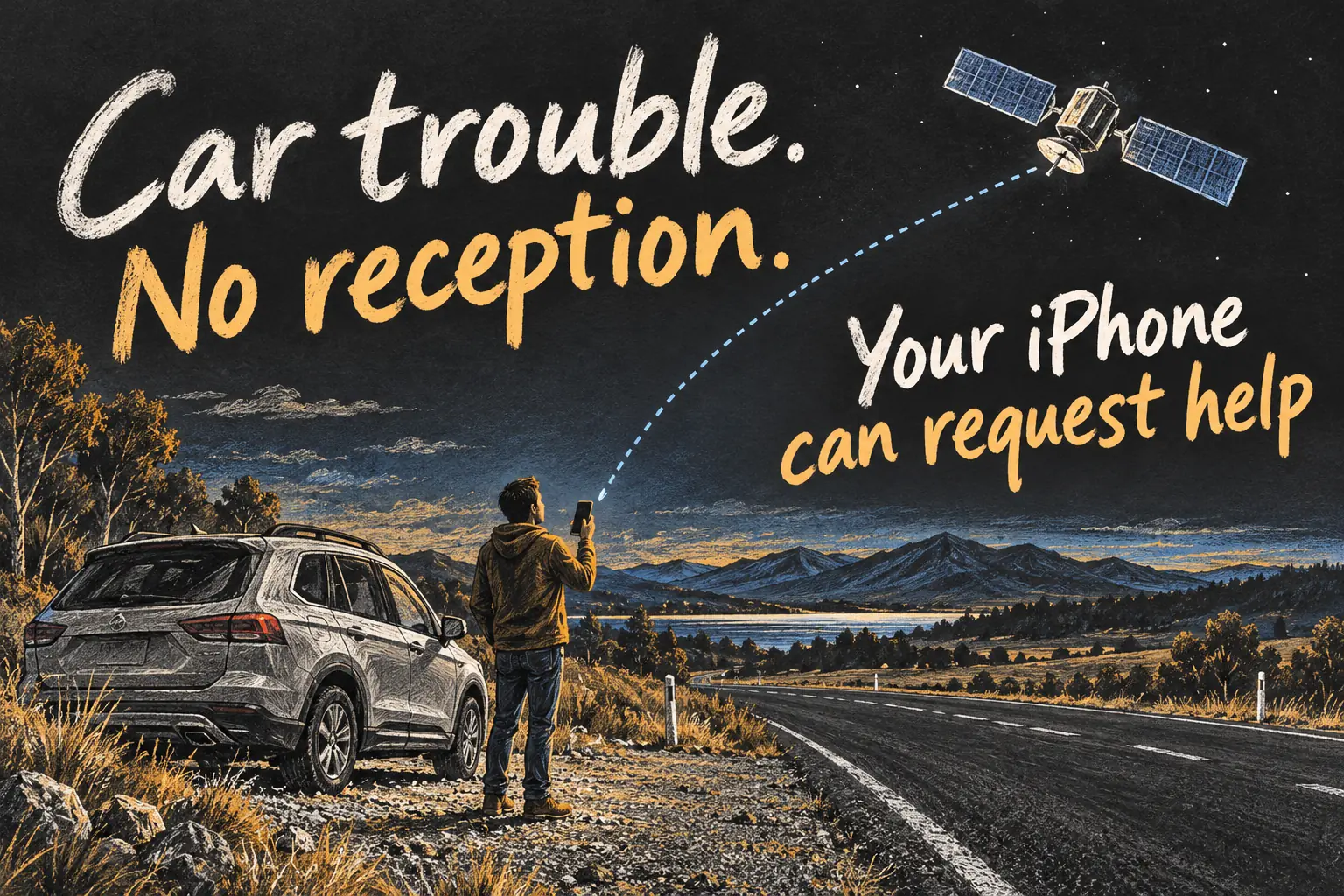
iPhone satellite roadside assistance can connect eligible Australian iPhone users with RACV when mobile and Wi-Fi coverage are unavailable. For a breakdown on or near a public road in Victoria, you can send details, message a roadside agent and receive updates through the supported satellite service.
Prepare before leaving Melbourne: check the phone, software and membership information while you still have reception. This is a documentation-based guide checked on 23 October 2026, not a field test or a guarantee of coverage, response time or recovery at every location.
In 3 Points
Prepare your iPhone before a Victorian road trip
Apple lists iPhone 14 or later, an active SIM and iOS 18.4 or later for the Australian roadside service. Install current software before departure. Some phones purchased in particular overseas markets have satellite restrictions, so check the eligibility of an imported phone rather than relying on its model name alone.
Try the Satellite Connection Demo while you have ordinary connectivity. It is a better way to learn the interface than creating a real assistance request as a test. Keep a way to charge the phone and have your vehicle and membership details available. If you are travelling with someone else, explain the process before the journey starts.
Request RACV satellite help in five steps
- Put safety first. Stop in a safe location if possible, use hazard lights where appropriate and keep yourself and passengers safe. Do not move into traffic or unsafe terrain just to improve the phone signal.
- Open the satellite route. When outside mobile and Wi-Fi coverage, open Settings, then Satellite, and follow Connection Assistant. You can also start a new message, type Roadside in the recipient field and select Roadside Assistance when offered.
- Follow the connection prompts. The iPhone guides you towards a satellite. Use it outside with a clear view of the sky and horizon where safe; surrounding trees or buildings can interfere.
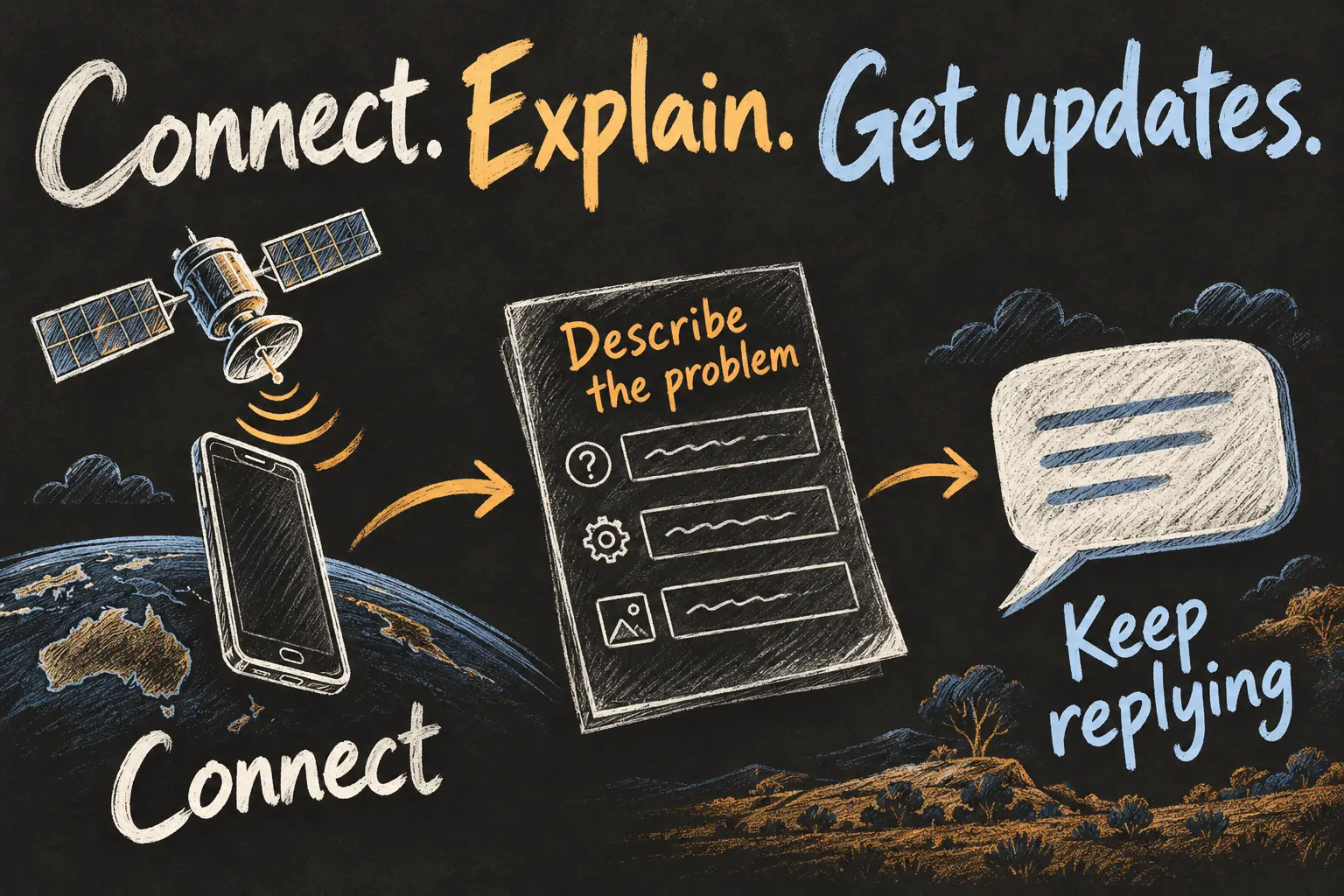
- Describe the breakdown. Complete the questions about your vehicle and situation. RACV says the information is transmitted so an agent can communicate with you and arrange help at your location.
- Continue the conversation. Keep following the onscreen instructions, answer further messages and review the service arrangements and any price before assistance is dispatched.
The separate Control Centre route is to open the mobile-data controls and select Satellite. With ordinary coverage, Settings may not show that option and Control Centre opens the demonstration instead. You do not need to deliberately disconnect a working service to practise: use the demo.
Practise with the demo while you still have coverage
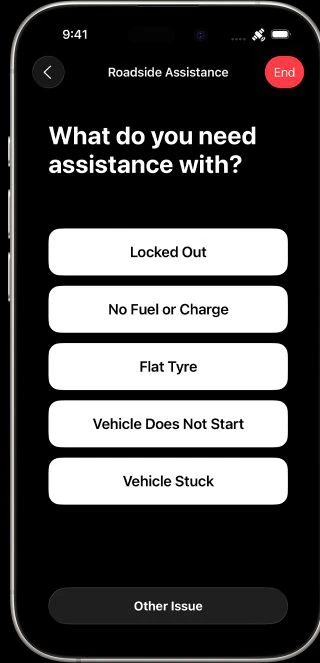
A missing Satellite option in Settings while normal connectivity is available does not by itself show that the phone is incompatible. Apple also provides satellite demonstrations through Control Centre. Use the demo to learn the pointing guidance before the trip; do not submit an ordinary roadside request merely to test it. The problem-selection screen shown here is an Apple example, not evidence that a provider has accepted or dispatched a request.
Choose the right help for the situation
| Situation | Useful route |
|---|---|
| Ordinary breakdown with reception | Use RACV’s normal phone or app channels. |
| Ordinary breakdown without mobile or Wi-Fi | Use the supported iPhone satellite roadside assistance route. |
| Immediate danger or a serious emergency | Try 000 first; if it cannot connect, follow the iPhone’s Emergency SOS via satellite prompts when available. |
Emergency SOS and roadside assistance serve different purposes. A mechanical breakdown may suit a roadside request; a serious crash, fire or threat to life needs emergency services. Apple advises trying the local emergency number first because an emergency call can sometimes connect even when your usual carrier is unavailable.
Understand connection access and RACV costs
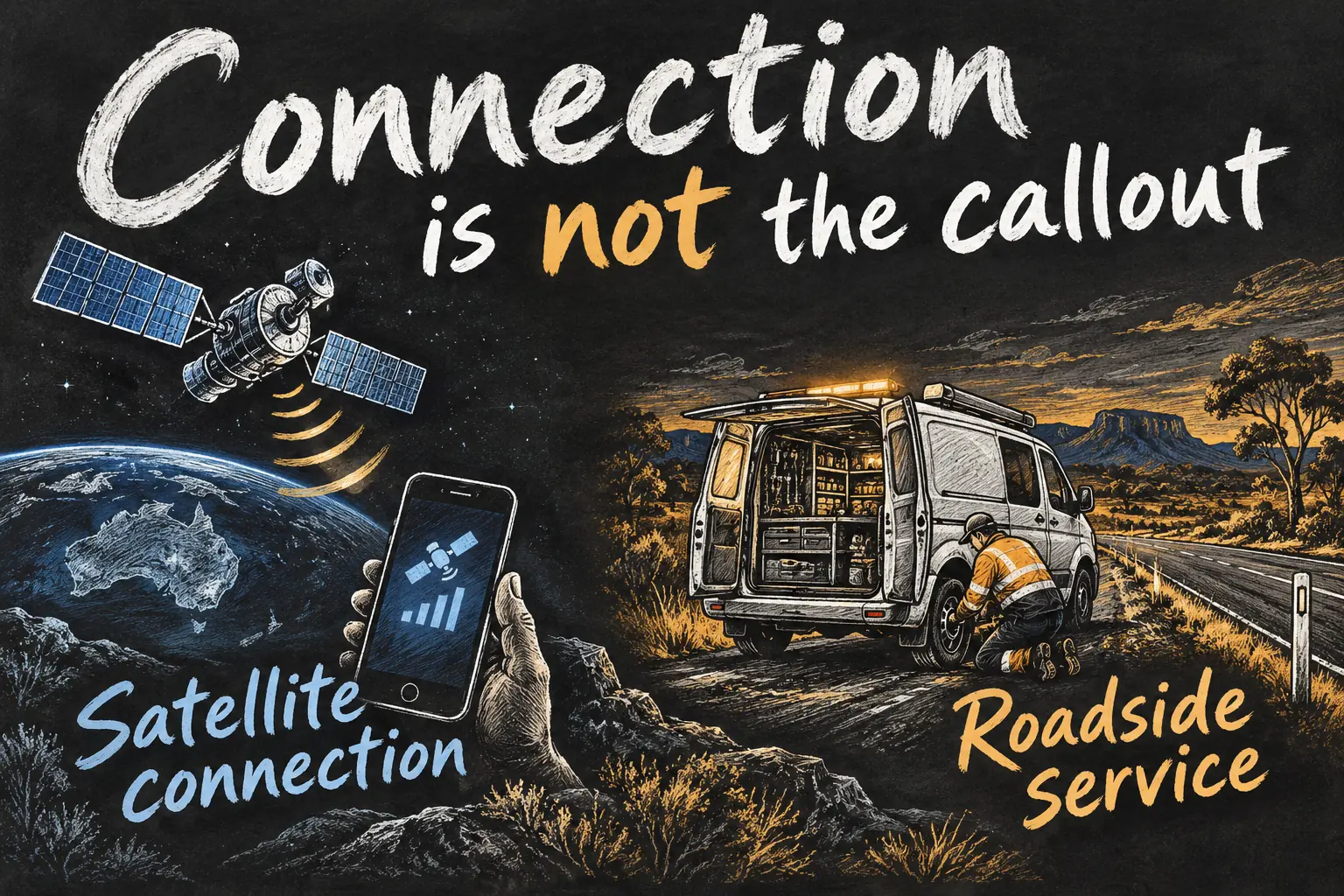
Apple describes Roadside Assistance via satellite as included for two years after activating an eligible iPhone 14 or later. That connection entitlement is different from the cost of a patrol, repairs or towing. Check the current entitlement for your device rather than treating the two-year wording as a new period starting every time you use it.
RACV verifies eligible membership after a request, and its announcement says non-members can access the service on a paid basis. The provider supplies pricing before dispatch where applicable. Ask what is included for your vehicle and location and confirm any additional cost; this guide does not quote an unverified universal callout price.
Use it for a reachable roadside location
RACV’s satellite announcement limits roadside assistance to vehicles on or near a public road and excludes off-road recovery. A satellite message reaching an agent does not mean a normal patrol can safely reach every remote track. Discuss the actual access and vehicle situation with the provider.
The club’s regional-breakdown guidance recommends staying with the vehicle unless unsafe and avoiding wandering off to find help. Satellite connectivity is one useful request channel within that plan. It does not replace preparation for a remote trip or change road and weather conditions.
For an ordinary connected request, RACV’s app can help communicate your location and vehicle problem. Keep the distinction clear: the app’s location tools are not proof that the app itself works without data. Use the satellite workflow when its off-grid conditions apply.
Frequently asked questions
Can a non-member request RACV satellite assistance?
RACV says non-members can access services on a paid basis. Confirm the actual arrangements and cost with the provider.
How can I practise before travelling?
Use Apple’s Satellite Connection Demo while you have connectivity. Do not submit a real roadside request simply to test the feature.
Does it include a free tow?
Connection access and roadside work are separate. Membership benefits, location and the requested work determine the applicable service and charges.
What should I do while waiting?
Follow the agent’s instructions and keep the conversation available. RACV advises waiting safely and staying with the vehicle unless it is unsafe.
Make the phone useful before you need it
The practical benefit is an extra way to request help when an ordinary call or app session cannot connect. Update the eligible phone, learn the demo and know the membership details before leaving Melbourne. For another everyday iPhone task in Victoria, our Melbourne Apple Pay guide covers the separate public-transport setup.
Sources and Reading Notes
Checked 23 October 2026. Apple Support: Roadside Assistance via satellite, connecting to a satellite, and Emergency SOS via satellite. RACV: satellite service announcement and regional, remote or interstate breakdown guidance. Eligibility, connection conditions and provider terms may change. No personal roadside or satellite test is claimed. Illustrations are original AI-generated concepts.
Revision check, 1 November 2026: Apple Support, Use Roadside Assistance via satellite on your iPhone.