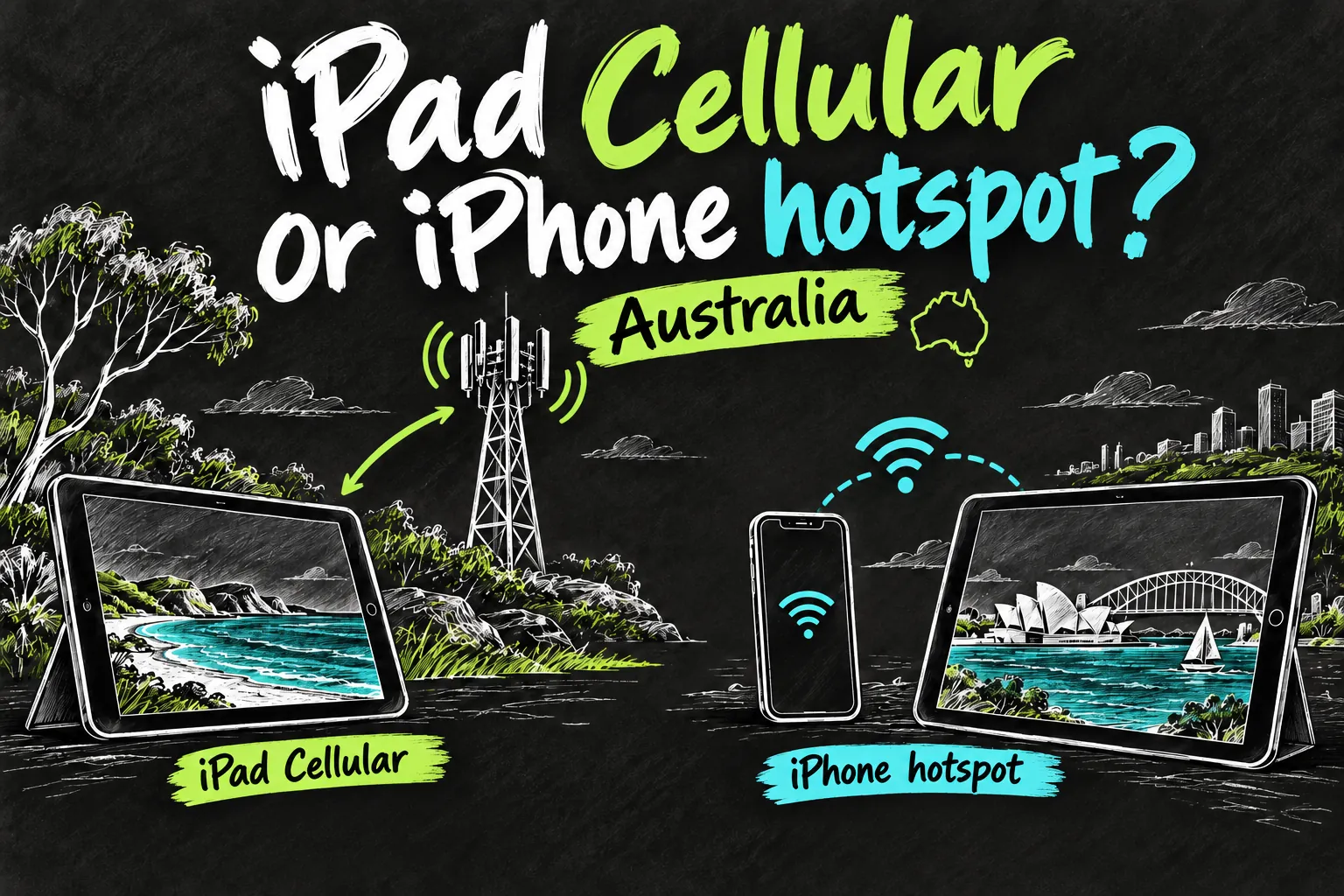
A Wi-Fi + Cellular iPad can connect directly to an eligible Australian mobile-data plan without your iPhone nearby. A Wi-Fi-only iPad cannot gain a cellular modem by adding an eSIM; it can still use an iPhone hotspot. Optus, Telstra and Vodafone offer tablet services, but a separate plan is worth paying for only when independent access justifies the hardware premium and recurring bill.
Start with your routine: occasional browsing beside your phone usually favours a hotspot; frequent work away from it makes a dedicated connection more compelling. Below are checked Australian plan examples and practical activation routes, including the difference between bringing your own iPad and buying one from a carrier.
In 3 Points
Which iPad can connect directly to mobile data?
You need a Wi-Fi + Cellular model and an eligible tablet service. A Wi-Fi-only iPad has no cellular modem to activate, even if you buy a data plan. Check the exact model’s specifications and the provider’s approved-device information before ordering a SIM.
Recent cellular iPads use eSIM, while some older models also have a physical SIM slot. Do not assume a cheap physical-SIM-only offer will fit an eSIM-only tablet. Connect to Wi-Fi for activation and update iPadOS first. A standalone tablet service does not generally need to use the same provider as your iPhone; account data-sharing offers have their own conditions.
iPad data plans: Optus vs Telstra vs Vodafone
These are selected consumer data-only examples rechecked on 1 November 2026, in Australian dollars. They exclude the iPad, accessories and device repayments. The allowances differ, so this is not a like-for-like speed test or an exhaustive cheapest-plan ranking.
| Provider and selected service | Included data | Advertised monthly service price | Important condition |
|---|---|---|---|
| Optus Small Choice Plus Data | 10GB | A$15 | Check current SIM/eSIM availability for your iPad |
| Optus Large Choice Plus Data | 100GB | A$20 for 12 months, then A$35 | New-service offer ends 12 November 2026; eligibility applies |
| Telstra Small Upfront Data | 30GB | A$33 ongoing | Optional first-month promotion is separate from the ongoing price |
| Vodafone Small Data | 30GB | A$20 | Then reduced-speed Australian data, rather than extra full-speed data |
Optus’s promotional 100GB plan costs A$240 for twelve discounted monthly payments; twelve payments at the displayed subsequent A$35 price would be A$420. Its 10GB option is A$180 for twelve payments at A$15. The promotion can be lost after an ineligible plan change, cancellation or recontracting, so retain the order terms.
At the displayed ongoing rates, twelve Telstra A$33 payments total A$396 and twelve Vodafone A$20 payments total A$240. A Telstra first-month offer listed an expiry of 2 November 2026, so it is excluded from this ongoing-price comparison. Check the current order for any replacement offer. Prices and offers can change.
The lower displayed bill does not tell you which network works best at your home, campus or commute. Check coverage for those places, device compatibility and any speed limits. Vodafone’s post-allowance data is slower, not an extra unrestricted 30GB. Avoid choosing a much larger allowance merely because its promotional price looks close to the small plan.
Compare two years, not only the discounted year
Using the displayed Optus offer as a calculation example, twelve payments of A$20 plus twelve of A$35 total A$660 over two years, before hardware and any later price changes. That is an average A$27.50 a month, not A$20 throughout. If your existing phone allowance covers the same occasional iPad work, the extra service cost of a hotspot may be zero. Check the phone plan’s hotspot conditions and your actual usage before adding another bill.
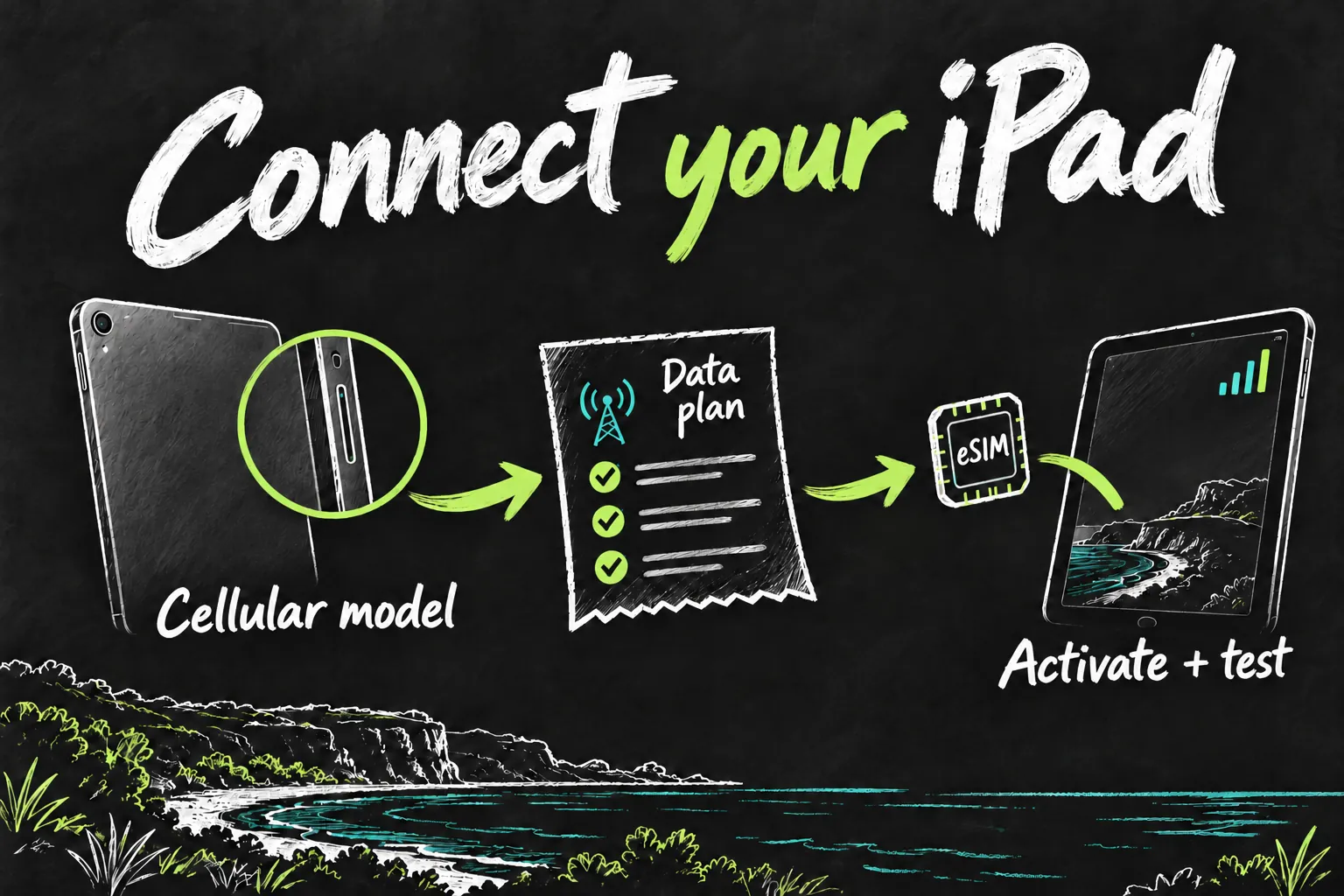
iPad eSIM setup: how to connect with Telstra
- Choose an eligible tablet data service and confirm eSIM for your exact iPad. Buying a data plan alone is enough if you already own compatible hardware; device finance is a separate decision.
- Choose eSIM when ordering and keep the iPad on Wi-Fi. Follow the activation instructions supplied with the order: carrier activation, a QR code or My Telstra, depending on the service.
- For My Telstra, sign in with the Telstra ID used for the order, open Services, select the tablet service and follow Download eSIM profile. For a supplied QR code, scan it and complete the iPad prompts.
- In Settings → Mobile Data, confirm the installed line is enabled. Turn Wi-Fi off briefly and open a webpage to verify mobile access, then restore your preferred Wi-Fi setting.
Telstra says its QR code is single-use. If the profile is missing or the code fails, check the service in My Telstra or contact support before deleting profiles and repeatedly scanning the same code. A compatible service must be ordered and provisioned before an activation option can complete.
How to connect an iPad with Optus
- Select an eligible Optus data SIM plan and confirm eSIM or physical-SIM compatibility before paying. Buying an iPad on repayments is optional; do not confuse the advertised device instalment with the data-service fee.
- If you buy a new iPad from Optus and choose eSIM at checkout, follow the supplied Apple carrier-activation prompts while connected to Wi-Fi.
- For a compatible iPad you already own, request the tablet eSIM activation method attached to your order. If Optus supplies a QR code, add that profile through the iPad’s Mobile Data setup and enter any requested activation details.
- Confirm the Optus line is active in Mobile Data, then test a webpage with Wi-Fi temporarily off. Use My Optus to monitor the relevant service and allowance.
A general phone-eSIM offer is not a substitute for confirming tablet eligibility. The exact menu wording varies with iPadOS and whether the provider assigned a profile to the device; the order’s activation instructions take priority over an older screenshot.
How to connect an iPad with Vodafone
- Confirm that your exact cellular iPad is approved for Vodafone and order an eligible tablet SIM Only plan with eSIM. Vodafone’s tablet-plan FAQ explicitly supports compatible eSIM-enabled tablets.
- For a bring-your-own iPad, have internet access, the supplied eSIM QR code on another screen or printed page, and the four-digit eSIM Confirmation Code ready. In the iPad’s mobile-data settings, add the plan, scan the code and enter that confirmation code when requested.
- For a new Vodafone-supplied iPad, its guide describes carrier activation during setup or a Mobile Plan Ready to be Installed notification afterwards. Follow the method assigned to your order.
- Wait for the profile to activate, check the selected mobile-data line and test with Wi-Fi temporarily off. Keep your iPhone’s existing service in place if this is meant to be an additional tablet connection.
A SIM swap moves an existing service. If you want two devices independently connected, ask for the additional tablet service rather than moving your main phone eSIM onto the iPad. Vodafone’s watch NumberSync subscription is also a different product, not the tablet plan in the table.
How to use an iPhone hotspot instead
Check that your iPhone plan supports Personal Hotspot and has enough data for both devices. For Instant Hotspot, keep the devices nearby with Wi-Fi and Bluetooth enabled, and sign in with the same Apple Account or use the supported Family Sharing arrangement.
- On the iPad, open Settings → Wi-Fi and choose your nearby iPhone from the hotspot options. Instant Hotspot does not ask for a Wi-Fi password when its requirements are met.
- For a device outside that arrangement, enable Allow Others to Join in the iPhone’s Personal Hotspot settings and use the displayed Wi-Fi password.
- For easier repeat use on supported software, open the iPad’s Wi-Fi settings and set Auto-Join Hotspot to Ask to Join or Automatic.
- Check the phone-plan allowance after your normal usage, particularly downloads and video. The tablet’s traffic still uses that phone connection.
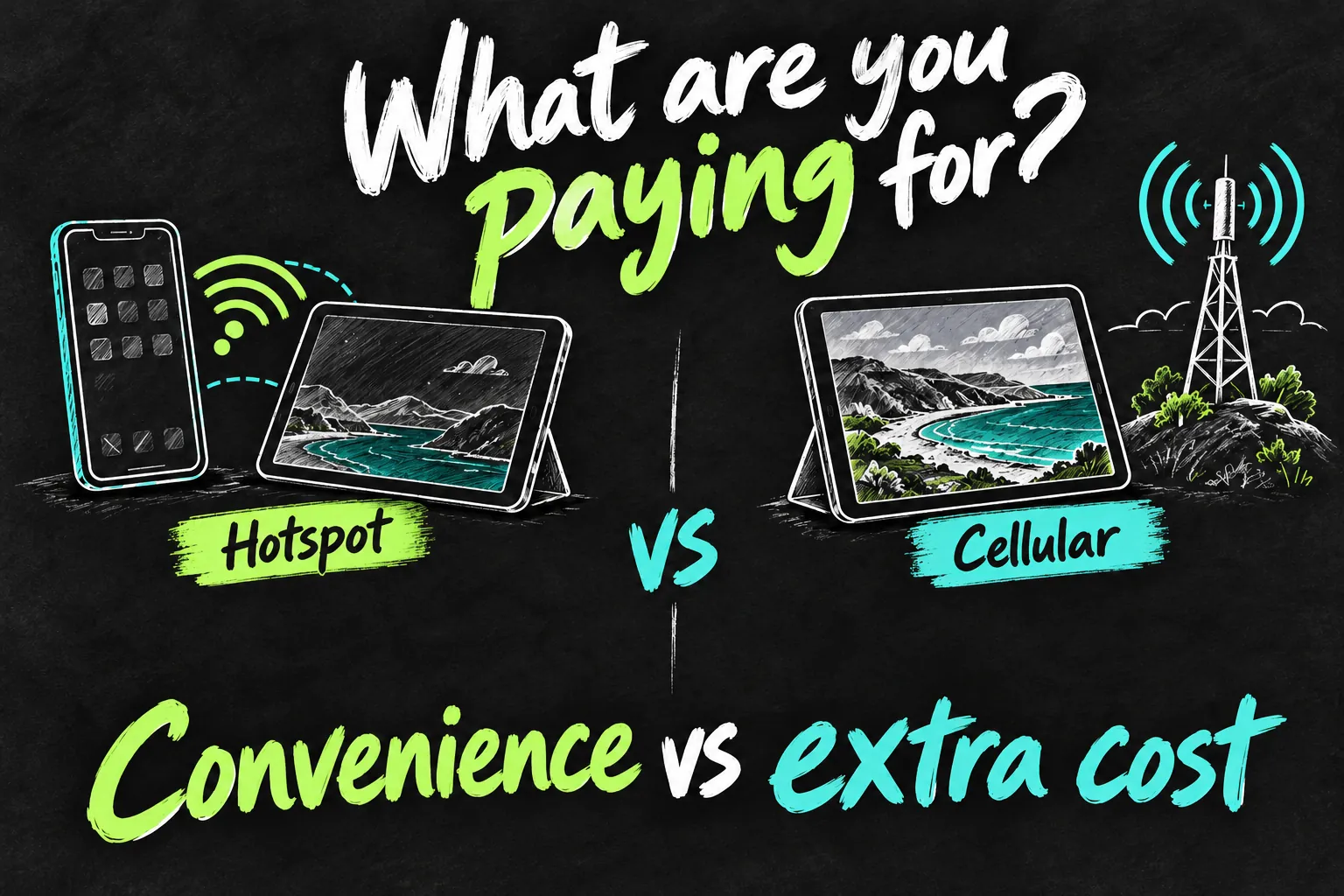
Is iPad cellular better than an iPhone hotspot?
| Your situation | Usually the better starting point | Reason |
|---|---|---|
| Occasional email or browsing with your iPhone beside you | Hotspot | Can reuse an adequate existing phone allowance |
| Regular work with the phone elsewhere or unavailable | Cellular | Tablet has its own connection and service |
| Large downloads but plenty of home or campus Wi-Fi | Wi-Fi plus occasional hotspot | Avoid a recurring plan bought mainly for rare use |
| Daily mobile work where connection setup interrupts you | Consider cellular | Convenience can justify the additional bill |
| Different networks cover different places on your route | Compare coverage first | An independently chosen tablet provider may help, but is not guaranteed to |
A hotspot may add no separate tablet-service fee when it is included in your existing plan and the allowance is sufficient. It still uses phone data and power. A cellular iPad has its own modem and consumes its own battery; it is not a promise of longer total runtime, better reception or faster downloads. Device hardware, plan limits, congestion and signal all matter.
If you must increase the phone plan to make hotspot use practical, include that extra cost too. Compare the additional phone-plan spending with the dedicated tablet bill, rather than comparing an upgraded hotspot against a fictional free alternative.
Is the extra cost worth it for students or commuters?
First try your current hotspot during the tasks you actually do. If opening documents and sending an assignment works comfortably and the allowance is ample, you may already have the right answer. If the phone is frequently elsewhere or you need the tablet to be independently online throughout the day, price that convenience explicitly.
For a worked example, a separate A$20 monthly tablet service adds A$240 across twelve payments, or A$480 over twenty-four at an unchanged price. Add the actual extra price of your chosen Cellular iPad over the matching Wi-Fi model. This arithmetic assumes the service price stays the same; it is not a locked two-year quote. You can test the need before committing to an unnecessarily expensive hardware choice.
If you are also choosing the tablet, our iPad university buying guide compares the jobs you need it to do. Check the total purchase and service budget together, not just the cheapest monthly instalment.

FAQ
Q. Can a Wi-Fi-only iPad use an iPhone hotspot?
Yes. It joins the phone’s hotspot over Wi-Fi. It cannot be converted into a cellular model by installing an eSIM.
Q. Must the iPad and iPhone use the same provider?
Not for a normal standalone tablet plan. Data-pooling and account-bundle offers can impose additional conditions; confirm those before assuming your phone’s data will be shared.
Q. Will a data plan turn the iPad into a normal mobile phone?
A tablet data service provides internet access. FaceTime and supported calling apps can use it, but do not assume it includes an iPhone-style voice and SMS service.
Q. Can I cancel by deleting the eSIM?
Removing the device profile does not necessarily terminate billing. Cancel the service with the provider and check any remaining device repayments before removing access.
Sources and Reading Notes
Checked 24 October 2026. Apple Support: Set up eSIM on iPad; Use Instant Hotspot to connect to your Personal Hotspot. Telstra: current Data plans and Activate and download my service on eSIM. Optus: Data Only SIM Plans, tablet offers, eSIM information and iPad activation guidance. Vodafone: SIM Only Plans for tablets and Managing your eSIM, iPad and tablet section. Dynamic Optus and Vodafone prices and Vodafone tablet activation were checked in the browser. These are documented service examples and editorial calculations, not personal network-speed or battery tests. Confirm eligibility, current prices and offer terms before purchase.
Revision check, 1 November 2026: Optus, iPad and data-plan offers; Telstra, Data plans; Vodafone, SIM Only Plans for tablets.