An eligible iPhone GST refund can be claimed through Australia’s Tourist Refund Scheme when you buy qualifying goods and take them overseas yourself. The same process can apply to an eligible MacBook. Prepare the invoice and goods before going to Melbourne Airport, then complete the claim with Australian Border Force on departure day.
TRS can refund the GST on an eligible iPhone taken overseas. Check the invoice, travel timing and airport presentation requirements before calculating the saving.
Before you dive in
Check that your Apple purchase qualifies
The core purchase conditions are a total of at least A$300 including GST from a supplier using the same ABN, acquisition within 60 days of departure, and goods purchased in Australia that you take out yourself. Several purchases can count together where the applicable supplier and timing requirements are met. Check the ABN on each invoice, not only the shop’s brand name.
ABF excludes business purchases and goods on contract plans such as mobile phones that have not been paid in full. For the straightforward route in this guide, use a fully paid qualifying personal purchase. The person claiming must have bought the goods and be travelling; the claim is not something to hand to a friend departing on a different trip.
Five steps for an iPhone GST refund from Melbourne
- Check timing and payment. Confirm the purchase falls within the permitted 60-day window and that the goods meet the TRS conditions. ABF counts the period from the day after purchase; check the actual departure date before buying around a deadline.
- Get the correct tax invoice. Keep the original tax invoice in English. For A$1,000 or more, ensure the buyer identity meets ABF’s requirements and the name matches your passport. Check the retailer’s ABN, goods description, purchase date and GST information. Print electronic invoices as a backup.
- Prepare the claim details. Use the official TRS mobile or web app to prefill the travel and purchase information and obtain the claim QR code. Keep copies of the paperwork and check the information matches the goods.
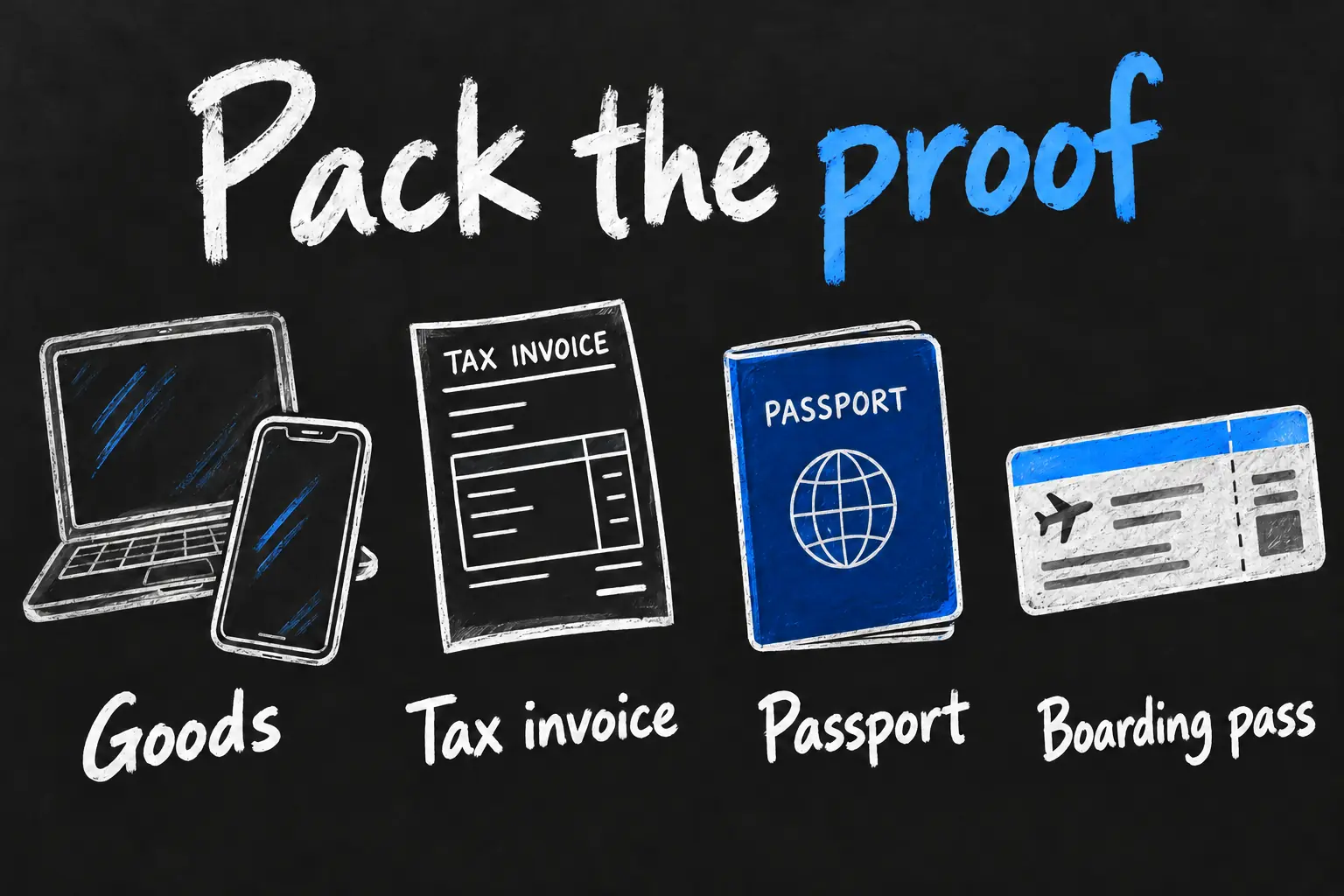
- Carry the goods and proof. Have the device, passport, international boarding pass, original invoices and claim code accessible. Follow airline cabin-baggage rules; oversized or restricted goods requiring checked baggage need the separate ABF sighting process before check-in.
- Complete the claim on departure day. Present the required items to ABF at the TRS facility and keep the claim receipt. The app prefill helps the officer; the QR code alone is not a completed claim.
Prepare a claim for an iPhone gift
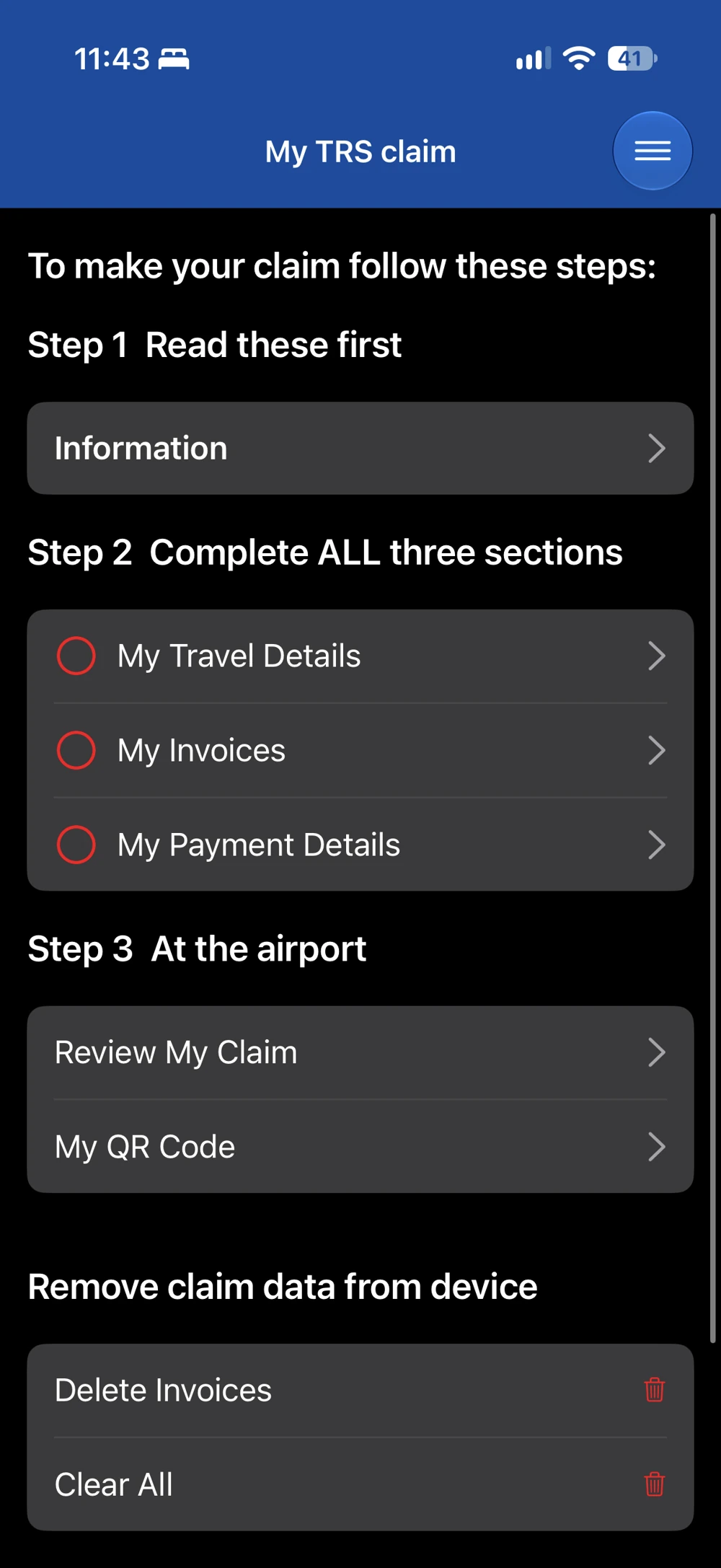
I bought an iPhone 17 for family overseas and received a TRS refund. In the app, prepare My Travel Details, My Invoices and My Payment Details before the airport visit.
Use Review My Claim to check the entries and My QR Code for the airport stage. Keep the goods and required documents accessible.
The app prepares the claim; it does not replace the airport checks. A gift still needs to meet the eligibility rules below.
Ask the retailer to correct an invoice before airport day if a required buyer name or product description is wrong. An order confirmation, card statement or phone screenshot should not be treated as a substitute for the required invoice. ABF may need original paper documents, including if live processing is unavailable.
Calculate your iPhone GST refund correctly
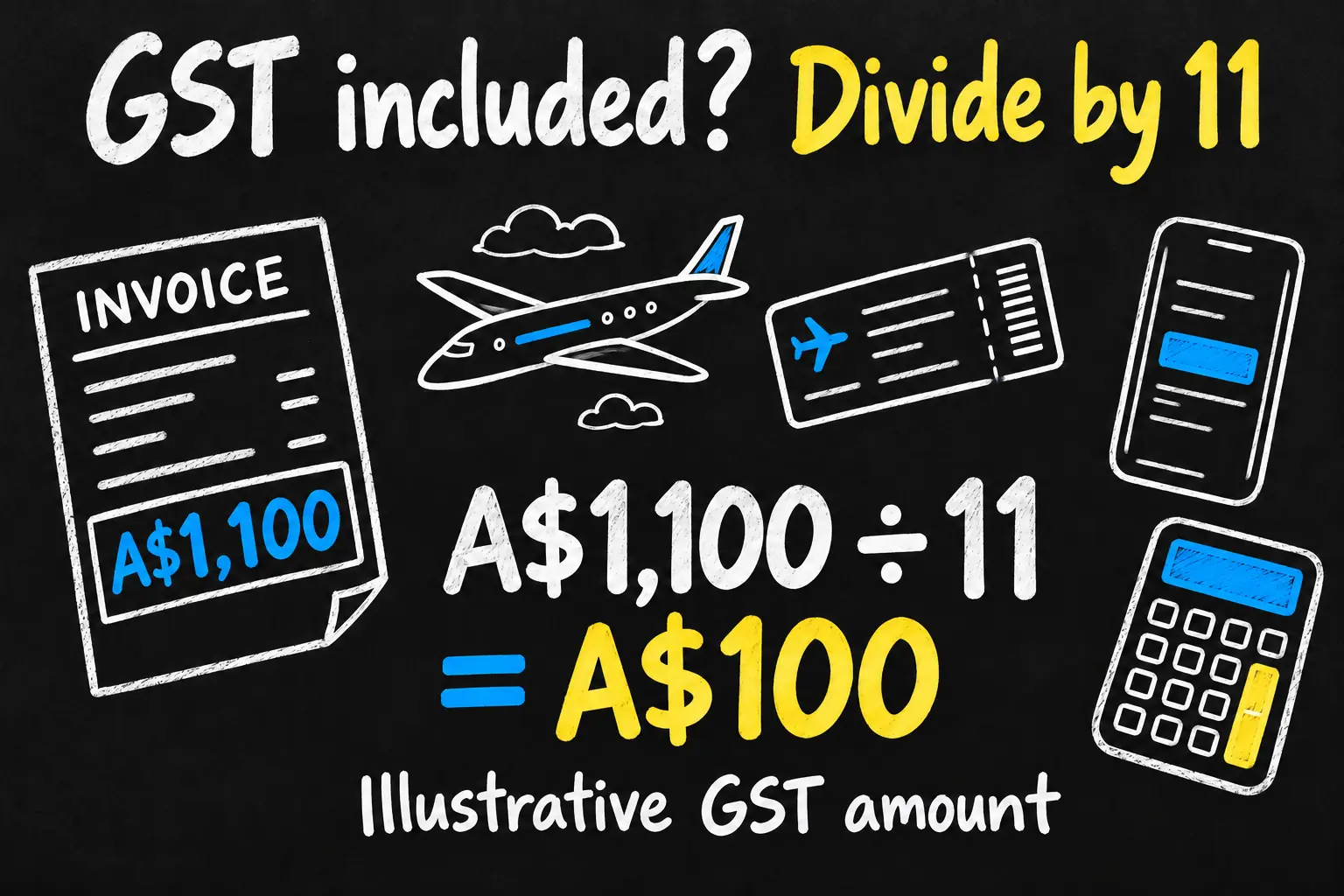
For a price that already includes standard 10% GST, the GST component is one-eleventh of the GST-inclusive amount. It is not 10% of the price you paid. Use the eligible GST shown on the actual invoice; the example below assumes the whole listed price is a standard GST-inclusive goods purchase.
| Illustrative purchase price | Calculation | GST component |
|---|---|---|
| A$1,100 | A$1,100 ÷ 11 | A$100 |
| A$2,200 | A$2,200 ÷ 11 | A$200 |
Those are arithmetic examples, not current iPhone or MacBook prices. Do not include a warranty, delivery charge or other excluded service as though it were automatically eligible goods. A bundled invoice needs checking item by item rather than dividing its whole total without looking at the contents.
Plan your TRS Melbourne airport stop
Melbourne Airport places the departure TRS facility in Terminal 2 after customs in the main tax and duty-free store area. It also identifies a T2 arrivals ABF location for the relevant oversized or restricted-goods sighting process. Check the current airport map and signs on the day, especially if your goods cannot travel in your cabin bag.
ABF requires airport claims at least 30 minutes before scheduled departure, but its guidance says to aim to reach the TRS facility 90 minutes before departure and warns busy queues can exceed 90 minutes. The 30-minute rule is a cutoff, not a comfortable arrival plan. Allow time for airline check-in, security, immigration and the queue.
If your international departure is through a different Australian airport after a domestic connection, check ABF’s connection guidance and complete the claim at the relevant final departure point. Do not assume a domestic terminal in Melbourne can process an international TRS claim.
Use the device and keep it available for inspection
ABF says qualifying goods may be removed from their packaging and used before departure, provided the officer can match them to the tax invoice. For a phone or laptop, keep the actual device accessible; packaging alone cannot demonstrate that you are exporting the purchased goods.
Have enough battery to show the device and retrieve supporting information if needed, while keeping printed invoice backups ready. This is a preparation suggestion, not an additional published eligibility condition. Do not put personal account passwords or sensitive identifiers into a third-party refund form.
Bring the goods back? Declare the TRS claim
If you or another person claimed TRS on goods that return to Australia, ABF requires you to declare them. If their combined value with other overseas or duty-free purchases exceeds the applicable passenger concession, GST or duty may become payable unless another concession applies. Taking a device on a holiday does not make the refund a guaranteed permanent saving.
Keep the claim receipt and invoices with your travel records so the return declaration is easier to explain. Check your own concession position with ABF, especially for an expensive phone or laptop. Do not assume using the device on the trip removes the declaration requirement.
Frequently asked questions
Can an Australian resident use TRS?
Melbourne Airport states that the scheme is open to overseas visitors and Australian residents, excluding operating air crew, subject to the scheme’s other conditions.
Does the app submit the claim?
It prepares the information and claim code. You still need to complete the departure-day process with ABF.
Do I need the unopened box?
ABF permits qualifying goods to be unpacked and used before departure if they can be matched to the invoice. Keep the goods themselves available.
How is the refund paid?
ABF lists eligible credit cards or an Australian bank account, rather than a cash refund. Keep the claim receipt and follow its processing guidance.
Prepare once, then follow the airport process
For a qualifying purchase and an existing international trip, the TRS Melbourne process can be a useful way to reclaim the eligible GST amount. Confirm the invoice and export conditions first, calculate the amount correctly and allow enough airport time. If you are using your phone for the trip into the city, our Melbourne Apple Pay guide covers that separate transport task.
Sources and Reading Notes
Checked 23 October 2026. Sources: Australian Border Force, TRS eligibility, Making the claim and duty-free return declarations; Melbourne Airport, TRS location and departure preparation. TRS app screenshot: Aussie Oppa; interface: Australian Border Force. Other illustrations are AI-generated; calculation examples are illustrative.