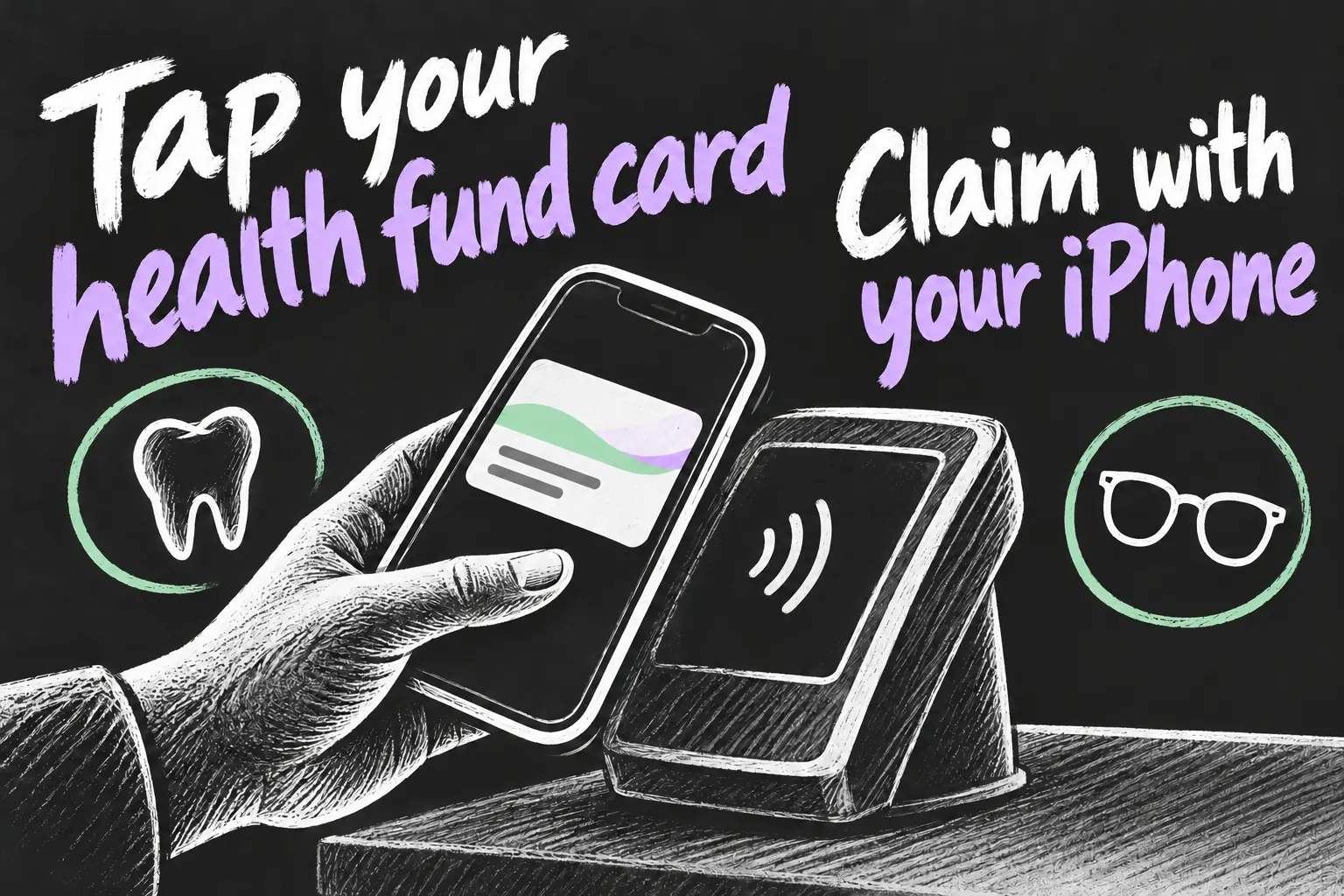
A supported health insurance card in Apple Wallet lets eligible Australian private health members tap to claim at participating HICAPS providers. Add the card through your insurer’s app before an appointment, select it in Wallet and hold your iPhone or Apple Watch near the active terminal when the provider is ready.
This is useful at an eligible extras appointment when you want to leave one more plastic card at home. The digital pass presents your membership; your cover still determines the benefit. This guide was checked on 23 October 2026 using insurer and terminal-provider instructions, without claiming a personal clinic test.
Before you dive in
Check your insurer and provider first
HICAPS lists eligible members of Bupa, Medibank, nib, GU Health, HBF, ahm, Westfund and Australian Unity among supported digital-card users. Check your own product and app access rather than assuming every policy under an insurer’s brand has identical features. The provider also needs to support the relevant digital claim on its terminal.
A useful question when booking is whether the practice accepts your insurer’s card in Apple Wallet for on-the-spot claiming. That confirms the practical service you want. A clinic accepting ordinary Apple Pay purchases answers a separate question about paying its bill.
Add and use a health insurance card in Apple Wallet
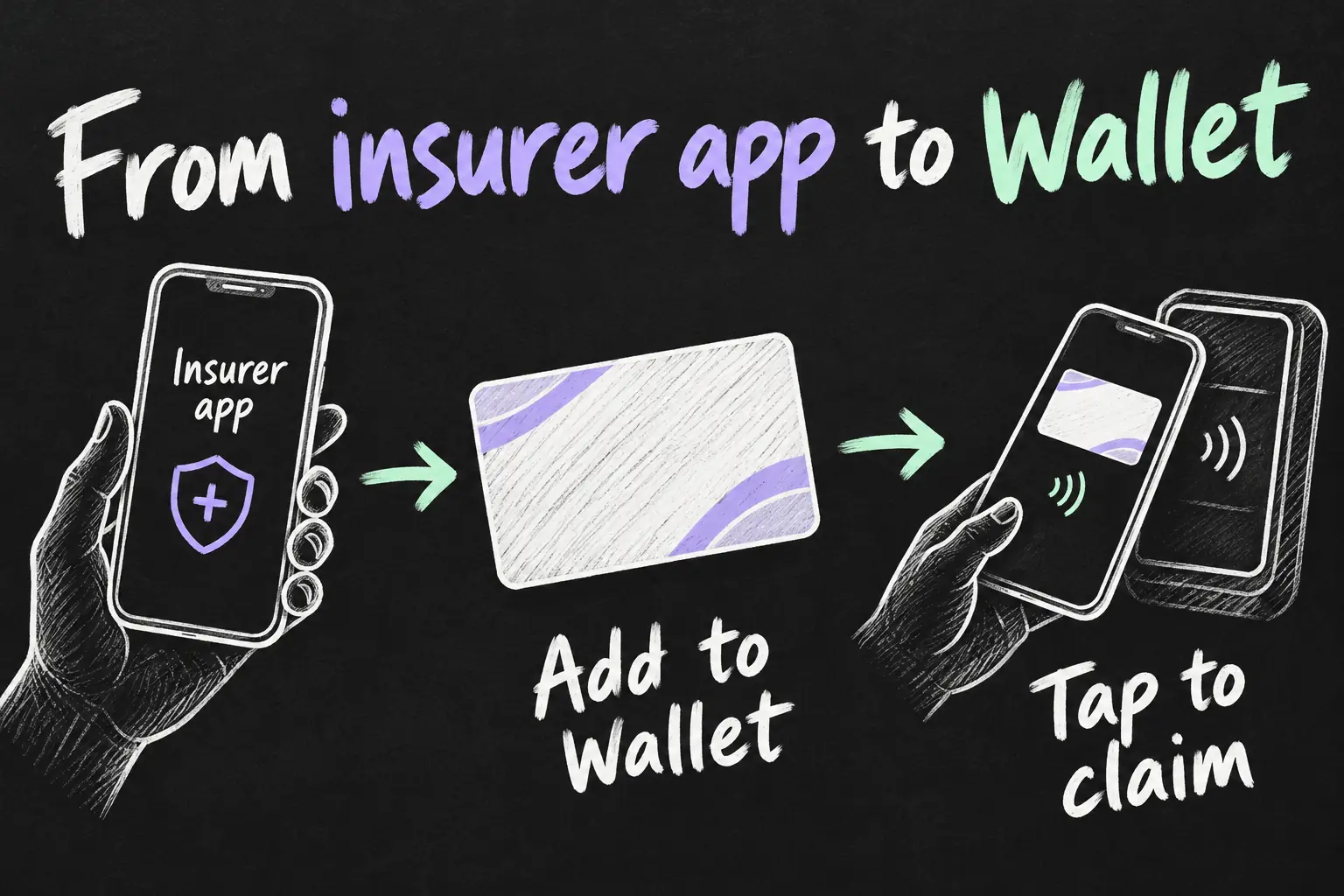
- Open the official insurer app. Sign in to your own membership and check the details are current. Use the insurer’s app, not a third-party pass maker that only copies a card’s appearance.
- Find the membership-card section. Follow the Add to Apple Wallet option if offered for your eligible membership. For example, nib directs iPhone users to Account in its app, then the add-to-Wallet option.
- Check the pass before your appointment. Open Wallet and confirm the intended membership appears. If more than one person is covered, know which patient identifier applies to the person receiving treatment.
- Select the pass when the provider is ready. On a Face ID iPhone, double-click the side button, select the health fund card and authenticate as required. Hold it near the active HICAPS reader and let the provider complete its claim process.
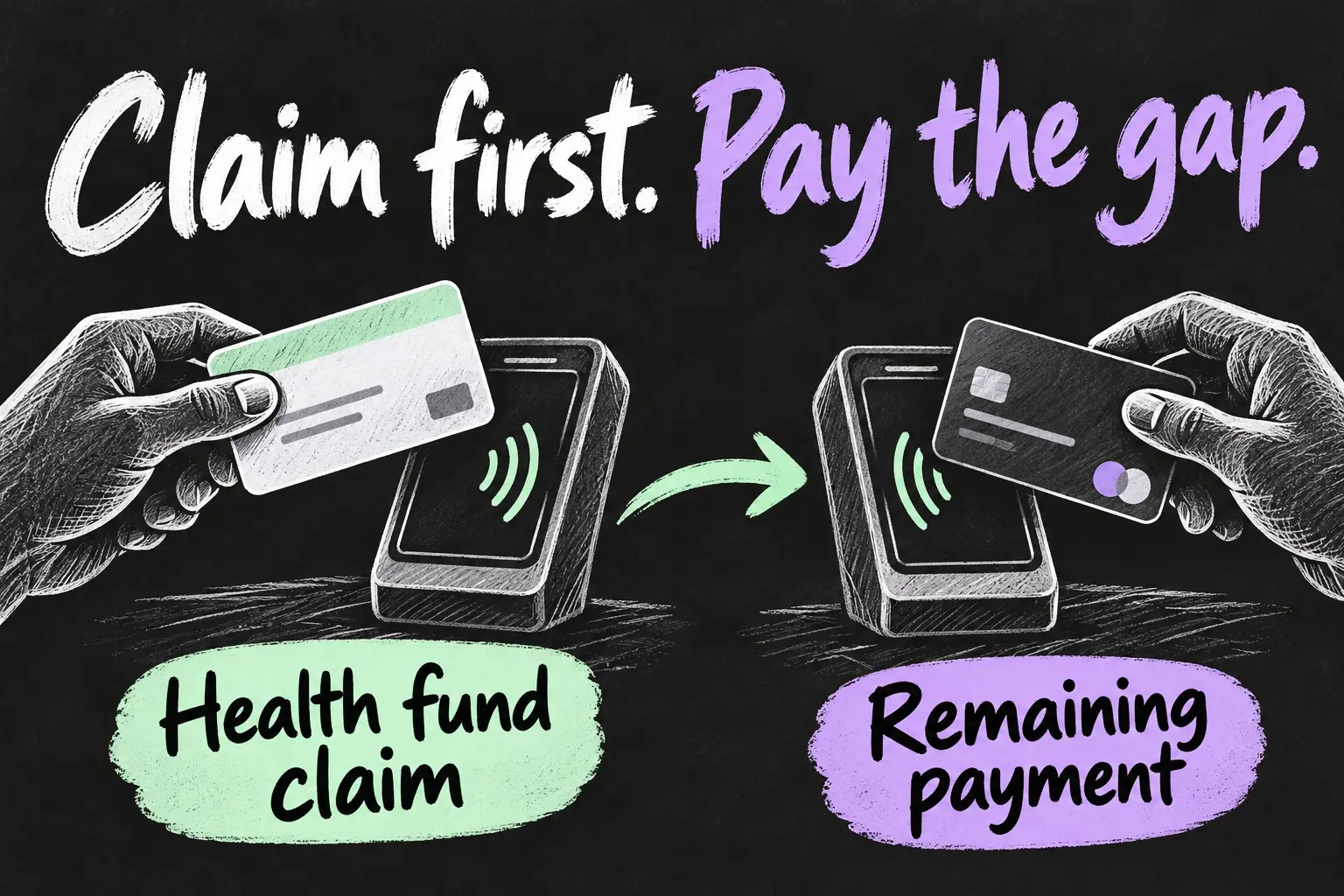
- Confirm the result and settle the balance. Check the approved benefit and remaining amount with the practice. Use your normal payment method, including a supported bank card in Apple Pay where accepted, for any gap.
Your private health pass and payment card can both sit in Wallet, so make a deliberate selection. Opening the default bank card when the receptionist asks for your fund membership presents the wrong item for that stage of the visit.
Useful examples: Bupa, nib and HBF
| Insurer example | Officially described use |
|---|---|
| Bupa | Add the digital membership card through myBupa and present it at a HICAPS terminal; use a payment card for any gap. |
| nib | Open Account in the nib app to add the card to Apple Wallet, then choose the nib card and hold the device near the reader. |
| HBF | After setting up the digital card, select it in Wallet and follow the iPhone or Apple Watch authentication and tapping instructions. |
The purpose of the examples is to show where setup begins. App layouts change, so follow your insurer’s current instructions if the tab has moved. Avoid applying nib’s Account menu or an old Bupa screenshot to an unrelated insurer app.
Use the correct patient details on a family membership
A family membership can include more than one patient. nib explains that the patient identifier can be found from the pass’s ellipsis menu or its app. HICAPS similarly advises checking the patient identifier when several members appear on a card. Have the correct details ready for the person receiving care.
If the membership has changed, refresh the card using the insurer’s instructions before the next visit. Do not assume a saved picture reflects a new family member or updated issue details. Ask your fund for help if the official app cannot issue the correct pass.
Understand the claim and the gap payment
Think of the appointment checkout as two related actions: the fund processes the eligible claim, then you settle the remaining balance. Bupa specifically describes using the membership pass to claim and Apple Pay to pay a gap. Adding the pass does not create extra benefits or change what the policy covers.
For example, if a practice’s bill is A$100 and the approved benefit is A$60, the remaining A$40 is your payment. These numbers are illustrative, not a quote for any treatment or insurer. Check the actual result rather than assuming tap to claim means there is nothing to pay.
Get the reader ready and check approval
HICAPS says the terminal must be active, rather than asleep, to read a digital card. If nothing happens, ask the receptionist to start or wake the claim terminal and confirm you selected the membership pass. Bring the phone close to the reader when prompted instead of repeatedly changing cards.
A successful fund claim is confirmed by the terminal’s claim-approved result. If the claim is declined or disputed, ask the provider for the response and check with your insurer. A working digital card cannot resolve eligibility or benefit questions by itself. Keep the claim record and payment receipt so the two amounts are easy to reconcile.
Using Apple Watch at the appointment
Where your insurer supports a watch pass, set it up through its supported process and check that it appears on the watch before leaving home. HBF’s instructions use a double-click of the watch side button followed by holding the watch near the HICAPS terminal. Select the insurance pass for the claim stage.
You do not need to assume every iPhone pass is already on the watch. Complete the insurer’s device setup and test access to the pass first. The useful result is a ready membership card at reception, not discovering a missing pass after treatment.
Frequently asked questions
Where do I add the pass?
Start in your insurer’s official app. It issues the supported membership pass to Apple Wallet for an eligible membership.
Can I use it for a family member?
Use the correct patient identifier and follow the insurer’s membership rules. Check the details in the pass or app before the provider submits the claim.
Does tap to claim pay the whole appointment bill?
The benefit depends on your cover and the claim result. Pay any remaining amount separately using an accepted payment method.
What if the reader does not react?
Check the selected pass and ask the provider to make sure its HICAPS terminal is active and ready for digital-card claiming.
Set it up before the next appointment
A health insurance card in Apple Wallet is a practical way to simplify a supported clinic visit. Add it in the official app, confirm patient details and keep the insurance claim separate from payment. For everyday retail payment, our Melbourne Apple Pay guide covers another local use for the same Wallet app.
Sources and Reading Notes
Checked 23 October 2026. HICAPS: participating funds, active-reader requirements and approval workflow. Bupa: membership passes through myBupa and gap payments. nib: digital-card setup and patient identifiers. HBF: iPhone and Apple Watch claiming. This is private health membership guidance, not a Medicare setup or insurance recommendation. No personal claiming test is claimed. Images are original AI-generated concepts.