The touchscreen MacBook Pro is official, and it is different from the M6 model. Apple calls it MacBook Pro with PROLED XDR Display. It combines a tandem OLED touchscreen with M5 Pro or M5 Max; the separate M6 MacBook Pro uses a non-touch Liquid Retina XDR display.
For Australian buyers, the touchscreen range starts at A$4,599 including GST. Pre-orders opened on 29 October 2026, with availability starting 6 November. This guide explains the seven changes that matter before paying more, rather than treating a new way to tap the screen as an automatic reason to replace a good laptop.
Specifications and local launch information checked against Apple Australia on 29 October 2026. This is a research-based buying guide, not a hands-on review or an independent performance test.
Before you dive in
1. Touchscreen MacBook Pro vs M6: know which one you are buying
A bigger generation number does not identify the better machine for every job. M6 is a standard chip; M5 Pro and M5 Max are different chip tiers. The name on the processor alone does not compare their memory, graphics resources or your software’s behaviour.
| What you are choosing | PROLED XDR touchscreen range | Standard M6 MacBook Pro |
|---|---|---|
| Chip | M5 Pro or M5 Max | M6 |
| Screen | 14.2-inch or 16.3-inch tandem OLED | 14.2-inch Mini-LED |
| Direct finger input | Multi-Touch display | No touchscreen |
| Australian starting price | A$4,599 inc. GST | A$3,199 inc. GST |
| Starting configuration | 14-inch M5 Pro, 24GB memory, 1TB SSD | 14-inch M6, 16GB memory, 1TB SSD |
The starting-price difference is A$1,400, but it includes a different chip tier, memory configuration and computer design. It is not a clean A$1,400 charge just to add touch. Compare the full configurations you would actually order. For the less expensive model’s details, see our MacBook Pro M6 Australia guide.
2. PROLED XDR changes the screen, not just the input method
The new panel uses tandem OLED. Apple lists a 10–120Hz adaptive refresh range, P3 and Adobe RGB colour gamuts, and up to 1,000 nits sustained full-screen brightness. The 2,000-nit figure is peak HDR brightness or peak SDR outdoors; it does not mean every part of every page stays at 2,000 nits all day.
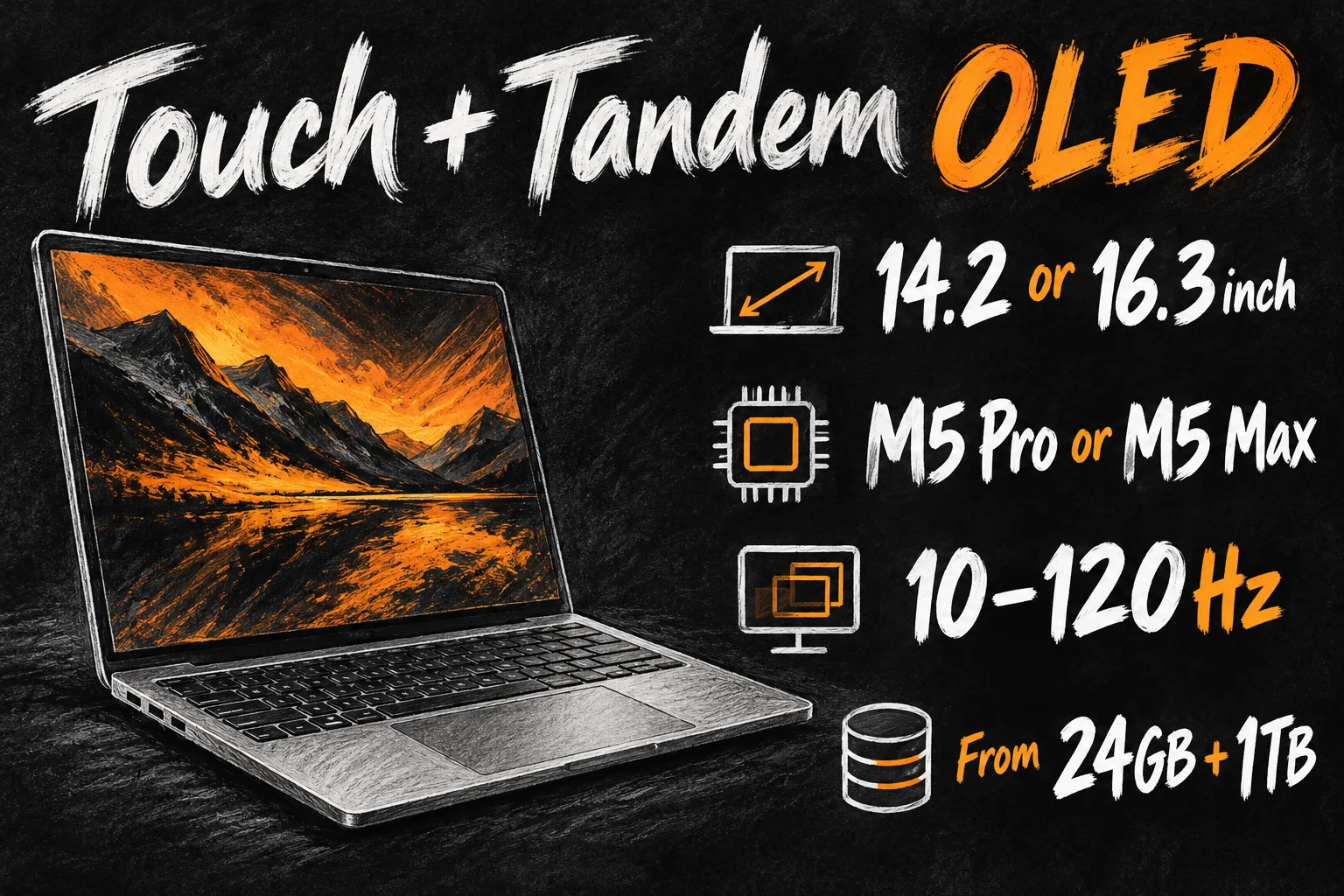
If you edit photographs, grade video or deliver print work, start with the display requirement: what colour space and viewing conditions does the job need? A headline brightness number is less useful than checking the same work under the reference mode you will use. Apple’s display specifications are manufacturer information, not our measurements.
For writing, email and spreadsheets, a good existing display may already solve the task. Before spending more, compare small text, reflections and your own content in person when demonstration units are available. OLED alone does not guarantee that the particular upgrade matters to your day.
3. Touch adds direct control while the keyboard and trackpad stay useful
Apple describes finger gestures for scrolling, pinching a photo, moving presentation slides and managing windows. It also describes direct control in creative work, such as moving clips in Final Cut Pro and playing onscreen instruments in Logic Pro. The useful change is the option to reach straight to the item you want to manipulate.
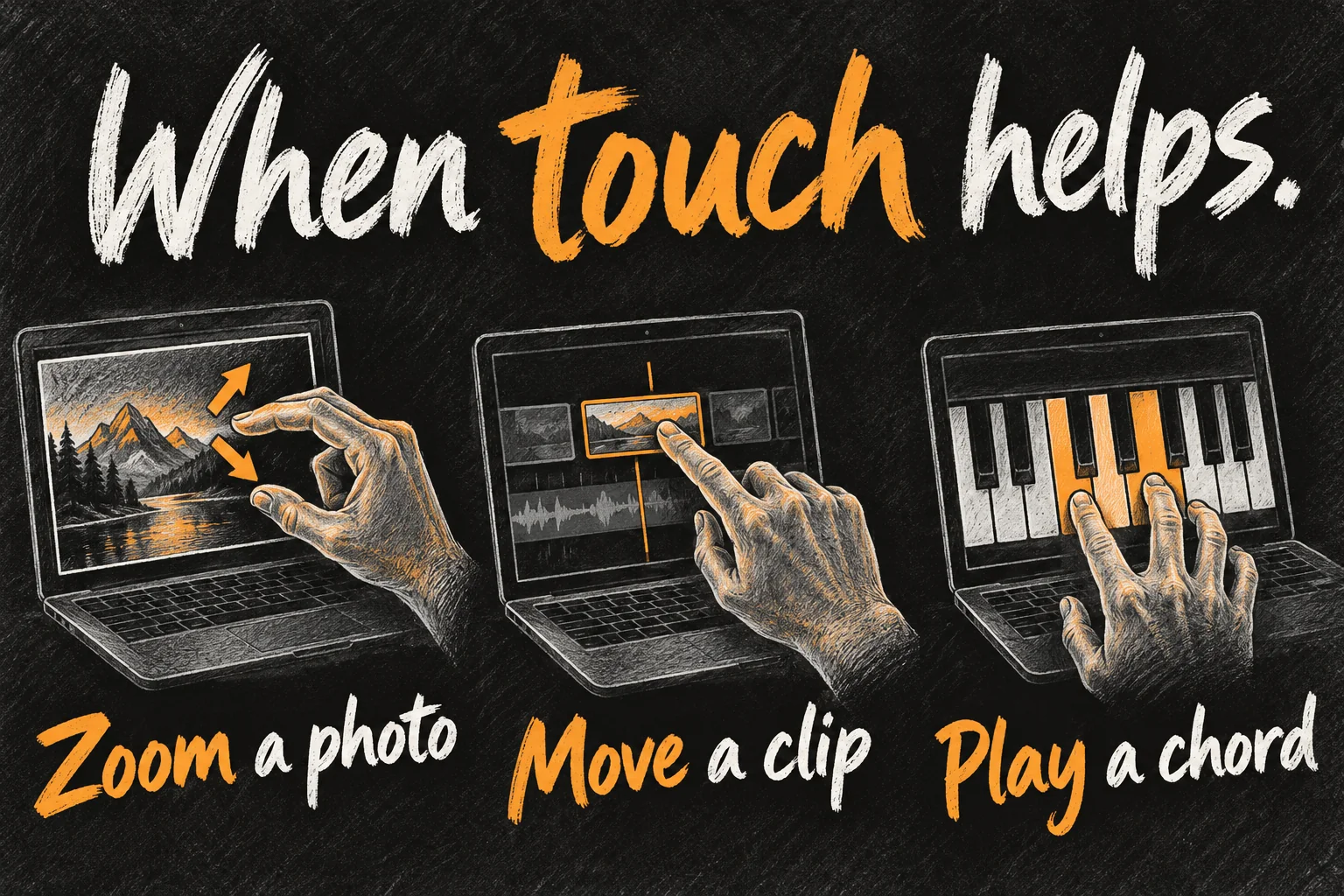
Think about a real task you repeat: zooming into a detail while showing someone a photo, trying a chord without a separate controller, or repositioning something on a canvas. Those are more convincing reasons to test a touchscreen than the novelty of scrolling a webpage with a finger.
Touch is an additional input, not an instruction to abandon keyboard shortcuts. A long writing session can still favour the keyboard and trackpad. If the computer spends most of its life closed beside an external monitor, paying for its built-in touchscreen may have less practical value to you.
Apple says many existing apps can receive translated touch clicks, while richer interactions depend on application support and updates. Apple Creator Studio touch-related updates are scheduled for November. Check the specific app and version you use instead of assuming every launch demonstration is available in every app immediately.
4. Dynamic Island brings quick actions to the top of the display
Dynamic Island is also coming to this MacBook Pro. Apple presents it as a place for Spotlight, Live Activities and Siri AI, including quick music and activity interactions. It is a separate feature to the OLED panel and chip choice.
For a buyer, the question is whether those quick actions reduce interruptions in your work. If your hands are already on the keyboard, your existing shortcuts may remain preferable. Try the actual interaction before treating a familiar iPhone feature as an essential laptop upgrade.
5. The lighter design still needs a configuration check
Apple lists the 14-inch M5 Pro version at 1.38kg and the M5 Max version at 1.40kg. The advertised up-to-24-hour battery figure applies to selected configurations and test conditions, not every size, chip and workload. Rendering, gaming and other demanding work should not be budgeted as 24 hours away from power.
The touchscreen range retains pro connections including three Thunderbolt 5 ports, HDMI, SDXC, MagSafe and a headphone jack. That can matter more than touch if your normal day involves camera cards, storage and external screens. Check the display resolution and refresh-rate conditions for your planned setup; a maximum screen count is not a promise for every combination.
Choose the portable size by the desk and bag you actually use. A larger screen can make a timeline easier to read, but it also occupies more space on a lecture desk or an aircraft tray. Make a short list of the ports and accessories you would otherwise carry, then compare the complete kit.
6. Touchscreen MacBook Pro Australia prices and dates
| PROLED XDR model | Standard starting price, inc. GST |
|---|---|
| 14-inch with M5 Pro | A$4,599 |
| 16-inch with M5 Pro | A$5,499 |
| 14-inch with M5 Max | A$6,999 |
| 16-inch with M5 Max | A$7,699 |
These are Apple Australia’s launch starting prices, checked on 29 October 2026. Memory, SSD capacity and display-glass choices can change the total. Education prices are separate and require eligibility; compare the exact configuration rather than subtracting an assumed percentage. Our Apple education discount guide explains the local buying process.
Australian pre-orders opened on 29 October, and availability begins on 6 November. An availability date is not a guarantee that every custom configuration will reach your address that day. Check the current delivery or collection estimate on the order you are about to place.
7. Who should buy the OLED touchscreen MacBook Pro?
- Creative work with a display requirement: shortlist it when the screen’s characteristics and your software genuinely justify the configuration, then test the relevant workflow.
- Direct manipulation throughout the day: try your normal photo, music or canvas tasks with touch before deciding that it saves effort.
- General study, browsing or office work: compare a suitable Air or the standard M6 Pro first; a task that already runs well does not automatically need a more expensive machine.
- An existing M5 Pro or Max owner: this is principally a display, input and design decision, not an automatic upgrade to a new chip generation. Keep the current Mac if those changes solve no recurring problem.
A sensible store test is to bring one representative file, use the app you actually work in, and compare the same task with touch and the trackpad. Ask yourself what becomes easier, what remains awkward and whether the benefit is frequent enough to justify the cost. That is a more useful buying rule than choosing whichever processor name contains the highest number.
FAQ
Is the first touchscreen MacBook an M6?
No. The touchscreen MacBook Pro uses M5 Pro or M5 Max and a PROLED XDR panel. The new standard M6 model is a separate non-touch Mini-LED product.
Does touchscreen support mean Apple Pencil support?
Do not assume that. The official specifications checked for this guide list Multi-Touch gestures, not Apple Pencil compatibility. If pressure-sensitive pen work is essential, verify explicit device and app compatibility before buying.
Is this an iPad that runs Mac apps?
It is a MacBook Pro running macOS, with its laptop keyboard and trackpad. Evaluate it as a Mac with direct finger input; do not buy on an assumption that it folds into, detaches into or behaves exactly like a handheld tablet.
Should I order now or wait for reviews?
If your current laptop works, waiting for independent tests and an in-person demonstration lets you judge touch comfort, display behaviour and your apps before committing. If you need a replacement urgently, check the exact configuration’s delivery estimate and whether the extra features solve your immediate needs.

Sources and Reading Notes
Primary facts: Apple Australia, MacBook Pro product comparison; MacBook Pro with PROLED XDR Display overview, technical specifications and Australian store configurations; Apple Australia Newsroom, 29 October 2026 launch announcement. The separate M6 model is cross-checked against Apple’s Australian M6 announcement. Source names are provided as plain text.
Benchmark reading: Macworld’s touchscreen buying guide, MacRumors’ announcement coverage and Ars Technica’s launch overview, used to identify reader questions and organise the guide. Australian facts follow Apple’s regional information. Buying recommendations are our analysis, and all illustrations are original AI-generated concepts. No personal testing, measured speed advantage or hands-on comfort result is claimed.