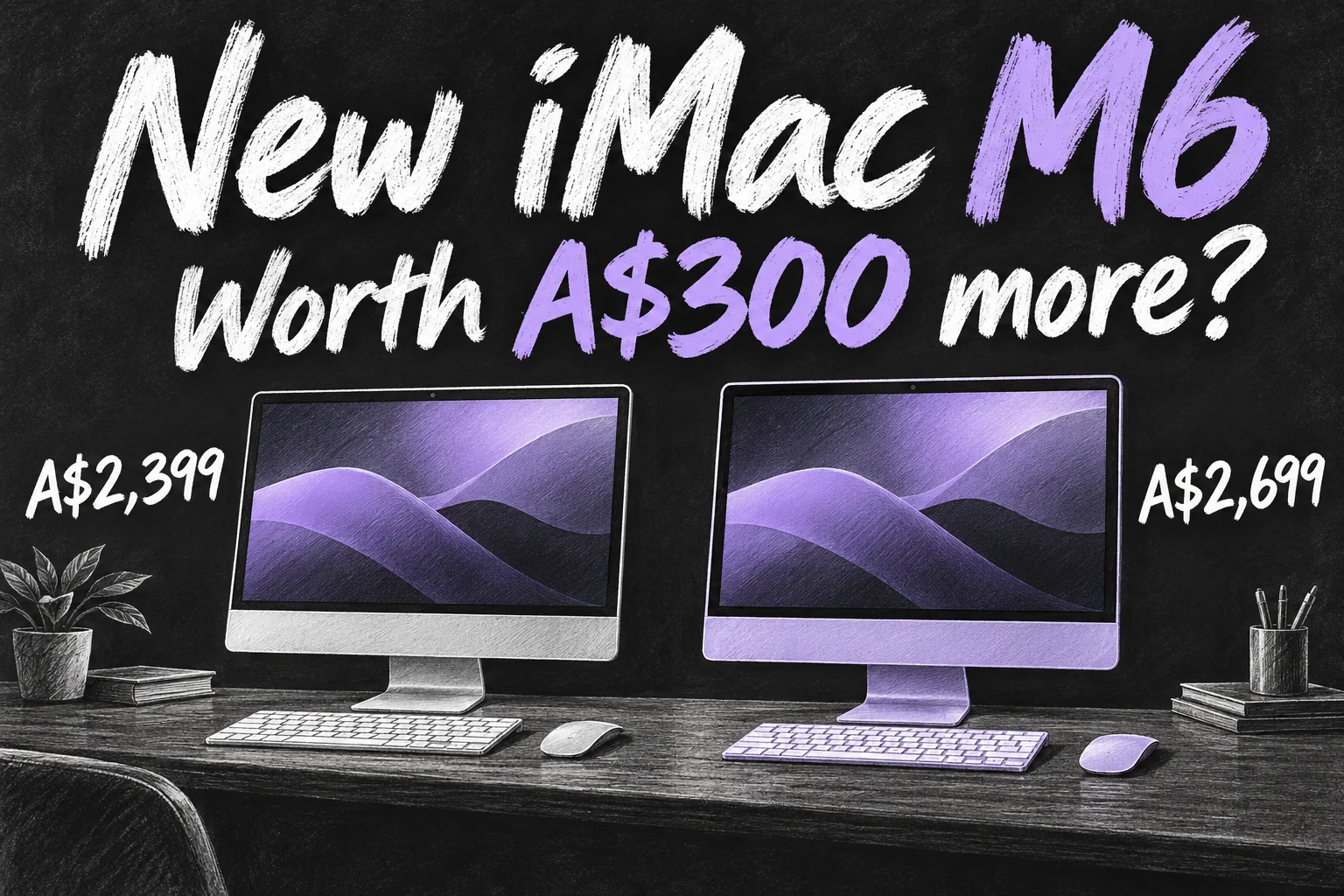
The iMac M6 is available to pre-order in Australia from 29 October 2026, with availability starting 6 November. Prices begin at A$2,399 including GST, or A$2,699 for the four-port configuration. If you want a tidy family computer or an all-in-one work desk, the real question is what that extra A$300 buys.
Apple has upgraded the processor and wireless connectivity while retaining the familiar 24-inch 4.5K screen. This guide separates the confirmed iMac M6 specs from the buying decisions: which model suits your accessories, whether 256GB is enough, and when replacing an M4 makes sense.
Before you dive in
iMac M6 Australia: prices and release date
| Starting configuration | Standard price incl. GST | Education starting price incl. GST |
|---|---|---|
| Two ports; 10-core CPU and GPU; 16GB / 256GB | A$2,399 | A$2,319 |
| Four ports; 12-core CPU and GPU; 16GB / 256GB | A$2,699 | A$2,539 |
The iMac M6 price difference between the two starting models is A$300 at normal retail. Education pricing has its own eligibility conditions and a different gap, so use the correct store when comparing. The launch date is not a guarantee for every delivery: check the estimate for your postcode and custom configuration before paying.
Apple launched the previous base M4 iMac at A$1,999 in 2024. The new A$2,399 starting ticket is A$400 higher, or 20%. That compares launch starting prices, rather than two current retail offers or identical chip configurations. A discounted M4 needs a fresh quote before you can judge the saving.
iMac M6 specs: two ports versus four
| Specification | Two-port M6 | Four-port M6 |
|---|---|---|
| CPU / GPU | 10-core CPU; 10-core GPU | 12-core CPU; 12-core GPU |
| Neural Engine | Dual 16-core | Dual 16-core |
| Unified memory | 16GB; configurable to 24GB | 16GB; configurable to 24GB or 32GB |
| SSD | 256GB; configurable to 512GB or 1TB | 256GB; configurable to 512GB, 1TB or 2TB |
| Thunderbolt connections | Two Thunderbolt / USB 4 ports | Four Thunderbolt 4 ports |
| External displays | One, subject to supported resolution / refresh rate | Up to two, subject to supported resolution / refresh rate |
| Included keyboard | Magic Keyboard | Magic Keyboard with Touch ID |
| Nano-texture glass | Not listed as an option | Optional; extra cost |
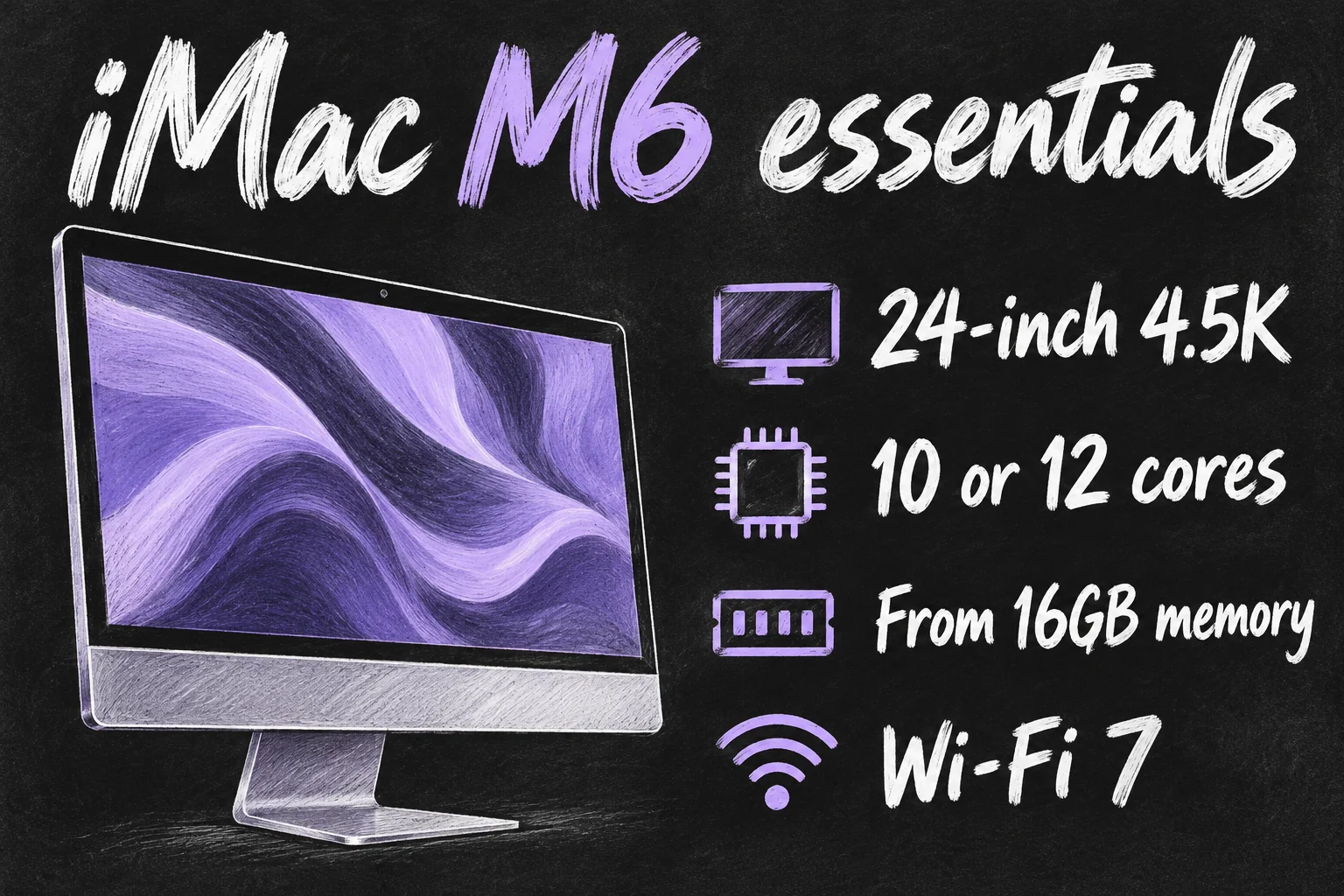
Both have a 4.5K Retina display, a 12MP Center Stage camera with Desk View, Wi-Fi 7, Bluetooth 6, six speakers and a three-microphone array. Apple offers seven colours: blue, purple, pink, orange, yellow, green and silver. These shared features should not be mistaken for reasons to pay for the higher configuration.
For Ethernet, inspect the chosen order rather than assuming a network socket is included in the cheapest setup. Apple advertises available 2.5Gb Ethernet, but the Australian technical-specification page and Newsroom footnote differ on the two-port configuration’s eligibility. Confirm the current checkout selection if wired networking is essential.
M6 vs M4 iMac: what actually changed?
The previous M4 range offered an 8-core CPU and GPU in the two-port model, or 10 cores each in the four-port version. The new iMac M6 moves those choices to 10 and 12 cores respectively. Wireless also advances from Wi-Fi 6E and Bluetooth 5.3 to Wi-Fi 7 and Bluetooth 6.
Apple reports faster processing, graphics, on-device AI and SSD performance. Those are workload-dependent claims: the launch’s up-to-2× storage result compares specified M4 and M6 test configurations, including 32GB memory and a 2TB SSD. It does not establish that the cheapest 256GB version is twice as fast at everything you do.
Meanwhile, the 4.5K screen category, seven-colour choice, 12MP camera and starting 16GB / 256GB capacities are familiar from M4. If you mostly write documents, browse, make video calls and sort family photos without delays today, keeping your current computer is reasonable. More cores matter most when they address a task that is actually holding you up.
The screen: a 24-inch desktop, not a new 27-inch model
Apple’s announced iMac M6 has a marketed 24-inch screen, measuring 23.5 inches diagonally, with 4480 × 2520 resolution and 500-nit brightness. This launch is not the return of a 27-inch 5K iMac, and the listed screen is not an OLED touchscreen.
If you are replacing an older 27-inch machine, measure your preferred working area before ordering. A faster computer with a physically smaller screen may still feel like the wrong desk. A separate Mac and monitor may be the better arrangement when screen size is your main requirement.
Nano-texture glass is a paid option on the four-port model. Consider it around a genuine glare problem, such as a fixed desk facing bright windows, rather than treating it as an automatic image-quality upgrade. Choose the screen setup you will enjoy using every day.
Is the A$300 four-port upgrade worth it?
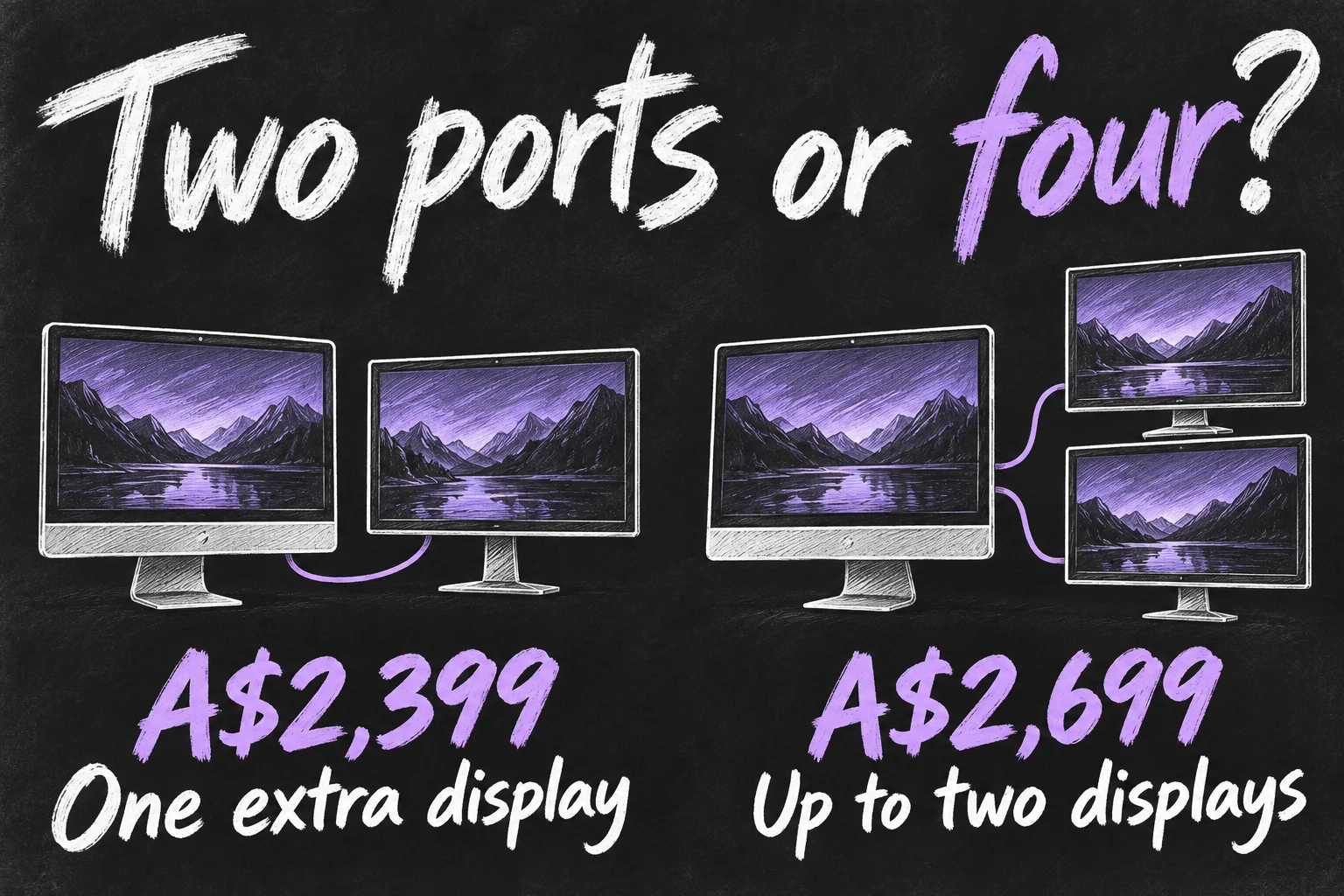
For the iMac M6, this decision is more useful than comparing core counts alone. Picture your desk with a backup drive, external SSD, webcam or other accessories connected. Then count the ports and displays you actually need.
- Choose two ports for a simple desk. A household doing browser work, homework, photos and video calls can evaluate the cheaper model first, provided its memory, storage and one-external-display limit fit.
- Consider four ports for a busier workspace. Extra connections and support for up to two external screens can reduce cable juggling. It also includes Touch ID and opens the 32GB memory and 2TB storage options.
- Compare the final configured totals. Optional memory, storage, glass, keyboard or pointing-device changes can move the price beyond the A$300 starting gap. Do not buy an entire configuration just to solve a small accessory issue.
Apple lists one external display up to 6K at 60Hz for the two-port configuration. The four-port version supports up to two 6K displays at 60Hz, with other supported combinations listed in its specifications. Match your monitor, cable and dock to the selected model; do not assume every hub can drive any pair of screens.
Memory and storage: avoid a purchase that feels cramped
Both iMac M6 starting configurations include 16GB memory and a 256GB SSD. A higher core count does not automatically increase either. Someone buying the A$2,699 model for its extra connections still needs to consider storage separately.
Start by checking how much storage your existing Mac uses. Add the apps and local files you intend to keep, then leave room for updates and working projects. A growing photo or video library can make 256GB awkward, while a mostly cloud-based document workflow has different needs. Cloud storage and an external SSD are choices, not substitutes for understanding what must stay on the internal drive.
For memory, compare the requirements of the applications you run together. A few documents and calls are different from a large photo library, creative apps and many active browser tabs. The four-port model is the route to 32GB if your workload needs it; there is no universal reason every household should pay for that amount.
Whichever capacity you choose, budget for a separate backup. Keeping your only copy on an external working drive is not a backup plan. If your old iMac mainly feels slow, our guide to reviving a 5K iMac can help you evaluate that machine before replacing it.
Who should buy the iMac M6 now?
It is most compelling when you want the complete all-in-one setup and your current computer no longer meets your needs. A family replacing a struggling older machine, or a small-business desk that benefits from an integrated display, camera and speakers, has a clear reason to compare the new models.
For an M4 owner whose work is already comfortable, a routine generation upgrade is harder to justify. Do not buy solely for a headline AI feature either: Apple’s launch footnotes describe Siri AI as a macOS 27.2 beta with supported-language, age and regional conditions, alongside usage limits for certain server-based features.
Our starting recommendation is simple: choose the two-port model when its limits fit your actual desk; pay for four ports when the connections, extra displays or higher configuration limits solve a need. Before ordering an iMac M6, confirm your total price, local delivery estimate, essential app compatibility and backup plan. That is more useful than buying the largest chip number available.
Sources checked 29 October 2026: Apple Australia iMac purchase page; iMac technical specifications; iMac product overview; Apple Australia Newsroom’s M6 iMac announcement dated 28 October 2026; and its M4 iMac announcement dated 29 October 2024. Specifications and regional prices take priority over third-party coverage. This guide is based on published specifications and editorial buying analysis, not hands-on tests. All illustrations are original AI-generated concepts.