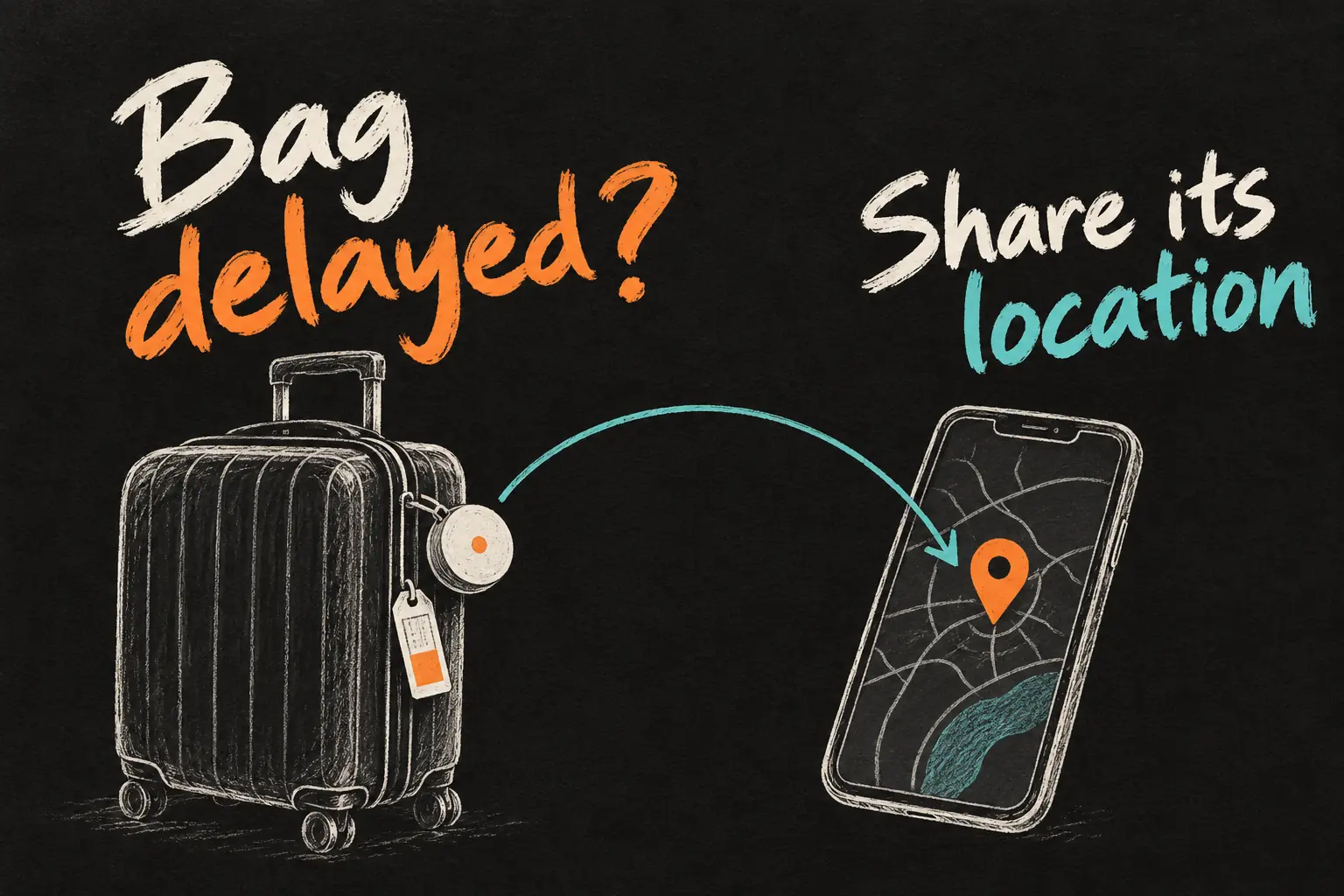
Qantas AirTag tracking can help when your checked bag is delayed: you can share its Find My location link through the airline’s baggage-report process. Create the delayed baggage report first, then add the link to the existing report. This gives the baggage team an additional clue without replacing the airline’s tracing process.
The practical job is to connect information already on your iPhone with the correct airline report. This guide was checked on 23 October 2026 against Qantas and Apple instructions. It is not a personal recovery story, and sharing a location does not guarantee a delivery time or compensation.
Before you dive in
Start with the airline that handled your last flight
Qantas tells travellers to contact the airline that operated the final flight to the airport where the baggage should have arrived. That matters on a connecting itinerary: a QF flight number alone does not establish that Qantas operated the last sector. Check the operating carrier before opening a report in the wrong system.
If Qantas operated that flight and your bag is missing at the collection point, report it promptly. Have the booking reference, passenger contact details, baggage receipt number and a clear bag description ready. Keep the report reference so you can manage the case afterwards.
Five steps for Qantas AirTag tracking
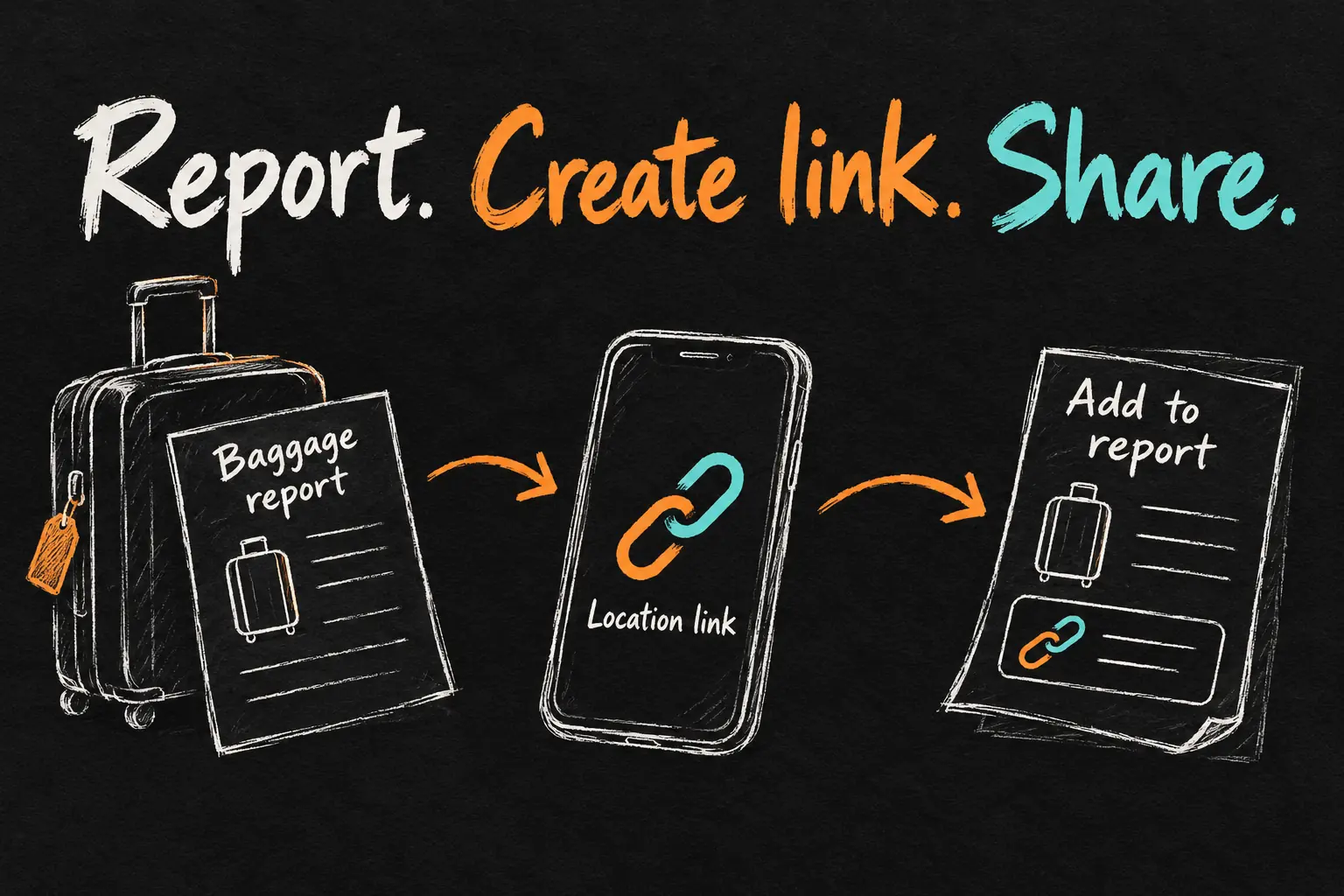
- Create the delayed baggage report. Use Qantas’s official baggage help page, its linked self-service portal, the available Report delayed bag option in the Qantas app, or the airport baggage-services team.
- Keep the report reference. Qantas supplies a ten-character delayed-bag report reference. Save it with the baggage receipt and check that your contact and current location details are correct.
- Create the AirTag location link. In Find My, open Items and select the tracker belonging to the missing bag. Find Share Item Location, using the item’s more menu where your software places it, and follow the prompts to create the temporary webpage link.
- Add it to the existing report. Open the official delayed-baggage portal from Qantas’s site, choose Manage an existing report, sign in with the required report details and find Find my item location. Paste the generated link there.
- Follow the report updates. Keep checking the portal and messages from the baggage team. Confirm delivery arrangements through the airline rather than travelling to a restricted baggage area because a map pin appears nearby.
Qantas explicitly describes the link field in its current baggage instructions. A screenshot of the map is less useful than completing that supported link workflow. It also avoids trying to explain the whole Find My map over a rushed airport-counter conversation.
Check the Find My sharing requirements
Apple’s Find Lost Item guidance lists iOS 18.2 or later, iPadOS 18.2 or later, or macOS Sequoia 15.2 or later for creating a Share Item Location link. Keep your device current and use an item already associated with your Apple Account. The exact item menu can differ with software, so follow the onscreen wording rather than an old screenshot.
This temporary location-sharing feature is different from permanently sharing an AirTag with a household member. Apple also says at least one of your Apple devices signed in to your account needs to be online to provide updated locations. Keep a usable connection on your travel device where possible.
Read the location alongside the airline’s status
| Information | What it helps you understand |
|---|---|
| Qantas baggage status | The airline’s recorded handling and tracing information. |
| AirTag location and update time | An additional approximate location clue from the tracker’s network. |
| Delayed-bag report | The case where contact, delivery and the location link are managed. |
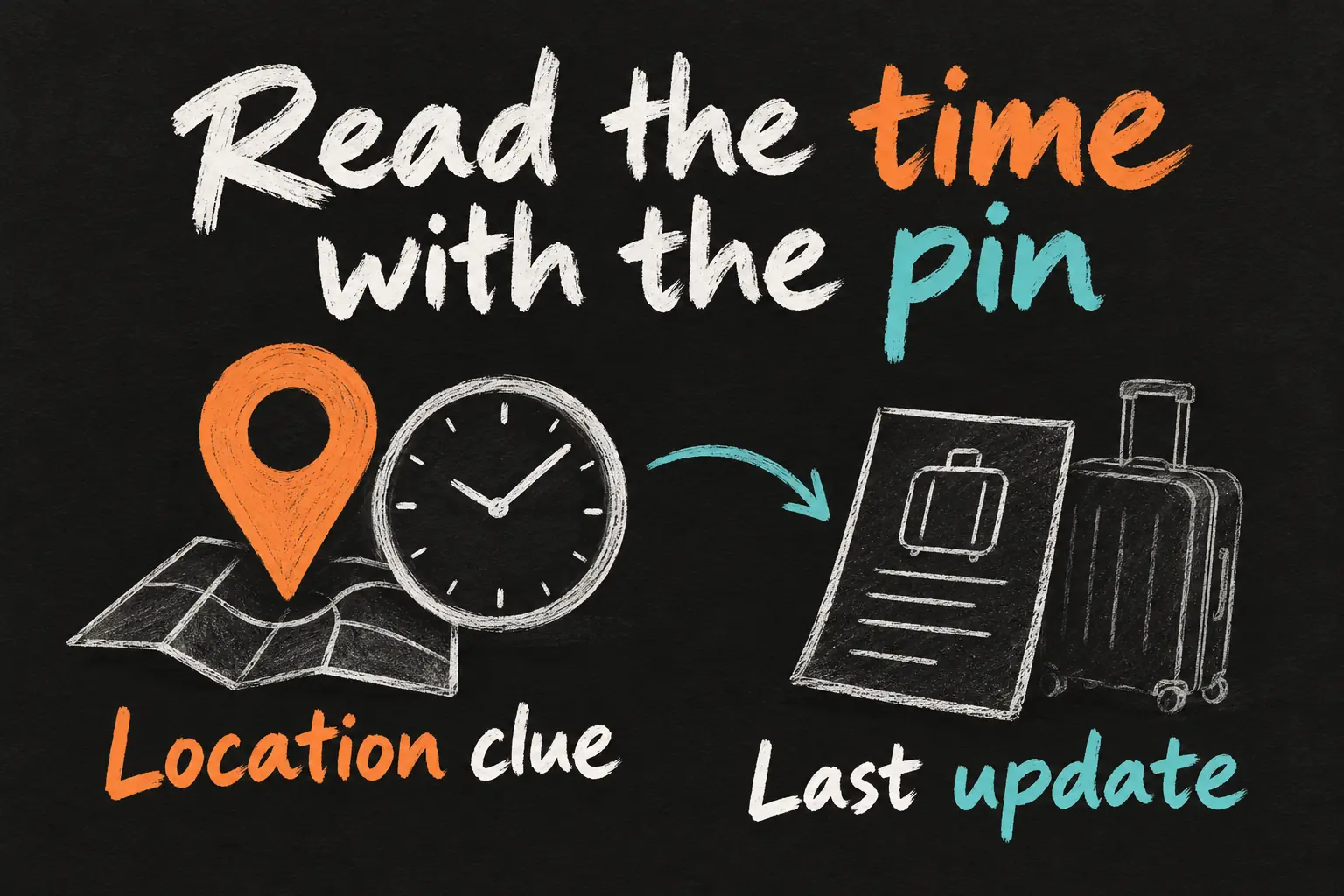
Qantas notes several reasons why its app and a Bluetooth tracker can disagree, including missed baggage scans, tracker inaccuracies and environmental or aircraft obstructions. Check the update time before interpreting a pin as the bag’s current position. Pass useful information to the baggage team through the existing report.
For example, a location last updated before your flight is different evidence from an update after arrival. The map can guide a question to the airline, but it cannot establish that an employee is ignoring your bag or that the bag is publicly accessible. Keep the report factual and attach the supported link.
Manage the temporary link after sharing
Apple says sharing ends when you are reunited with the item, after seven days, or when you stop it yourself. If the case remains open after expiry, create a new link and update the report as needed. Check the sharing details in Find My rather than assuming an old pasted link remains useful indefinitely.
Treat the link as case information. Apple’s receiving-side guidance says it can expose the item’s recent location and associated contact or serial details to authorised recipients. Use the airline’s official channel and avoid publishing the link in a public social post. You do not need to give the airline your Apple Account password.
Prepare the useful details before the next flight
Check that the tracker appears correctly in Find My before packing and give the item a name you recognise. Keep a photograph or description of the suitcase and retain the baggage receipt after check-in. These are practical organisation steps so you can complete an accurate report if needed, not a promise that adding a tracker prevents baggage delays.
For the trip around Melbourne before or after the flight, our Melbourne Apple Pay guide covers local transport separately. Do the travel setup before airport day so you have fewer accounts and settings to organise under pressure.

Frequently asked questions
Do I need a delayed baggage report before sharing?
Yes, Qantas’s described process adds the supported tracker link after you create the baggage report.
Where do I paste the link?
Use Manage an existing report in the official delayed-baggage portal, then the Find my item location field described by Qantas.
How long does the link last?
Apple says it expires after seven days or ends earlier when you are reunited with the item or stop sharing.
Does the link guarantee the bag will be found?
It gives the airline another location clue. Keep following the official tracing and delivery process; recovery and timing depend on the case.
Give the baggage team something they can use
The useful outcome of Qantas AirTag tracking is a location link connected to the correct report. Create the case, add the link, keep your details current and check updates in context. That is a specific action you can take while the airline traces the missing bag.
Sources and Reading Notes
Checked 23 October 2026. Qantas: Baggage tracking and Delayed, lost or damaged baggage. Apple Support: Find Lost Item and sharing the location of a lost item in Find My. Menu wording and airline workflows can change. No personal luggage-recovery test or compensation assessment is claimed. Images are original AI-generated concepts.