The Apple Music family plan can save two Australian listeners money if both currently pay the standard Individual monthly price. At the prices checked on 11 October 2026, A$23.99 for Family is A$5.99 less than two A$14.99 Individual plans, while each person keeps a separate music library.
Compare what you actually pay before switching. Student discounts, an existing Apple One family subscription or other billing arrangements can change the saving. This guide covers the two-person calculation, Family Sharing setup and renewal checks rather than assuming every household benefits.
Does an Apple Music family plan work for two?
You do not need six listeners to use an Apple Music family plan. The subscription covers the organiser and up to five other family members. Two adults who already pay A$14.99 each for the standard monthly plan have a clear reason to compare their bills.
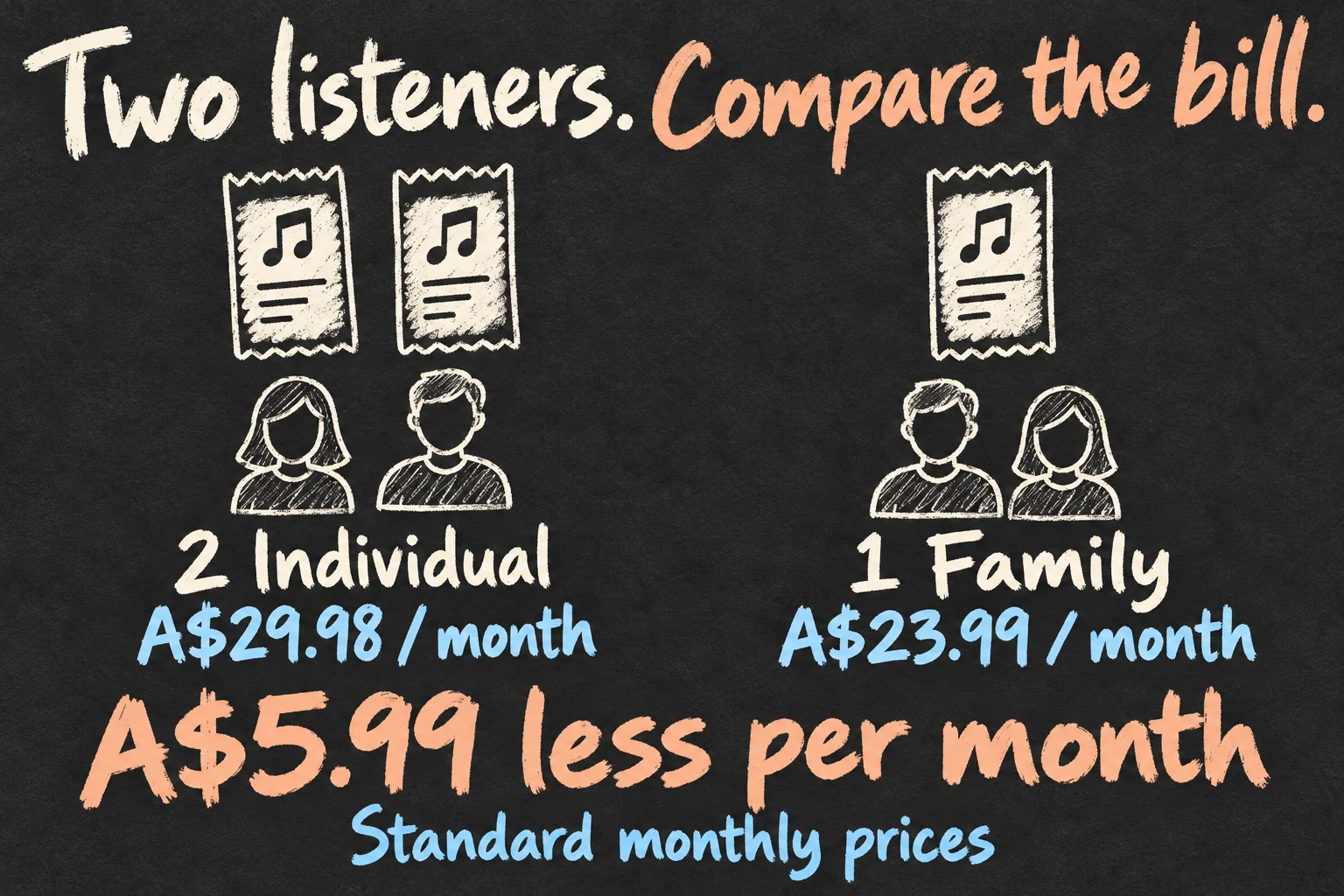
For two people, A$5.99 a month adds up to A$71.88 over twelve months at unchanged prices. Larger households have a bigger difference, provided each listener would otherwise pay for an Individual subscription:
| People currently paying individually | Monthly difference | Twelve months at these prices |
|---|---|---|
| 2 people | A$5.99 less | A$71.88 less |
| 3 people | A$20.98 less | A$251.76 less |
| 6 people | A$65.95 less | A$791.40 less |
These calculations compare full-price Individual monthly subscriptions with one Family subscription. They exclude annual plans, student discounts, promotions and billing adjustments during a switch. The twelve-month figures show the arithmetic at today’s prices, rather than a guaranteed future saving.
There is one small household decision to make: who takes responsibility for the new subscription? Their bill rises from an Individual price to the Family price while the other person’s separate payment stops renewing. Compare the household total. If you agree to contribute privately, decide that between yourselves; the table does not describe an automatic per-person billing service.
Student discount—does the maths change?
Before choosing an Apple Music family plan, look at the amount on each person’s current receipt. The Australian Student subscription is A$7.99 a month for eligible students. Two Student plans total A$15.98, which is A$8.01 cheaper than the Family price.
One Student plan plus one standard Individual plan comes to A$22.98. That is still A$1.01 below the Family price. So an Apple Music cost comparison based on two standard Individual subscriptions does not answer every two-person household’s question.
Compare the bills you actually pay.
An annual subscription, a mobile-provider offer or a trial needs its own comparison too. Note what you pay now, when an offer ends and what the next renewal will cost. A third person who genuinely uses the service can change the calculation; an unused family slot cannot.
Already using Apple One Family or Premier? Those bundles include shared Apple Music access. Check your existing coverage before adding another subscription. The Individual Apple One plan does not share its Music subscription with the family. For a music-only decision, start with the Apple Music family plan rather than assigning savings to extra services you would not otherwise buy.
Will their music take over your recommendations?
Apple Music family sharing uses each person’s own Apple Account. You keep a personal music library, playlists and recommendations. Your partner can explore a genre you never listen to without turning your account into the household’s shared login.
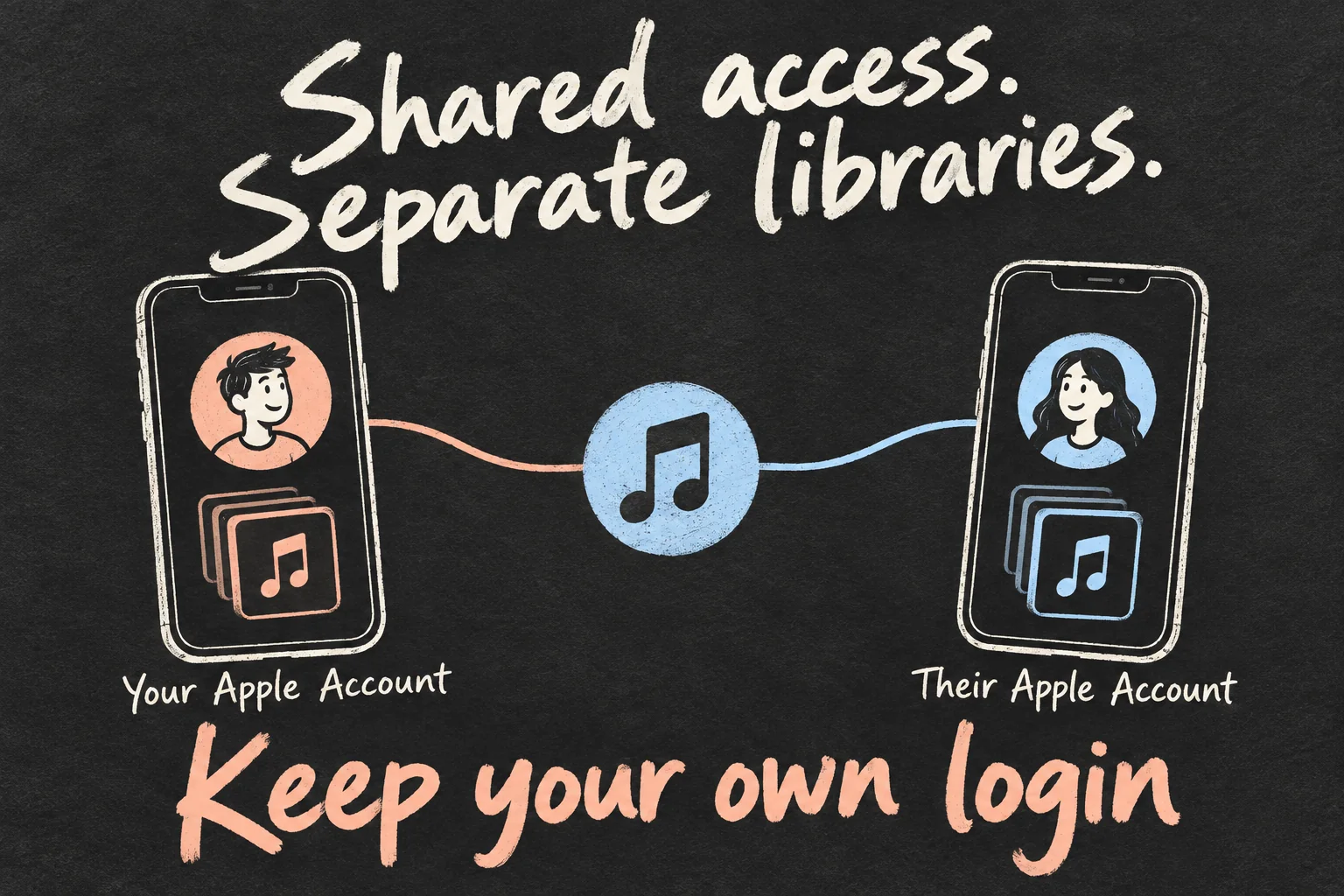
Keep using the Apple Account associated with your current listening library, and accept the family invitation with that account. Creating a new account just for this subscription adds an unnecessary library-management problem. Sharing a password is also unnecessary.
The Apple Music family plan supports up to six devices streaming at the same time. Your commute and someone else’s workout therefore do not have to take turns on one individual login. Apple Music family sharing combines access to the service while keeping each listener’s music experience personal.
This is useful when the family has different routines as well as different tastes: one person downloads albums for travel, another builds playlists for the gym. Decide who actually wants the service, then organise the subscription around those listeners. Keeping every family slot filled is not the goal.
Who changes the plan, and who accepts the invite?
Choose the adult family organiser first. If you already have a Family Sharing group, use that arrangement instead of creating another group. For an Apple-billed subscription on iPhone, these are the steps to check:
- Set up the group if needed. Open Settings → your name → Family → Continue, then follow the instructions.
- Change the subscription. The organiser opens Settings → their name → Subscriptions → Apple Music → See All Plans. Choose the Family option and read the price and switching confirmation before completing it.
- Invite the other listener. In Settings → Family → Add Member, send the invitation. They accept with their own Apple Account. Then open Music and check that their library and subscription access are available.
An Apple Music family plan should solve the double-payment problem while keeping the accounts you already use. Once the organiser’s family subscription is active, existing family-group members get access; they do not each need to buy another Family subscription.
Do this when both people can check their devices. Sending an invitation is only part of the job: the other person needs to accept it. If it is pending, the organiser can check the member’s status under Family and resend the invitation. Confirm the arrangement before relying on it for your next commute or trip.
Should you cancel your old subscription first?
Start by getting your Apple Music family plan access working. Apple says an existing Individual or Student subscription’s renewal is automatically cancelled when the family organiser subscribes to the family service. Its iPhone guide explains that an existing subscriber who joins a covered group uses the group’s subscription instead of renewing at the next billing date.
Once you can play music through the Apple Music family plan, check the old subscription’s renewal information. Keep the confirmation or receipt showing the change. The ongoing household saving and an adjustment to money already paid are separate questions; do not assume an immediate full refund.
Also check who bills you. A subscription managed through Google Play is managed there; a mobile-provider arrangement may need the provider’s instructions. Apple’s renewal guidance should not be read as a promise that every third-party billing arrangement cancels itself. Verify the change with the billing service shown on your receipt.
A quick check of Apple Music cost now is more useful than discovering another payment later. Both listeners should be able to play music from their own accounts, and each previous payer should know what happens at their next renewal. You can then judge the plan from the household’s actual bills, rather than just its advertised capacity.
If you are also choosing listening hardware, compare AirPods 5: Is Wireless Charging Worth the Extra A$30?.
FAQ
Q. Does this mean the organiser pays for all my app purchases?
Purchase Sharing is a separate setting. Apple says you can keep eligible subscription sharing while Purchase Sharing is off. If it is on, the organiser’s payment method is the default, although members can put their own payment method first. Check that choice together when setting up Apple Music family sharing, rather than assuming music access requires sharing every purchase bill.
Q. Can an Android user join?
Yes. Install Apple Music from Google Play, open the family invitation email and follow its link into Apple Music. Accept the invitation and sign in with your own Apple Account. You can use the subscription without moving to an iPhone. Check the invitation account and any existing billing arrangement before expecting the old payment to stop.
Q. I accepted the invitation. Why is Music still asking me to subscribe?
Check that the organiser has a Family subscription, and that your account has joined the group. On the organiser’s iPhone, Settings → their name → Subscriptions → Manage Family Access includes Share Eligible Subscriptions. Family members must have the same Home Country under Apple’s terms. You can belong to one family group at a time and switching groups is limited, so avoid leaving and rejoining as a troubleshooting shortcut.
Sources and Reading Notes
This guide draws on published information rather than personal hands-on testing. Illustrations explain concepts and are not product photographs or measurements.
- Apple Music Australian plans and prices
- Get an Apple Music family subscription — Apple Support
- Family Sharing — Apple Australia
Sources reviewed 11 October 2026. Prices and availability can change; checking dates are stated in the article. See how these guides are written.
Prefer reading about Apple in Korean?
 Apple-worldApple news, tips and buying guides in Korean.blog.naver.com/apple-world ↗
1 thought on “Apple Music Family Plan Australia: Worth It for Two?”