Apple Watch cellular in Australia requires a GPS + Cellular watch and a mobile plan that specifically supports its activation. Prepaid is not a universal no: amaysim currently includes Number Link on selected 28-day plans. Other providers use different eligibility rules, so a normal phone eSIM offer is not enough evidence that your watch will work.
The useful comparison is the full phone-plus-watch cost, not just a low monthly add-on. This guide checks documented Australian options on 23 October 2026, with Optus, Telstra and Vodafone setup details rechecked on 24 October and separates ordinary number sharing from setting up a child’s watch. Prices below are advertised Australian-dollar service amounts; confirm the current consumer checkout total and eligibility, excluding any watch repayments.
Before you dive in
What do you need for Apple Watch cellular in Australia?
You need the cellular-capable watch, a compatible iPhone for the ordinary paired setup, supported software and a provider willing to activate that combination on your account. Apple’s setup guidance normally requires the phone and watch to use the same provider. Family Setup has different arrangements, discussed below.
Do not confuse three claims: a provider offering eSIM for phones, a provider using the Telstra or Optus network, and a provider supporting Apple Watch number sharing. They are not interchangeable. Ask about the exact wearable service and your existing plan before moving a phone number.
If the phone is almost always nearby, also decide whether you need a watch plan at all. Bluetooth-connected use and the watch’s other supported connections are different from independent cellular use. Paying for cellular is most useful when you have a specific phone-free activity you want it to support, rather than assuming it is necessary for every watch feature.
Still choosing the hardware? Our Apple Watch SE 3 first-watch guide explains the buying decision before you commit to a cellular service.
Which Australian options should you compare?
| Service checked | Advertised watch-service cost | Eligibility and cost to include |
|---|---|---|
| Telstra One Number | A$8 per month | Eligible Basic or higher Upfront mobile plan; advertised combined minimum A$82 per month. |
| Optus Number Share | A$5 per month in its support guide | Eligible mobile service and compatible watch; some watch bundles include Number Share, so inspect the actual offer. |
| amaysim Number Link | Included on eligible plans | A$40-and-above 28-day mobile SIM plans; not every amaysim plan. |
| Everyday Mobile Smart Watch eSIM | A$10 per month | Eligible 5G SIM Only plan; the phone service costs extra. |
| Vodafone NumberSync | A$5 per month | Eligible Vodafone phone plan, compatible iPhone and approved eSIM-enabled watch; phone service is extra. |
This is a selected comparison, not a complete cheapest-to-most-expensive ranking. Vodafone’s official eSIM support page was verified directly on 24 October 2026 and lists NumberSync at A$5 per month. All add-on prices exclude the required phone service and any watch repayments; confirm the actual offer for your account.
The table compares services, not reception at your home or running route. Check the provider’s coverage and device conditions where you plan to use the watch. Support for a network feature on the phone does not automatically mean the same feature is included on the watch.
Does Apple Watch prepaid support exist?
Yes, there are provider-specific exceptions to the older assumption that every watch service requires a conventional postpaid phone plan. The practical example here is amaysim Number Link on eligible A$40-and-above 28-day mobile SIM plans. This does not establish support for its cheaper or long-expiry plans, nor for another provider’s prepaid service.
amaysim Number Link shares the existing mobile number and selected plan inclusions. Its documented exclusions include 5G on the watch, international roaming, MMS and voicemail. SMS has an additional requirement: the phone must be on and connected to the network or Wi-Fi. The provider also notes emergency-location limitations when outside the phone’s range, so read those terms if phone-free safety is a major reason for buying.
For an Apple Watch prepaid decision, ask a precise question: can this exact plan activate this cellular watch through your wearable service? That is more useful than asking whether the company has eSIM. Keep the answer tied to the plan name and renewal period, particularly if you are moving from a long-expiry offer.
Telstra One Number, Optus and Everyday: different conditions
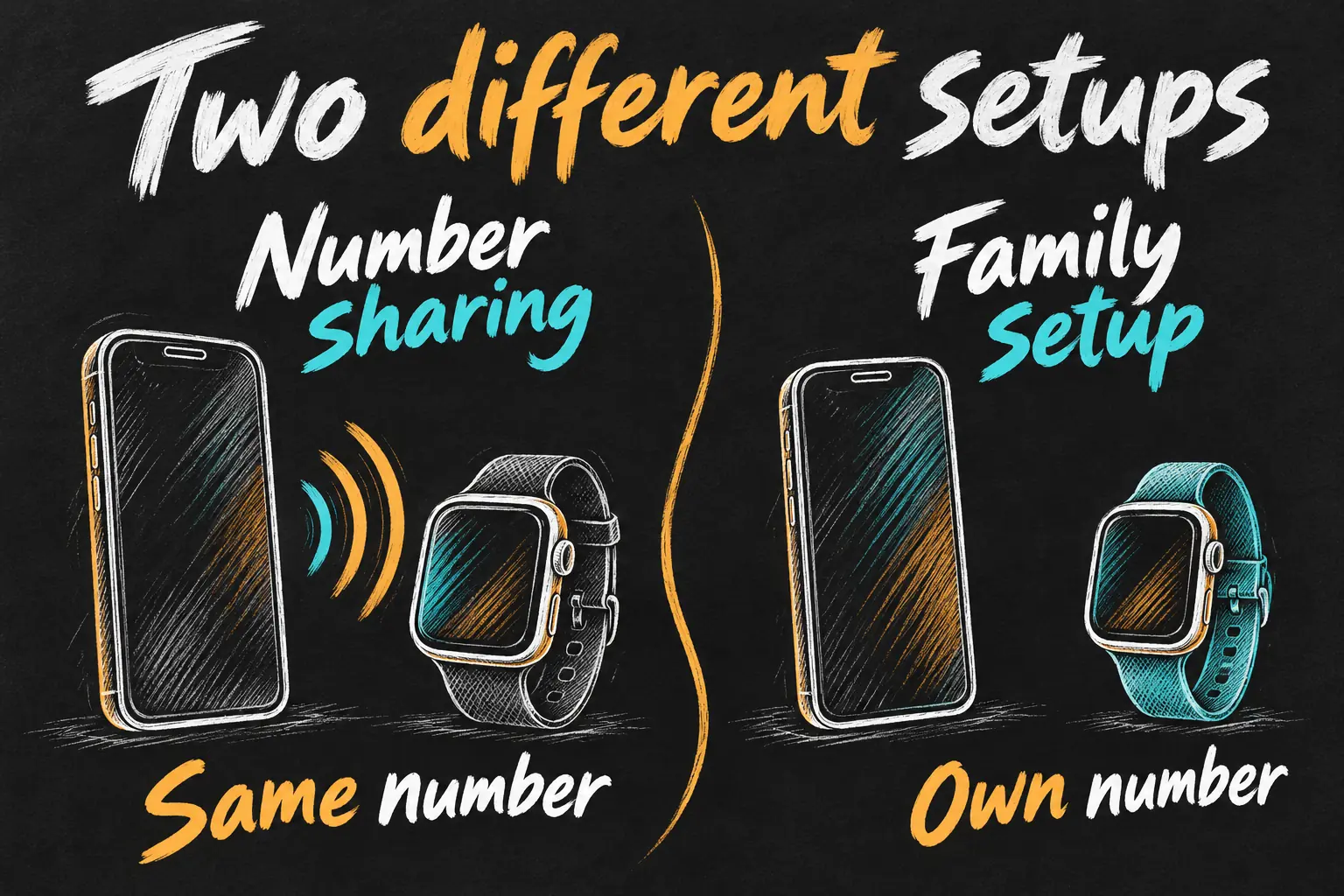
Telstra One Number is number sharing: the watch uses your existing phone number and plan inclusions. Telstra advertises A$8 per month on eligible Basic-or-higher Upfront mobile plans, with an A$82-per-month combined minimum at this check. That minimum matters more than the add-on alone if you currently pay much less for your phone service.
Optus’s Number Share support page lists A$5 per month. Its watch offers can include Number Share under particular bundle conditions, so distinguish a standalone service fee from a promotion attached to a device or Watch plan. Check what remains payable if a bundle ends or you change the attached service.
Everyday Mobile advertises its A$10-per-month Smart Watch eSIM add-on for eligible 5G SIM Only plans. Its instructions explain changing a prepaid service to SIM Only when necessary. Being an existing prepaid customer is not the same as retaining that prepaid plan while adding the watch. These conditions are why a network logo alone is a poor compatibility test.
Compare the full bill, including 28-day renewals
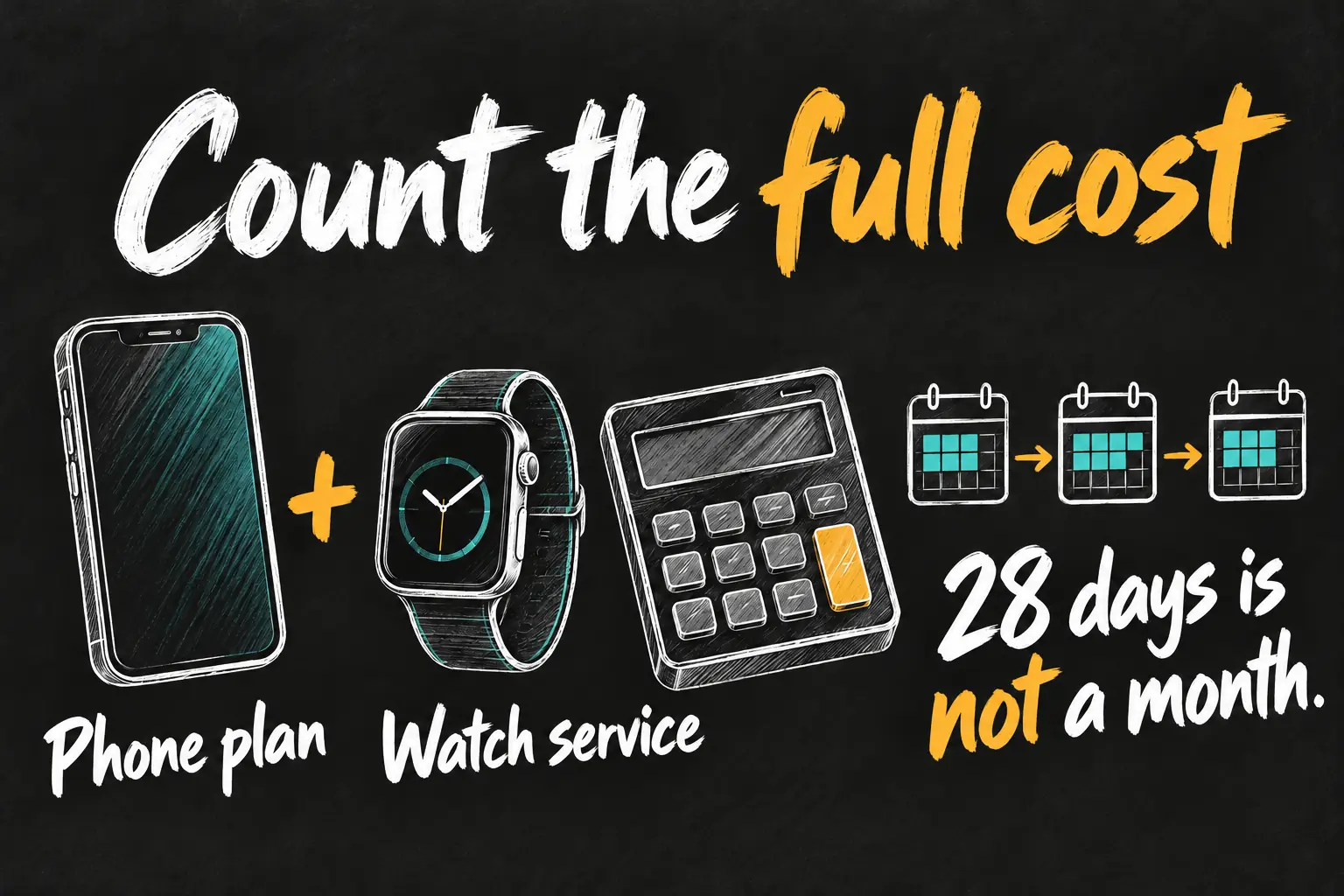
Start with what you currently spend on your phone, then calculate the complete eligible alternative. If moving to a more expensive phone plan is necessary, that increase is part of the watch’s ongoing cost. Include any device repayments separately rather than folding them into a misleading service comparison.
Extra ongoing cost = new eligible phone service + watch service − current phone service. For example, moving from an illustrative A$30 monthly phone plan to a combined A$82 monthly service adds A$52 per month before a watch purchase. That is arithmetic using a hypothetical current plan, not an available A$30 plan recommendation.
A 28-day recharge is also not a calendar month. Thirteen paid 28-day periods cover 364 days: at A$40 each, that is A$520. Twelve A$40 monthly payments would be A$480 for twelve calendar months. Those are different billing schedules, so do not compare their displayed A$40 amounts as though they buy the same duration.
For your own comparison, use the same period, the ongoing price after any introductory offer, and the services you actually need. An included wearable feature can still cost more overall if the attached phone plan is larger than you would otherwise choose. We have not declared one provider the cheapest for every user.
What if the watch is for a child without an iPhone?
That is Apple Watch For Your Kids, formerly Family Setup, rather than ordinary number sharing with the child’s own phone. Apple’s Australian page currently identifies Telstra and BetterRoaming for that feature. The eligible watch can have its own number and account; the parent’s iPhone is used for setup and management.
A provider supporting your personal watch’s shared number does not prove it supports this family arrangement. Ask for the family-setup service explicitly before buying. Likewise, do not assume the Telstra One Number fee is the price for an independent child’s watch service. They solve different problems.
How to activate and check the service
- Confirm eligibility first. Record the watch model, iPhone compatibility, phone plan and wearable-service name.
- Pair the watch. Use Apple’s supported pairing process, then follow the carrier’s activation route.
- Add mobile service. Apple’s general route is the Watch app, My Watch, Mobile Network and Set Up Mobile Network; labels can vary with software. Some providers also use their own app.
- Test the intended activity. Confirm activation, then check calls or the app you actually need away from the phone’s Bluetooth range, where there is suitable coverage.
- Check billing and cancellation. Verify the service appears correctly and ask the carrier how to cancel the subscription. Do not assume deleting an eSIM profile always ends billing.
If activation fails, confirm account eligibility before repeatedly resetting the watch. Apple suggests checking software and carrier settings, then contacting the carrier for missing plan or status details. Keep your phone number and account recovery access available during a provider change.
How to connect Apple Watch cellular with Telstra
Keep your Telstra ID ready and confirm that your phone service qualifies for One Number. If the watch is already paired, start from Watch → My Watch → Mobile Network → Set Up Mobile Network; screen labels can vary.
- For a new watch, pair it in the Watch app and choose Set Up for Myself, then the cellular setup option.
- Select Add to plan, sign in with your Telstra ID and follow the One Number prompts. Review the service charge before confirming.
- Allow provisioning to complete, then check the plan in the Watch app. Telstra says activation can be delayed by up to four hours.
How to connect Apple Watch cellular with Optus
- Pair the watch, then open Watch → Mobile → Set Up Mobile on your iPhone.
- Confirm the displayed account-holder details, sign in with your Optus My Account login and review the terms and charge.
- Complete the prompts and wait for the activation SMS. Optus allows up to four hours; check the status under Mobile rather than repeatedly submitting the request.
Keep the phone nearby during setup. A successful Bluetooth pairing alone does not establish that Number Share has activated.
How to connect Apple Watch cellular with Vodafone
Vodafone requires an eligible phone plan, compatible iPhone and an approved eSIM-enabled watch. Its official support page lists NumberSync at A$5 per month until cancelled, in addition to the phone service. General phone eSIM support does not establish watch eligibility.
- Turn on the watch and pair it with your iPhone through the Watch app using Bluetooth.
- Open the watch’s mobile-plan setup and follow the Vodafone NumberSync subscription prompts. Use the account verification requested on screen and review the fee before accepting.
- Allow the watch eSIM to download and install. Check that the service is active, then test it away from the phone’s Bluetooth range with suitable mobile coverage.
This is a watch subscription through the supported activation flow, not a phone travel-eSIM QR code to install on the watch. If the plan is rejected, ask Vodafone to check eligibility and provisioning before resetting the device.
How can you tell the watch is really using cellular?
Test after the provider confirms activation. Move out of Bluetooth range with the watch on your wrist and check its mobile-network status; if it is using known Wi-Fi, that is not a cellular test. Confirm a call or the online feature you actually need. Apple explains that SMS, MMS and some third-party notifications still require the paired iPhone to be powered on and online, even when it is elsewhere. Do not assume every messaging function works with the phone switched off.
Frequently asked questions
Can any Apple Watch use a cellular plan?
No. The GPS-only model does not contain the required cellular hardware. A service subscription cannot change that.
Can I keep any prepaid plan and add a watch?
No. Apple Watch prepaid eligibility is specific to the provider and plan. The amaysim example is limited to selected 28-day mobile SIM plans.
Is a phone eSIM the same as a watch eSIM?
No. A phone eSIM product does not prove the provider can activate your Apple Watch. Ask for wearable activation and number-sharing support.
Can I use a different provider on my watch?
For the ordinary paired setup, Apple normally requires the same provider. Family Setup is the important separate case; confirm its supported services.
Does cellular mean I can roam overseas with the watch?
Not automatically. For example, the amaysim Number Link and Optus Number Share terms checked here exclude international roaming. Check the watch service itself, not just the phone’s roaming offer.
Sources and Reading Notes
Apple: Australian cellular carrier list; Set up mobile data on Apple Watch; and Apple Watch For Your Kids. Telstra: Watch plans and Telstra One Number. Optus: Number Share, What you need to know. amaysim: Number Link Overview, Number Link terms and current SIM plan information. Everyday Mobile: Smart Watch eSIM. Base comparison checked 23 October 2026. Carrier setup update checked 24 October 2026: Telstra One Number support instructions; Optus Number Share activation guide; Vodafone Managing your eSIM, smart-watch section and NumberSync fee; Apple Support, Use your Apple Watch when your iPhone is not nearby.
This is a documented eligibility and cost guide, not a personal reception test or an exhaustive market ranking. Prices and eligible plans can change; confirm the carrier’s current terms before purchasing or porting a number. Illustrations are original AI-generated explanations, not provider screens or product photographs.