Factory Reset a MacBook Before Selling: 5 Essential Steps
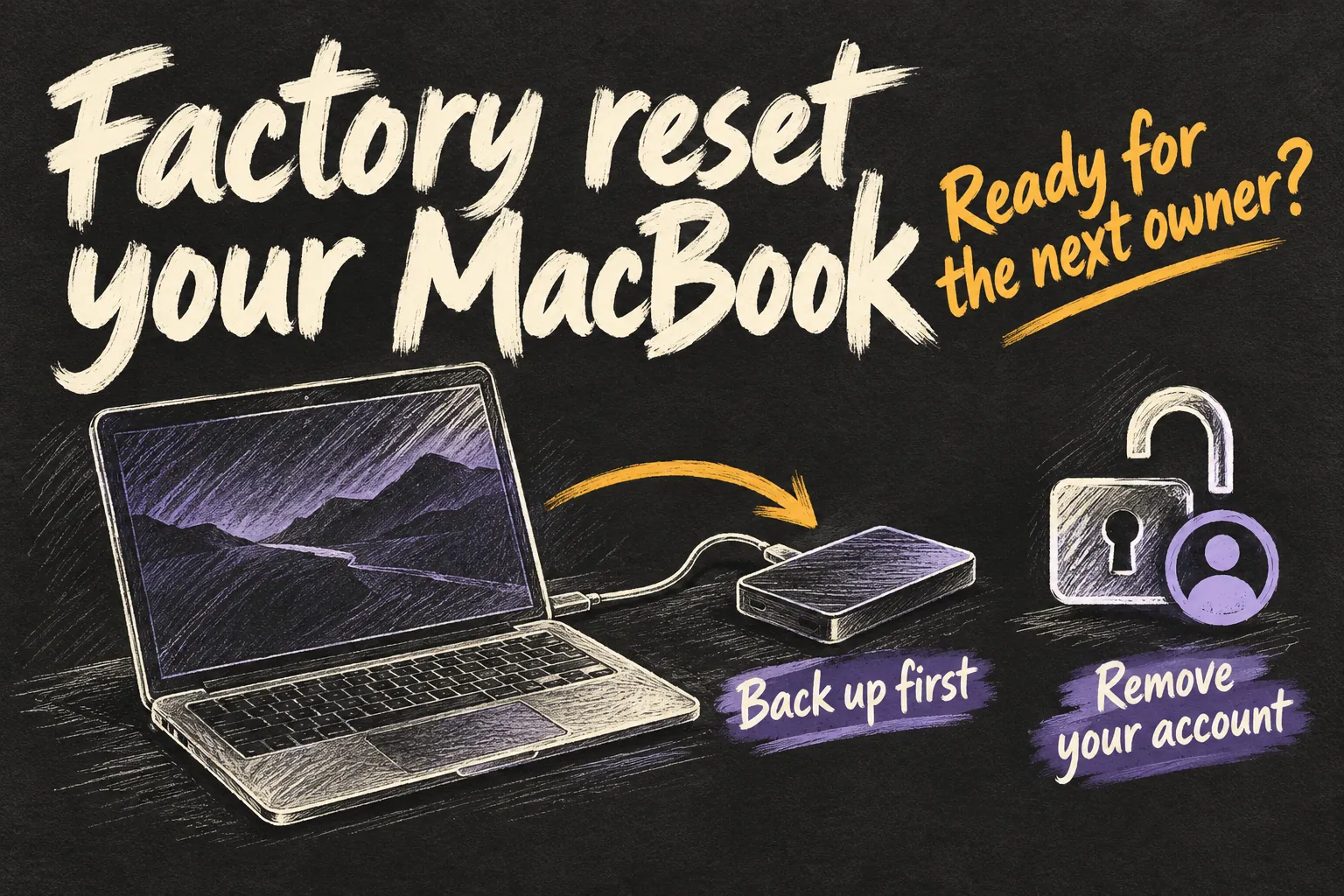
Selling your MacBook? Check your backup, choose the correct reset for Apple silicon, T2 or older Intel models, and remove account locks before leaving Setup Assistant for the buyer.
Your Everyday Tech Blog
Selling your MacBook? Check your backup, choose the correct reset for Apple silicon, T2 or older Intel models, and remove account locks before leaving Setup Assistant for the buyer.
A Victorian licence can live on your iPhone, but not through the Apple Wallet licence setup. Choose an official app and know when to keep your plastic card handy.
Air is thinner; Edge is lighter and adds an ultrawide camera, stereo speakers and physical-SIM support. Compare battery tests, accessory trade-offs and current Australian buying conditions before choosing.
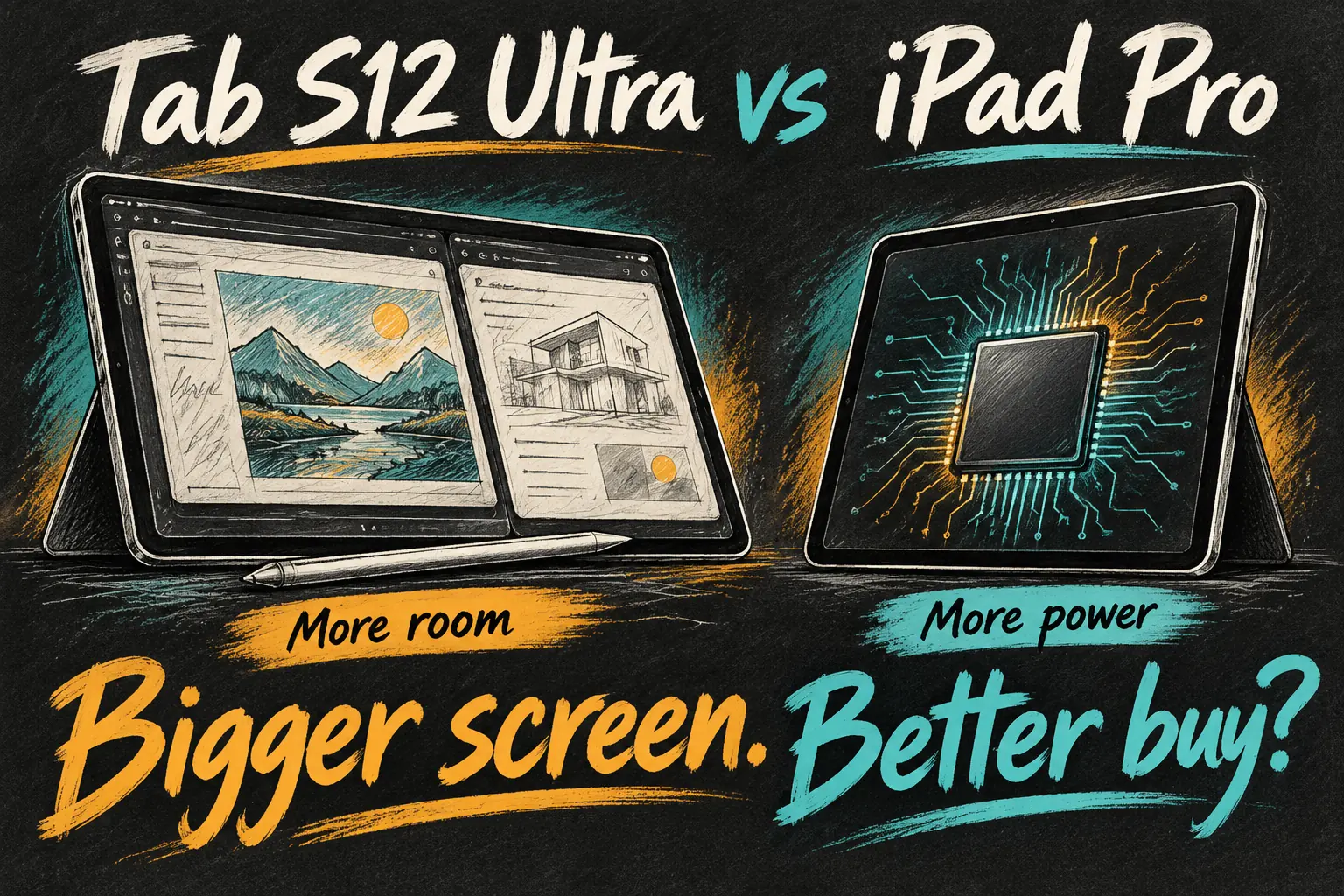
The M5 iPad Pro leads published performance tests, while Samsung offers a wider screen and an included pen. Compare the work you can finish, full Australian setup costs and the 22 October local launch.
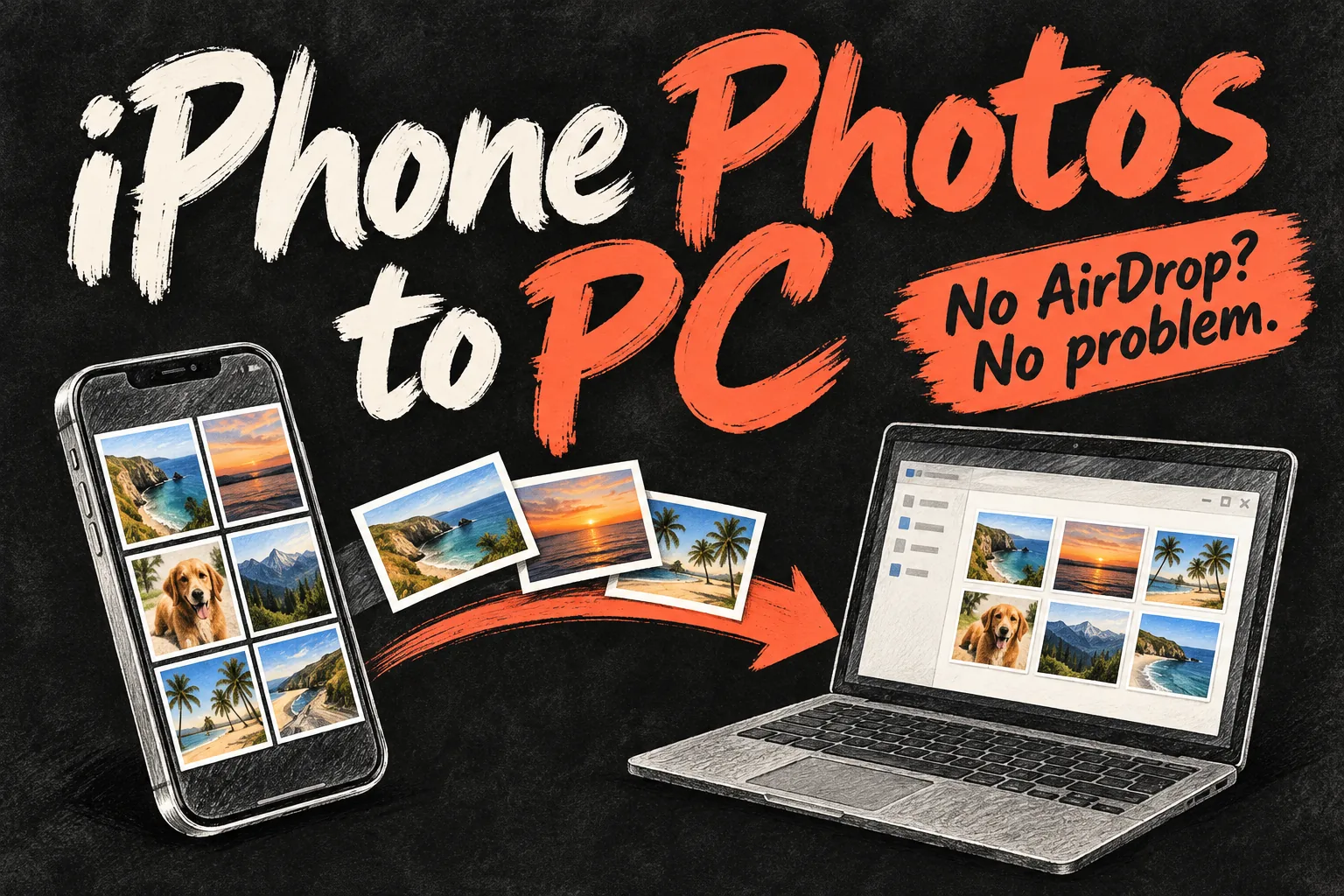
No AirDrop on Windows? Copy iPhone photos with USB or iCloud, fix missing originals and HEIC problems, and make a separate backup before freeing phone storage.
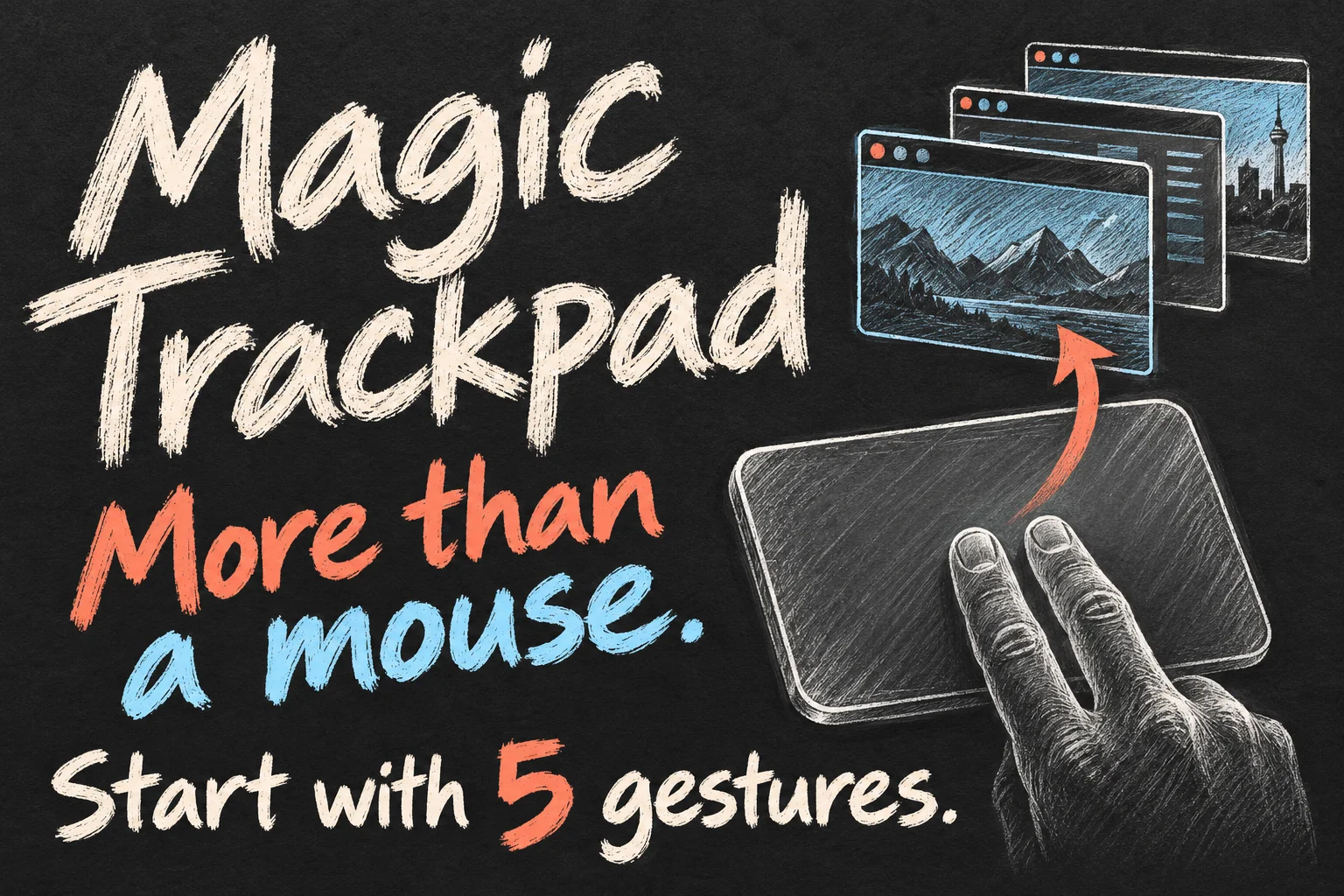
Start with right-click, scrolling, zoom and window navigation. This beginner guide explains pairing, the settings worth checking and where Apple hides three-finger drag.
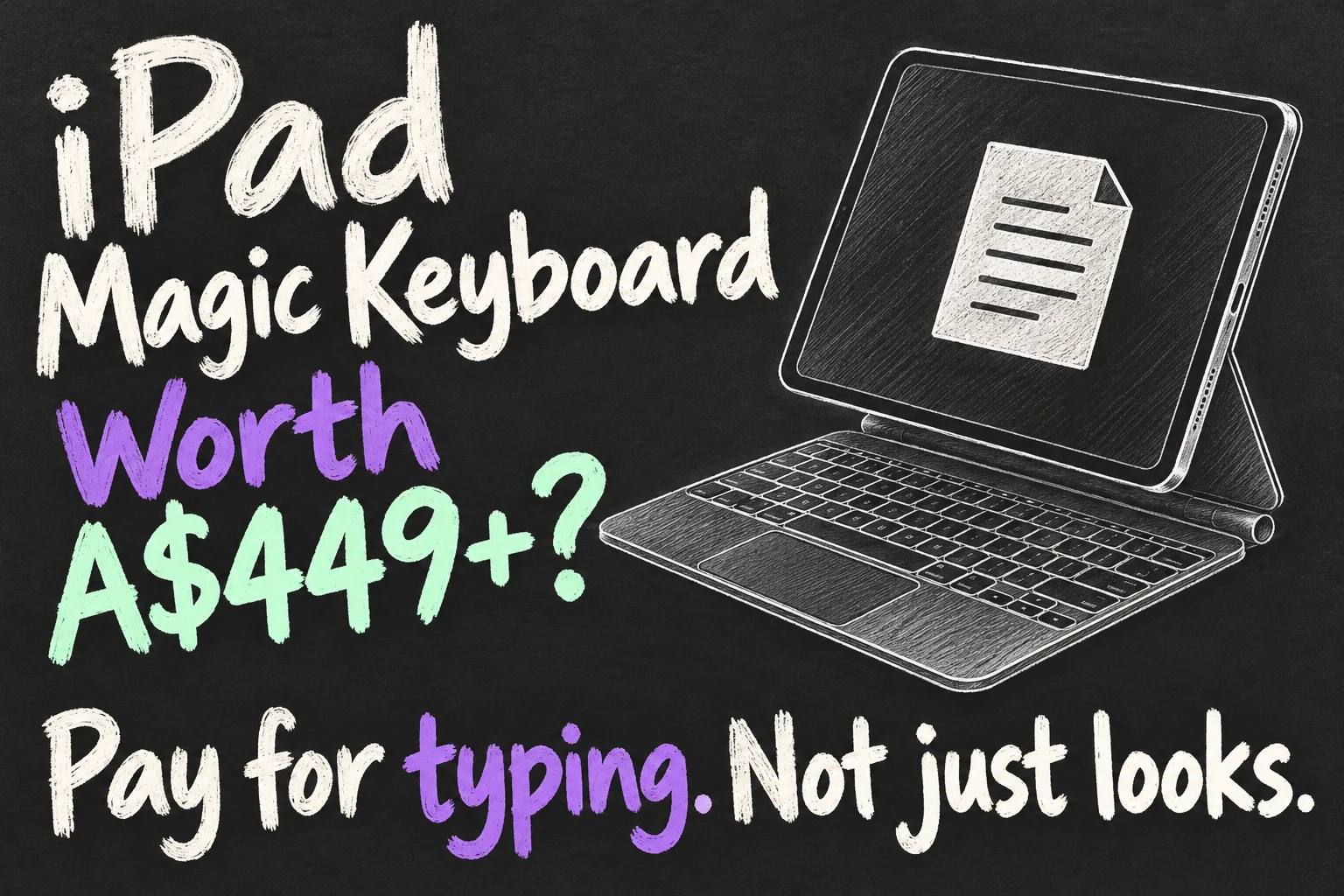
The Magic Keyboard makes most sense when you type regularly and already know your iPad apps can finish the job. Check the exact model, alternatives and cost per use before spending A$449 or more.
Check whether your Intel or M-series iMac can receive another Mac’s desktop. Compare legacy cables, AirPlay and Luna, with clear limits before spending.
Is the first MacBook Neo enough for an Australian university student? We compare independent reviews, current education pricing, memory limits and course requirements.
Apple Australia showed 22 January shipping for the Star White 256GB iPhone Duo when checked on 18 October. Here is how to read the estimate and compare options before committing.