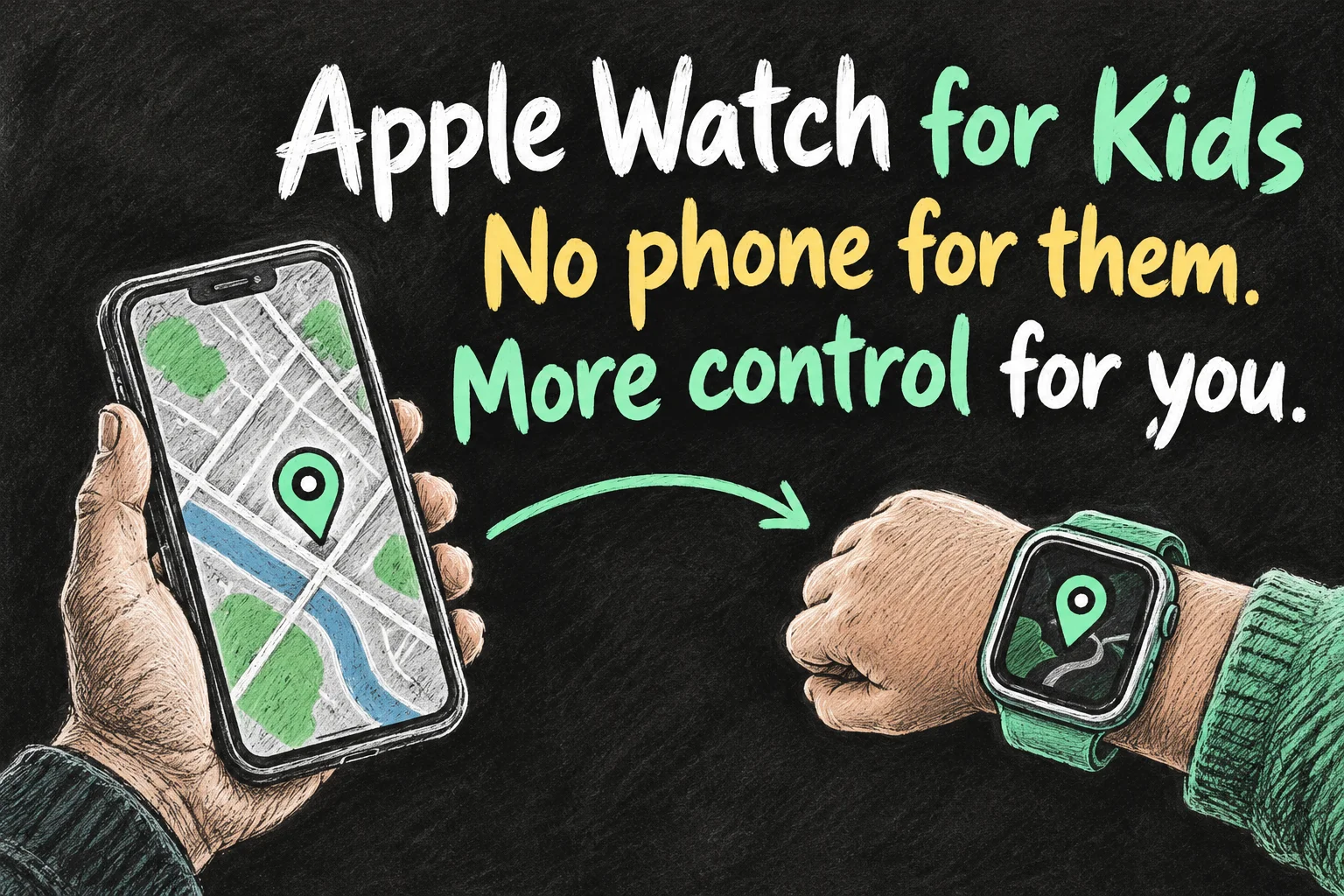
Apple Watch for kids Australia can be a useful middle step before a first smartphone: your child gets calls and messages on a watch, while you manage it from your iPhone. The important purchase is a compatible GPS + Cellular watch with a supported family-member plan, not simply the cheapest Apple Watch you see.
The questions that matter are practical: does the child need an iPhone, what will the whole setup cost, and will it work during the school run? This guide separates the watch, the plan and the parental settings so you can decide before spending. Australian prices and availability were checked on 26 October 2026.
In 3 Points
Apple Watch for kids Australia: buy for the right setup
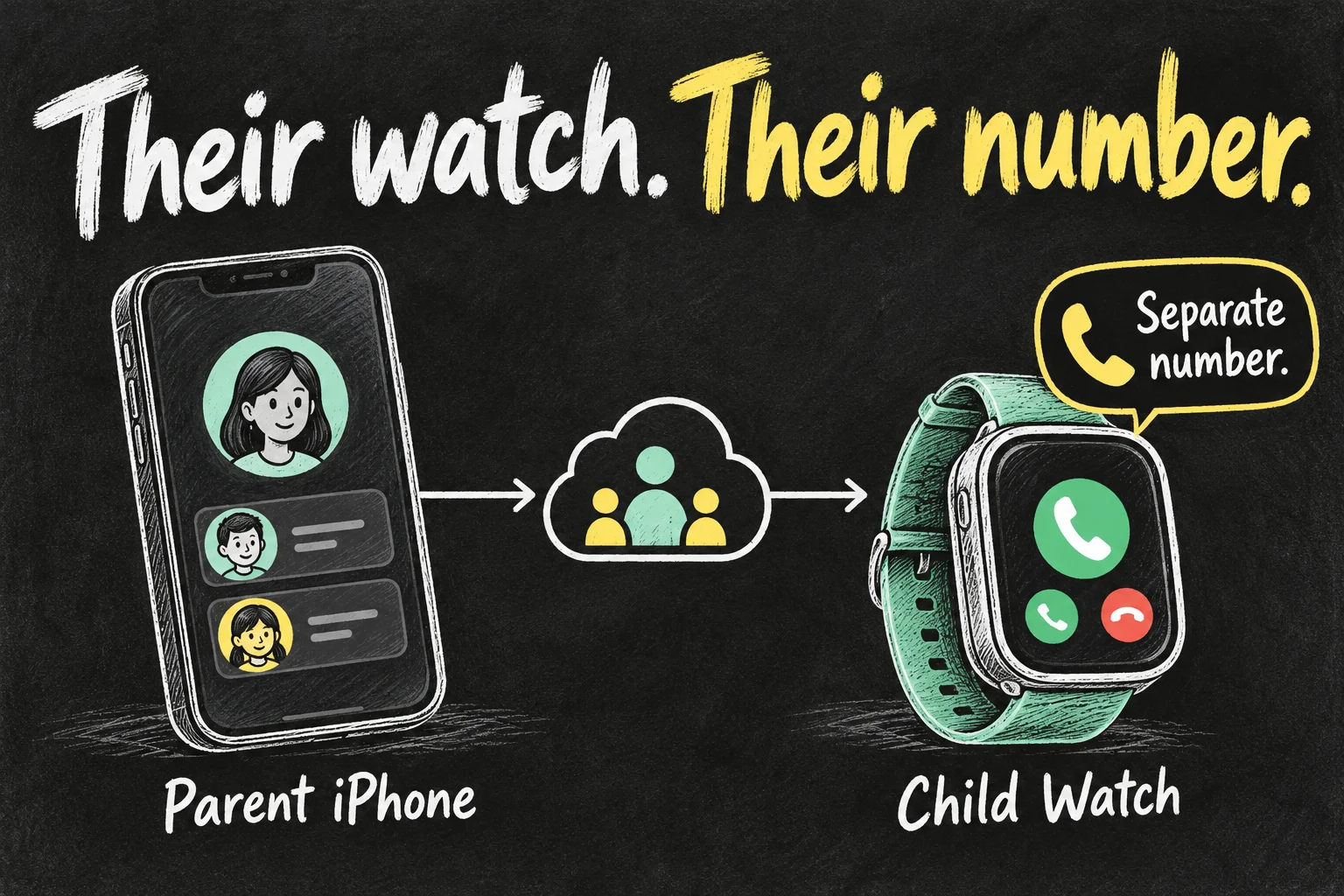
Family Setup is the older name for Apple Watch For Your Kids. It gives a family member their own watch experience, managed through the parent’s iPhone. It is different from pairing a watch as your own and giving it to your child.
| What to check | What your family needs |
|---|---|
| Watch | GPS + Cellular; a GPS-only bargain is not the right model for this setup. |
| Parent | A compatible iPhone, an Apple Account with two-factor authentication and organiser or parent/guardian status in Family Sharing. |
| Child | Their own Apple Account within the family group, rather than sharing your sign-in. |
| Away-from-home use | A supported watch plan and reception where your child will actually use it. |
Apple’s broad setup guide covers cellular Series 4 and later or cellular SE models, but a newer watch can require a newer iPhone and software. Check the exact model combination before buying used. If the watch was previously owned, have the seller remove Activation Lock before payment; a receipt alone is not a working setup.
For a general first-watch comparison, see our Apple Watch SE 3 buying guide. This article focuses on managing a child’s watch rather than choosing advanced health sensors.
Compare the real cost, not just the watch add-on
Apple’s Australian carrier list names Telstra and BetterRoaming for Apple Watch For Your Kids. An ordinary adult number-sharing offer is a different service. Confirm family-member support for the exact plan before signing up.
| Option checked | Advertised price | What changes the decision |
|---|---|---|
| Telstra Watch Plan | A$20/month; A$240 over 12 months | Requires a Basic or higher eligible Upfront mobile plan. The page lists a minimum combined A$94/month with Basic, not A$20 for a whole new household connection. Includes standard Australian calls/texts and 2GB data plus eligible sharing. |
| BetterRoaming monthly | Landing page from A$12.99/month; A$155.88 for 12 payments at that rate | Standalone family-member watch service; the parent need not move their phone plan. Check domestic coverage and current terms. |
| BetterRoaming annual offer | A$89.99 in the dated 19 October promotion; verify availability at checkout | Limited-time new-customer offer checked on 26 October; not a permanent price. Advertised with unlimited domestic data/calls/SMS and a seven-day trial. Check renewal and cancellation terms. |
BetterRoaming’s landing page checked on 1 November advertises plans from A$12.99/month, while its dated 19 October article still shows A$11.99 monthly and an A$89.99 annual promotion. Do not treat those pages as one guaranteed current quote. At an unchanged A$12.99 monthly rate, twelve service payments total A$155.88; hardware costs extra. Confirm the annual offer and renewal price in the actual order before choosing it.
If you already pay for an eligible Telstra phone plan and intend to keep it, compare the additional A$240 yearly watch cost. If you would need to change the parent’s phone plan, include that extra spending too. A cheaper watch plan is not useful if reception or activation is unsuitable, so use a trial to test your normal route before committing to a longer term.
Use the family-member setup, then activate the plan
- Charge both devices and keep them together. In the parent’s Watch app, open All Watches → Add Watch → Set Up for a Family Member. Do not choose the setup for yourself.
- Pair the watch using the on-screen animation or manual option. Choose the child’s family account and create a watch passcode.
- Review Ask to Buy so purchases and downloads use the approval settings you intend.
- Add mobile service through the supported provider’s activation flow. Confirm the watch’s number and service status before assuming activation finished.
You can perform the initial family setup without a mobile plan, but independent calls and data away from Wi-Fi need the appropriate service. If mobile activation fails, check the watch model, family-member setup mode, account details and provider eligibility first. Keep the exact error for support rather than repeatedly erasing a correctly paired watch.
Set contacts, location sharing and Schooltime
Start with the adults the child needs to reach. Review approved contacts, location sharing and purchase permissions from the managing iPhone. A location view depends on a charged, connected watch and available positioning; treat it as a useful check-in tool rather than a guarantee of a child’s safety.
For Schooltime, select the child’s watch in the parent’s Watch app, open Schooltime, turn it on and edit the schedule. Add the relevant days and hours, including separate blocks if your routine needs them. The yellow watch face makes the restricted state recognisable.
Schooltime is a focus setting, not an unbreakable lock. Apple explains that the child can exit it temporarily, with activity visible to the parent. Talk through when that is appropriate, and check the school’s own smartwatch policy: a technical setting does not automatically mean the device is permitted in class.
Run a school-day test before relying on it
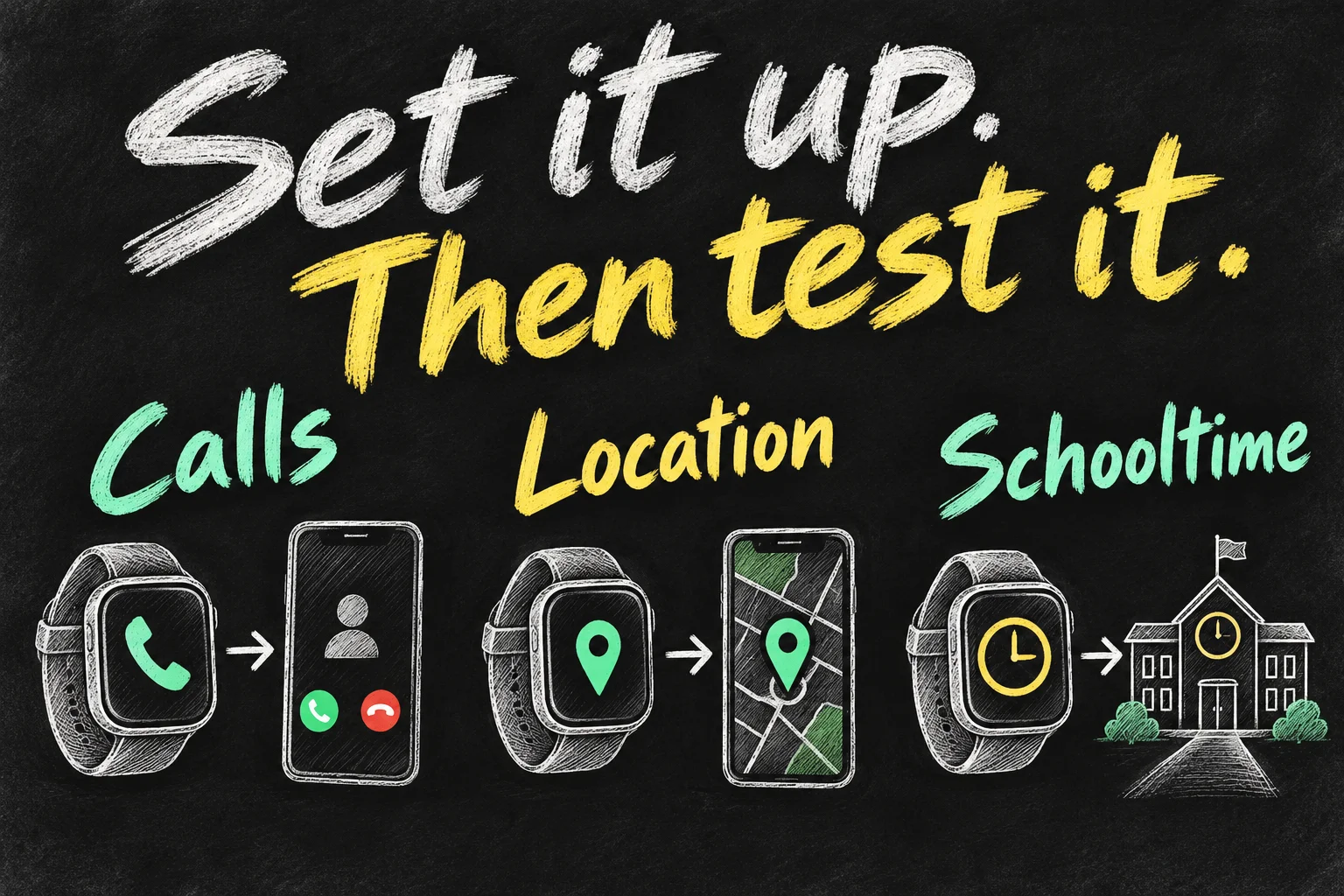
- With an adult present, test a call from the watch to an approved contact while it is away from the parent’s phone and home Wi-Fi.
- Call the watch back and confirm messages arrive through the configured service. Save the watch’s number where the family can find it.
- Check the child appears in Find My and confirm the location time before interpreting an old position as current.
- Test the Schooltime schedule and agree what the child should do if they need help. Test an ordinary family call, not an emergency-services call.
- Check remaining battery after a normal day and choose a repeatable charging routine. Fit and comfort matter if the child keeps taking it off.
Family-member mode does not include every feature of an adult’s paired Apple Watch. Apple’s support list excludes several health functions and conventional credit/debit-card Apple Pay, among other features. Do not buy it expecting the full adult app and payment experience, or international roaming. Check those specific requirements before travelling.
Check the child’s must-have apps before paying
Apple lists Sleep and Shortcuts among the features unavailable in a family-member watch setup. An app or workflow that works on a parent’s normally paired watch may therefore be unsuitable for the child’s watch. Write down the two or three tasks the child actually needs, then check those tasks against Apple’s family-setup feature list before committing to the hardware and a yearly plan.

Frequently asked questions
Can my child use a GPS-only Apple Watch?
Choose GPS + Cellular for Apple Watch For Your Kids. A GPS-only model is not a substitute for the family-member cellular setup.
Does the parent need the same phone carrier?
Provider rules differ. BetterRoaming advertises independence from the parent’s phone plan; Telstra requires an eligible parent Upfront plan. Confirm current eligibility for your account.
Is this better than a first phone?
It may fit a family that wants short calls, check-ins and fewer smartphone apps. It still needs charging, coverage, parental management and a school policy that permits the intended use. Decide around those tasks, rather than buying it solely for reassurance.
Sources and reading notes
Apple: Apple Watch For Your Kids Australia; Set up Apple Watch for a family member; Schooltime child-safety guidance; Australian SE 3 purchasing page. Telstra: Watch Plan eligibility and price. BetterRoaming: Australian watch plans and 19 October annual promotion. Comparison reading: WhistleOut and Pickr family-watch reviews, and CHOICE’s Telstra plan assessment. Prices and availability checked 26 October 2026. This is a research-based guide, not a personal carrier or safety test; illustrations are original AI-generated explanations.
Revision check, 1 November 2026: Apple Support, Set up Apple Watch for a family member; BetterRoaming, Australia landing page and 19 October offer article.