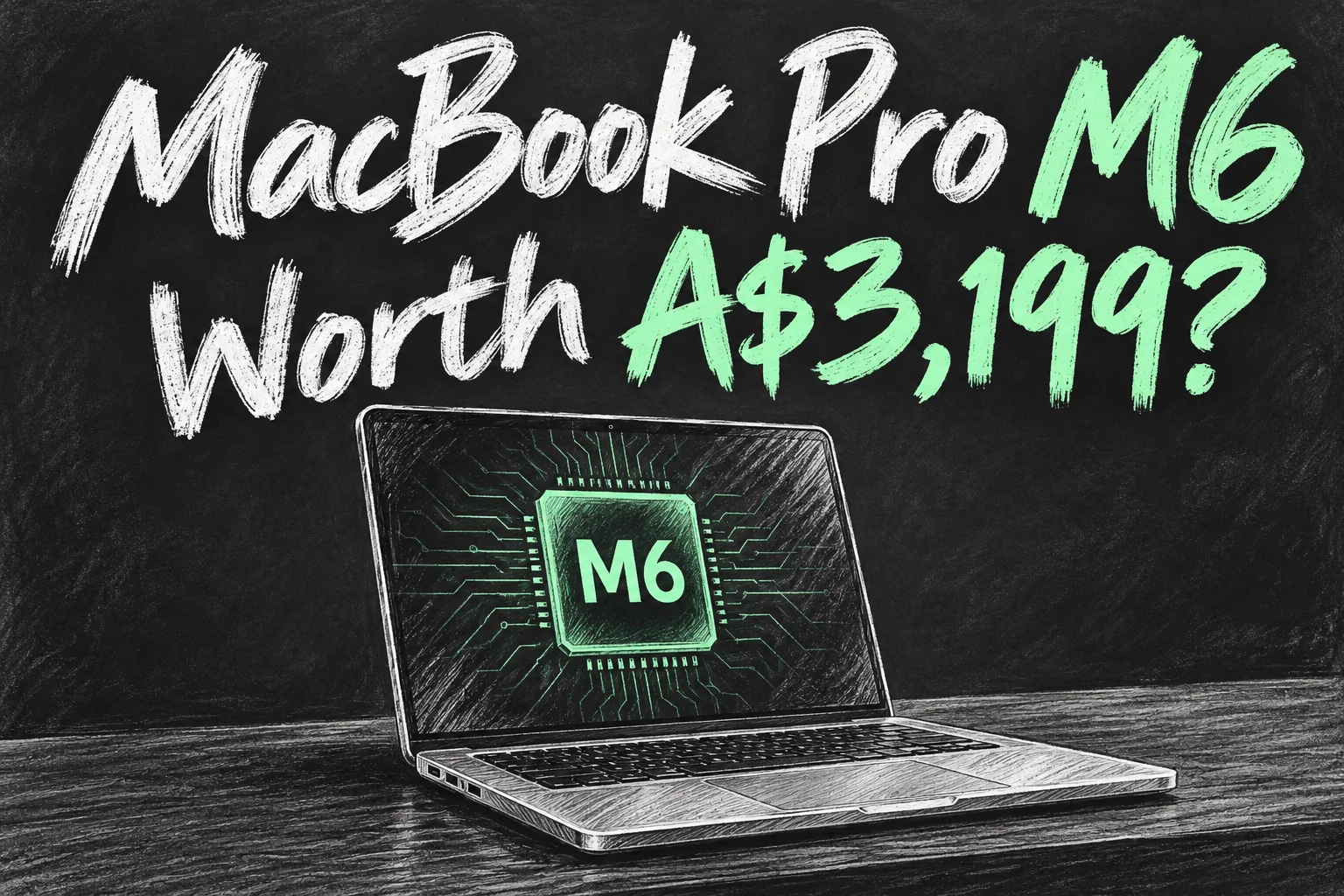
The MacBook Pro M6 Australia launch is official: pre-orders are open from 29 October 2026, with availability starting 6 November and a starting price of A$3,199 including GST. The useful question is whether its changes solve a problem your current Mac cannot.
This guide covers the new 14-inch MacBook Pro with the standard M6 chip and Liquid Retina XDR display. Apple also lists a separate OLED touchscreen range with M5 Pro or M5 Max. Picking by the newest chip number alone could land you on the wrong machine.
Before you dive in
MacBook Pro M6 Australia: price and release date
| Australian launch detail | Confirmed information |
|---|---|
| Pre-orders | 29 October 2026 |
| Availability begins | Friday, 6 November 2026 |
| Starting retail price | A$3,199 including GST |
| Starting education price | A$3,039 including GST, for eligible buyers |
| Base configuration | 14-inch, M6, 16GB unified memory, 1TB SSD |
| Finishes | Silver or space black |
The education starting price is A$160 below standard retail. Eligibility matters: do not assume every buyer can select it. Delivery and pickup estimates depend on your chosen configuration and postcode; 6 November is the launch date, not a promise that every custom order will arrive that day.
For context, Apple launched the previous M5 model at A$2,499 in October 2025. That makes the new starting ticket A$700 higher, or about 28%. This is a launch-price comparison, not the difference between two identical configurations or a current retailer quote. Compare memory, storage and warranty before deciding an older model is better value.
M6 MacBook Pro specs that matter
| Component | 14-inch M6 configuration |
|---|---|
| Processor | 12-core CPU: 2 super, 4 performance and 6 efficiency cores |
| Graphics and Neural Engine | 12-core GPU; Dual 16-core Neural Engine |
| Unified memory | 16GB, 24GB or 32GB |
| Memory bandwidth | 153GB/s with 16GB; 170GB/s with 24GB or 32GB |
| SSD | 1TB, 2TB or 4TB |
| Display | 14.2-inch, 3024 × 1964 Mini-LED Liquid Retina XDR; adaptive refresh up to 120Hz |
| Wireless | N1 chip, Wi-Fi 7 and Bluetooth 6 |
| Camera and audio | 12MP Center Stage camera; six-speaker sound system |
| Weight | 1.55kg |
| Battery claims | Up to 24 hours video streaming or 16 hours wireless web |
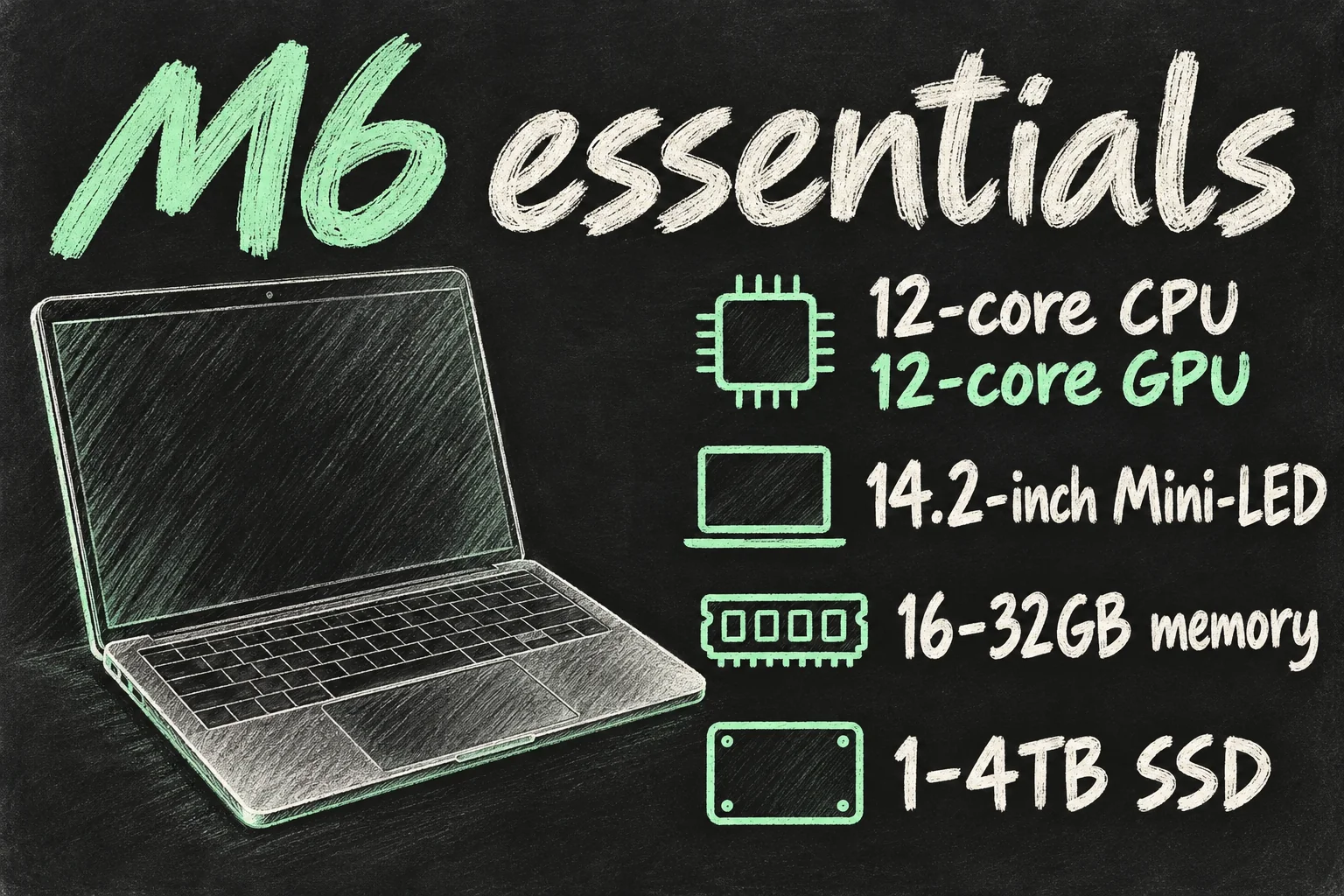
Two details deserve attention. First, Apple’s maximum bandwidth figure does not apply to the 16GB version. Second, more internal storage does not automatically buy you more CPU or GPU cores: Apple lists the same 12-core CPU and 12-core GPU for this M6 model. Choose capacity because you need the space, rather than expecting an unlisted speed upgrade.
For a student alternating between research tabs, documents and lectures, 16GB is the starting option to evaluate. For overlapping creative apps, larger projects or local AI models, compare 24GB and 32GB against the software you actually use. That is workload-based advice, not a measured claim that everyone needs the upgrade.
M6 vs M5 MacBook Pro: what actually changes?
| Buying consideration | Previous base M5 | New base M6 |
|---|---|---|
| CPU / GPU cores | 10 / 10 | 12 / 12 |
| Neural Engine | 16-core | Dual 16-core |
| Wireless | Wi-Fi 6E; Bluetooth 5.3 | Wi-Fi 7; Bluetooth 6 |
| Display category | Liquid Retina XDR | Liquid Retina XDR |
| Battery headline | Up to 24 hours | Up to 24 hours |
Apple claims up to 30% faster graphics and up to 25% faster AI workloads versus M5. Treat those as selected Apple test results, not a prediction that every app finishes 30% sooner. Apple’s comparison configurations and workloads matter, and this article is not a hands-on review.
The practical benefit depends on where your day slows down. Faster compute can help with a task that genuinely keeps the chip busy; it cannot fix a slow internet connection, an incompatible course application or an unsuitable workflow. Wi-Fi 7 also needs a compatible network to deliver its full benefits. It does not upgrade your NBN plan.
If your M5 already handles your work comfortably, keeping it is a reasonable choice. Notice that the 24-hour battery headline is not new. Wait for relevant independent testing if your purchase depends on a particular export, render or game.
Does the M6 MacBook Pro have OLED or a touchscreen?
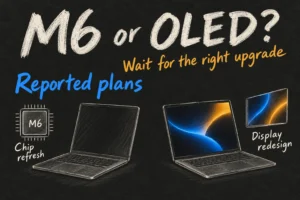
No: this M6 model uses Mini-LED Liquid Retina XDR. Apple’s range page separately identifies a MacBook Pro with PROLED XDR, tandem OLED and touch, powered by M5 Pro or M5 Max. Do not mix the display from one range with the chip or starting price from another.
The sensible comparison is the complete product name and configuration. If touch or OLED is your main reason to replace a laptop, check the PROLED range separately. If you want the standard M6 machine, judge its existing display, ports and price on their own merits. A newer base chip is not proof that it beats every older-generation Pro or Max chip in every workload.
MacBook Pro M6 Australia: ports, monitors and charging
The M6 model has three Thunderbolt 4 ports, HDMI, MagSafe 3, an SDXC card slot and a headphone jack. Apple lists support for up to two external displays alongside the built-in screen, subject to resolution and refresh-rate combinations. A high-refresh gaming monitor and two 6K screens are different connection scenarios, so match the specification to your actual monitors and dock.
The Australian specifications list a 70W USB-C adapter in the box. Fast charging needs a compatible 96W or higher USB Power Delivery source; do not assume the included adapter delivers Apple’s advertised fast-charge result. For a shared desk, check the dock’s charging output as well as its display connectors.
Battery figures also describe different tests: the 24-hour claim is video streaming, while Apple lists up to 16 hours for wireless web. Heavy rendering, games, brightness and connected accessories change consumption. Use those distinctions when planning a full day away from a power point.
Who should pre-order, and who should keep their Mac?
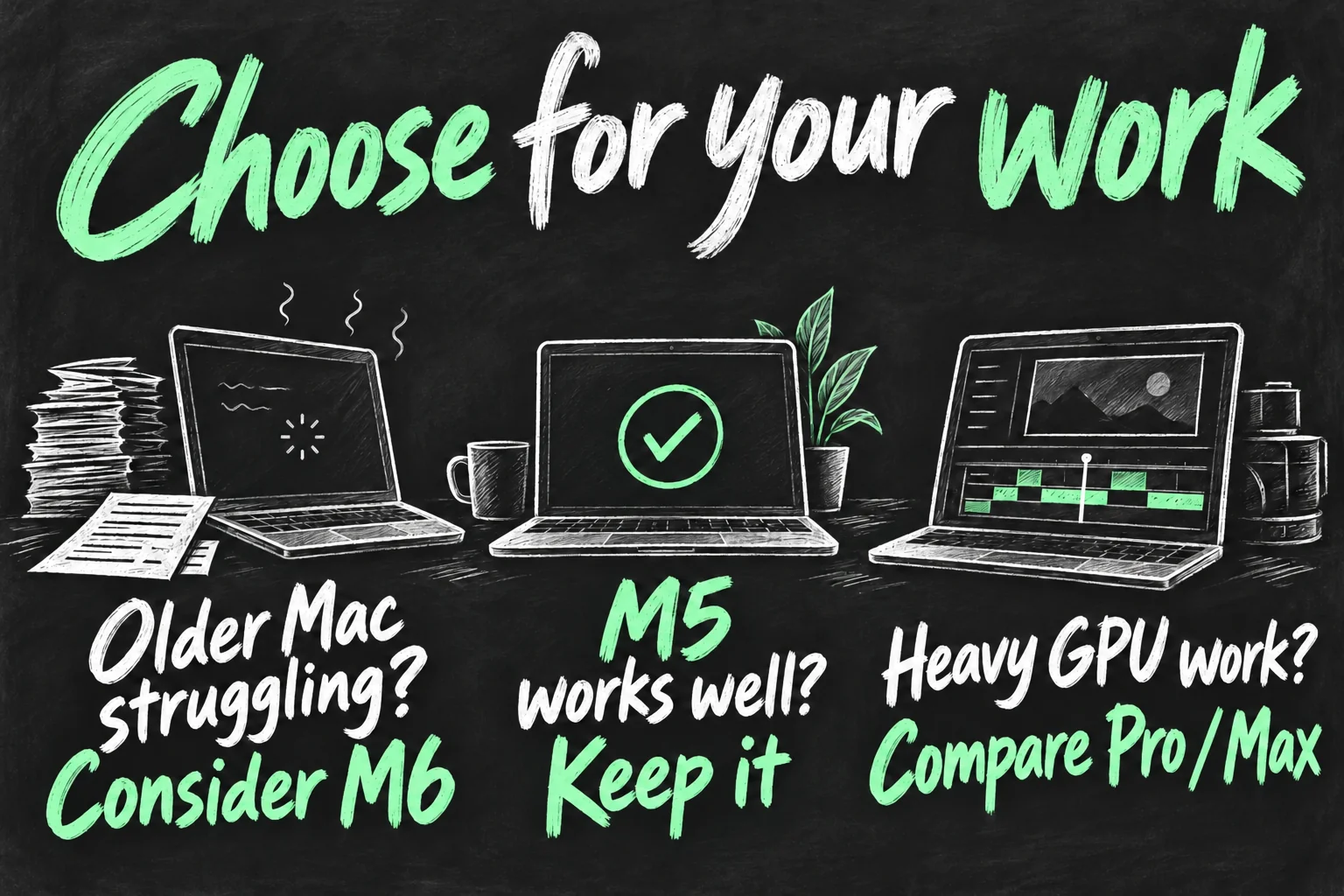
- Consider M6 if your older Mac is the bottleneck. List the task you need to improve, confirm your apps support the current macOS and price the memory you need before ordering.
- Keep a satisfactory M5. An upgrade is harder to justify if the current machine already finishes your work comfortably and its battery is healthy.
- Compare Pro and Max for demanding work. Large GPU projects, higher memory requirements or more displays call for a configuration comparison, not a generation-number contest.
- Price a discounted older model fairly. Compare the same useful memory and SSD capacity, condition, seller support and total cost. A low headline price alone is not the whole deal.
Our recommendation is to start with the limitation, then choose the configuration. For predominantly browsing and document work, first ask whether you need the Pro features at all. If your main uncertainty is the type of laptop, our MacBook Air versus Pro buying guide explores the work-based decision; its older prices should be checked against current quotes.
MacBook Pro M6 Australia pre-order checklist
- Check the full name: 14-inch M6 with Liquid Retina XDR, rather than assuming every new Pro is the OLED model.
- Choose memory first, then SSD space; include any required adapter, dock or backup drive in the budget.
- Check eligibility before using education pricing, and compare the complete configuration with other offers.
- Read the delivery estimate for your postcode and configuration before paying.
- Check feature requirements if buying for AI: Apple’s launch footnotes describe Siri AI as a macOS 27.2 beta with supported-language and other conditions, rather than an unconditional feature promise.
MacBook Pro M6 Australia pricing makes this a purchase worth planning. The confirmed hardware upgrade is useful for the right workload, but the best outcome is the Mac that removes your particular obstacle without buying capacity or features you will not use.
Sources checked 29 October 2026: Apple Australia Newsroom, new 14-inch MacBook Pro with M6 announcement dated 28 October 2026; Apple Australia MacBook Pro purchase page; Liquid Retina XDR technical specifications; MacBook Pro range overview; and Apple’s Australian M5 launch announcement dated 16 October 2025. Specifications and local prices take priority over third-party summaries. This is an editorial specification-based guide, not hands-on testing. All three illustrations are original AI-generated concepts.