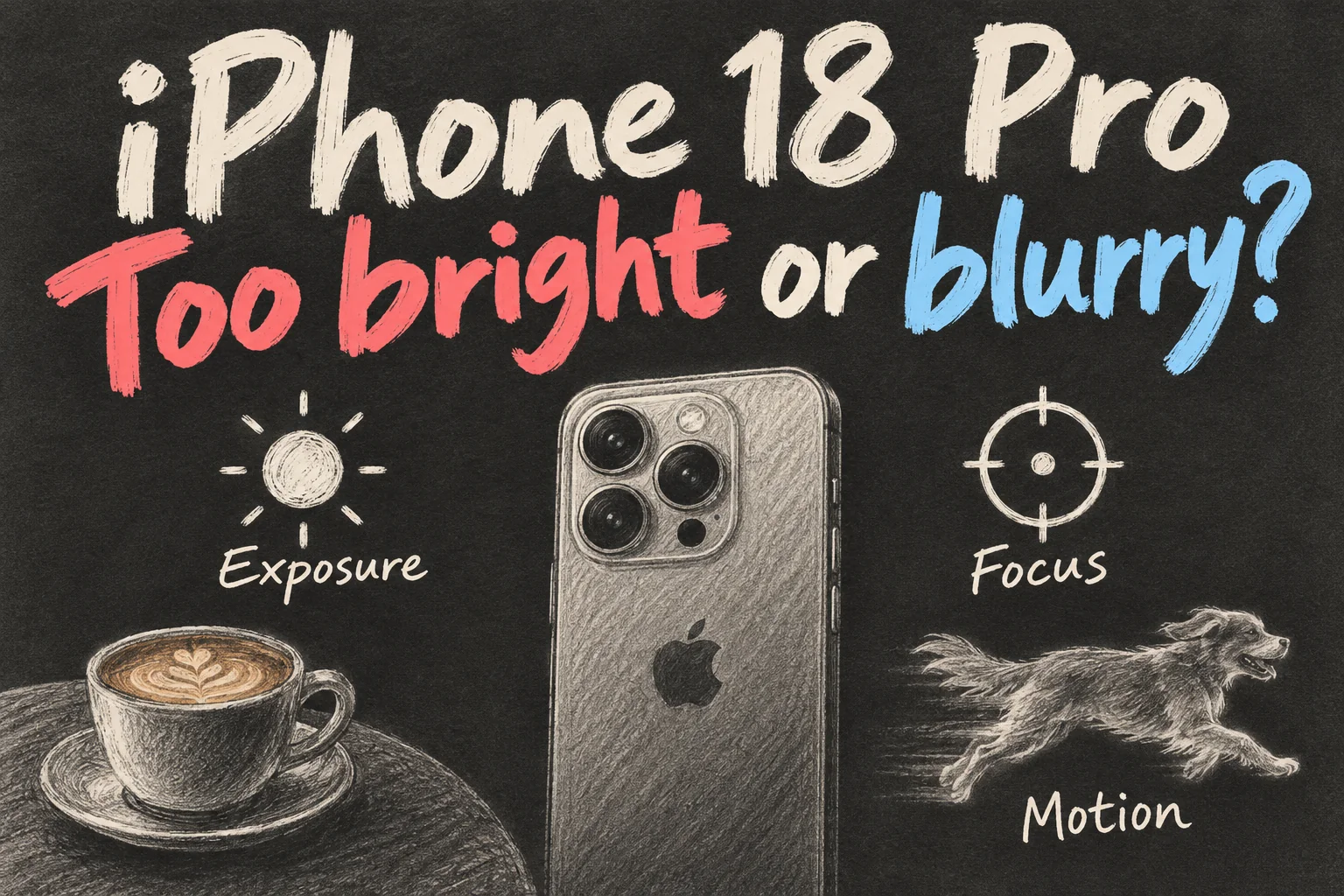
For iPhone 18 Pro camera settings, start by identifying the fault: exposure for excessive brightness, focus and shutter speed for blur, and white balance for an unwanted colour cast. The right adjustment depends on why the image looks wrong.
This guide uses Apple’s Camera app with English menus and distinguishes the on-screen controls from the physical Camera Control. Guidance was checked on 9 October 2026. Practise with the rear Main camera at 1x and a repeatable subject before changing several settings together.
Where are the camera settings you actually need?
Open the on-screen Camera Controls menu, tap Edit, add your frequently used tools, then tap Done. Exposure and Lens Aperture are useful first choices. Apple’s camera-tools guide explains how to customise this row.
Here, Camera Controls means the on-screen menu. The physical Camera Control on the side of the phone is another way to operate the camera.
Begin with one adjustment and one repeat photo. Adding every tool at once makes it harder to see which change helped. Your first goal is a photo you prefer, with a setting you can find again.
White surfaces look washed out — what should you change?
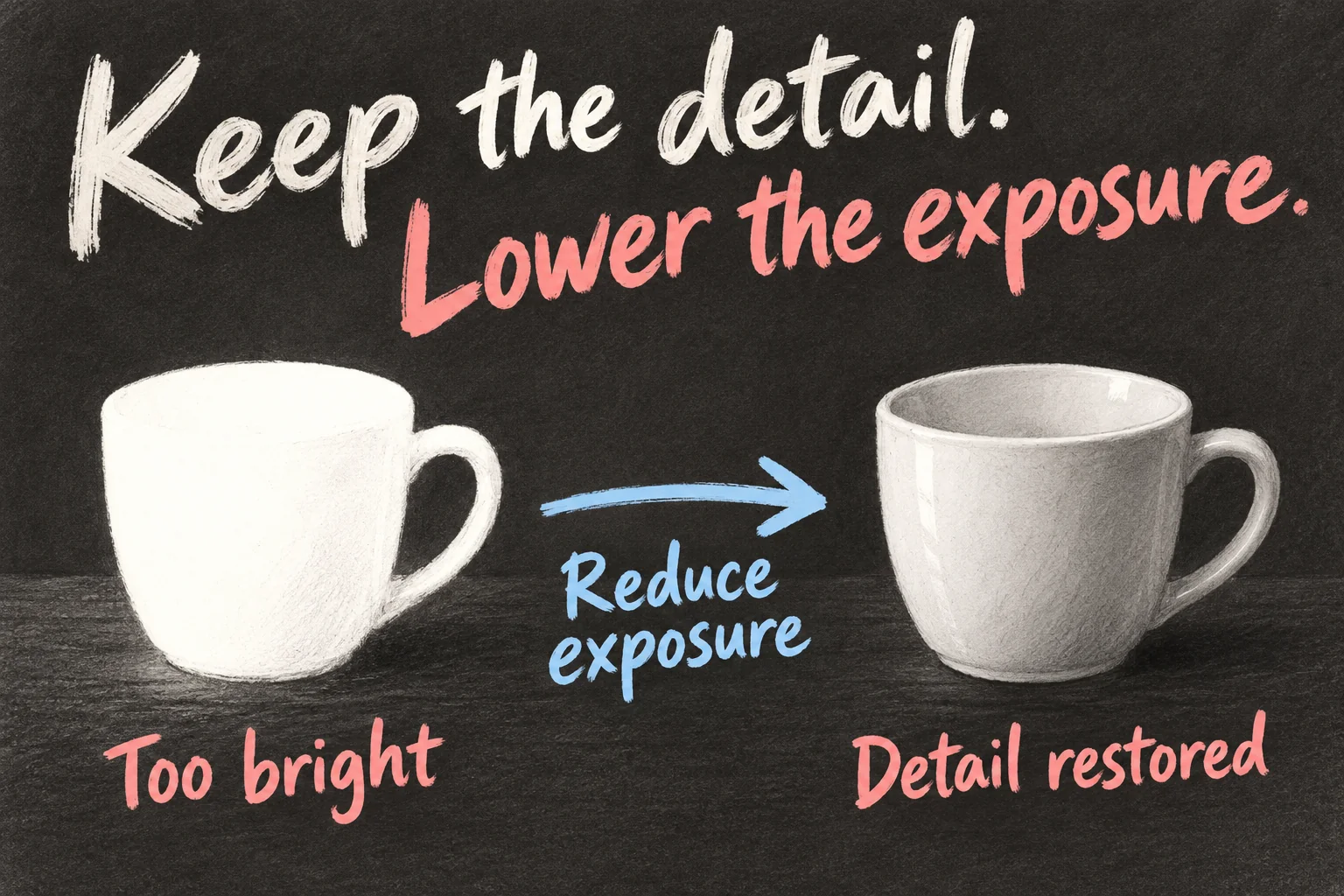
Tap the subject and drag the sun control down to reduce exposure. Alternatively, open Camera Controls → Exposure and move the slider. For a stationary composition, touch and hold the focus area until AE/AF Lock appears; tap the screen to unlock. These actions are documented in Apple’s focus and exposure instructions.
Watch the bright rim of a cup, the icing on a cake or a white shirt. Reduce brightness gradually until the detail looks useful, while checking that the face or food still has enough light. Take a photo and inspect it in Photos before making the next adjustment.
There is no exposure number you need to leave on all day. A sunlit table and a shaded face need different decisions. If moving the slider makes the person too dark, try a position with more even light and compare again.
f/1.48 or f/4 — which photo are you trying to make?
Apple lists four physical aperture settings for the 48MP Fusion Main camera: f/1.48, f/1.8, f/2.8 and f/4.0. To choose one:
Camera → Camera Controls → Lens Aperture → choose a value
This is the route in Apple’s advanced camera-tools guide. A smaller f-number means a wider opening. It admits more light and can give shallower depth of field; a larger number gives a smaller opening and can keep more of the scene in focus. Canon Australia explains the relationship.
The following scenes are suggestions for practice. They give you something specific to inspect, rather than a preset that guarantees the best result.
| Try | A useful scene | What to check |
|---|---|---|
| f/1.48 | A dim café or a subject you want to separate | Compare subject detail and the background. |
| f/1.8 | An everyday photo to use as a reference | Keep it as one comparison, rather than a rule. |
| f/2.8 | Food and props at different distances | Check whether the extra depth helps your composition. |
| f/4.0 | A group with people in more than one row | Check the back row and watch for movement blur. |
For a useful comparison, put a cup in front of a book or flowers. Keep the phone position, focus point and lighting steady. Compare f/1.48 with f/4.0, looking at both the cup and the background. Let the result tell you whether the extra separation or extra depth suits the picture.
Apple demonstrates the group-photo benefit in its camera announcement: narrowing to f/4 can keep more people in focus. It also admits less light. With people moving in a dim room, check the final photo for blur as well as depth. More things in focus and frozen movement are two different goals.
Your pet is blurry — did focus miss, or did it move?
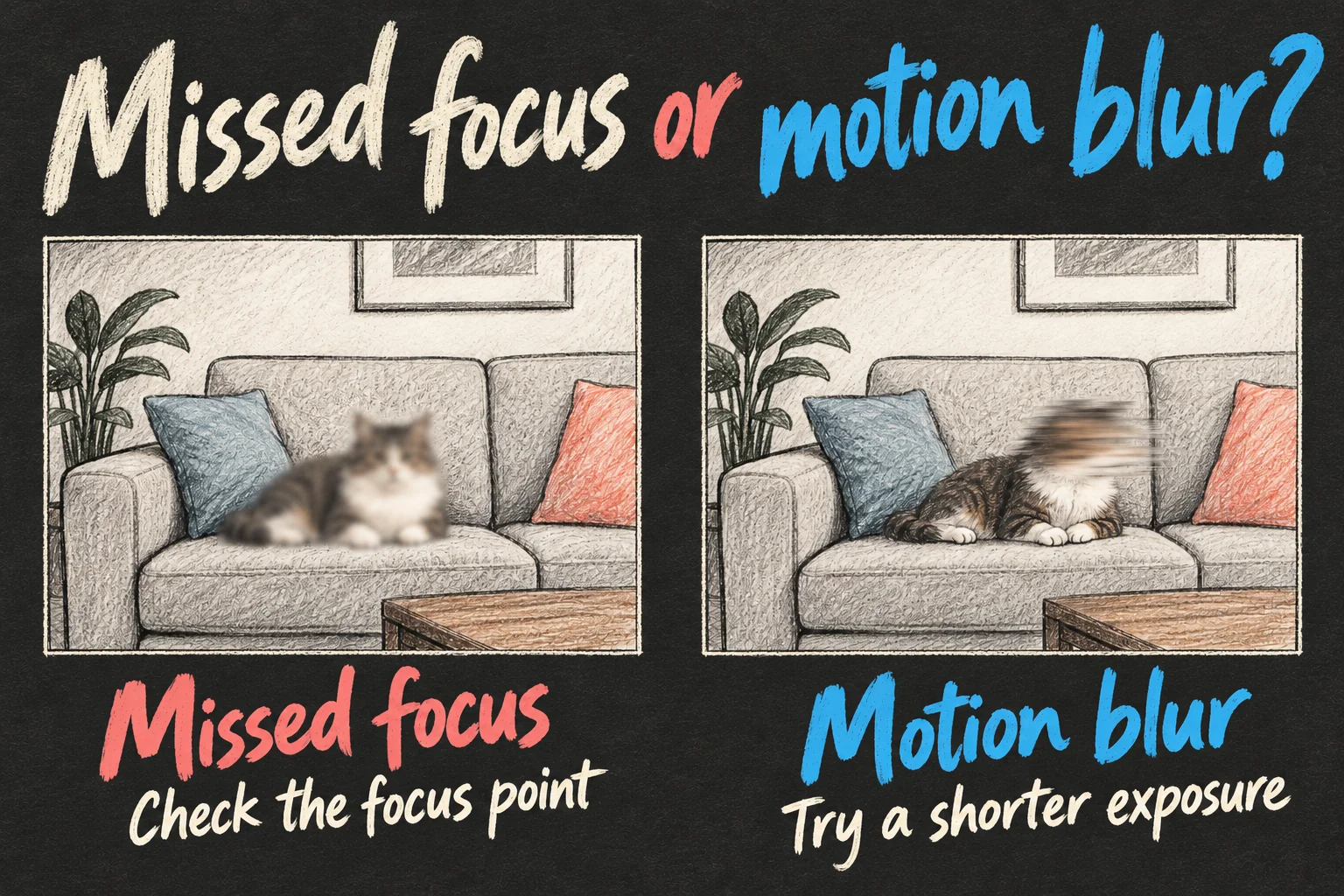
Inspect the picture first. If the sofa is sharp but the pet’s eyes are soft, check where you focused. If the sofa is sharp and the head has a streak, movement is a useful clue. If the whole frame is smeared, try steadier handling as well.
For a moving subject, tap it to show the yellow frame, then double-tap that frame to start focus tracking. Tap Focus Tracking to stop. Apple describes this tracking sequence.
Tracking helps the camera follow a subject; shutter speed determines how much movement can occur during the exposure. Nikon’s shutter-speed guide explains why a shorter exposure can freeze movement, while a longer one can show motion blur.
Camera → Camera Controls → Shutter Speed → adjust the slider
Apple confirms the shutter-speed control in its Camera app. Move towards a shorter exposure and repeat the shot. For example, 1/250 second is shorter than 1/60 second. That illustrates the direction of the change; the speed needed depends on the subject’s movement and the available light.
If the faster setting leaves the picture too dark or noisy, try brighter, more even light. Then repeat with the same subject. This is more useful than treating one shutter number as a setting for every child, pet or indoor scene.
Why does your white plate look yellow?
If the photo is bright enough but the colours look wrong, try white balance:
Camera → Camera Controls → White Balance → choose a value
Apple provides this manual white-balance control. Use a neutral surface in the scene as a reference and compare the available values. Aim for the colour you want the photograph to convey, while checking skin tones and the food as well.
A café’s warm lamps can be part of the atmosphere. You might keep some warmth while reducing an obvious yellow cast. If the scene has both window light and a warm ceiling lamp, moving the subject into more consistent light can make the adjustment easier to judge.
Should the camera remember what you changed?
For repeated shots in the same scene, saved settings can help. For quick photos in changing light, review what remains active.
Settings → Camera → Preserve Settings
Apple lists Exposure Adjustment and, on iPhone 18 Pro models, Lens Aperture as settings you can preserve when reopening Camera. Choose the ones you want remembered, using Apple’s Preserve Settings guide.
If the next photo is unexpectedly dark, check the exposure value first. The Exposure control’s Undo button resets that adjustment; Apple documents this reset. Preserving an adjustment is useful only when you know what you are carrying into the next scene.
Change one setting. Take another photo. Check what improved.
Try that with your next coffee photo, then with a moving subject. You will have a practical reason to use exposure, aperture or shutter speed — and a way to see whether it helped.
For your next decision, read iPhone 18 Pro Settings: 5 Things to Check on Day One or iPhone 18 Pro vs Pro Max: Is Bigger Worth A$200 More?.
FAQ
Q. Is Lens Aperture the same as Portrait Depth Control?
Lens Aperture adjusts the physical opening in the Main camera. Portrait Depth Control adjusts the background-blur effect, which you can also edit after capture. Apple’s portrait guide explains Depth Control. Choose according to whether you want to shape the capture or change the portrait effect.
Q. Do I need to buy a camera app for these settings?
Apple documents aperture, shutter speed and white balance in its built-in Camera app on iPhone 18 Pro models. Start there. Consider another app when you have a specific workflow you want to add.
Q. Does focus tracking fix every blurry photo?
Use it when the camera needs to follow the subject. If movement during the exposure is the problem, compare a shorter exposure and more light. If your hand moved, try steadier handling. Look at which part of the photo is sharp before choosing the adjustment.
Sources and Reading Notes
This is a research-based guide. It does not report personal hands-on testing. Manufacturer figures are claims, and illustrations are explanatory concepts rather than test results.
- Use iPhone Camera tools — Apple Support
- Advanced camera tools — Apple Support
See how these guides are written. Sources reviewed 11 October 2026; prices refer to the checking date stated above.
Prefer reading about Apple in Korean?
 Apple-worldApple news, tips and buying guides in Korean.blog.naver.com/apple-world ↗
4 thoughts on “iPhone 18 Pro Camera Settings: Too Bright or Blurry?”