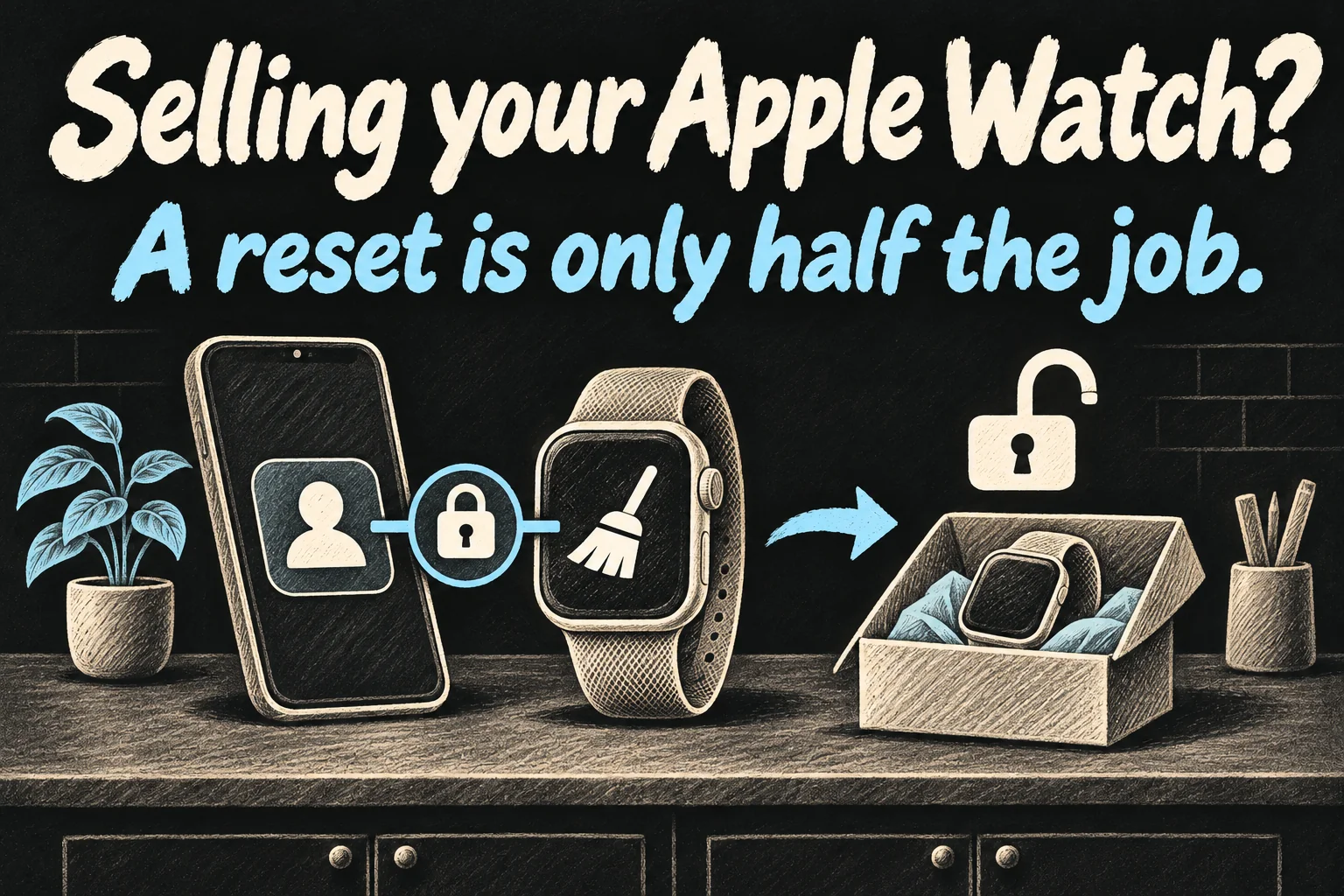
To reset Apple Watch before selling it, use the Watch app on its paired iPhone to unpair it, then confirm the removal of Activation Lock with your Apple Account password. Erasing from the watch alone removes its data but leaves the account lock in place. For a cellular model, remove your plan from the watch and separately arrange cancellation or transfer with your carrier.
Reset Apple Watch before selling: choose the right route
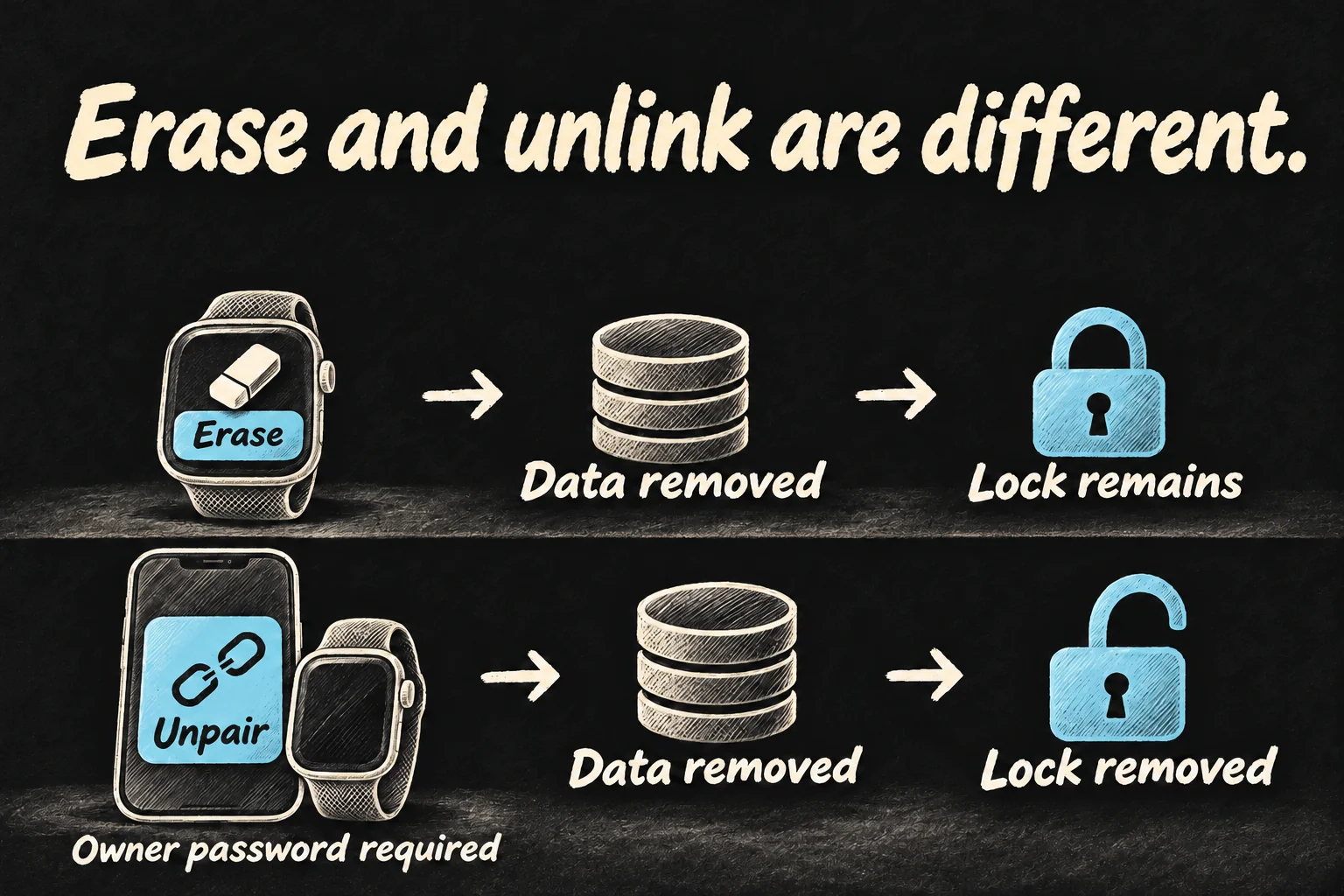
Use the paired iPhone whenever you still have it. Apple’s unpairing process prepares the watch for a new owner and attempts to preserve a current backup. A restart, a forgotten-passcode reset and erasing the watch’s content are different actions; the sale is ready only when the personal data is gone and the account lock has been removed.
| Your situation | Best route | Important condition |
|---|---|---|
| You have the paired iPhone and watch | Unpair from the Watch app on that iPhone. | Confirm with your Apple Account password and let the process finish. |
| You have the watch but no paired iPhone | Erase the watch, then remove Activation Lock through your account. | Erasing in Settings alone does not release the account lock. |
| The watch is already with the recipient | Use Find Devices at iCloud.com to erase it and then remove it. | Follow the erase-completed state before removing the device from Find My. |
| You are keeping the watch | Use the procedure for your actual reset or pairing problem. | Do not remove account protection merely because a sale guide describes it. |
Unpair it from your iPhone
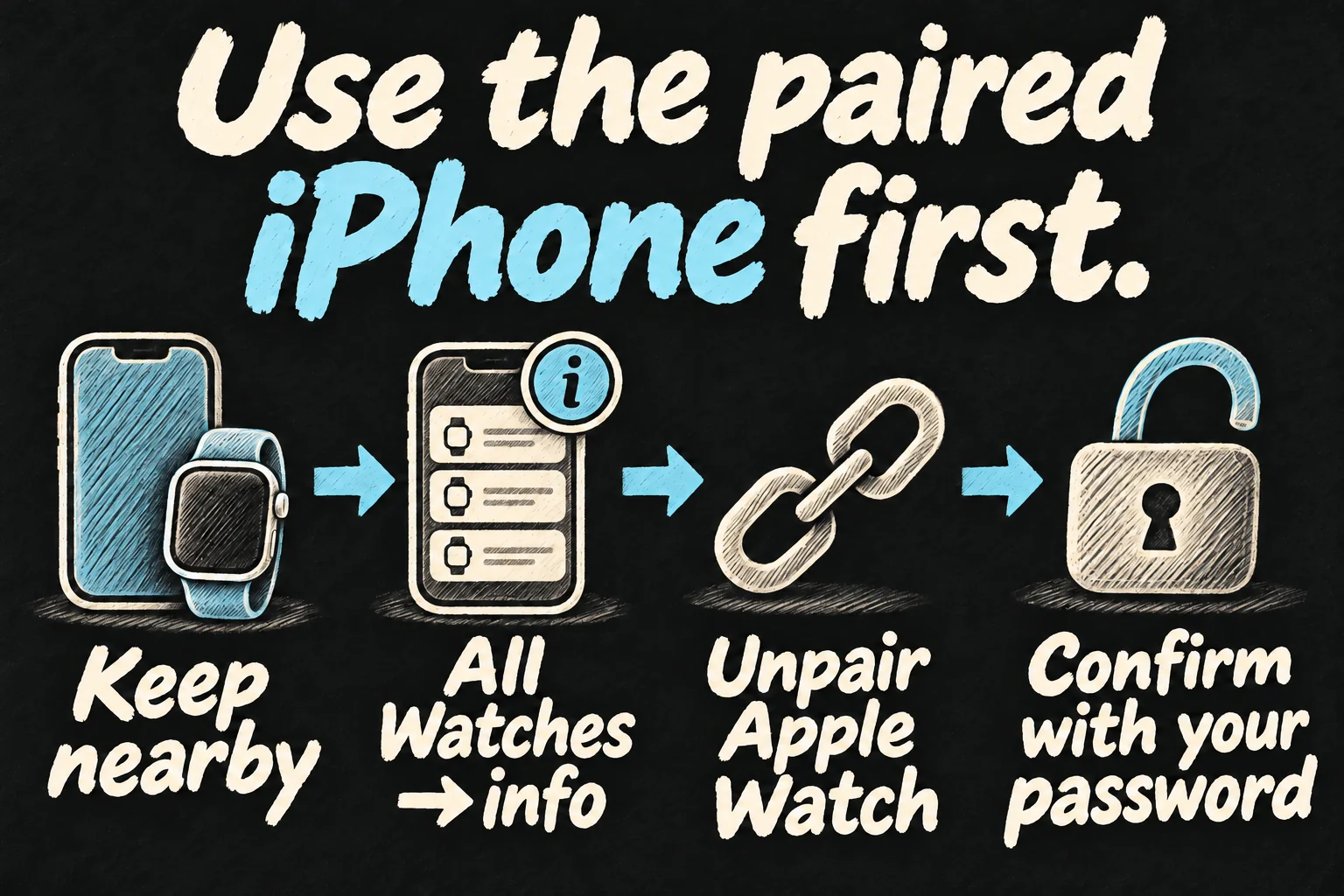
Keep the iPhone and watch together, with enough charge to finish, and know your Apple Account password before beginning. Check that you are selecting the watch you intend to sell if more than one appears in the app.
- Open the Watch app on the paired iPhone, then go to My Watch > All Watches.
- Tap the information button beside the correct watch.
- Choose Unpair Apple Watch and confirm the watch name.
- For a GPS + Cellular model you are selling, choose Remove Mobile Data Plan or the equivalent mobile-plan removal option.
- Enter your Apple Account password when requested to disable Activation Lock, confirm, and wait for unpairing and erasing to finish.
Apple says the iPhone will try to create a backup during unpairing. Keep the devices close rather than interrupting the process once the watch starts resetting. When it has finished, the watch can be turned off for handover; do not pair it back to your own account just to show that it works.
Protect the backup you want to keep
Apple Watch normally backs up to its paired iPhone while the devices are nearby. Unpairing creates an additional current backup for a replacement watch, and backing up the iPhone includes that watch data. Check the iPhone backup before you erase or sell the phone as well.
For Health and Fitness data, Apple specifies iCloud or an encrypted computer backup. An ordinary unencrypted computer backup is not the equivalent option for those records. Watches managed for a family member use a different backup arrangement, so use Apple’s family-watch instructions if that is your setup.
A watch backup is not a clone of everything. Apple Pay cards, the watch passcode and Bluetooth pairings are excluded and need setting up again on the replacement. Erasing this watch does not delete your content from iCloud, so do not manually delete cloud photos or contacts as a substitute for properly erasing the device.
Removing the mobile plan does not cancel the bill
Removing a mobile plan from the watch and ending its carrier subscription are separate jobs. Apple explicitly tells sellers to contact the service provider about cancellation. If you are replacing the watch, ask the carrier how to move the service instead; do not assume an on-device removal automatically stops every charge.
Australian watch services can depend on the main mobile account and the carrier’s current plan terms. Check which watch service remains active in your provider account after the handover, and retain any cancellation or transfer confirmation. The new owner needs their own compatible service if they want standalone cellular use.

No paired iPhone? Erase, then remove the account lock
On the watch, go to Settings > General > Reset > Erase All Content and Settings, enter its passcode if asked and follow the confirmation prompts. Remove the mobile plan if the watch is being sold. This erases the data, but Activation Lock remains until the owner releases it through the account.
Apple’s web route can also help if you have already handed over the watch. On a browser, open iCloud.com/find and sign in to the Apple Account linked to that watch. Select the correct watch from All Devices, choose Erase and follow the prompts. After the watch has been erased, use the Remove control and confirm; the control may appear as a removal button or an X depending on the interface.
If the erase is pending because the watch is offline, arrange for the recipient to connect it and let the erase complete before treating the handover as finished. Removing a device from an account-device list without checking Find My and Activation Lock is not a substitute for Apple’s erase-and-remove procedure.
If you cannot sign in, recover your Apple Account through Apple before completing the sale. A buyer should not need your password, a claimed unlocking service or a workaround to take ownership. This guide is for a watch you own and intend to transfer; leave Find My protection in place for a lost or stolen watch.
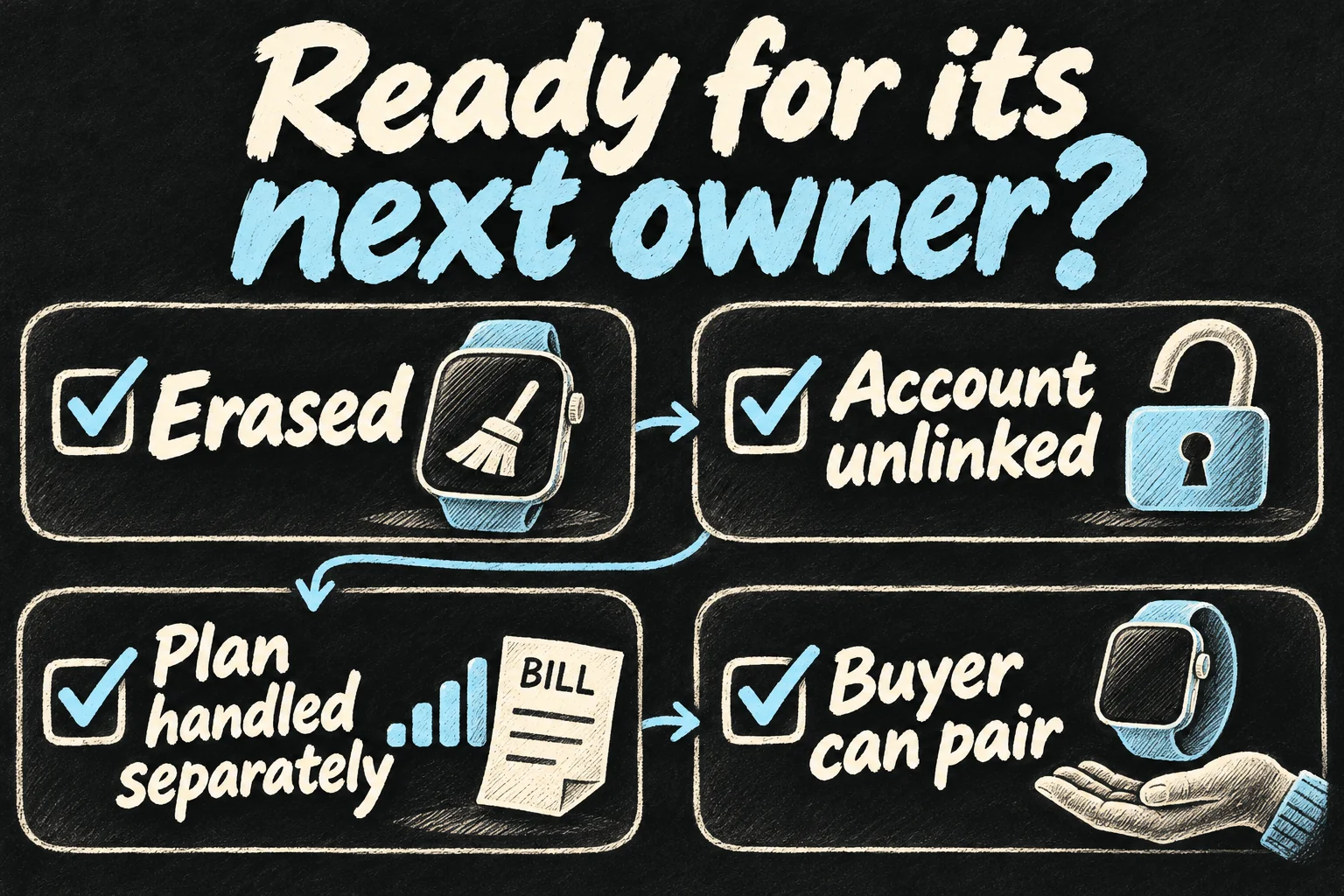
Five final checks before you hand it over
- The personal content is gone. A normal watch face, your apps or your passcode lock screen means the handover is not ready.
- Activation Lock is released. The pairing screen alone does not prove this; where practical, let the buyer begin pairing with their own compatible iPhone.
- No previous-owner login is requested. If setup asks for your Apple Account, finish removing the lock yourself rather than sharing credentials.
- The mobile service is handled. Remove the old plan and confirm cancellation or transfer with the carrier as appropriate.
- The physical handover is clear. Agree which band and charging cable are included, and describe the model and condition accurately.
If you are buying the used watch
Ask the seller to complete unpairing and remove Activation Lock before paying for a supposedly ready-to-use device. If you can, start setup on your own iPhone. A request for the previous owner’s Apple Account means the lock is still active; a promise that it will disappear later does not complete the transfer.
Also check that your iPhone supports the watch’s required software and that the advertised model, size and cellular variant match the device. A correctly erased watch can still be the wrong purchase for your phone or plan. If you decide to buy new instead, compare the features you need before paying for a higher tier.

Sources and check date
Checked 19 November 2026. Official procedure and conditions: Apple Support, Unpair and erase your Apple Watch; What to do before you sell, give away or trade in your Apple Watch, or buy one from someone else; About Activation Lock on your Apple Watch; and Back up your Apple Watch. Carrier cancellation or transfer remains subject to your provider’s service terms.