
Apple Watch Sleep Tracking: 5 Steps to Useful Sleep Data
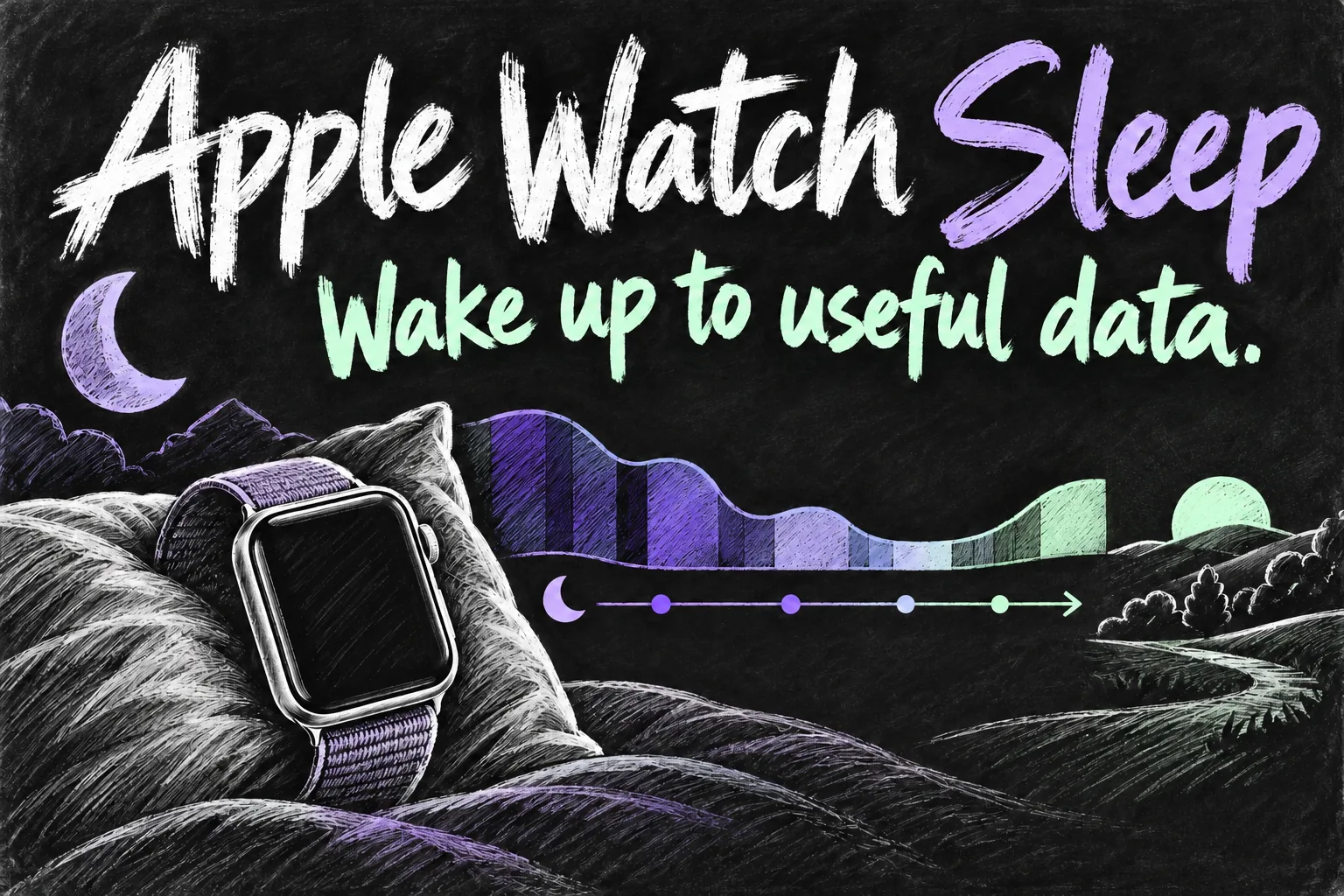
Get useful overnight records from your Apple Watch, with clear setup steps, charging advice and checks for missing sleep data.
Your Everyday Tech Blog
Explore practical Apple buying guides, setup advice and explainers with an Australian perspective. Browse by device or service to compare options, solve everyday problems and check what matters before you buy.
The iPhone 18 Pro is worth considering when its camera controls, performance or battery and size choices solve a specific problem with your current phone.…
Get useful overnight records from your Apple Watch, with clear setup steps, charging advice and checks for missing sleep data.

Enrolled University of Sydney students can opt in to a digital ID on iPhone and Apple Watch. Set it up in eAccounts and use it for supported campus services while keeping the physical card for exams.
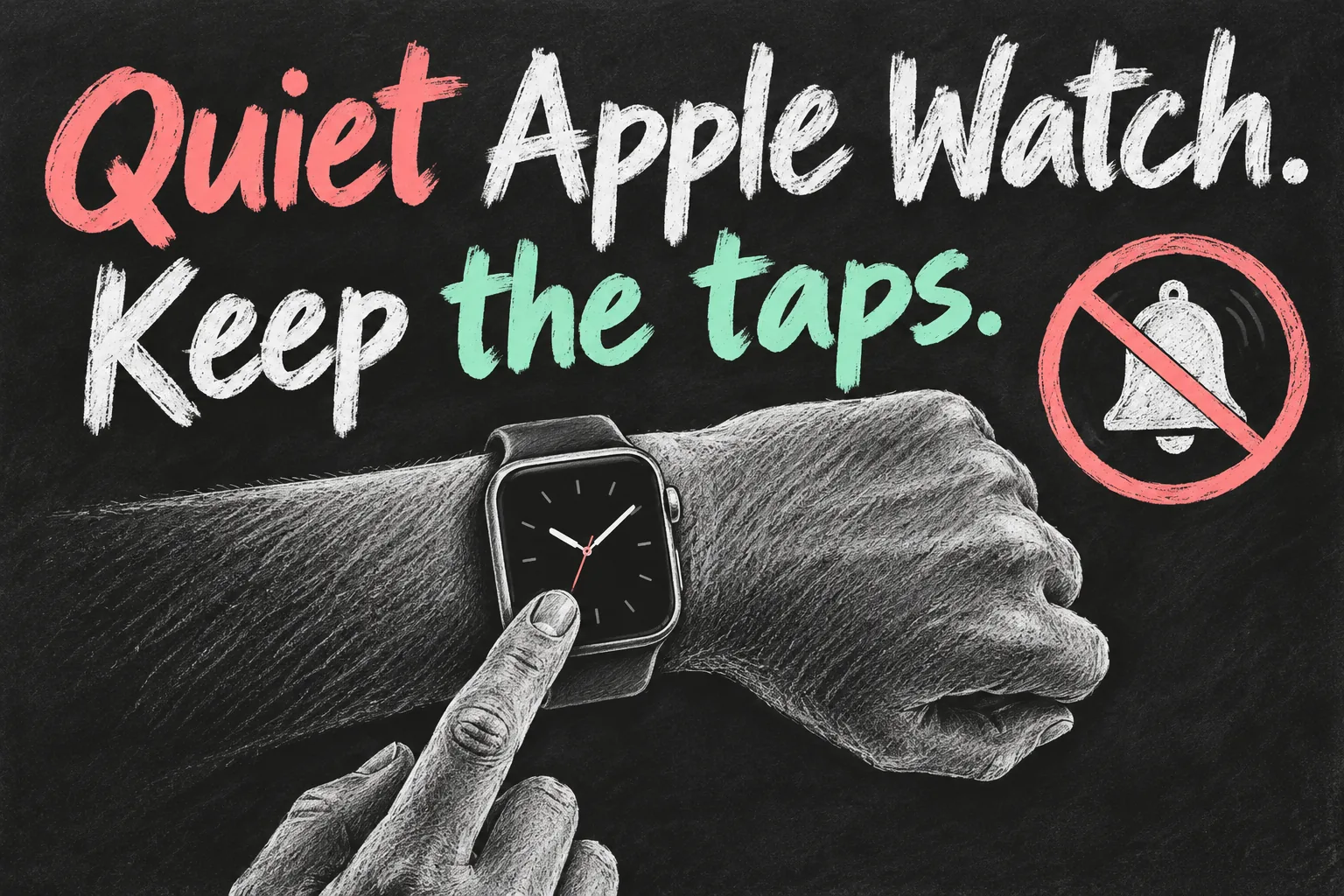
Stop notification sounds without accidentally choosing the wrong mode. Keep useful taps, darken the screen at the cinema or reduce interruptions altogether.

Find where your iPhone-to-laptop connection fails. Use a symptom-based checklist for Mac or Windows and a USB alternative before disruptive resets.
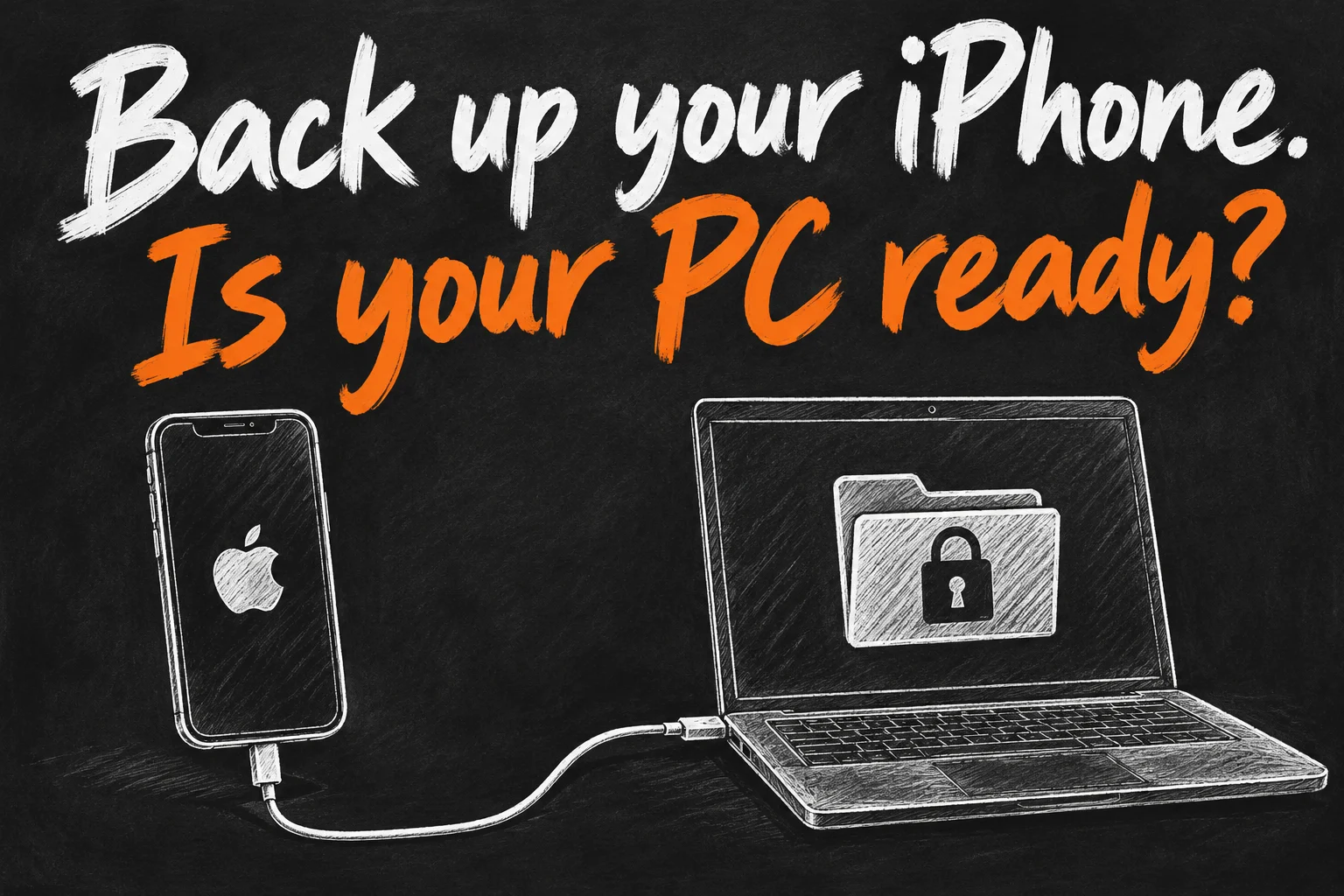
Choose the right Windows app, create an encrypted iPhone backup and verify it before a repair, reset or trade-in. Photo syncing alone is not a device backup.
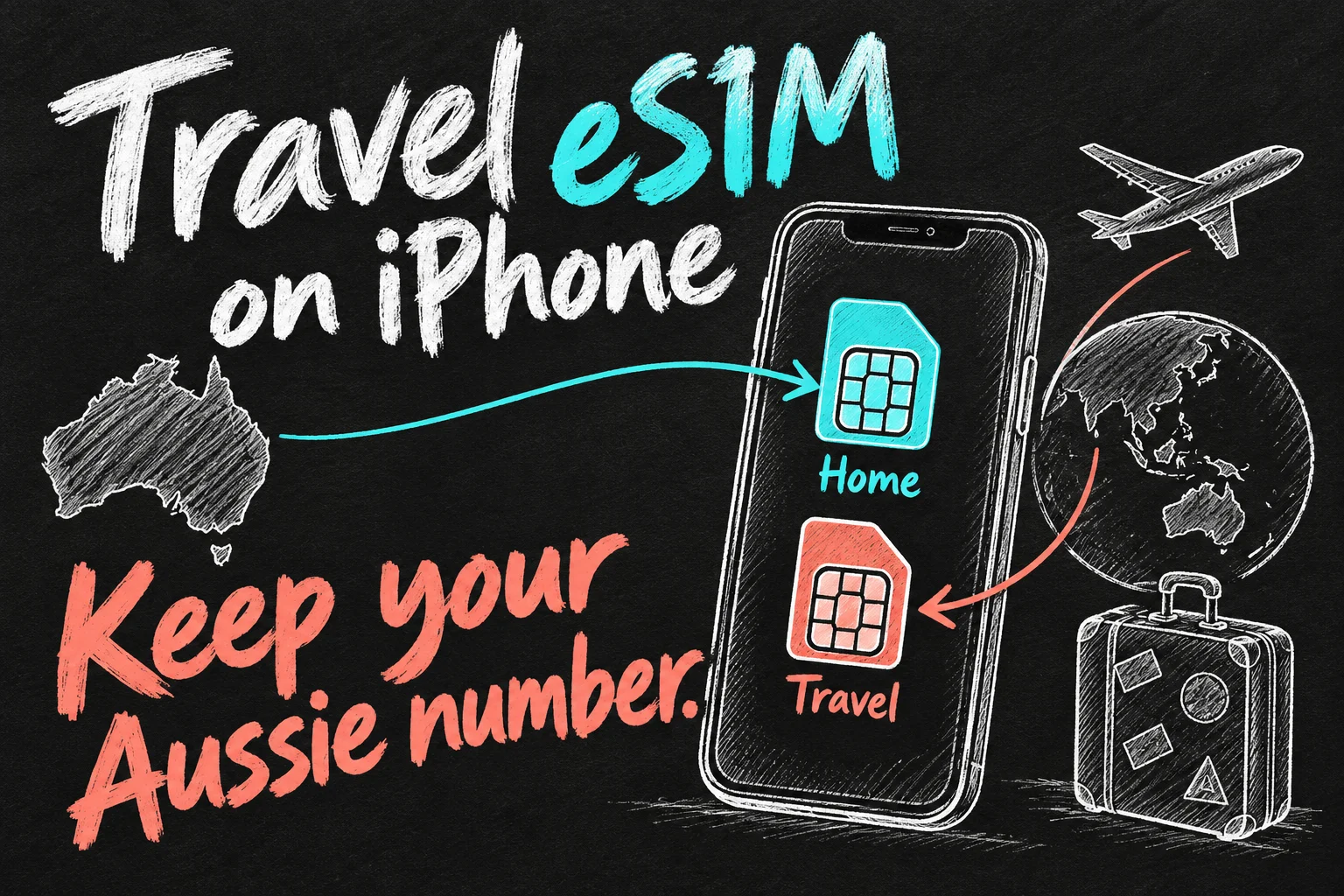
Use travel data without confusing it with your Australian phone number. A practical iPhone setup guide covering dual SIM, iMessage and carrier charges.

Find what is filling iCloud, remove genuinely unwanted data and verify a separate copy before deleting photos. Phone storage and cloud storage need different fixes.
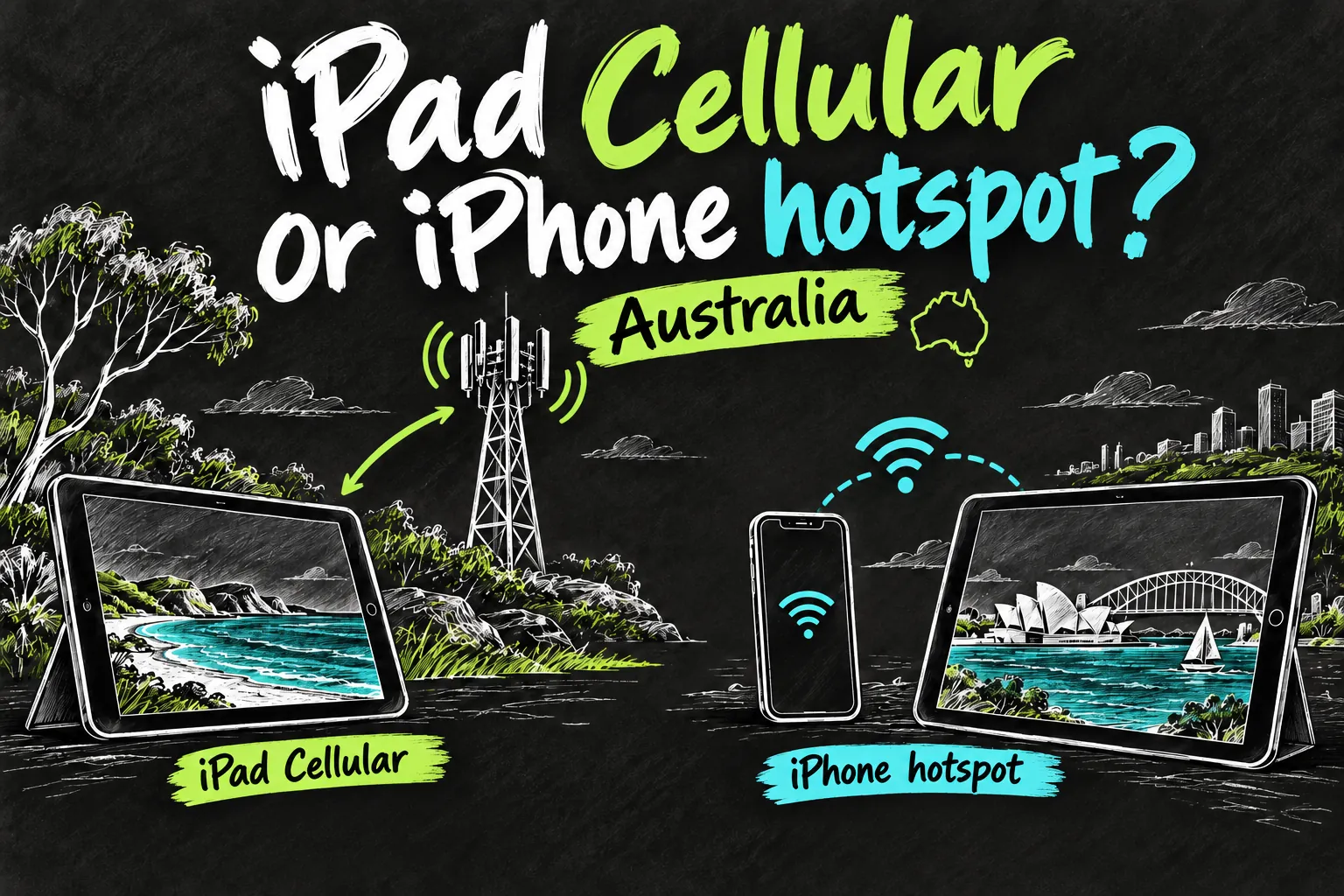
Compare Australian iPad data plans, follow Optus, Telstra and Vodafone eSIM setup, and see when a separate connection earns its cost over an iPhone hotspot.
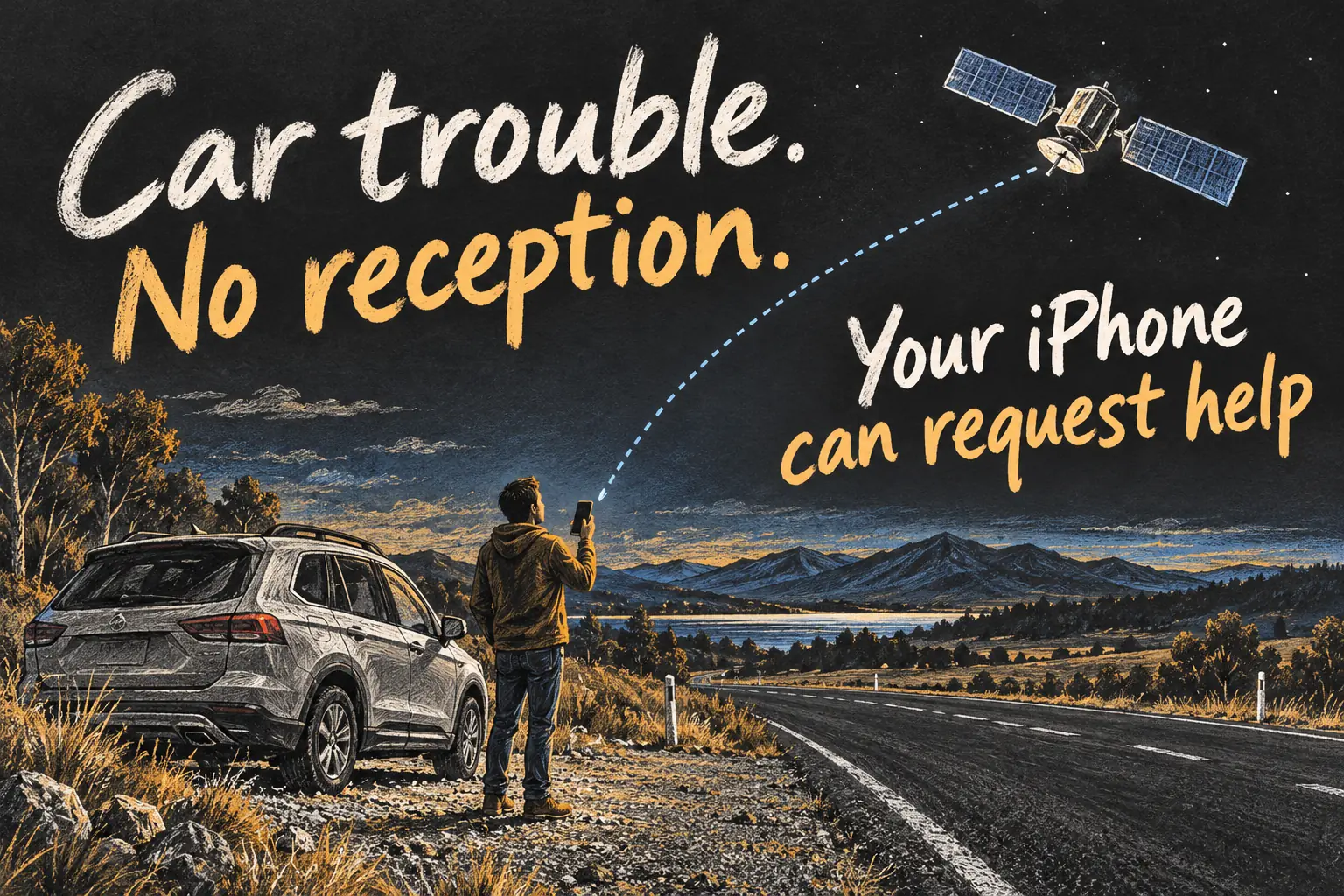
A supported iPhone can send a roadside request to RACV beyond mobile and Wi-Fi coverage. Prepare before a Victorian road trip and understand the difference between connecting and paying for help.
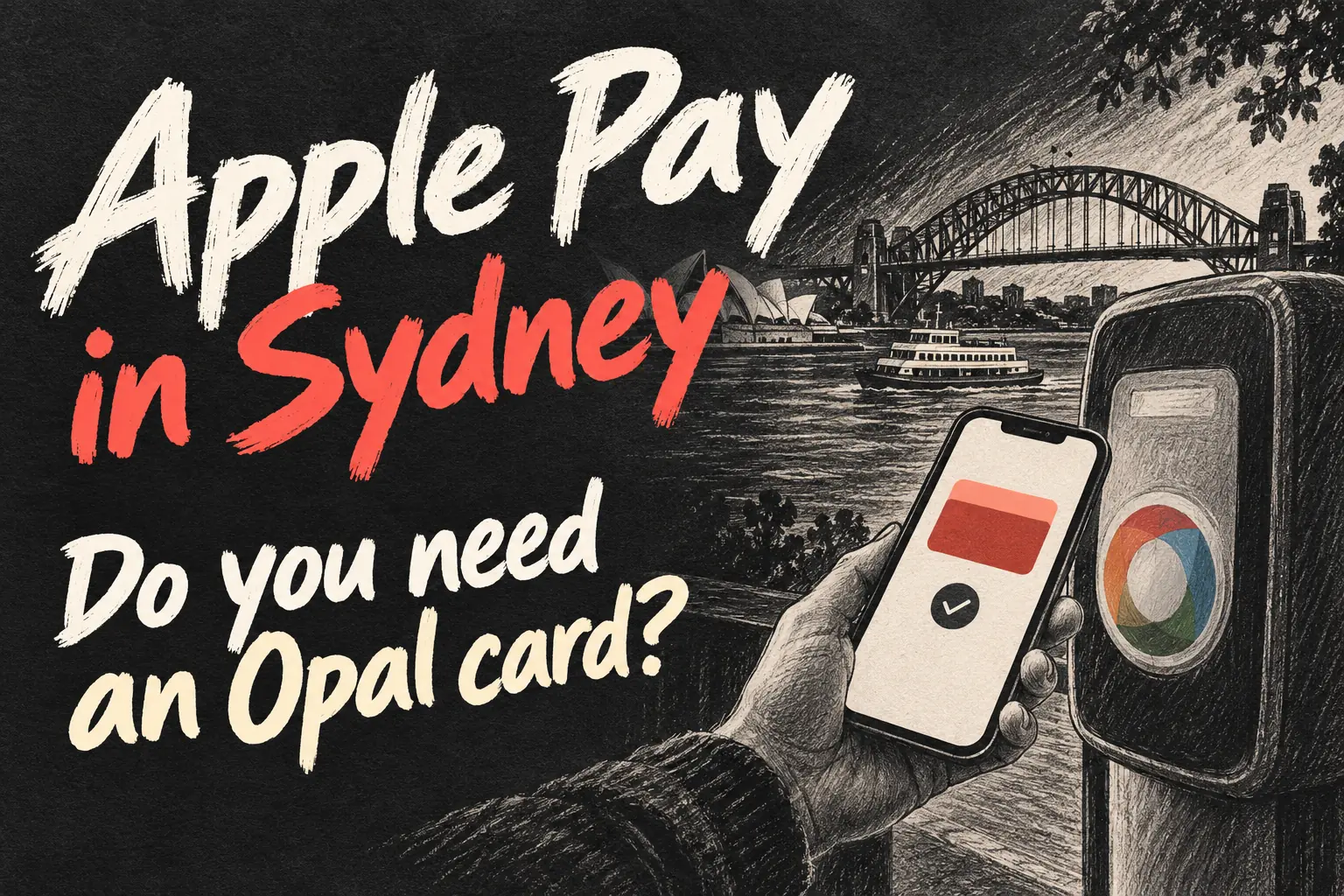
You can use an eligible bank card in Apple Wallet on Sydney’s Opal network. Here is how to set up your iPhone or watch, avoid mismatched taps and check concession eligibility.