
iPhone Back Tap: 5 Smart Uses and How to Turn It Off
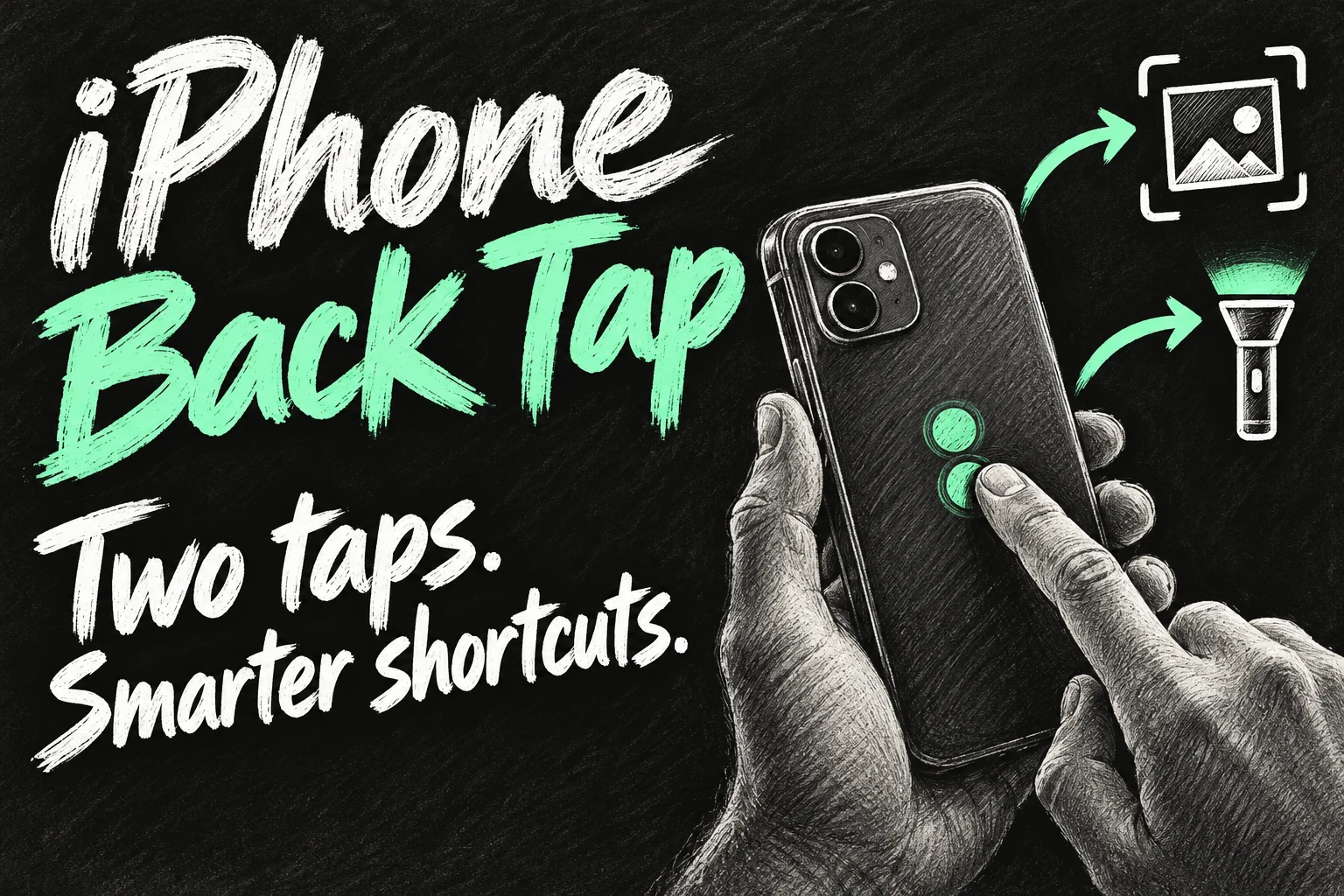
Turn the back of your iPhone into a useful shortcut. Set up double or triple taps, choose practical actions and stop accidental screenshots by clearing both gestures.
Your Everyday Tech Blog
Explore practical Apple buying guides, setup advice and explainers with an Australian perspective. Browse by device or service to compare options, solve everyday problems and check what matters before you buy.
Five practical ways to reuse Apple TV, with model checks for Australian second-hand buyers, iPhone remote steps and the limits of a rolling TV setup.
The OLED mini is official. Compare Australian prices, storage options and seven meaningful changes before choosing an upgrade.
An Australian guide to iOS 27.2: five changes and caveats, the difference between RC and public release, and a practical update checklist.
Turn the back of your iPhone into a useful shortcut. Set up double or triple taps, choose practical actions and stop accidental screenshots by clearing both gestures.
AirTag can help with keys, shared bags and delayed luggage. Learn how it works, what it cannot track reliably and whether one is enough for your routine.
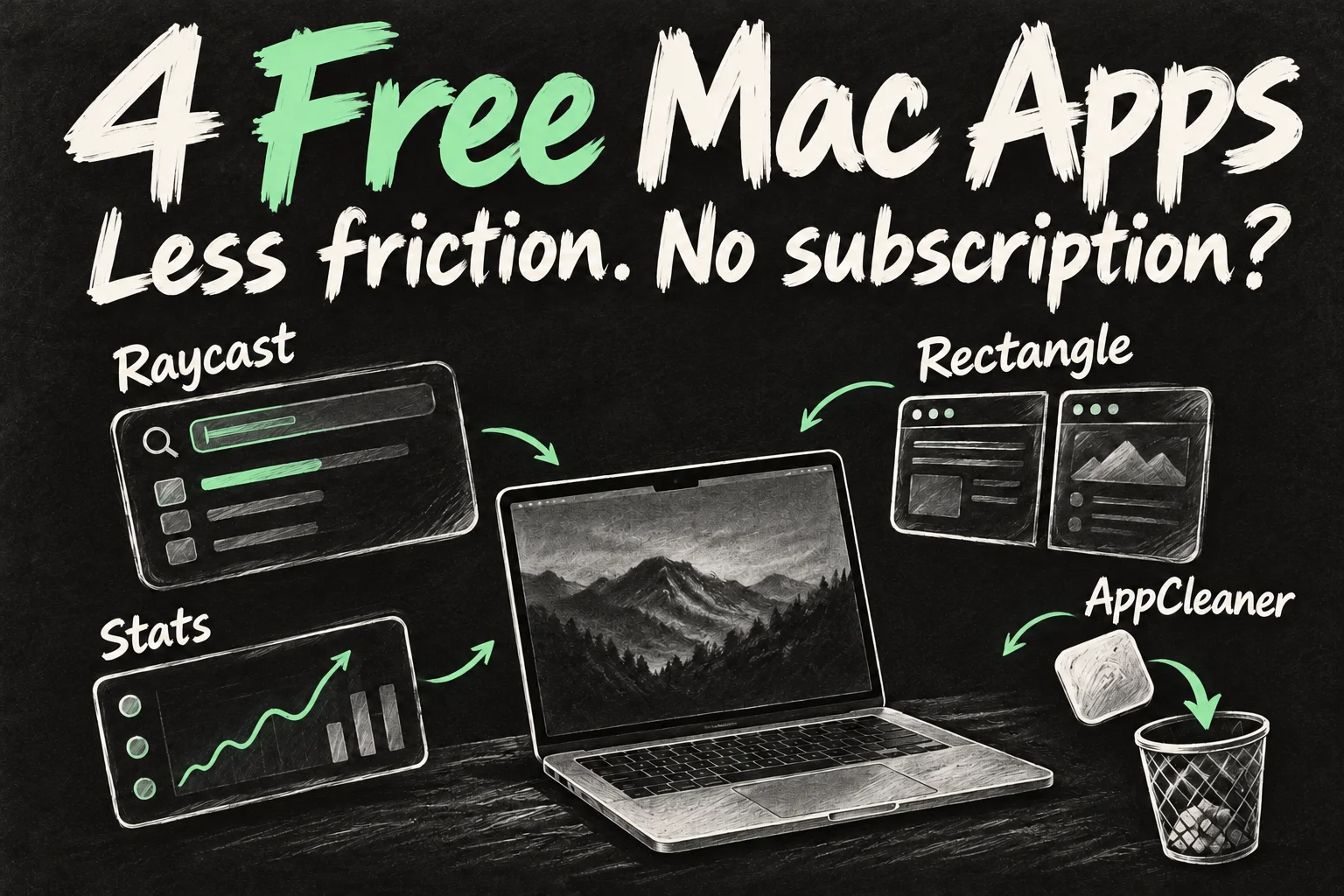
Launch tools, arrange windows, monitor system activity and remove unwanted apps with four useful free MacBook apps. Start with the job you need.
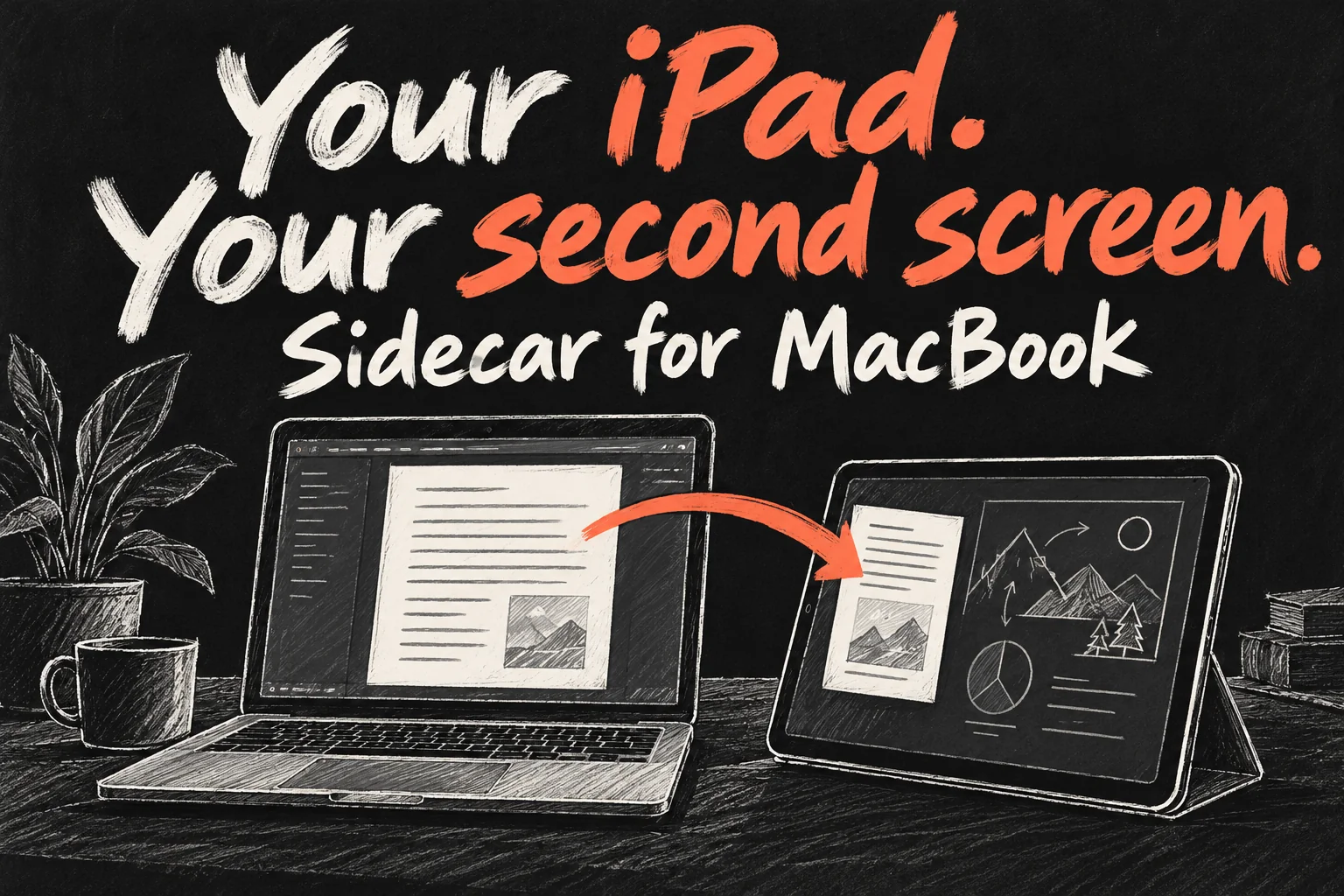
Turn a compatible iPad into extra MacBook workspace with Sidecar. Check device support, choose Extend and troubleshoot wireless or USB connections.
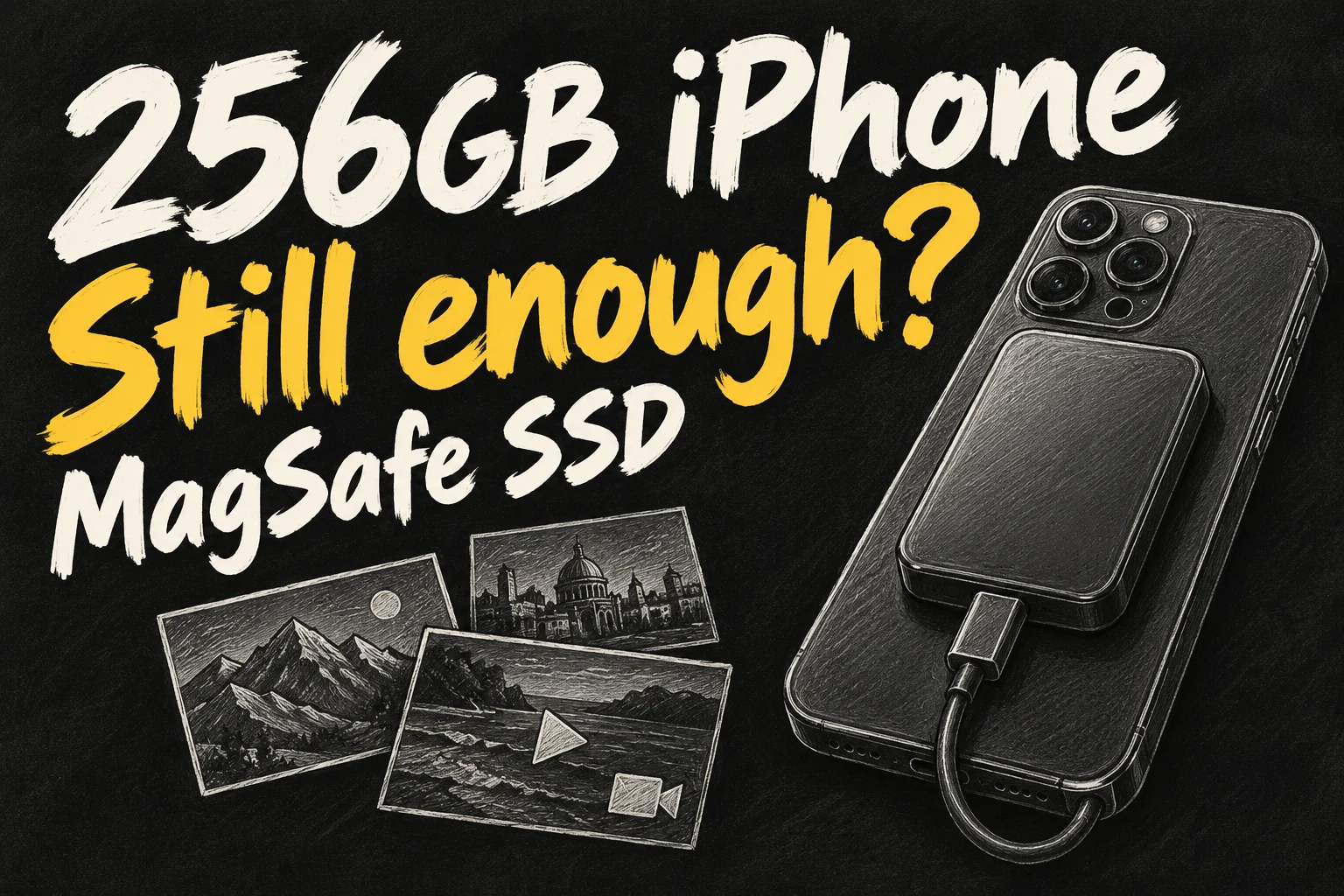
Can a magnetic SSD help a 256GB iPhone last longer? Compare Australian storage-upgrade costs, understand the limits and archive photos safely.

AppleCare One Family does not currently cover Australian Family Sharing groups. Learn how the A$29.99 Australian Individual plan works, whose devices qualify, and what families can do instead.
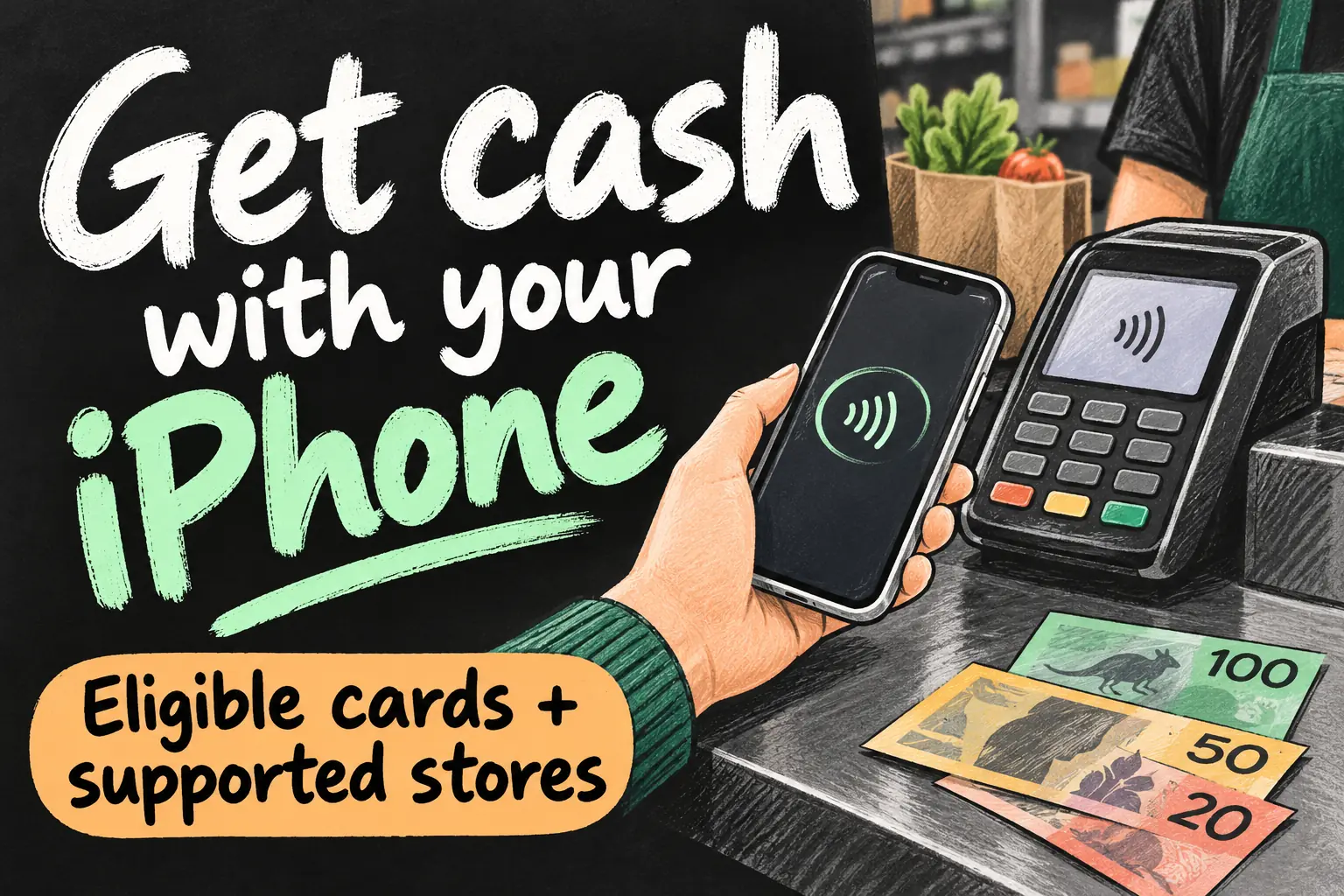
Get cash with an iPhone at a supported Australian checkout using an eligible debit card. Check your card, payment route and the store before following these five steps.
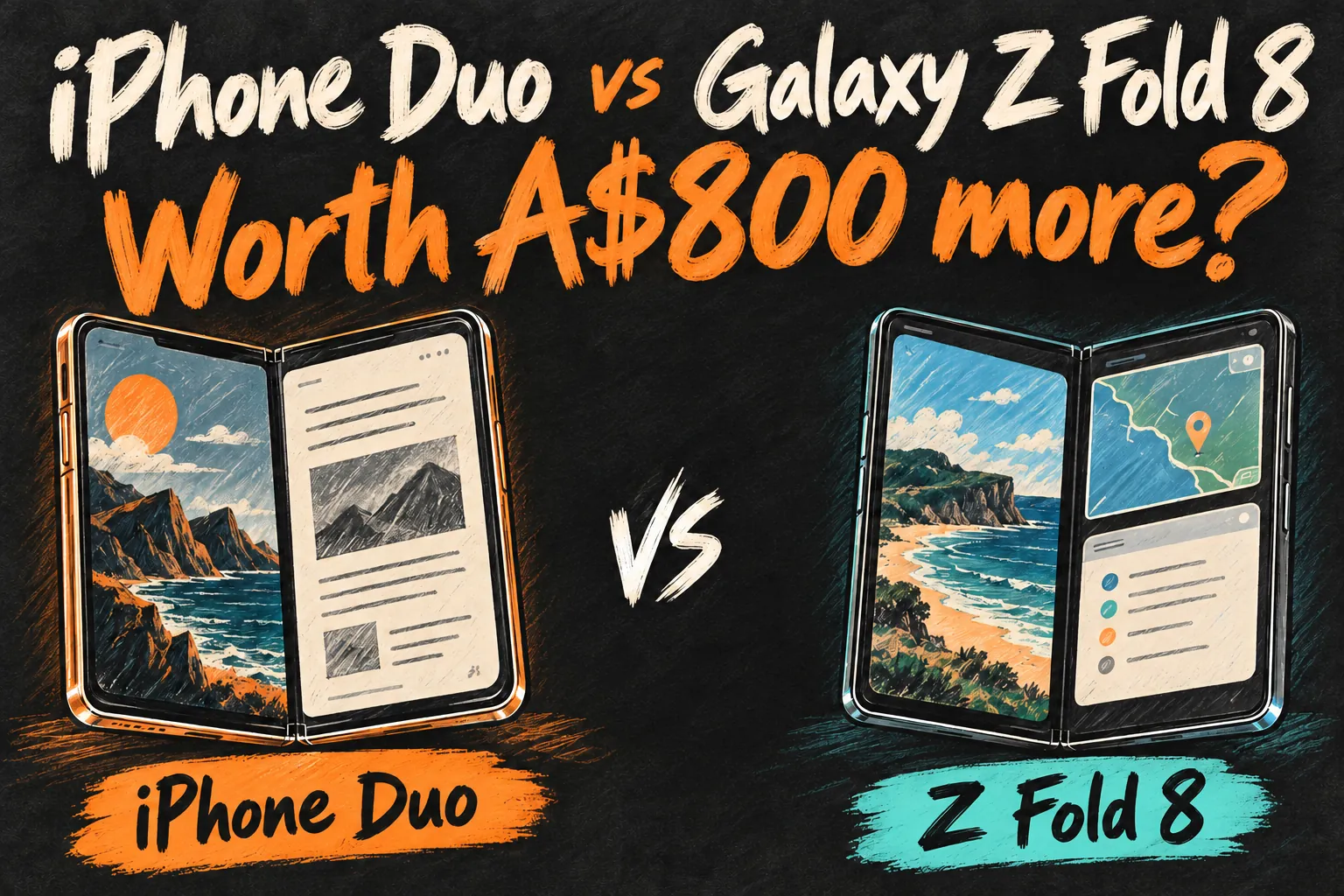
At Australian 256GB listed prices, iPhone Duo costs A$800 more than the regular Galaxy Z Fold8. Compare the carry weight, app layouts, pen support and switching costs before deciding.
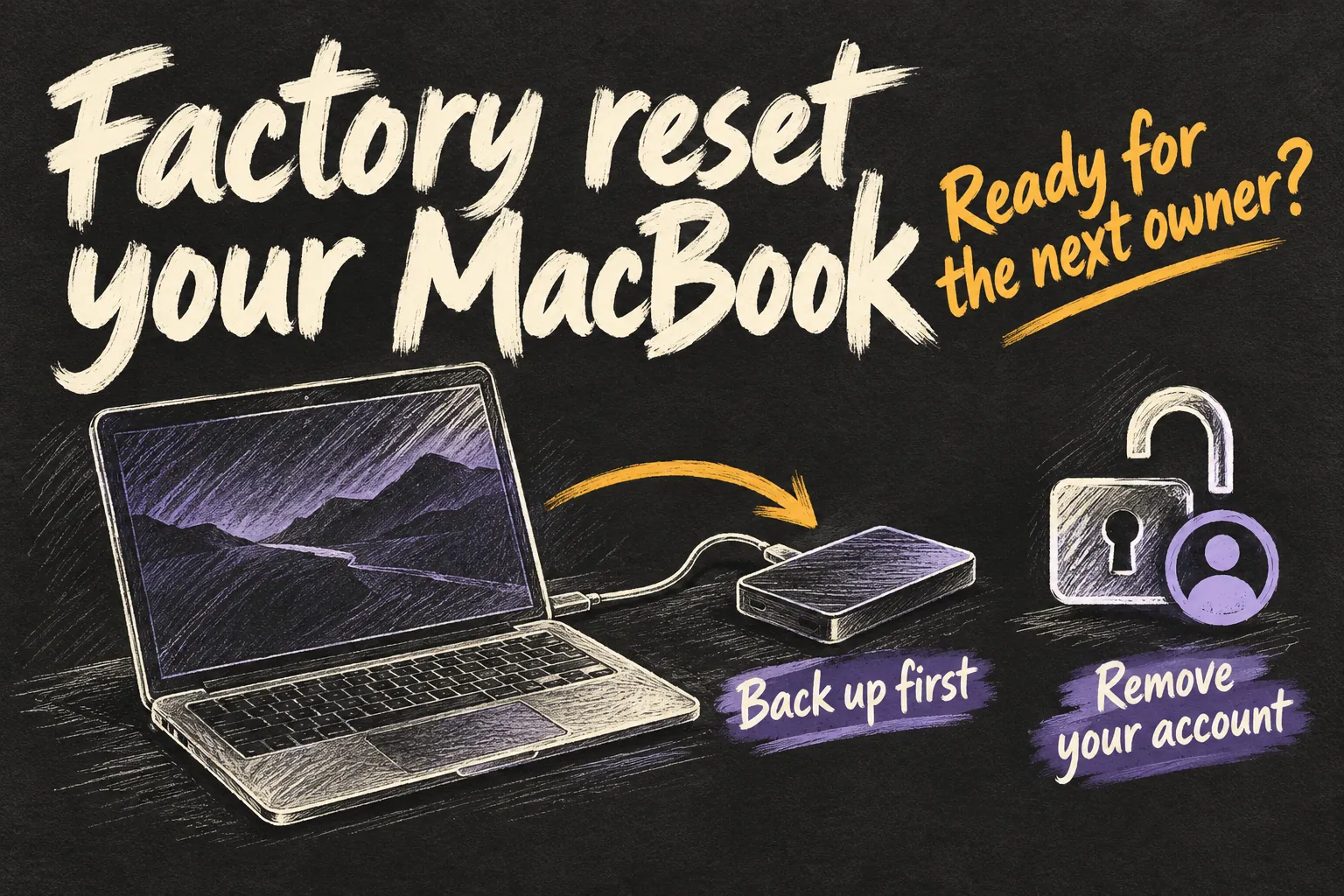
Selling your MacBook? Check your backup, choose the correct reset for Apple silicon, T2 or older Intel models, and remove account locks before leaving Setup Assistant for the buyer.
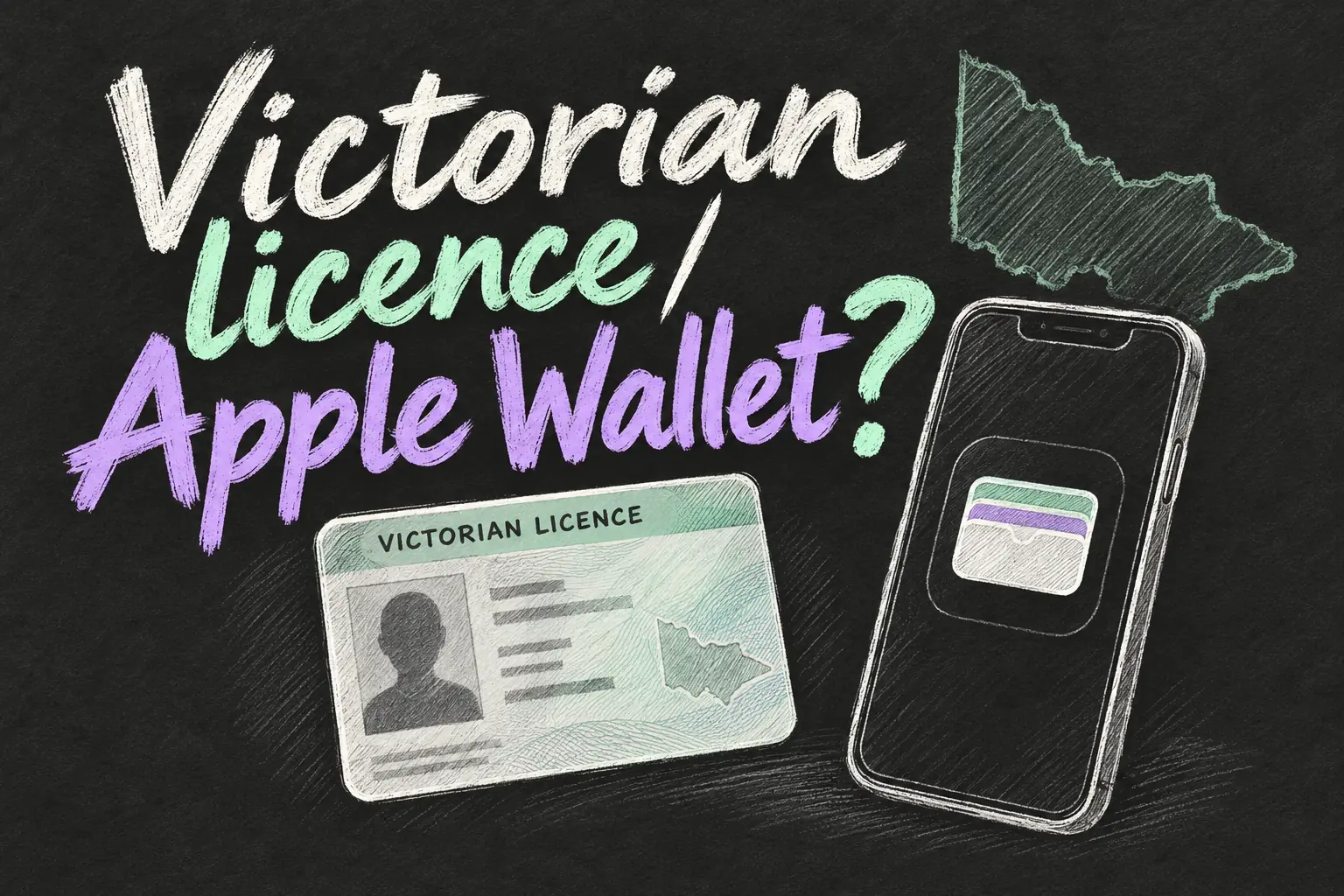
A Victorian licence can live on your iPhone, but not through the Apple Wallet licence setup. Choose an official app and know when to keep your plastic card handy.