


Speed Up a MacBook: 5 Checks Before Buying a New One
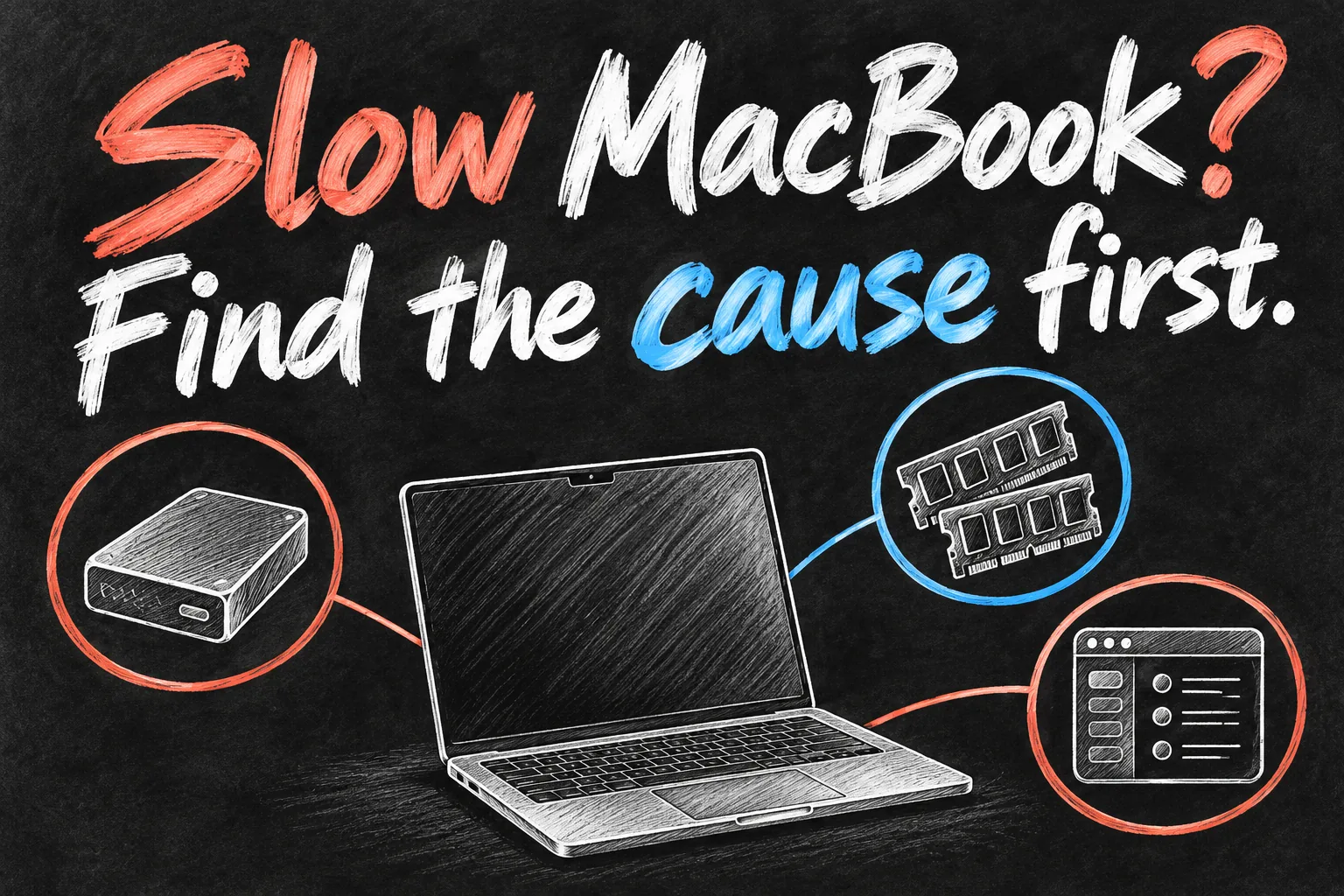
Find out whether one app, memory pressure, full storage or the network is slowing your MacBook down, then change one thing and retest.
Your Everyday Tech Blog
Explore practical Apple buying guides, setup advice and explainers with an Australian perspective. Browse by device or service to compare options, solve everyday problems and check what matters before you buy.
Set up AirPods translation before a trip or conversation. Check the exact AirPods, iPhone and language requirements, then learn how both people can respond.
Get useful overnight records from your Apple Watch, with clear setup steps, charging advice and checks for missing sleep data.
Enrolled University of Sydney students can opt in to a digital ID on iPhone and Apple Watch. Set it up in eAccounts and use it…
Find out whether one app, memory pressure, full storage or the network is slowing your MacBook down, then change one thing and retest.
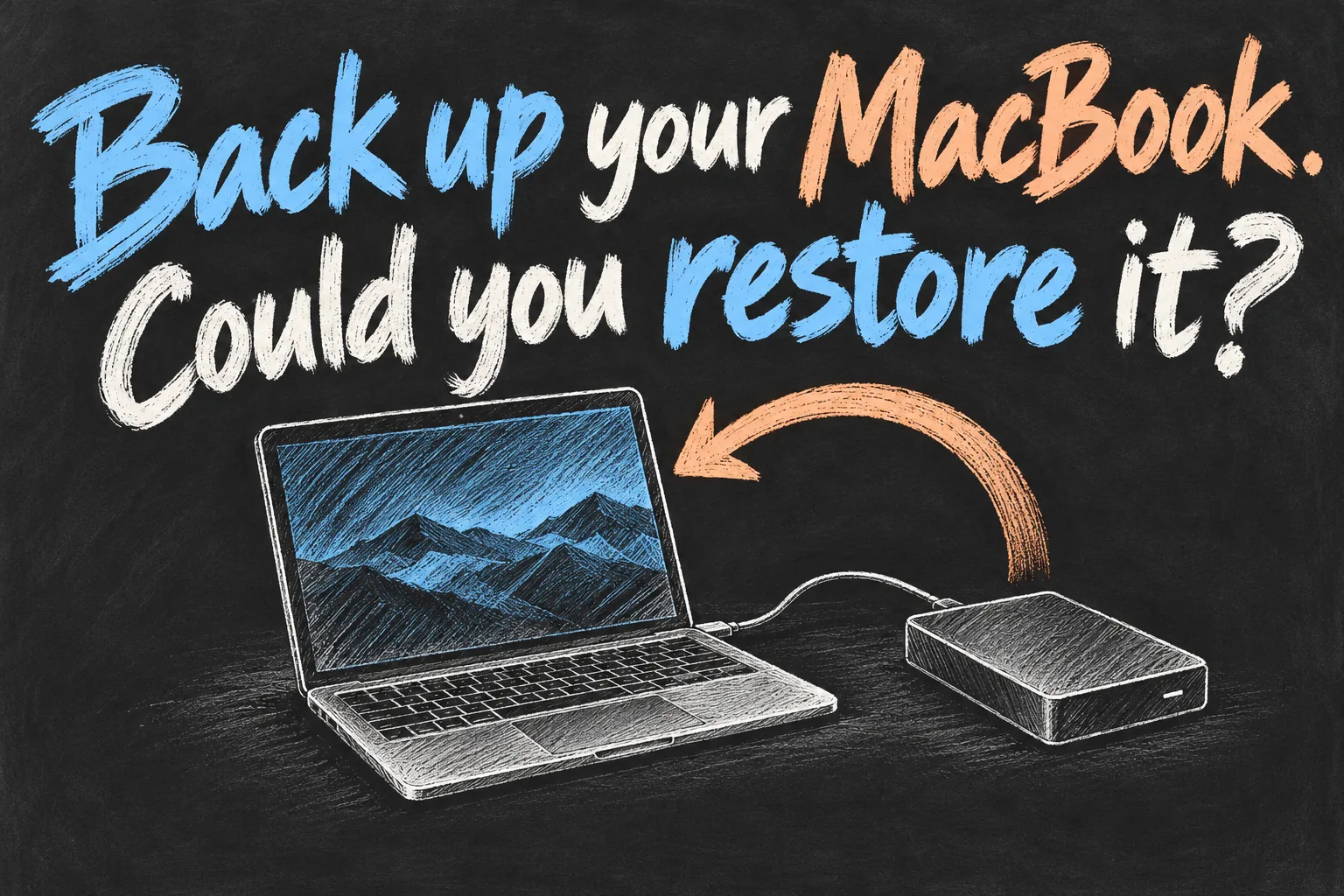
Create a MacBook backup you know how to restore, instead of assuming that files visible in iCloud are a complete computer backup.
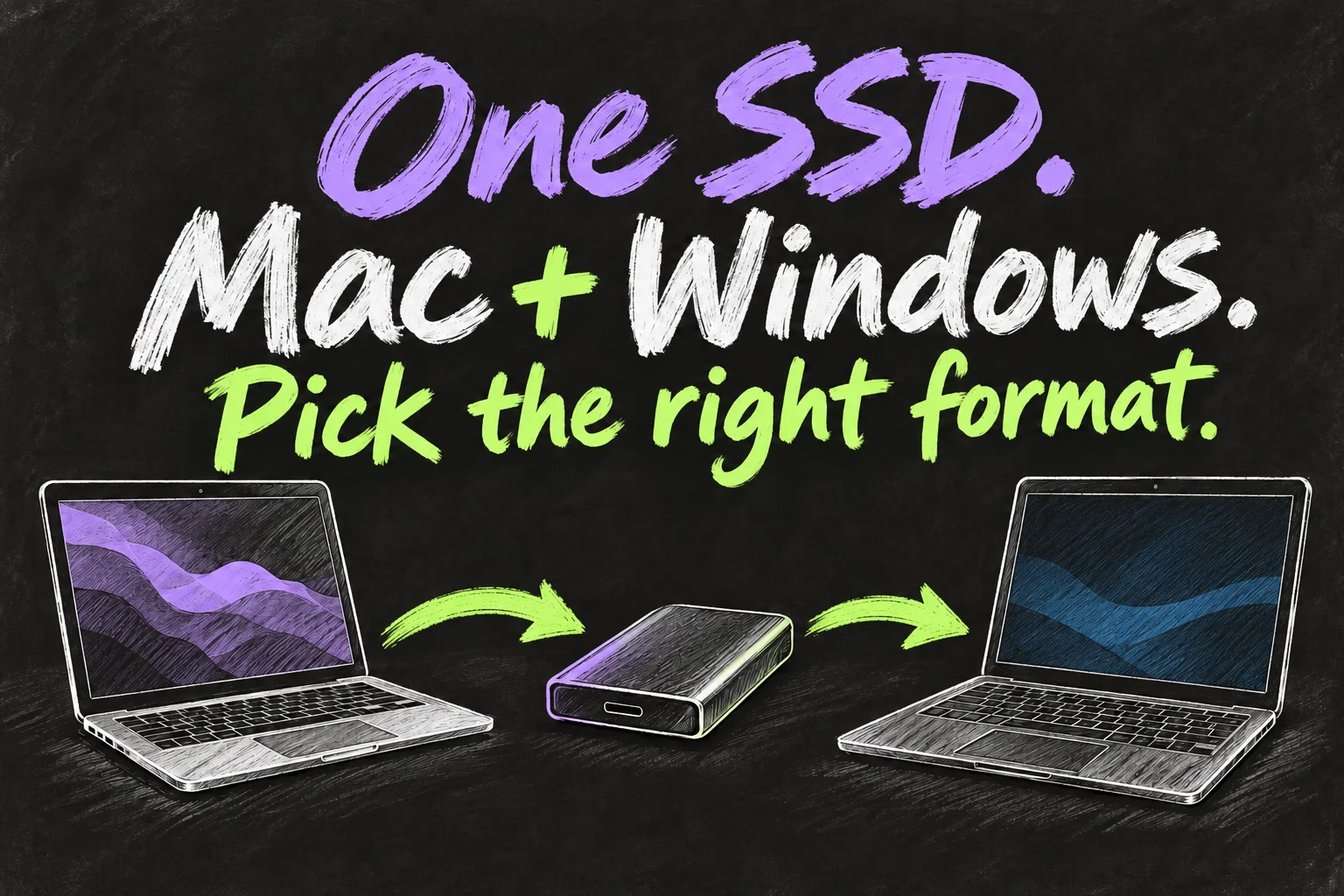
Use one SSD to move files between Mac and Windows, without confusing a read-only format with a broken drive. Check backups and choose the format for the job.

A bundle only saves money if it replaces services you actually want. Compare Australian Apple One prices using practical solo, couple and family examples.

Give your child calls and location sharing without buying them an iPhone. Check Australian plans, total costs, family setup and Schooltime before purchasing.

Control your nearby iPhone from a Mac while the phone stays locked. Learn which devices work, how this differs from AirPlay and what to check if connection fails.

Turn paper into a usable PDF with built-in iPhone tools. Choose Notes, Files or Preview, add a signature and avoid sending an incomplete or unreadable file.

The M5 Max MacBook Pro reaches A$22,424 in Australia. See the upgrade costs, who needs 128GB and 16TB, and the used cars that budget could buy.

